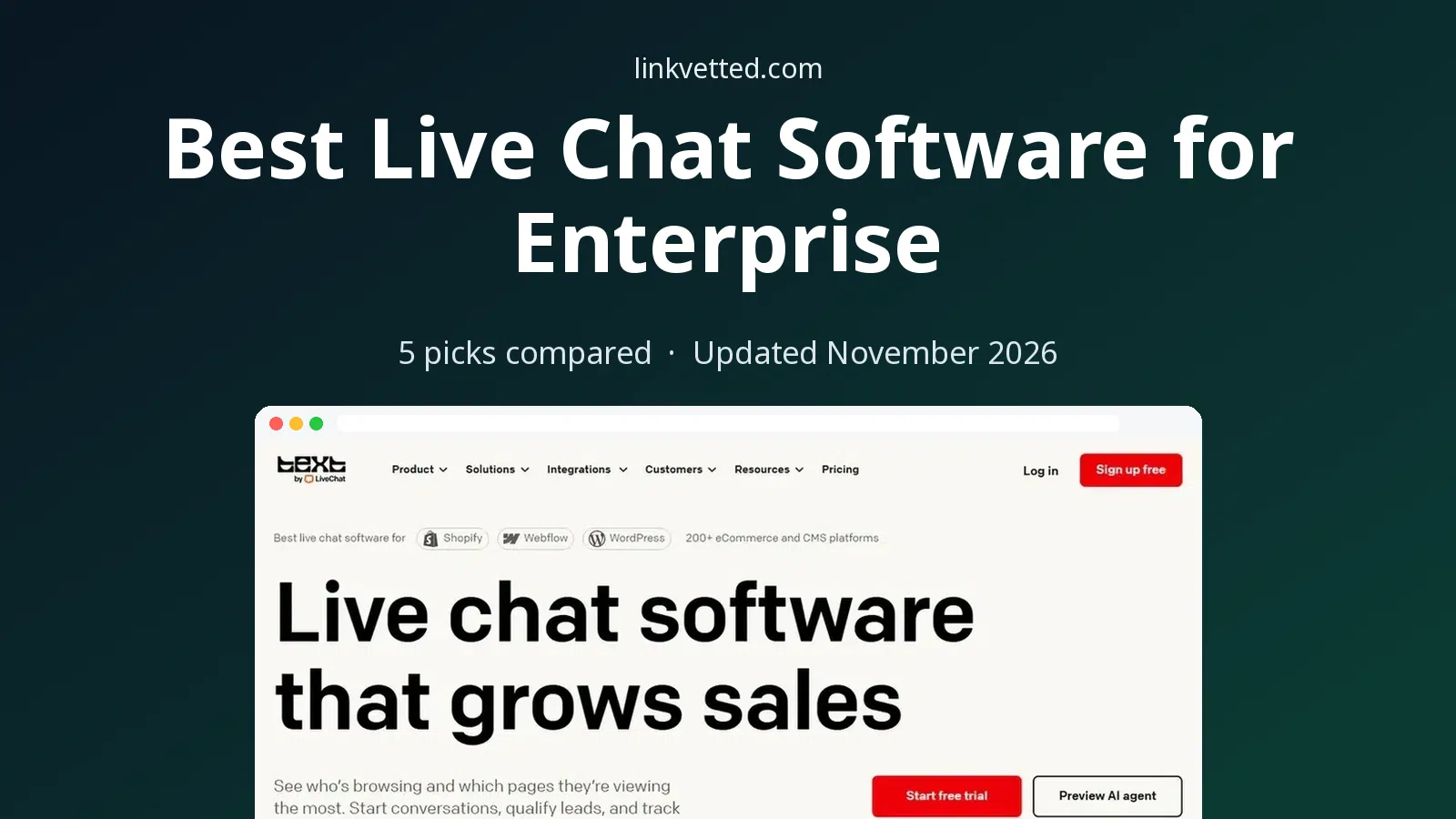
Best Live Chat Software for Enterprise (2026): 5 Picks Checked on Vendor Pages
5 products for the best live chat software for enterprise, ranked by fit, with starting costs and free tiers. Plus the drawbacks of each tool. No filler.
- Editor's choice
 Tidio
Tying chat conversations to revenue
Starts at$24.17 per monthVisit tidio.comFull review - Great alternative
 LiveChat
Sales-focused chat with 24/7 AI answers
Starts at$19 per user per monthVisit livechat.comFull review - Also consider
 Crisp
All-in-one multichannel messaging at scale
Starts at$45 per month per workspaceVisit crisp.chatFull review
Direct answer
This list puts Tidio first for tying chat conversations to revenue. Listed starting prices: Tidio from $24.17 per month, LiveChat from $19 per user per month and Crisp from $45 per month per workspace. If your case is different, LiveChat suits sales-focused chat with 24/7 AI answers and Crisp suits all-in-one multichannel messaging at scale. The other 2 tools in the list cover narrower or pricier cases.
TL;DR:
- The list opens with Tidio, aimed at tying chat conversations to revenue.
- Check the limits for Crisp before you commit: breadth of tools can need configuration care.
- Olark fits Marketers running chat with a small team.
- LiveChat is the lowest-priced starter here at $19 per user per month.
Last checked November 2026. Prices and plan details were read from the vendors' own pages in November 2026; vendors change plans often, so confirm the current price on the vendor site before you buy.
Quick comparison
| Tool | Best for | Starts at | Free plan? | |
|---|---|---|---|---|
| Tidio | Tying chat conversations to revenue | $24.17 per month | Yes | Visit |
| LiveChat | Sales-focused chat with 24/7 AI answers | $19 per user per month | Free trial | Visit |
| Crisp | All-in-one multichannel messaging at scale | $45 per month per workspace | Free trial | Visit |
| Zendesk Chat | Enterprise service teams already on Zendesk | $19 agent/month premium yearly | Free trial | Visit |
 Olark | Marketers running chat with a small team | $29 per agent a month | Free trial | Visit |
Every option for live chat software for enterprise explained
LinkVetted compared 5 tools for live chat software for enterprise. The goal is a practical shortlist: published prices, free plan facts, best-fit use cases and honest limits for every entry.
Tidio was built for tying chat conversations to revenue. Tidio positions its AI customer service as turning chats into revenue.
Its revenue lens is handy for commerce and lead generation but less aligned with deep enterprise service operations. Entry price for Tidio: $24.17 per month. You can start on Tidio without paying.
What to check first: Less oriented to complicated enterprise service workflows.
- Attributes chats to sales
- Leads and bookings
- AI coverage relies on setup
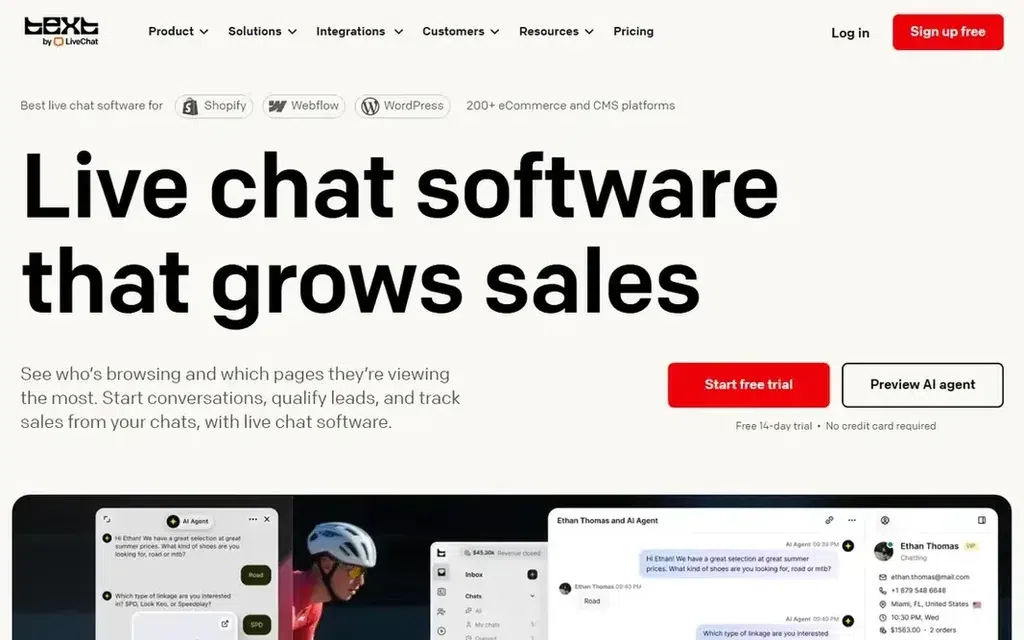
Pick LiveChat if this describes you: sales-focused chat with 24/7 AI answers. The homepage flags qualifying leads and tracking sales from chats, which fits teams that treat chat as a revenue channel as much as a support channel.
Starting cost for LiveChat: $19 per user per month. Trial and free access: Free trial.
Downsides: AI quality relies on configuration.
- Straightforward website chat focus
- Lead qualification and sales tracking from chats
- Less centered on deep enterprise service workflows
Crisp targets all-in-one multichannel messaging at scale. Crisp is the AI customer support product for every business, described as an all-in-one AI-powered multichannel messaging product that helps firms link immediately with customers or leads waiting for support.
Honest limits: Breadth of tools can need configuration care.
A wide, fast-evolving product can mean more setup decisions and a steeper configuration path for large teams. For everyday use, enterprises with strict governance requirements should confirm controls straight with the vendor, and may also evaluate Zendesk Chat for deeper service integration. Crisp pricing: $45 per month per workspace. Trial and free access: Free trial.
- Multichannel messaging in one platform
- Fits firms connecting with leads and customers
- Confirm enterprise controls on the vendor site
Zendesk Chat
Best for: Enterprise service teams already on Zendesk
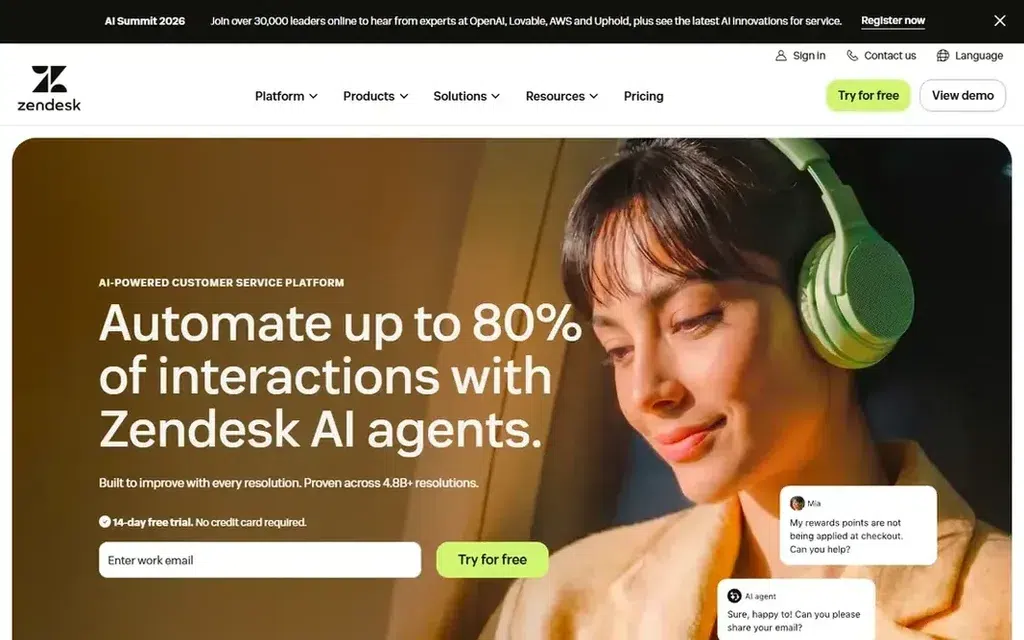
Zendesk Chat is aimed squarely at enterprise service teams already on Zendesk. Zendesk Chat is the live chat component of an AI-powered customer service system.
Its homepage emphasizes moving beyond deflection, with AI agents that resolve issues end-to-end to boost service quality, speed and scale. Smaller companies or those without a broader service stack should consider lighter choices like Olark or Tidio instead. Zendesk Chat starts at: $19 agent/month premium yearly. As for free access: Free trial.
What to check first: Full value relies on the wider Zendesk suite.
- Part of a wide customer service system
- Focus on service quality and scale
- Setup may need admin planning
In short, Olark is for Marketers running chat with a small team. Olark describes itself as more than a chatbot, an AI agent that works your marketing funnel around the clock. More specifically, large support organizations should compare Zendesk Chat or Crisp, which emphasize broader system and multichannel coverage.
The main drawbacks: Advanced enterprise controls may be limited.
In practice, aimed at the marketer juggling multiple jobs, it answers questions, qualifies visitors and knows when to bring in a human. It is trained on your own site in under a minute. Its marketer-first framing recommends it is not aimed at complicated enterprise service operations with plenty of queues and strict routing. Olark pricing: $29 per agent per month. Free access: Free trial.
- Qualifies visitors and hands off to humans
- Straightforward
- Less suited to large multi-department service desks
Our selection method
What to check before you buy
- Prices are a starting point; LiveChat shows $19 per user per month to start, so verify what your seat count would cost.
- Look at the free plan from Tidio closely: its caps decide whether it is usable for real work.
- Take the trial from LiveChat, Crisp, Zendesk Chat and Olark and push a live task through it before you pay.
- Read the limits listed for Tidio first: less oriented to complicated enterprise service workflows.
- Ask whether LiveChat integrates with your current software, and whether that comes standard or as an add-on.
- Ask Crisp about contract length, onboarding fees and user minimums before you sign.
FAQ
Which options for live chat software for enterprise have a free plan?
Tidio is the only tool in this list with a free plan. Free plans usually cap users, projects or features, so check the limits on the vendor page. Several others offer a trial instead. For the full picture, the cards above cover all 5 entries of this live chat software for enterprise list, including price, free plan and limits.
What is the cheapest option for live chat software for enterprise in this list?
On published monthly entry prices, LiveChat is the lowest here at $19 per user per month. Entry price is only part of the cost, because seats, add-ons and billing terms can change the total. Prices, free plan details and limits for all 5 tools in this live chat software for enterprise roundup sit on the individual cards above.
Can I try these tools before paying?
Often, yes. Tidio has a free plan and LiveChat, Crisp, Zendesk Chat and Olark offer a free trial. Use your own data and a real task during the test, and check what the free tier or trial limits before you rely on it.
Do these tools publish their prices?
Yes. Every tool from Tidio to Olark shows a starting price, though seats, add-ons and billing terms still change the final cost. Each of the 5 options in this live chat software for enterprise guide has its own card above with the price, free plan and limits.
What should enterprises check before buying live chat software?
Confirm integrations with your CRM and ticketing stack, role and team administration, AI escalation behavior, security and data handling, and reporting. Since vendor packaging changes, verify current capabilities and limits straight on each vendor site before committing.
Sources
- https://www.tidio.com
- https://www.livechat.com
- https://crisp.chat
- https://www.zendesk.com
- https://www.olark.com