Top 5 Live Chat Software for Coaches for 2026 (Prices and Free Plans)
Best live chat software for coaches: 5 contenders ranked by fit, with entry costs and free tiers. Each profile ends with a plain caveat. Quick to scan.
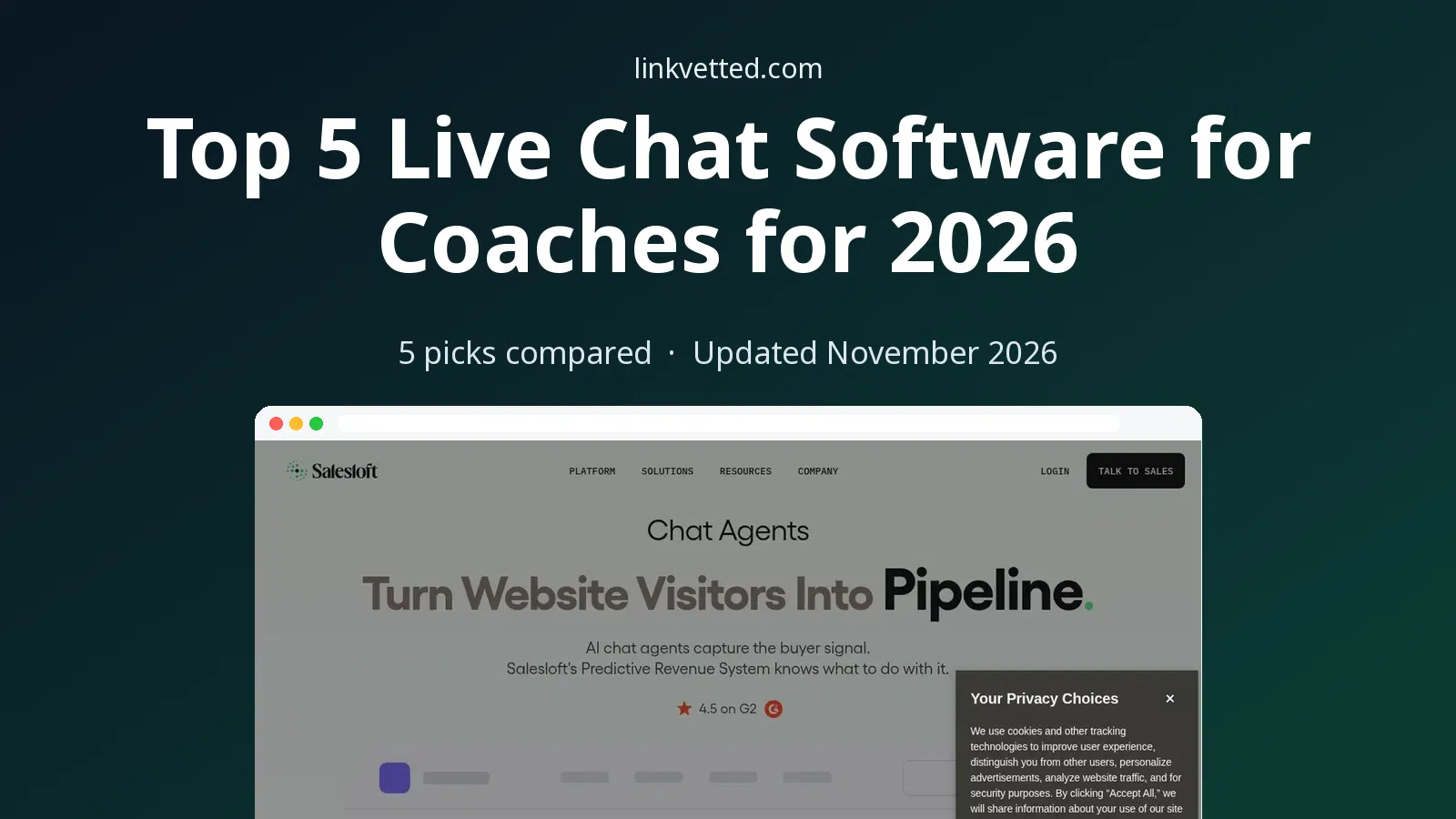
- Editor's choice
 Drift
Coaches exploring conversational marketing
Starts atSee websiteVisit drift.comFull review - Great alternativeZendesk Chat
Coaches scaling support operations
Starts at$19 agent/month premium yearlyVisit zendesk.comFull review - Also consider
 LiveChat
Coaches who want AI plus sales tracking
Starts at$19 per user per monthVisit livechat.comFull review
Direct answer
Drift comes first here, mainly for coaches exploring conversational marketing. Listed starting prices: Zendesk Chat from $19 agent/month premium yearly, LiveChat from $19 per user per month and Olark from $29 per agent a month. If your case is different, Zendesk Chat suits coaches scaling support operations and LiveChat suits coaches who want AI plus sales tracking. The remaining 2 options are covered below with prices and limits.
TL;DR:
- Drift sits first on this list: coaches exploring conversational marketing.
- HubSpot Live Chat suits coaches already using HubSpot.
- Neither Drift nor HubSpot Live Chat, nor any of the other 3 tools, has a permanent free plan; trials and quotes are the norm.
- One limit worth knowing about Drift: may be complicated for solo coaches.
Last checked November 2026. Prices and plan details were read from the vendors' own pages in November 2026; vendors change plans often, so confirm the current price on the vendor site before you buy.
Quick comparison
| Tool | Best for | Starts at | Free plan? | |
|---|---|---|---|---|
| Drift | Coaches exploring conversational marketing | See website | Not stated | Visit |
| Zendesk Chat | Coaches scaling support operations | $19 agent/month premium yearly | Free trial | Visit |
| LiveChat | Coaches who want AI plus sales tracking | $19 per user per month | Free trial | Visit |
 Olark | Marketing-focused coaches building funnels | $29 per agent a month | Free trial | Visit |
 HubSpot Live Chat | Coaches already using HubSpot | See website | Not stated | Visit |
Live Chat Software for Coaches profiles
LinkVetted compared 5 live chat software for coaches. The goal is a practical shortlist: published prices, free plan facts, best-fit use cases and honest limits for every entry.
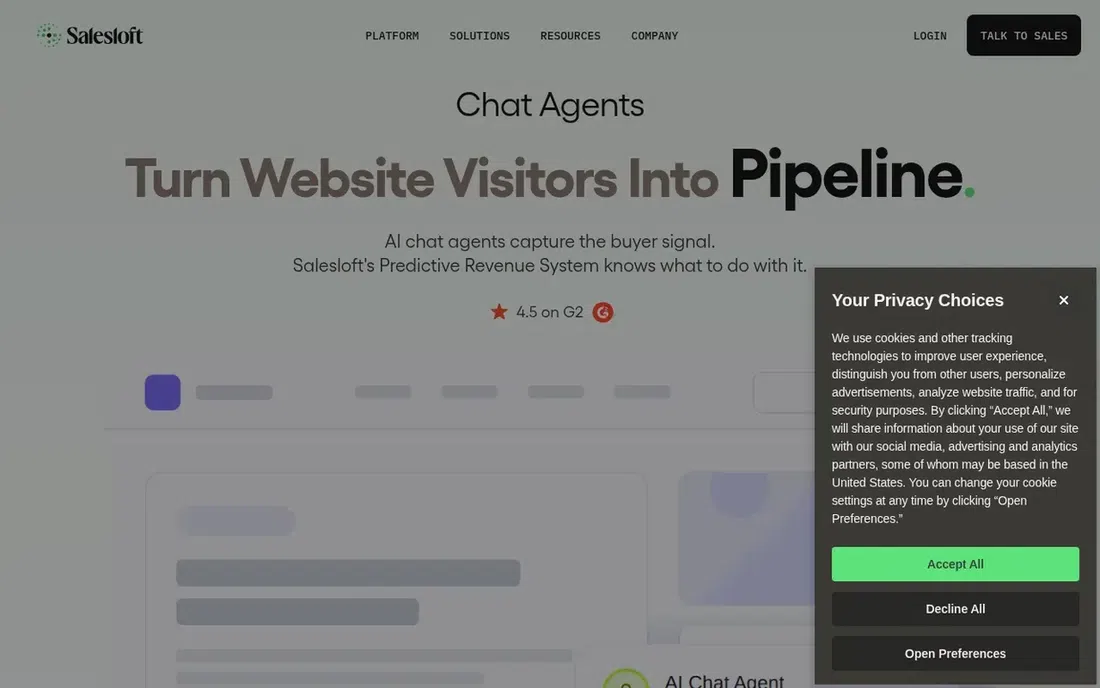
For coaches exploring conversational marketing, Drift is a natural candidate. It is commonly used by teams that want to route visitors to the right person rapidly.
Also, the system can be more than a solo coach needs. Its focus on sales teams may not align with a simple coaching inquiry flow. This comparison lists no price for Drift; ask the vendor. Free plan details: Not stated.
Downsides: Pricing details should be checked on the vendor site.
- Suits teams with a sales motion
- Known for conversational marketing approach
- May be complicated for solo coaches
Zendesk Chat
Best for: Coaches scaling support operations
Think of Zendesk Chat for coaches scaling support operations. The homepage describes AI agents that resolve issues end-to-end, with an emphasis on improving service quality, speed, and scale.
Trade-offs to know: May be heavy for small coaching practices.
This makes it a fit for coaches who are expanding a team or running group programs and need a structured support workflow. On top of that, coaches should confirm which features are included in their chosen setup. Starting cost for Zendesk Chat: $19 agent/month premium yearly. Free plan details: Free trial.
- Part of a broader AI-powered customer service platform
- AI agents aim to resolve issues end-to-end
- Needs setup to match coaching workflows
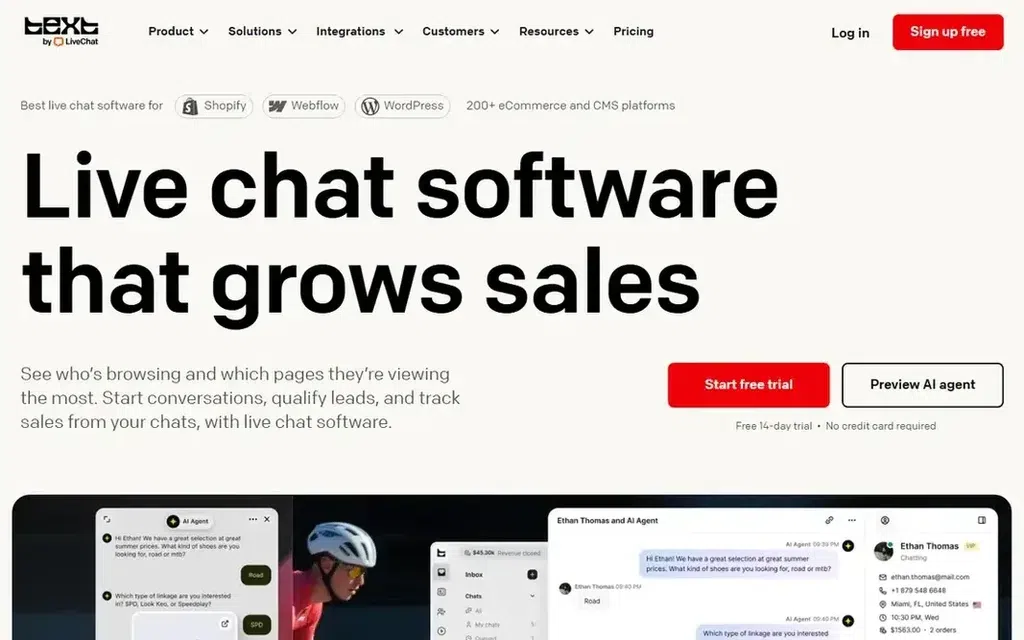
Pick LiveChat if this describes you: coaches who want AI plus sales tracking. LiveChat is live chat software for your website with an AI agent that answers 24/7. This makes it a fit for coaches who want a single place to handle inquiries and see which conversations turn into clients.
Beyond that, the system may feel feature-heavy for a coach who only needs a straightforward chat widget. Its AI and sales tracking are most solid when you have clear intake questions and a defined follow-up process. LiveChat cost at the entry level: $19 per user per month. Trial and free access: Free trial.
Downsides: May be more than solo coaches need.
- Lead qualification and sales tracking from chats
- AI agent answers questions around the clock
- AI setup needs some configuration
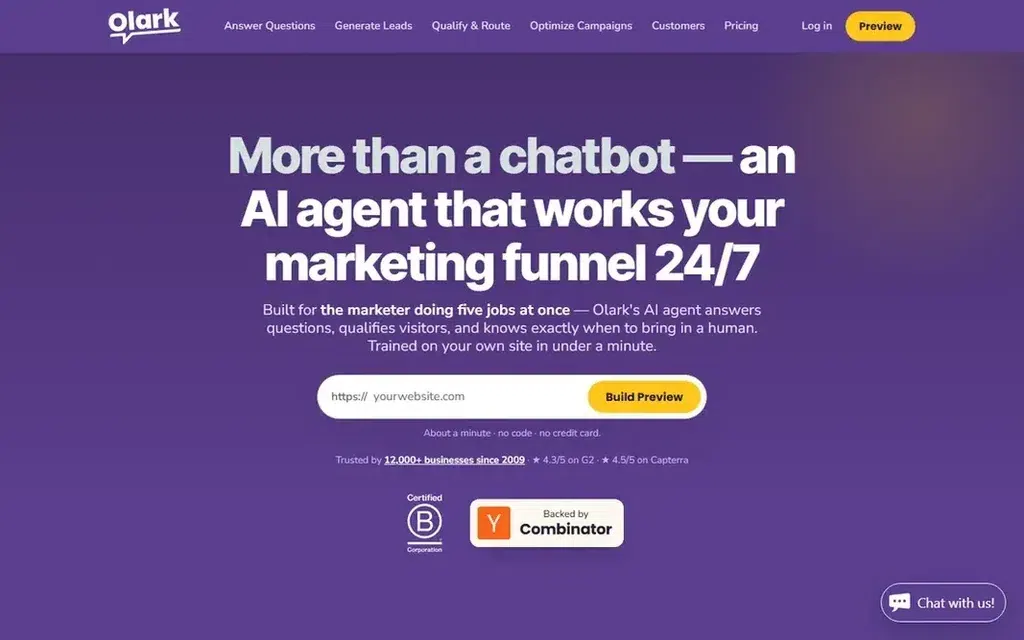
Olark is designed for marketing-focused coaches building funnels. Olark describes itself as more than a chatbot: an AI agent that works your marketing funnel 24/7. More specifically, Olark's strength is funnel qualification instead of deep sales analytics.
The main drawbacks: Marketing angle may not suit every practice.
In daily use, the homepage says it is aimed at the marketer doing five jobs at once, answering questions, qualifying visitors, and knowing exactly when to bring in a human. It is trained on your own site in under a minute. Coaches with complicated support needs may also want a broader help desk system. Olark starts at: $29 per agent per month. Free options: Free trial.
- Made for marketers juggling several tasks
- Qualifies visitors and knows when to involve a human
- Less emphasis on revenue attribution
HubSpot Live Chat makes the most sense for coaches already using HubSpot. Review how chat suits with your existing tools before choosing.
Watch-outs: May be complicated for chat-only needs.
As for the details, if you do not use HubSpot, the chat tool may not be the simplest standalone choice. No starting price is listed for HubSpot Live Chat here; confirm pricing on the vendor site. Free plan details: Not stated.
- Part of a broader business product
- Integrated with HubSpot's software and tools
- Best value if you use HubSpot already
How we built this list
We compared the tools on published pricing, free plan or trial availability, feature coverage for live chat software for coaches, and the limits each vendor documents. Treat prices as a snapshot: vendors change plans often, so check the vendor site for the figure that applies today. The order reflects how well each tool fits the most common buying scenario for live chat software for coaches, then price clarity, then free plan access. It is a starting point, not a verdict.
A buyer's checklist
- Confirm the entry price on the vendor page. For Drift and HubSpot Live Chat that means a quote rather than a fixed price.
- Run a trial of Zendesk Chat, LiveChat and Olark with real work before paying for a year; your own workflow is the best test.
- Before choosing Drift, weigh its main limit: may be complicated for solo coaches.
- Work out what HubSpot Live Chat costs with your real seat count, add-ons and usage, not just the entry price.
- Check the support hours and onboarding help Olark offers; smaller vendors vary a lot here.
FAQ
Do these tools publish their prices?
Not all of them. Drift and HubSpot Live Chat publish no starting price, so expect a quote request for those. The rest, Zendesk Chat included, show a starting price, though seats and billing terms still change the final cost.
Can I try these tools before paying?
Often, yes. Zendesk Chat, LiveChat and Olark offer a free trial. Use your own data and a real task during the test, and check what the free tier or trial limits before you rely on it.
Does any tool for live chat software for coaches here have a free plan?
A permanent free plan is not offered by Drift, HubSpot Live Chat or the other tools here. Zendesk Chat, LiveChat, Olark offer a trial. Plan a short evaluation period instead.
Is Drift the right pick for everyone comparing live chat software for coaches?
No single tool suits every team. Drift comes first because it fits coaches exploring conversational marketing, while Zendesk Chat suits coaches scaling support operations and LiveChat suits coaches who want AI plus sales tracking. Match the tool to your own size, budget and workflow before deciding.
What should coaches look for in live chat software?
Look for AI that can qualify leads and a clear way to track conversations. Integration with your existing contact tools is also worth checking.
Sources
- https://www.drift.com
- https://www.zendesk.com
- https://www.livechat.com
- https://www.olark.com
- https://www.hubspot.com