Choosing Link Velocity Tracking Tools in 2026: 6 Options Compared
A practical guide to the best link velocity tracking tools for 2026, compared from vendor documentation and public sources, with limits and fit for each.
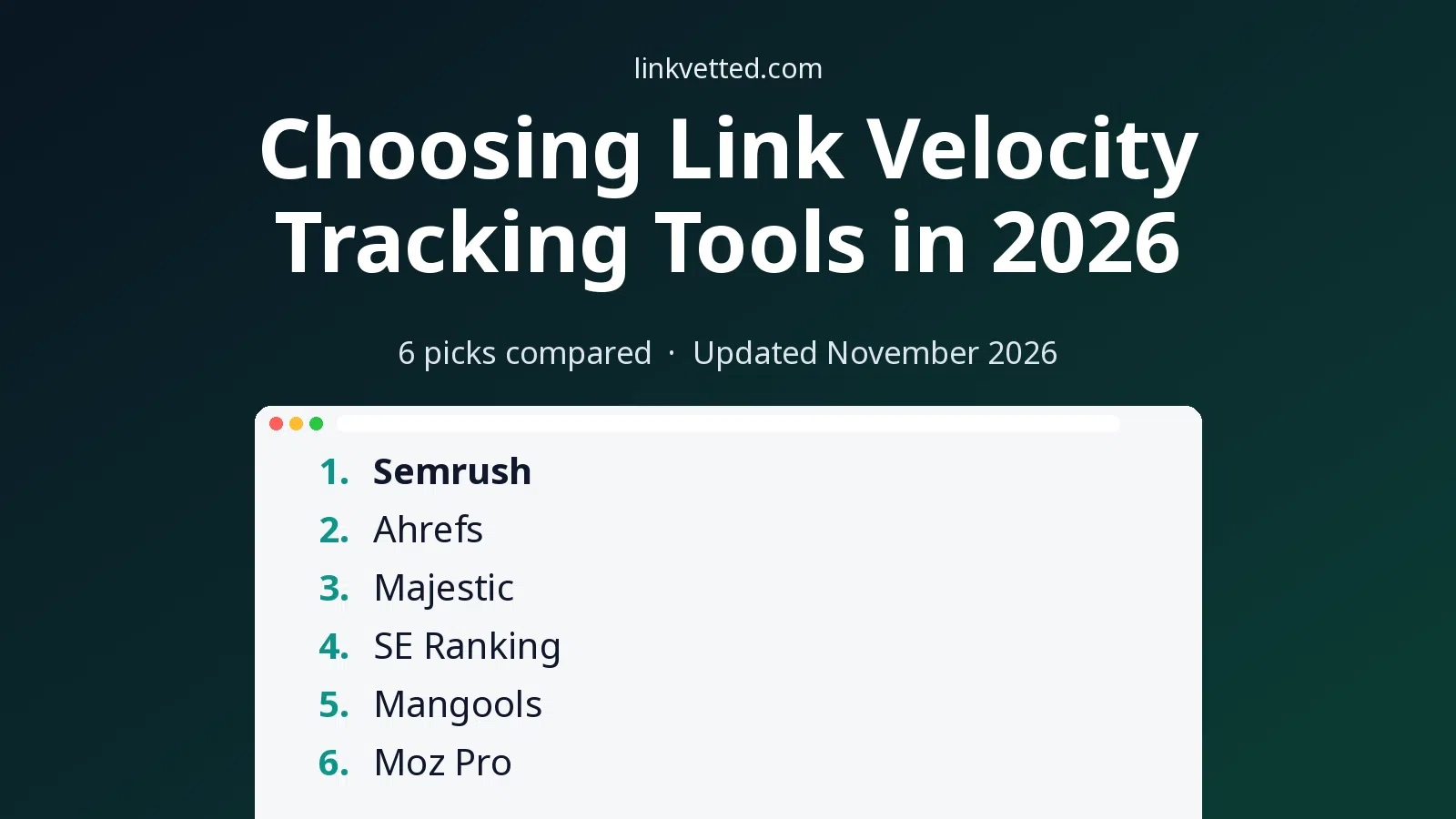
- Editor's choice
 Semrush
Backlink timelines beside general SEO data
Starts atSee websiteVisit semrush.comFull review - Great alternative
 Ahrefs
Deep link index history and research
Starts atSee websiteVisit ahrefs.comFull review - Also consider
 Majestic
Trust and citation flow trends over time
Starts atSee websiteVisit majestic.comFull review
Direct answer
My first pick is Semrush, because its backlink tools report new and lost referring domains over time and let you export that history for your own velocity checks. Ahrefs is the other strong general option if you want deep link index history, and Majestic suits people who care most about trust and citation flow trends. For agencies that need client-ready link reports, SE Ranking and Mangools cover lighter needs. I compared these from vendor documentation and public sources, not hands-on tests.
TL;DR:
- Link velocity is about the pace of new and lost links over time, so you need a tool that keeps dated history rather than a single snapshot.
- Most general SEO suites include backlink timelines, but the depth of history and export options vary a lot between vendors.
- Dedicated backlink index tools like Majestic are useful when you want flow metrics tracked across a long period.
- Client reporting features matter as much as the data if you track link velocity for several sites or clients.
- No tool proves why links appear or disappear, so treat velocity as a signal to investigate, not a verdict.
Last checked November 2026. Plan prices are not quoted in this guide because they change often; see each vendor's own pricing page for current figures before you buy.
Quick comparison
| Tool | Best for | Starts at | Free plan? | |
|---|---|---|---|---|
| Semrush | Backlink timelines beside general SEO data | See website | Free plan | Visit |
| Ahrefs | Deep link index history and research | See website | Free trial | Visit |
| Majestic | Trust and citation flow trends over time | See website | No free plan | Visit |
 SE Ranking | Agencies needing client-ready link reports | See website | Free trial | Visit |
 Mangools | Small teams and solo marketers | See website | Free trial | Visit |
 Moz Pro | Teams already using Moz metrics | See website | Free trial | Visit |
The best link velocity tracking tools compared
I put this list together by reading vendor documentation and public sources for each product, then matching what each one says it does against the job of tracking link velocity. I did not run hands-on tests, so treat this as a fit guide rather than a benchmark. The tools below are all real, currently operating products with official homepages.
Semrush is a general SEO platform with a backlink analytics section that shows new and lost referring domains over time. For link velocity work, that means you can look at a domain's link growth month by month and compare it with competitors. It fits in-house SEO teams and agencies that already use Semrush for keyword and site audits and want link trends in the same place.
In practice, I would use the backlink audit to flag new links, then check the timeline view to see whether the pace changed around a campaign or a content push. Exports let you build your own velocity chart in a spreadsheet, which is useful when a client asks for a simple month-over-month view. The link data sits next to traffic and ranking data, so you can line up link growth with other changes.
The main limit is that the depth of historical link data depends on your subscription level, so check what your plan includes before relying on it for long-range trends. If you only need raw backlink index history and nothing else, a dedicated backlink tool may be simpler.
- Backlink audit and timeline views in one suite
- broad keyword and site data alongside links
- export options for your own tracking
- Full link history depends on plan level
- can be heavy for small projects
Ahrefs is known for its backlink index, and its Site Explorer shows new and lost backlinks with dates. That dated history is what makes velocity tracking possible: you can see how many referring domains a site gained or lost in a given period and compare that with peers. It suits SEOs who do regular link research and want a large index to work from.
For velocity tracking, I would pull the referring domains report, sort by first seen, and chart the counts by month. The lost links view shows the other side of the equation, which matters because velocity is about net change as much as new links. Exports and the API let you automate the pull if you track several domains regularly.
The trade-off is complexity and credit usage: pulling large reports often costs credits, and the interface takes time to learn. If you only check link velocity now and then, a lighter tool may be enough.
- Large link index with dated history
- strong referring domain views
- good export and API options
- Dense interface for occasional users
- credit limits affect how much you can pull
Majestic is a backlink-focused tool built around its Trust Flow and Citation Flow metrics. Its historical charts show how a site's link profile changed over time, which is a direct way to look at velocity alongside link quality. It fits SEOs and analysts who care about the character of incoming links, not just the count.
For velocity work, the historic index and the timeline views let you see when new links appeared and whether the flow metrics moved with them. That helps separate a burst of low-quality links from steady growth in stronger referring domains. You can export the data and build your own monthly chart if you want a custom view.
The limit is scope: Majestic does backlinks well but is not a full SEO suite, so you will likely pair it with another tool for keywords and content. Skip it if you want one dashboard for everything.
- Long-running backlink index
- flow metrics tracked historically
- clear historical charts
- Fewer features outside backlinks
- interface feels dated to some users
SE Ranking is an SEO platform with a backlink module that tracks new and lost links and can alert you when the profile changes. For agencies, the reporting side is the draw: you can put link trends into client reports without rebuilding charts by hand. It fits small and mid-sized agencies that manage several client sites.
For velocity tracking, I would set up monitoring on client domains, watch the alerts for sudden gains or losses, and use the competitor view to see how client link growth compares with rivals. The reporting features then turn that into something a client can read.
The main limit is index size: it will not match the biggest backlink databases, so very large or unusual sites may see gaps. If you need the broadest possible index, look at the larger vendors first.
- Backlink monitoring with change alerts
- white-label reporting options
- competitive research views
- Link index smaller than the largest vendors
- some features tied to higher plans
Mangools is a set of SEO tools aimed at people who want straightforward answers without a steep learning curve. Its backlink checker shows referring domains and new and lost links, which is enough for a basic velocity check. It fits solo marketers, small businesses and anyone starting out with link tracking.
For velocity, I would check the new and lost links lists at set intervals, such as monthly, and note the counts in a simple sheet. That gives a rough trend without the cost of a full suite. It is a practical way to spot a sudden drop or spike and then investigate further.
The limit is depth: the link index is smaller and the filters are fewer, so it is not the tool for detailed link-quality analysis. Skip it if you need large-scale competitive link research.
- Simple interface
- backlink checker with new and lost views
- affordable entry point
- Lighter backlink data than full suites
- fewer advanced link filters
Moz Pro includes Link Explorer, which shows new and lost links and tracks a site's link profile over time. It fits teams that already rely on Moz metrics such as Domain Authority and want link tracking in the same account. The interface is familiar to many SEOs who learned on Moz.
For velocity, I would use the new and lost links reports at regular intervals and compare counts across months. The historical view helps show whether a site's link growth is steady or spiky, and the data can be exported for a custom chart.
The main limit is freshness: Moz's link index can lag behind the largest vendors, so very recent links may not appear right away. If you need the most current link data, check a larger index as well.
- Link Explorer with new and lost link views
- familiar Domain Authority metric
- integrates with other Moz tools
- Link freshness can lag larger indexes
- some reports are limited by plan
How I chose
I built this list from vendor documentation and public sources, reading what each product says about its backlink data, history and reporting. I looked for tools that keep dated link records, because velocity tracking needs a timeline rather than a snapshot. I also weighed how each tool handles new and lost links, export options, and whether the link data sits beside other SEO data or stands alone. I did not run hands-on tests, so the notes on workflow are suggestions based on documented features, not measured results.
The second filter was fit and limits. A large agency tracking many clients has different needs from a solo marketer checking one site, so I kept both ends of the market in the list and noted where each tool falls short. I avoided tools I could not verify as currently operating, and I left out any vendor whose official site I could not confirm. Where a tool's plan details were unclear, I did not guess at pricing or free access.
What to check before you buy
- Confirm the tool keeps dated link history, not just a current backlink list, since velocity needs a timeline.
- Check how far back the history goes on the plan you are considering.
- Look at how new and lost links are reported separately, because net change tells you more than new links alone.
- Confirm export options and API access if you plan to build your own velocity charts.
- Check whether alerts for sudden link gains or losses are included in your plan.
- Match the link index size to your sites; very large or unusual domains may need a bigger index.
FAQ
What is link velocity?
Link velocity is the rate at which a site gains and loses backlinks over a period, usually measured in referring domains per month. It is a trend measure, not a single number, so you need dated link history to see it. A steady gain and a sudden spike look very different, and both are worth investigating before you draw conclusions.
Can I track link velocity for free?
Some tools offer a free plan or trial that includes basic backlink views, which may be enough for a rough check on one site. For regular tracking across several domains, most vendors put history, exports and alerts behind paid plans. Check each vendor's current plan page, since free access changes over time.
Which tool is best for agencies?
SE Ranking is a strong fit for agencies because of its reporting and monitoring features, and Semrush works well if you want link data beside keyword and site data. The right choice depends on how many clients you track and whether you need white-label reports. Compare the reporting features on each plan before deciding.
Does link velocity affect rankings?
Search engines do not publish how they treat link velocity, and I would not promise any ranking effect. Sudden spikes in low-quality links are usually a reason to investigate and possibly disavow, while steady growth from relevant sites is generally what you want. Treat velocity as a monitoring signal, not a ranking lever.
How often should I check link velocity?
Monthly is a practical baseline for most sites, with more frequent checks during active outreach or after a campaign launch. The key is consistency, so you compare like with like. If you use alerts for sudden gains or losses, you can check monthly and still catch fast changes between reviews.
Sources
- https://www.semrush.com
- https://ahrefs.com
- https://majestic.com
- https://seranking.com
- https://mangools.com
- https://moz.com