6 Best Lifestyle Spending Account Software for 2026, Vetted and Compared
Searching for the best lifestyle spending account software? Here are 6 options with prices and free plans. Each profile ends with a plain caveat. Choose faster.
- Editor's choiceWEX Health
Employee benefits within a broader payments product
Starts atSee websiteVisit wexinc.comFull review - Great alternative
 Rippling
Unified HR, IT, and finance with benefits
Starts at$8 per employee a monthVisit rippling.comFull review - Also considerTruHearing
Hearing aid benefit options
Starts atSee websiteVisit truhearing.comFull review
Direct answer
WEX Health comes first here, mainly for employee benefits within a broader payments product. Listed starting prices: Rippling from $8 per employee a month. Rippling is the stronger choice for unified HR, IT, and finance with benefits, while TruHearing suits hearing aid benefit solutions. The remaining 3 options are covered below with prices and limits.
TL;DR:
- WEX Health takes the first slot, best suited to employee benefits within a broader payments product.
- Rippling is the lowest-priced starter here at $8 per employee per month.
- For HSA and adaptable benefits for brokers and employers, Lively is worth a look.
- Only Lively offers a free plan among these 6 tools.
Last checked November 2026. Prices and plan details were read from the vendors' own pages in November 2026; vendors change plans often, so confirm the current price on the vendor site before you buy.
Quick comparison
| Tool | Best for | Starts at | Free plan? | |
|---|---|---|---|---|
| WEX Health | Employee benefits within a broader payments product | See website | Not stated | Visit |
| Rippling | Unified HR, IT, and finance with benefits | $8 per employee a month | Not stated | Visit |
| TruHearing | Hearing aid benefit options | See website | Not stated | Visit |
| Forma | Adaptable LSA, FSA, HSA, and HRA benefits | See website | Not stated | Visit |
| First Dollar | Infrastructure and APIs for health spending benefits | See website | Not stated | Visit |
 Lively | HSA and adaptable benefits for brokers and employers | See website | Yes | Visit |
The best lifestyle spending account software
If you are comparing lifestyle spending account software, this page covers 6 tools in one place: what each is best for, what it costs to start, whether it has a free plan, and the main limit to know about.
WEX Health
Best for: Employee benefits within a broader payments product
WEX Health is aimed squarely at employee benefits within a broader payments system. WEX Health is part of WEX, a global commerce system for fuel and fleet, employee benefits, and business payments. More specifically, WEX's homepage emphasizes fuel cards, fleet, and payments alongside benefits, so lifestyle spending account features are not front and center.
Trade-offs to know: Benefits are one part of a bigger suite.
For employers that value an established payments provider, WEX provides employee benefits administration within a broader suite. Confirm LSA support straight with WEX. WEX Health shows no starting price here, so confirm the cost on the vendor site. Free access: Not stated.
- Part of a global commerce system
- Handles employee benefits among other payment options
- LSA-specific details are not highlighted
Rippling is designed for unified HR, IT, and finance with benefits. Rippling is a wide workforce management system, so its LSA capabilities are one part of a bigger system.
Drawbacks to consider: LSA features are part of a bigger suite.
Consider Rippling when you want to unify HR, IT, and finance alongside benefits. The starting price for Rippling: $8 per employee per month. On free options: Not stated.
- Benefits administration within a broader system
- Finance apps
- May be overkill for benefits-only needs
TruHearing
Best for: Hearing aid benefit options
Think of TruHearing for hearing aid benefit options. Organizations with a specific focus on hearing health may find TruHearing relevant.
Points against: Not a general LSA system.
On top of that, TruHearing is not a general lifestyle spending account software; it concentrates on hearing aid benefits. This comparison lists no price for TruHearing; ask the vendor. Free plan details: Not stated.
- Serves a mix of ages
- Concentrates on hearing aid benefits
- Restricted to hearing-related benefits
Forma
Best for: Adaptable LSA, FSA, HSA, and HRA benefits
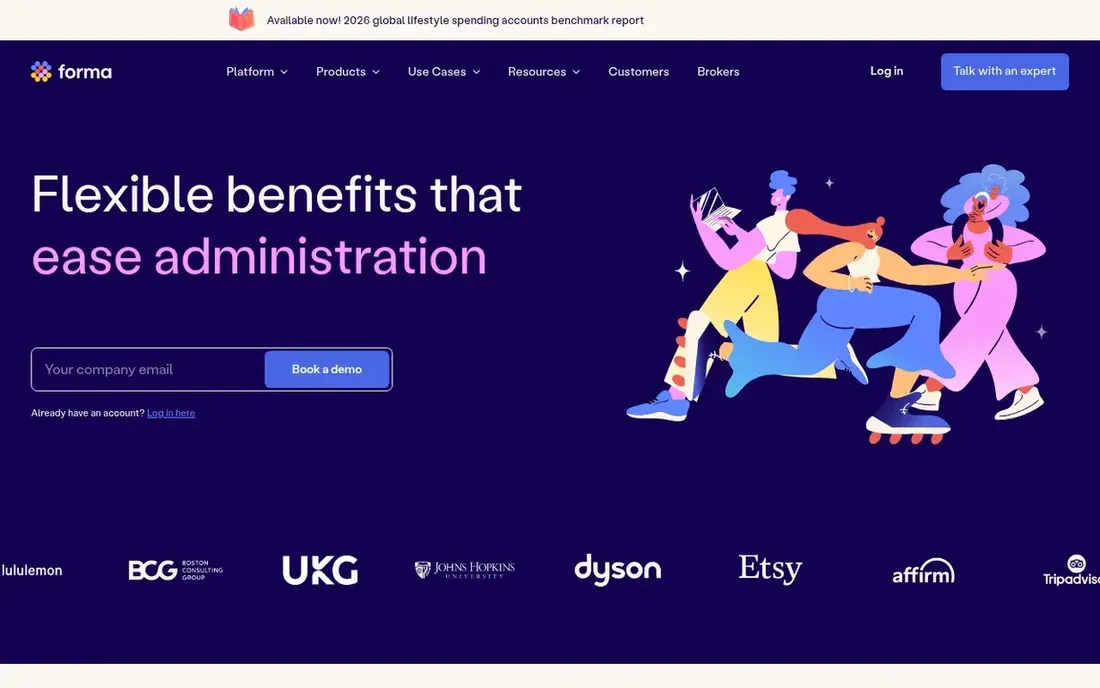
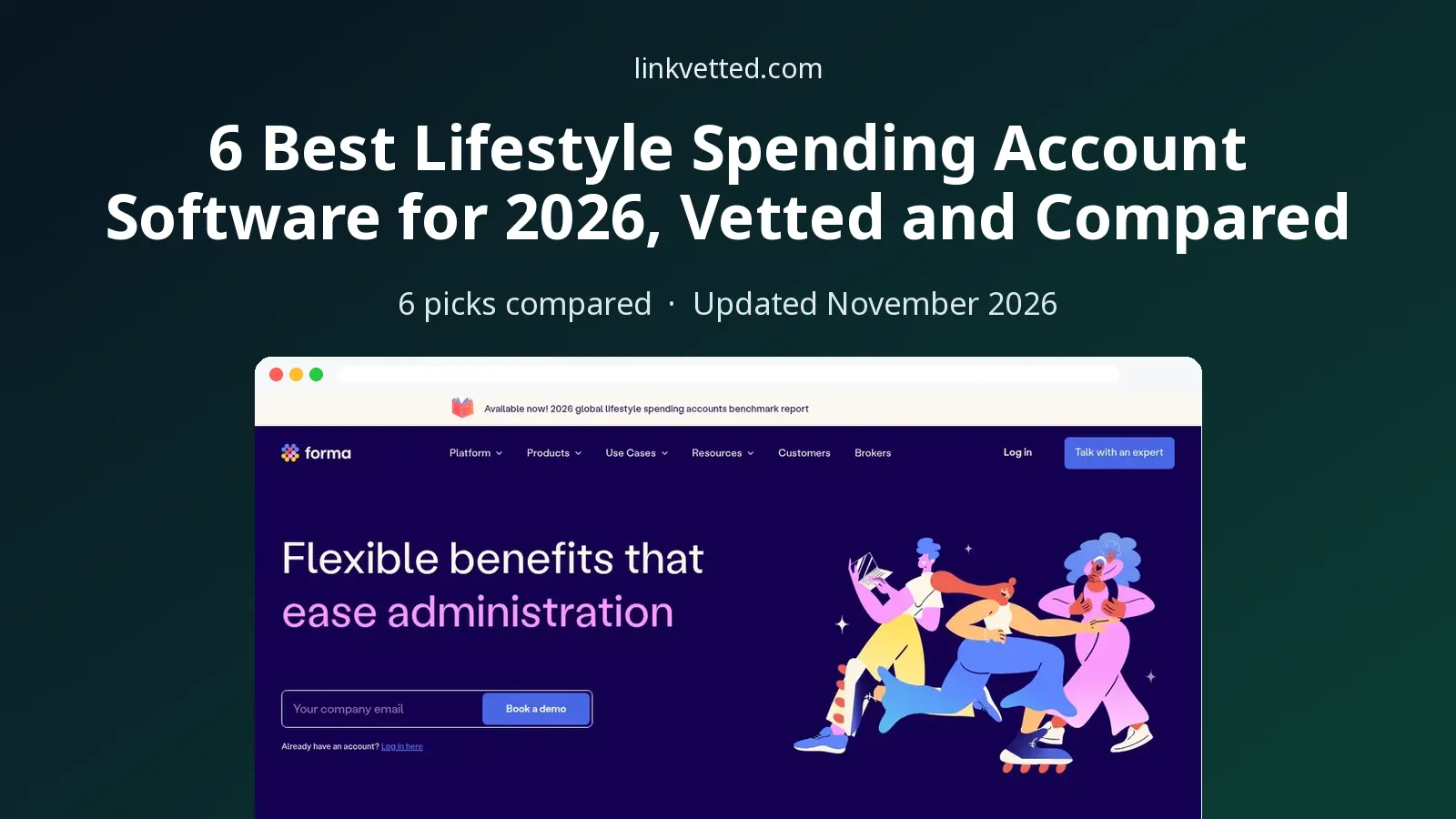
Forma is aimed squarely at adaptable LSA, FSA, HSA, and HRA benefits. Smaller teams with straightforward needs might prefer a lighter tool.
Points against: Focus is on benefits administration, not full HR.
Organizations looking for a dedicated LSA option with room to add pre-tax accounts will find Forma relevant. Forma shows no starting price here, so confirm the cost on the vendor site. Free options: Not stated.
- Aims to cut benefits costs for employers
- Supports multiple account types including LSA, FSA, HSA, HRA
- May be complicated for very small teams
First Dollar
Best for: Infrastructure and APIs for health spending benefits
First Dollar is aimed squarely at infrastructure and APIs for health spending benefits. It supplies a suite of software and APIs that enable organizations to launch and run pre-tax accounts and lifestyle benefits.
What to check first: May need technical resources.
This makes it a fit for external administrators, fintechs, or employers with technical teams that want to build or customize their benefits offering. First Dollar shows no starting price here, so confirm the cost on the vendor site. On free options: Not stated.
- Focus on health spending benefits infrastructure
- Offers software and APIs
- Geared toward organizations building benefits
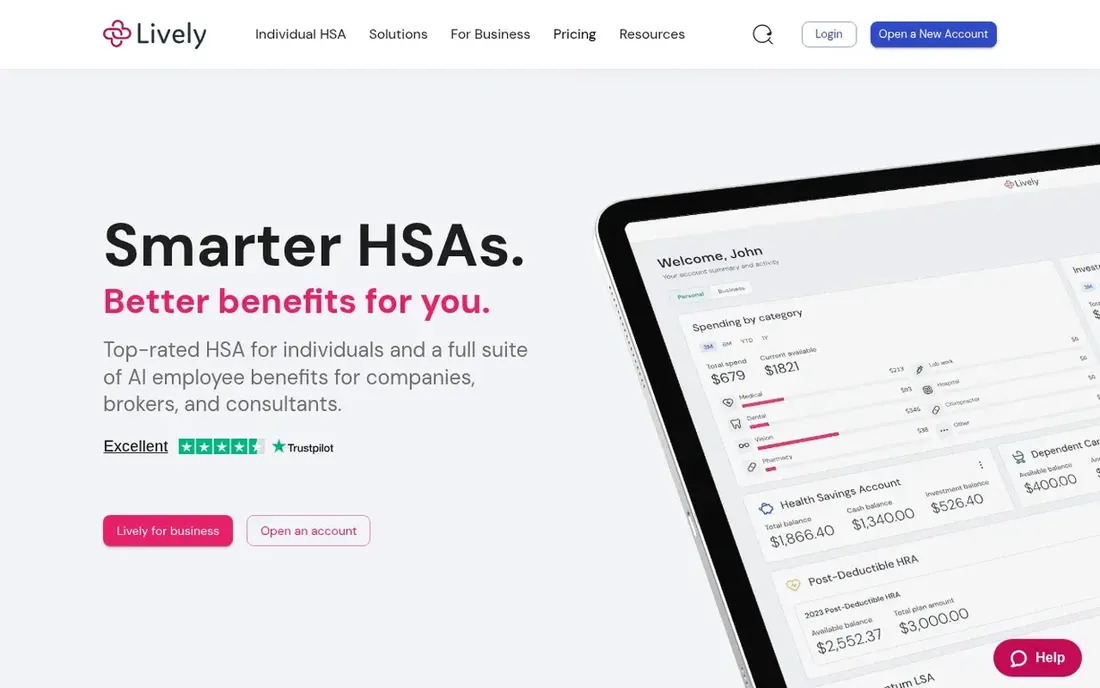
Lively was built for HSA and adaptable benefits for brokers and employers. Lively is a health savings account and adaptable benefits provider for individuals, brokers, and employers.
For everyday use, Brokers seeking a system to offer clients HSA and related accounts may find Lively relevant. Pricing for Lively is not stated here, so ask the vendor for current figures. Lively includes a free tier.
Watch-outs: LSA-specific features are less prominent.
- Supports HSAs and adaptable benefits
- Clear focus on health savings accounts
- May be less suited for global teams
How these tools were picked
What to confirm before you sign up
- Get a written quote from WEX Health, TruHearing, Forma and others; the list shows no starting price for them.
- Look at the free plan from Lively closely: its caps decide whether it is usable for real work.
- Read the limits listed for WEX Health first: benefits are one part of a bigger suite.
- Check the support hours and onboarding help First Dollar offers; smaller vendors vary a lot here.
- Involve the people who will use TruHearing daily; a short pilot beats a long feature checklist.
FAQ
Is WEX Health the right pick for everyone comparing lifestyle spending account software?
No single tool suits every team. WEX Health comes first because it fits employee benefits within a broader payments platform, while Rippling suits unified HR, IT, and finance with benefits and TruHearing suits hearing aid benefit solutions. Match the tool to your own size, budget and workflow before deciding.
What is the cheapest option for lifestyle spending account software in this list?
On published monthly entry prices, Rippling is the lowest here at $8 per employee per month. Entry price is only part of the cost, because seats, add-ons and billing terms can change the total. Prices, free plan details and limits for all 6 tools in this Lifestyle spending account software roundup sit on the individual cards above.
Which options for lifestyle spending account software have a free plan?
Lively is the only tool in this list with a free plan. Free plans usually cap users, projects or features, so check the limits on the vendor page.
Can I try these options before paying?
Often, yes. Lively has a free plan. Use your own data and a real task during the test, and check what the free tier or trial limits before you rely on it.
What should I consider when choosing LSA software?
Consider the account types you need, integration with payroll and HR, employee experience, reporting, and support. Also think about whether you want a dedicated LSA system or a broader benefits or HR suite.
Sources
- https://www.wexinc.com
- https://www.rippling.com
- https://www.truhearing.com
- https://www.joinforma.com
- https://www.firstdollar.com
- https://www.livelyme.com