7 Best Sales Automation Software for Small Business in 2026
Compare the best sales automation software for small business, with current pricing, automation tools, and honest trade-offs for small sales teams today.

- Editor's choice
 HubSpot Sales Hub
Small teams that want CRM, email automation, and marketing in one place
Starts atFreeVisit hubspot.comFull review - Great alternative
 Pipedrive
Sales teams that manage most work from a visual pipeline
Starts at$14 per user per month, billed annuallyVisit pipedrive.comFull review - Also consider
 Zoho CRM
Budget-conscious teams that want many features for the price
Starts atFree for up to 3 usersVisit zoho.comFull review
TL;DR:
- Small teams get the most value from tools that automate follow-ups, lead routing, and pipeline updates without a long setup project.
- HubSpot and Zoho suit teams that want a free starting point, while Pipedrive suits teams that live in a visual pipeline all day.
- Per-user pricing adds up fast, so count every seat, including part-time sales help, before you compare monthly totals.
- Outbound-heavy teams should weigh a dialer-first tool such as Close against a general CRM with added outreach features.
- A short trial with real leads and real emails tells you more than a feature checklist alone.
Quick comparison
| Tool | Best for | Starts at | Free plan? | |
|---|---|---|---|---|
| HubSpot Sales Hub | Small teams that want CRM, email automation, and marketing in one place | Free | Yes | Visit |
| Pipedrive | Sales teams that manage most work from a visual pipeline | $14 per user per month, billed annually | No | Visit |
| Zoho CRM | Budget-conscious teams that want many features for the price | Free for up to 3 users | Yes | Visit |
 Freshsales | Small teams that want a simple CRM with lead scoring built in | $15 per user per month | Yes | Visit |
 Close | Outbound teams that live on calls, email, and text | See website | No | Visit |
 ActiveCampaign | Teams that nurture leads with email automation | $15 per user per month | No | Visit |
 Keap | Service businesses that automate follow-up from lead to payment | See website | No | Visit |
The best sales automation software for small business
Small sales teams rarely lose deals because they lack effort. They lose deals because follow-ups slip, leads sit unassigned, and pipeline notes live in scattered inboxes. The tools below automate that routine work, and each one fits a different way of selling.
HubSpot Sales Hub
Best for: Small teams that want CRM, email automation, and marketing in one place
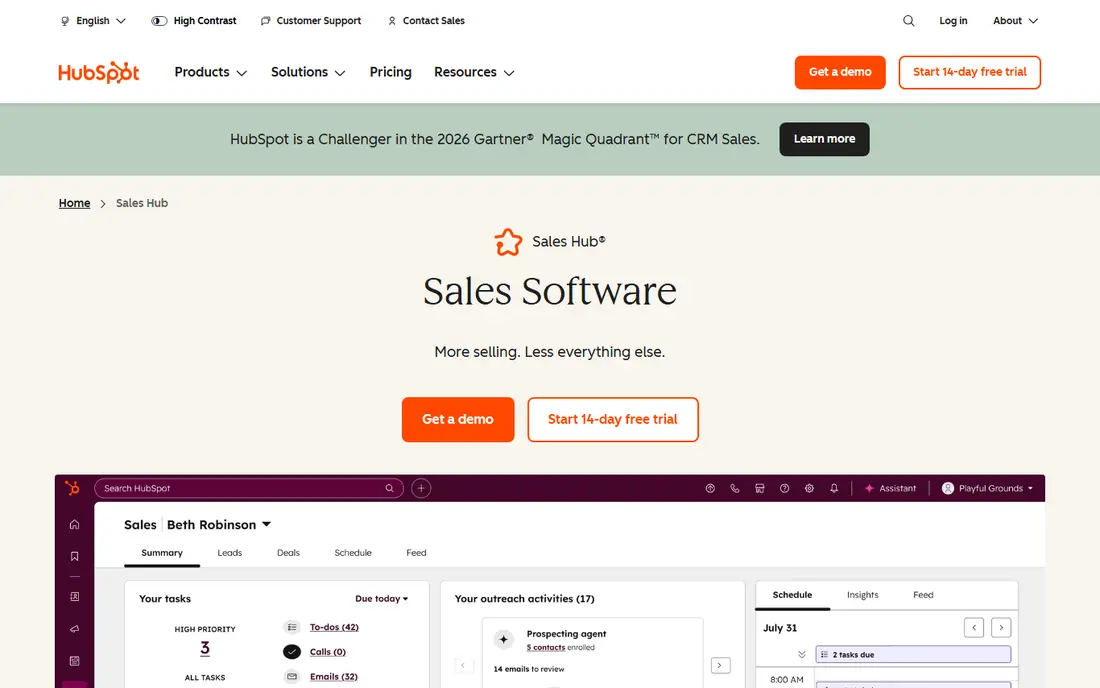
HubSpot works best for a small business that is tired of stitching together separate tools for contacts, email, and deals. The free CRM covers contact and deal tracking, and paid Sales Hub plans add sequences, workflow automation, and pipeline reporting in the same record. That shared record matters when marketing hands a lead to sales, because both sides can see the same history without exporting a list. The concrete strength is how little setup the basics need. A team can connect an inbox, build a pipeline, and start automated follow-up sequences in a day or two, and meeting links remove much of the back-and-forth around booking calls. The honest weakness is price growth. As seats, contacts, and automation needs grow, the monthly bill can climb well past the entry tier, so small teams should map which paid features they will actually use before upgrading.
- Free CRM to start, shared contact records across sales and marketing, email sequences and meeting scheduling
- Higher tiers get expensive, some advanced automation sits behind paid plans

Pipedrive fits teams whose day starts and ends in the pipeline. Deals move across stages with a drag, activities stay attached to each deal, and automations can assign owners, create tasks, and send emails when a deal changes stage. That focus keeps the screen uncluttered for reps who do not need a full marketing suite. The concrete strength is speed of adoption. New hires can read a pipeline at a glance, and managers can spot stalled deals without building a custom report. The honest weakness is breadth. If you later want landing pages, deep email marketing, or service ticketing in the same tool, you will need add-ons or a second product, which adds cost and another login to manage.
- Clear drag-and-drop pipeline, useful workflow automations, fast onboarding for new reps
- Marketing automation is limited compared with all-in-one platforms, no free plan
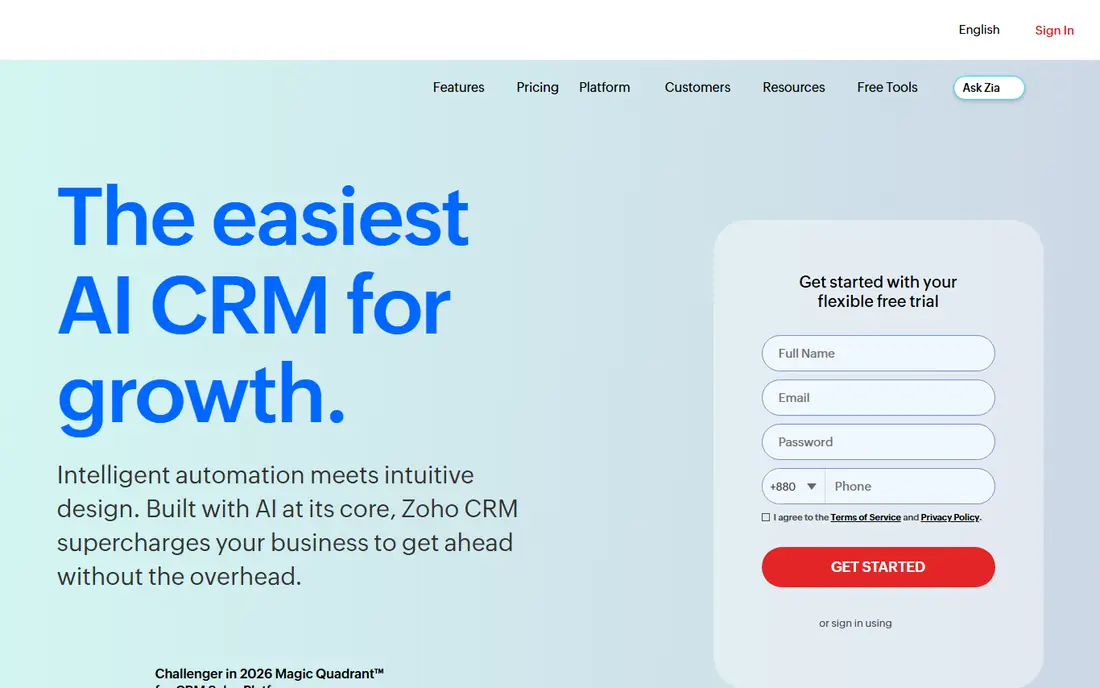
Zoho CRM suits a small business that wants automation depth without paying a premium from day one. Workflow rules can update fields, send alerts, and assign tasks, while blueprint tools guide a deal through required steps so nothing skips a stage. The free plan for up to three users gives a genuine trial of the core system, not just a timed demo. The concrete strength is value per dollar at the lower tiers, especially for teams already using other Zoho apps for email, books, or support. The honest weakness is polish. Menus hold many options, and a team that turns on every automation at once can create noisy alerts. Start with two or three workflows that fix a real bottleneck, then add more only when the team asks for them.
- Free plan for very small teams, workflow rules and blueprint automation, wide integration options within Zoho
- Interface can feel busy, setup takes more care to keep automations tidy
Freshsales
Best for: Small teams that want a simple CRM with lead scoring built in
Freshsales fits a team that wants to open the tool and start selling, rather than spend a week configuring it. Contacts, deals, phone, and email sit in one view, and lead scoring helps a small team decide which new inquiry deserves a call first. That focus on the next best action is useful when one person handles both prospecting and closing. The concrete strength is how quickly a rep can work a list: click a lead, see recent emails and calls, log the outcome, and move to the next record. The honest weakness is scale of customization. Teams with unusual approval steps or complex product catalogs may hit limits sooner than they would in HubSpot or Zoho, so check the workflow and reporting limits on the plan you intend to buy.
- Clean interface, built-in phone and email, AI lead scoring on paid plans
- Advanced customization is thinner than larger platforms, reporting depth varies by tier
Close was built for teams that make a high volume of outbound touches. Calling, email, and texting happen inside the CRM, so a rep does not switch tabs to log a call or send a follow-up. Sequences keep prospects in a steady cadence, and the dialer helps a rep work through a list without manual dialing between calls. The concrete strength is call productivity. When the phone is the main sales channel, having the dialer, notes, and pipeline in one place saves minutes on every hour of prospecting. The honest weakness is scope. A business that mainly needs marketing automation, landing pages, or service tools will find Close narrower than an all-in-one platform, and should pair it with a marketing tool or choose a broader CRM instead.
- Built-in calling and SMS, power dialer and email sequences, pipeline built around outreach speed
- Less suited to inbound marketing teams, pricing sits above basic CRMs for some small teams
ActiveCampaign fits a small business where the sale takes time and email does much of the nurturing. The automation builder lets a team send a welcome series, tag engaged contacts, alert sales when a lead visits a pricing page, and move warm leads into the CRM pipeline. That link between marketing behavior and sales action is the core appeal. The concrete strength is the automation builder itself, which handles branching logic without code and makes it easy to see why a contact received a given message. The honest weakness is cost control. Pricing follows contacts as well as users on some plans, so a growing email list can raise the bill even if the sales team stays the same size. Clean the list regularly and archive cold contacts.
- Strong visual automation builder, lead scoring and site tracking, CRM included on sales plans
- Learning curve for complex automations, contact-based pricing can rise with list growth
Keap suits coaches, consultants, agencies, and other service businesses that sell a repeatable offer. A lead can book a call, receive automated reminders, get a proposal, and pay an invoice without the owner chasing each step by hand. Campaign templates give a starting point for common flows such as new-lead follow-up and post-consultation nurture. The concrete strength is how much of the client journey lives in one account, which reduces the need for separate scheduling, invoicing, and email tools. The honest weakness is entry cost and setup time. Smaller teams with only a handful of leads per month may not need this breadth, and should compare the monthly total with a simpler CRM plus a scheduling tool before committing.
- CRM plus marketing automation and payments, ready-made campaign templates, appointment and invoice tools
- Higher starting cost than basic CRMs, setup benefits from a planned onboarding period
How we picked these
We looked for tools that are sold and supported in the United States in October 2026, that automate at least two core sales tasks such as follow-up sequences, lead routing, task creation, or pipeline updates, and that a small team can run without a dedicated administrator. We checked vendor homepages and current pricing pages, favored products with a free plan or trial for small-team testing, and left out enterprise-only platforms that require a sales quote and a long implementation to start.
What to check before you buy
Match the tool to how you sell
Start with your main sales motion. An inbound team needs lead capture, routing, and nurture. An outbound team needs a dialer, sequences, and list handling. A service business needs booking, reminders, and payments. Pick the tool that handles your main motion well, and treat extra features as a bonus rather than the reason to buy.
Count the full monthly cost
Add every seat, any required add-on, and the cost of email or calling credits if they are billed separately. A low per-user price can still produce a high bill for a five-person team, and a flat monthly plan can be cheaper once you add part-time help. Ask the vendor what happens to the price when you add users mid-year.
Test with real work
Run a trial with ten real leads, a real inbox connection, and a real follow-up sequence. Check whether emails land correctly, whether tasks appear on time, and whether a manager can see the pipeline without asking reps for updates. If the trial feels like extra work, the tool will not save time after purchase.
Plan the first automations
Choose three automations for week one: instant lead assignment, a follow-up sequence for unanswered inquiries, and a reminder when a deal stalls for a set number of days. Measure reply times and stalled deals after a month. Add more automation only after those three run cleanly.
FAQ
Do I need a CRM if I only have a small sales team?
Yes, in most cases, because even a two-person team loses track of follow-ups once leads come from more than one channel. A CRM with automation keeps every inquiry, call note, and next step in one record, so a sick day or a handoff does not lose a deal. Start with a free plan and upgrade only when volume or automation needs grow.
What is the difference between sales automation and a CRM?
A CRM stores contacts, deals, and history, while sales automation acts on that data by sending follow-ups, assigning leads, creating tasks, and updating stages. Most modern tools combine both, so the practical question is which automated actions a product supports on the plan you will buy, not whether it uses one label or the other.
How much should a small business budget for sales automation?
Expect a range from free to roughly $15 to $50 per user per month for small-team plans, with higher tiers for advanced automation, calling, or larger contact lists. Add any dialer minutes, email credits, or onboarding fees to the estimate. A trial with your real seat count gives a firmer total than a headline price alone.
Can sales automation replace a salesperson?
No. Automation handles reminders, routing, and routine messages, but it does not build trust, handle objections, or close a complex deal. The best use is to give reps more time for conversations by removing data entry and follow-up tracking from their day.
Is it hard to switch sales tools later?
Switching contacts and deals is usually straightforward with a CSV export or import tool, but automations and sequences almost always need rebuilding. Before you buy, export a sample record and check what fields transfer cleanly, and keep a written list of your automations so a future move is faster.
Sources
https://www.hubspot.com/products/sales https://www.pipedrive.com https://www.zoho.com/crm/ https://www.freshworks.com/crm/sales/ https://www.close.com https://www.activecampaign.com https://www.keap.com