7 Best Deal Management Software for Sales Teams
Compare the best deal management software for sales pipelines, forecasting, follow-ups and reporting, with picks for solo sellers and growing teams in 2026.
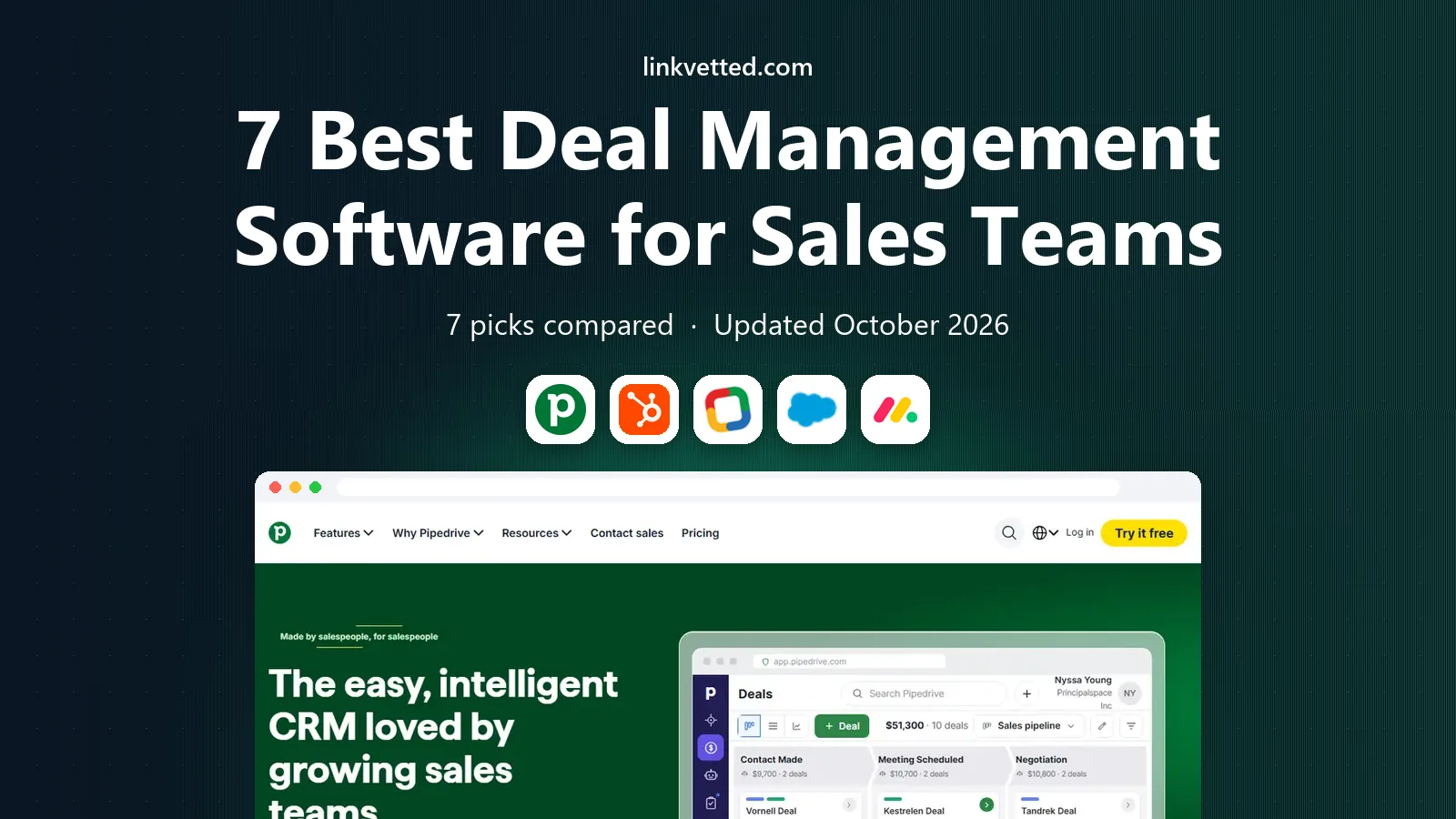
- Editor's choice
 Pipedrive
Visual pipelines for sales teams
Starts atFrom $14 per user per month billed annuallyVisit pipedrive.comFull review - Great alternative
 HubSpot Sales Hub
Sales plus marketing and service
Starts atFree plan available; Starter from $20 per monthVisit hubspot.comFull review - Also consider
 Zoho CRM
Affordable pipelines for small teams
Starts atSee websiteVisit zoho.comFull review
TL;DR:
- A deal tool should show stage, value, owner and next action at a glance, without extra clicks.
- Forecasting only helps if stages, close dates and values are kept current, so pick a tool reps will actually update.
- Email, calendar and phone integration matters, because deals stall when follow-ups live outside the system.
- Automation should handle reminders and stage moves, but not hide deals that need a human check.
- Price per user adds up fast, so total the cost for your full team, including any onboarding or add-on fees.
Quick comparison
| Tool | Best for | Starts at | Free plan? | |
|---|---|---|---|---|
| Pipedrive | Visual pipelines for sales teams | From $14 per user per month billed annually | No | Visit |
| HubSpot Sales Hub | Sales plus marketing and service | Free plan available; Starter from $20 per month | Yes | Visit |
| Zoho CRM | Affordable pipelines for small teams | See website | Yes | Visit |
 Salesforce Sales Cloud | Large and complex sales operations | See website | No | Visit |
 Monday Sales CRM | Visual work management plus deals | See website | No | Visit |
 Freshsales | Simple CRM with built-in phone and email | See website | Yes | Visit |
 Close | Outbound teams that call and email a lot | See website | No | Visit |
The best deal management software
We compared the options below on fit, features, price clarity and honest limits, so you can shortlist two or three and test them with real work before you commit. Start with the best-for labels in the table, then read the two or three write-ups that match your situation most closely.

Pipedrive fits a sales team that mainly needs a clear visual pipeline and follow-up discipline. Its pipeline board makes stage, value and next action visible in one view, and its activity focus pushes reps to set a next step for every deal. The limit is breadth, because marketing and service tools are lighter than in a full customer platform, so a team that needs those too should compare HubSpot.
- Drag-and-drop pipeline
- Activity-based selling
- Deal rotting alerts
- No permanent free plan
- Marketing tools are lighter than HubSpot
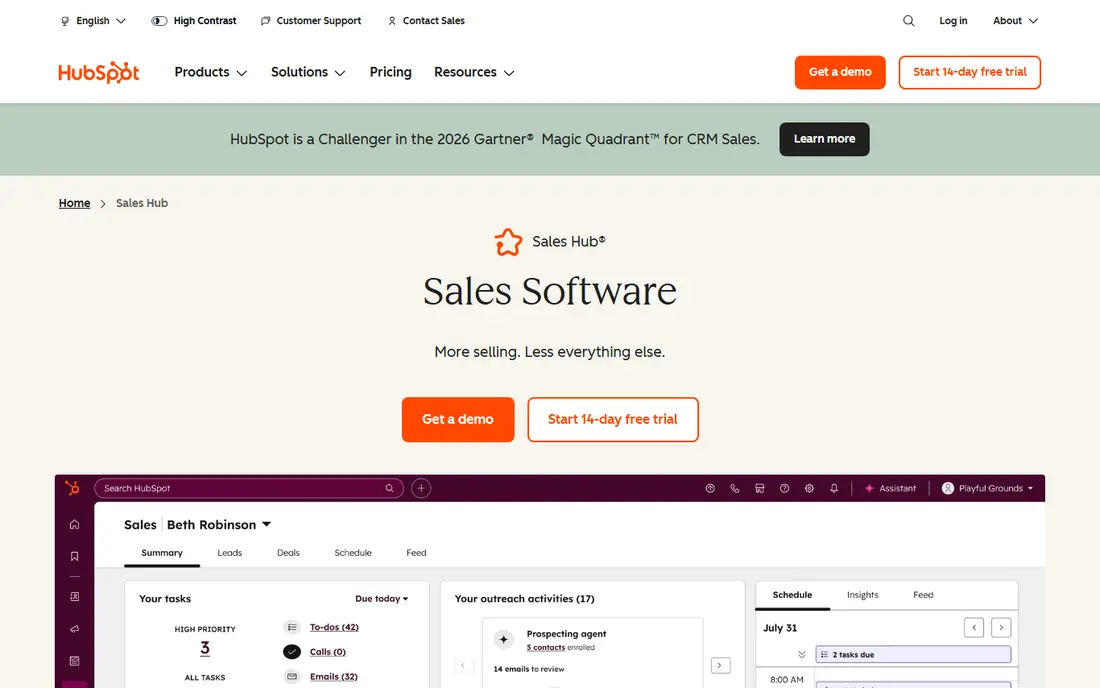
HubSpot Sales Hub fits a business that wants deals, marketing and service on one shared customer record. Its shared record lets sales see emails, forms, website activity and tickets together, which helps handoffs between teams. The drawback is breadth, because a sales-only team may find the wider platform heavier than Pipedrive, and paid tiers can raise the total cost quickly.
- Deal pipelines
- Shared customer records
- Email and meeting tools
- Paid tiers and onboarding can raise cost
- Platform can feel broad for sales-only teams
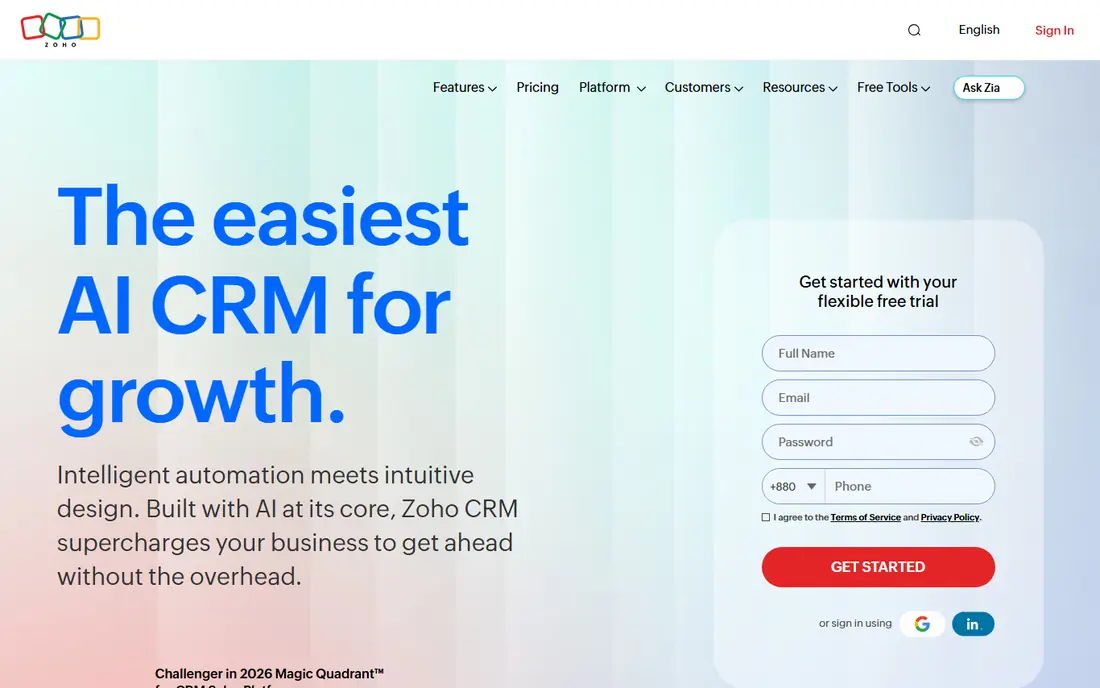
Zoho CRM fits a small team that wants deal pipelines, automation and reporting at a lower cost than larger platforms. Its automation and reporting cover common sales needs, and its free tier lets a small team start without an upfront bill. The weakness is polish, because initial setup can take time before the pipeline feels clean, so budget a setup week and test with real deals.
- Deal pipelines
- Automation
- Email and reporting tools
- Setup can take time to polish
- Interface feels less modern in places
Salesforce Sales Cloud fits a larger sales operation that needs forecasting, customization and reporting across teams and regions. Its forecasting and customization help a complex sales org shape stages, approvals and reports to its process. The limit is overhead, because admin, training and cost can be heavy for a small team, so a team under about ten reps should compare Pipedrive or HubSpot first.
- Deal and pipeline management
- Forecasting
- Extensive customization
- Cost and admin overhead are high
- Small teams may not need its depth
Monday Sales CRM fits a team that already thinks in boards and wants deals, tasks and collaboration in one visual workspace. Its board views help a team see deals alongside tasks and projects, which suits teams that manage delivery as well as sales. The drawback is depth, because some CRM reporting and forecasting features are lighter than in Pipedrive or Salesforce, so check those features before choosing.
- Visual boards for deals
- Automation
- Team collaboration views
- CRM depth is lighter than dedicated CRMs in places
- Pricing is custom for some plans
Freshsales fits a small sales team that wants pipelines plus built-in phone and email without stitching many tools together. Its built-in communication tools help reps call, email and log activity from the deal record, which reduces missed follow-ups. The limit is tiering, because the free plan is limited and useful AI and automation features sit on paid plans, so price the plan you will actually use.
- Deal pipelines
- Built-in phone and email
- AI-assisted insights on higher plans
- Free plan limits features
- Advanced tools need paid plans
Close fits an outbound sales team that lives on calls and email sequences and needs deals tied closely to outreach. Its built-in calling and sequences help reps work a list, log calls and move deals without switching tools, which keeps follow-up tight. The weakness is fit, because an inbound-only team that mainly needs marketing handoff may find HubSpot or Pipedrive a better match, so compare outreach needs first.
- Deal pipelines
- Built-in calling and email sequences
- Activity tracking
- Outbound focus may be less suited to inbound-only teams
- No permanent free plan
How we picked these
We reviewed deal tools that are still sold in October 2026, using vendor pricing pages and current CRM comparisons. We kept only tools with deal pipelines, stage customization, reporting and follow-up tools, and we wrote See website where a vendor does not publish a clear starting price. We favored tools that reps can update quickly, because a pipeline that is not updated cannot forecast. We also weighed total team cost, because per-user pricing, onboarding and add-ons can change the real monthly bill. That is why we note free plans, Starter prices and onboarding costs where they are known. We also checked whether a vendor page was current in October 2026 and whether pricing, limits and support paths were stated plainly, because vague pages often hide costs that appear after signup.
What to check before you choose
Start with your sales stages
Write your real stages, from first contact to closed, before you demo a tool. A tool that cannot match your stages without heavy customization will slow reps down. Take notes during trials, compare the same tasks across tools, and ask support a real question to test response time and clarity before you pay.
Check follow-up, not only pipeline views
Confirm reminders, overdue alerts, email sequences and task queues, because deals are won on follow-up. A pretty board without follow-up tools will let deals go stale. Take notes during trials, compare the same tasks across tools, and ask support a real question to test response time and clarity before you pay.
Test forecasting with your own data
Load a sample of real deals, with values and close dates, and check whether forecasts, stage aging and rep views make sense. A demo with fake data hides reporting gaps. Take notes during trials, compare the same tasks across tools, and ask support a real question to test response time and clarity before you pay.
Total the team cost
Multiply per-user price by seats, add onboarding and any required add-ons, and compare annual totals. A free plan that caps contacts or users may cost more later than a paid plan now. Take notes during trials, compare the same tasks across tools, and ask support a real question to test response time and clarity before you pay.
FAQ
What is deal management software?
It is software that tracks sales opportunities through stages, with value, owner, close date and next action, plus follow-ups, forecasting and reporting. Most deal tools are part of a CRM, but some focus mainly on the pipeline. If you are unsure, start with the smallest plan or free tier, test it for two weeks with real work, and only upgrade when a missing feature blocks a task you do every week.
Do I need a full CRM or only a deal tool?
If you only need pipelines and follow-ups, a focused tool like Pipedrive may be enough. If you also need marketing, service and shared customer records, a wider platform like HubSpot may fit better. If you are unsure, start with the smallest plan or free tier, test it for two weeks with real work, and only upgrade when a missing feature blocks a task you do every week.
How much does deal software cost?
It varies by seats and tier, with entry plans from about $14 per user per month for Pipedrive and free starting options from HubSpot and Zoho. Large platforms like Salesforce cost more and often need admin help. If you are unsure, start with the smallest plan or free tier, test it for two weeks with real work, and only upgrade when a missing feature blocks a task you do every week.
Can deal software forecast revenue?
Yes, if stages, values and close dates are kept current, most tools can forecast by stage, rep and date range. Forecasting quality depends on rep discipline, not only on the tool. If you are unsure, start with the smallest plan or free tier, test it for two weeks with real work, and only upgrade when a missing feature blocks a task you do every week.
How long does setup take?
A simple pipeline can be live in days, while a larger rollout with stages, automation, imports and training can take weeks. Start with one pipeline and real deals, then add automation gradually. If you are unsure, start with the smallest plan or free tier, test it for two weeks with real work, and only upgrade when a missing feature blocks a task you do every week.
Sources
https://www.pipedrive.com https://www.hubspot.com/products/sales https://www.zoho.com/crm/ https://www.salesforce.com/products/sales-cloud/ https://monday.com/crm https://www.freshworks.com/crm/sales/ https://close.com https://blog.salesflare.com/pipedrive-vs-hubspot