Best Legal Software for Small Claims (2026): 6 Picks Checked on Vendor Pages
Shortlisting the best legal software for small claims? 6 products compared on cost, free access and ideal buyer. Short verdicts, no fluff. Refreshed for 2026.
- Editor's choice
 Filevine
Legal AI product for case management
Starts atSee websiteVisit filevine.comFull review - Great alternative
 CosmoLex
Integrated trust accounting and billing
Starts at$49 per user a monthVisit cosmolex.comFull review - Also consider
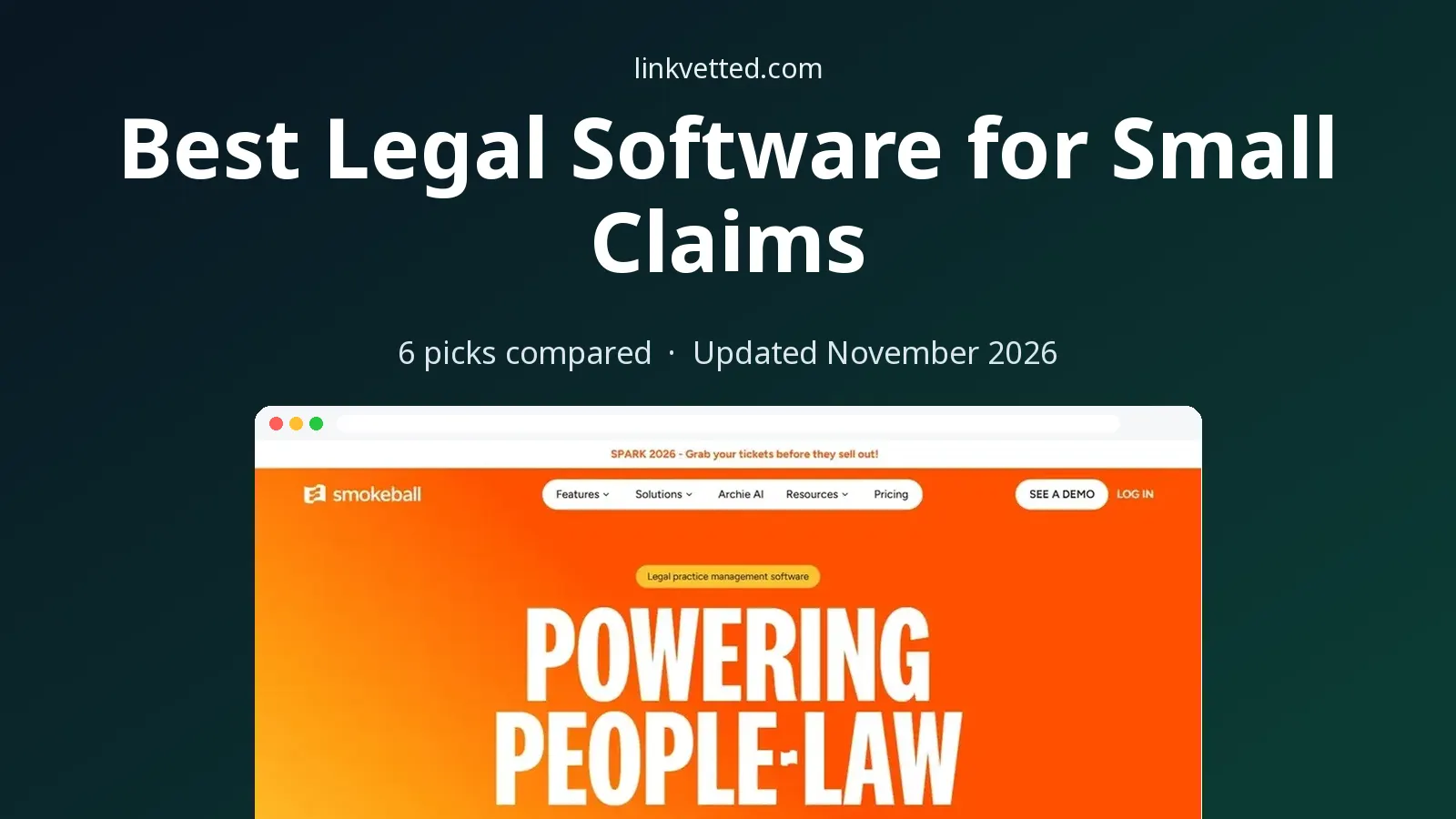
 Smokeball
Automatic time tracking and document automation
Starts atSee websiteVisit smokeball.comFull review
Direct answer
Our first pick is Filevine, best for legal AI platform for case management. Listed starting prices: CosmoLex from $49 per user a month, MyCase from $50 per user per month and PracticePanther from $49 per user per month. For a different need, CosmoLex covers integrated trust accounting and billing and Smokeball covers automatic time tracking and document automation. Details, prices and limits for the rest of the 6 tools are below.
TL;DR:
- Number one here is Filevine, a fit for legal AI product for case management.
- Check the limits for CosmoLex before you commit: may lack advanced automation.
- Filevine, Rocket Matter and the 4 others all need a premium plan or a trial, since no free plan is listed.
- For modern businesses seeking efficiency, Rocket Matter is worth a look.
- Starting prices begin at $39 per month per user billed annually with Rocket Matter.
Last checked November 2026. Prices and plan details were read from the vendors' own pages in November 2026; vendors change plans often, so confirm the current price on the vendor site before you buy.
Quick comparison
| Tool | Best for | Starts at | Free plan? | |
|---|---|---|---|---|
| Filevine | Legal AI product for case management | See website | Free trial | Visit |
| CosmoLex | Integrated trust accounting and billing | $49 per user a month | Free trial | Visit |
| Smokeball | Automatic time tracking and document automation | See website | Not stated | Visit |
 MyCase | All-in-one small claims practice management | $50 per user per month | Free trial | Visit |
 PracticePanther | Automation of billing and time tracking | $49 per user per month | Free trial | Visit |
 Rocket Matter | Modern businesses seeking efficiency | $39 a month per user billed yearly | Free trial | Visit |
Our 6 legal software for small claims
Choosing legal software for small claims usually comes down to price, fit and limits. This LinkVetted guide sets 6 tools side by side on those three points, with the facts kept short and checkable.
Filevine was built for legal AI product for case management. The system is aimed at firms looking to use AI for efficiency.
More specifically, businesses seeking more straightforward, more traditional practice management might find other options more straightforward. Check the vendor site for Filevine pricing; none is listed in this comparison. Free access: Free trial.
Points against: May be complicated for small claims.
- Scalable for expanding businesses
- Case management focus
- Needs training to use AI
In short, CosmoLex is for integrated trust accounting and billing. Businesses needing advanced automation might have to supplement or choose another tool. Beyond that, CosmoLex may not offer the same level of automation for time tracking or document assembly as Smokeball or PracticePanther.
Watch-outs: Restricted customization for small claims.
CosmoLex is cloud-based legal software for practice management in law businesses of all sizes, helping increase efficiency and secure client data. It bundles trust accounting and billing features, which are essential for small claims businesses handling client funds. What you pay to start with CosmoLex: $49 per user per month. Free options: Free trial.
- Secure client data
- Built-in trust accounting
- May lack advanced automation

Smokeball is built with automatic time tracking and document automation in mind. Consider other choices if you do not need advanced automation or if you need a more light tool.
For everyday use, businesses that prefer a more straightforward interface or manual time entry might find it complicated. No starting price is listed for Smokeball here; confirm pricing on the vendor site. Free plan details: Not stated.
Points against: Ramp-up time for automation setup.
- Automatic time capture
- Document automation
- May be overkill for very small businesses
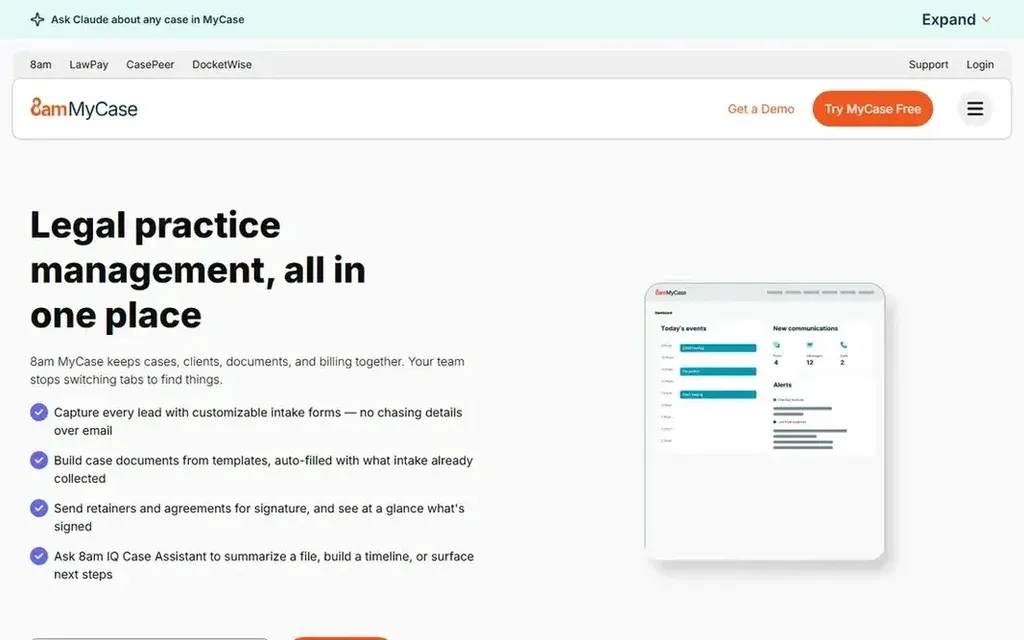
Think of MyCase for all-in-one small claims practice management. Whereas MyCase spans core practice management, businesses with highly specialized small claims processes may find customization choices restricted. Worth adding: if you need broad automation for document assembly or time tracking, consider Smokeball or PracticePanther instead.
On top of that, MyCase is legal practice management software meant to run a profitable firm, not just handle cases. Worth adding: the product supports client communication and payment processing, which can simplify small claims workflows from intake to resolution. MyCase cost at the entry level: $50 per user per month. As for free access: Free trial.
What to check first: May need onboarding time.
- Client portal for communication
- Integrated billing and payments
- Restricted customization for niche workflows
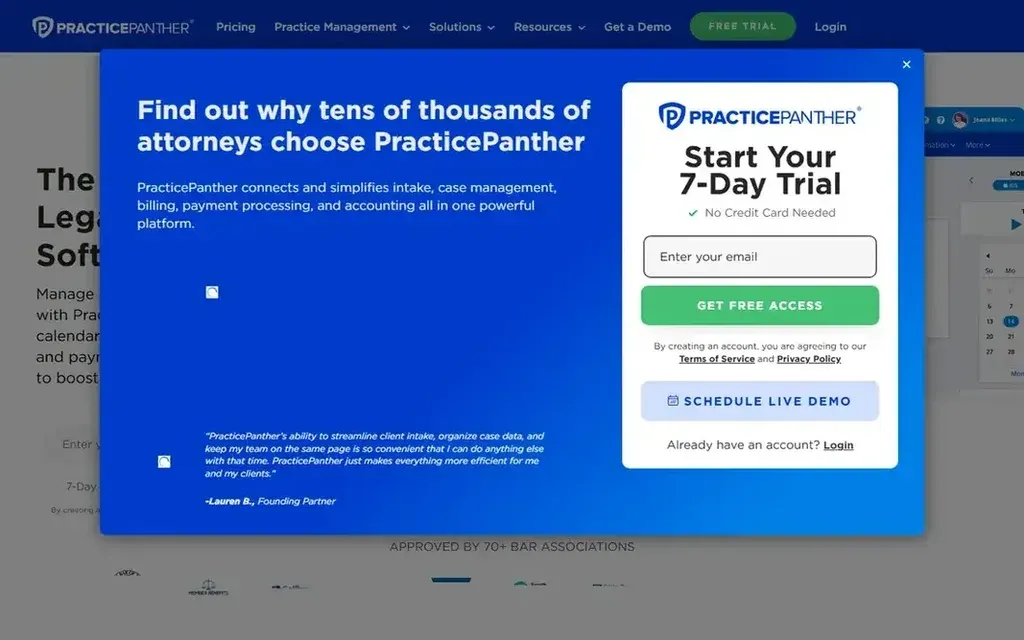
Pick PracticePanther if this describes you: automation of billing and time tracking. PracticePanther is law practice management software that automates firm processes, billing, and time tracking. More specifically, businesses needing broad document automation or specialized small claims workflows might have to look at Smokeball.
The main drawbacks: Restricted depth in some integrations.
More specifically, Whereas PracticePanther supplies capable automation, some advanced features may need a learning period. The product emphasizes automation, which can be beneficial for businesses handling a high volume of small claims matters. Price to start with PracticePanther: $49 per user per month. Free access: Free trial.
- Time tracking and billing
- Automatic firm processes
- Advanced features may need training
Think of Rocket Matter for modern businesses seeking efficiency. Rocket Matter may not offer the deep small claims-specific automation found in some competitors.
Where it is weaker: May lack niche small claims features.
From a buyer's view, Rocket Matter is a good match for those seeking a balanced, growth-oriented practice management tool without niche extras. From a buyer's view, businesses needing specialized document assembly or automatic time capture might prefer Smokeball. Price to start with Rocket Matter: $39 per month per user billed annually. As for free access: Free trial.
- Growth-oriented features
- Efficiency-focused tools
- Needs setup for optimal use
What went into this list
For each of the 6 tools we noted price, free plan or trial, fit for legal software for small claims and the main limit, using vendor pages and documentation. Where a vendor does not publish a price, the entry says quote. Where a price depends on seats or billing term, the entry says so. The ranking is editorial: typical fit first, then clear pricing, then free access. If your needs are unusual, read the profiles rather than relying on position.
Pre-purchase checklist
- Confirm the entry price on the vendor page. For Filevine and Smokeball that means a quote rather than a fixed price.
- Take the trial from Filevine, CosmoLex, MyCase and others and push a live task through it before you pay.
- Before choosing Filevine, weigh its main limit: may be complicated for small claims.
- Look at which plan of Smokeball unlocks the features you need; entry tiers are often cut down.
- Make sure CosmoLex lets you export your data in a format another tool can read.
FAQ
How are the tools for legal software for small claims ordered?
Filevine sits first and Rocket Matter last because the order follows typical fit for legal software for small claims, then price clarity and free access. It is a judgement call, so read each profile for fit and limits.
What is the cheapest option for legal software for small claims in this list?
On published monthly entry prices, Rocket Matter is the lowest here at $39 per month per user billed annually. Entry price is only part of the cost, because seats, add-ons and billing terms can change the total.
Do these tools publish their prices?
Not all of them. Filevine and Smokeball publish no starting price, so expect a quote request for those. The rest, CosmoLex included, show a starting price, though seats and billing terms still change the final cost.
Is Filevine the right pick for everyone comparing legal software for small claims?
No single tool suits every team. Filevine comes first because it fits legal AI platform for case management, while CosmoLex suits integrated trust accounting and billing and Smokeball suits automatic time tracking and document automation. Match the tool to your own size, budget and workflow before deciding.
How does MyCase compare to Smokeball for small claims?
MyCase may suit businesses wanting a balanced option, whereas Smokeball is better for those prioritizing automation to capture billable time.
Is cloud-based software secure for small claims case data?
Reputable cloud-based legal software providers implement security measures like encryption and regular backups. You should review each vendor's security documentation and ensure they meet your firm's data protection standards.
Sources
- https://www.filevine.com
- https://www.cosmolex.com
- https://www.smokeball.com
- https://www.mycase.com
- https://www.practicepanther.com
- https://www.rocketmatter.com