Top 6 Learning Management Systems for Remote Teams for 2026 (Prices and Free Plans)
Best learning management systems for remote teams, compared. 6 tools with published prices, free plans and limits. Details on cost, catches and fit. No filler.
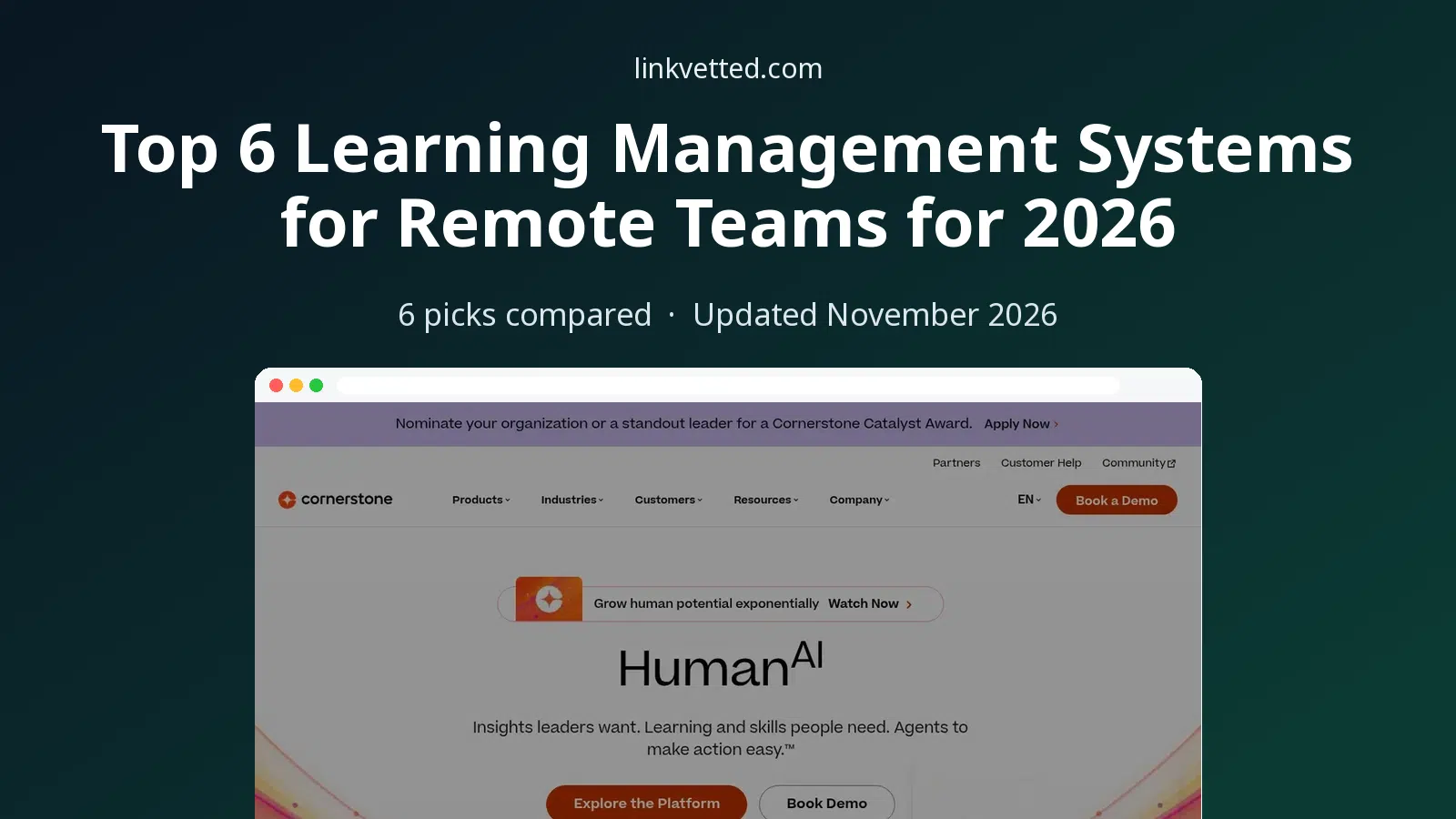
- Editor's choice
 Litmos
Training employees, customers, and partners
Starts atSee websiteVisit litmos.comFull review - Great alternative
 TalentLMS
Straightforward cloud course management
Starts at$119 per monthVisit talentlms.comFull review - Also consider
 iSpring Learn
Onboarding and compliance training
Starts at$6.91 USD per user/monthVisit ispringlearn.comFull review
Direct answer
This list puts Litmos first for training employees, customers, and partners. Listed starting prices: TalentLMS from $119 per month and iSpring Learn from $6.91 USD per user/month. Look at TalentLMS for straightforward cloud course management, and at iSpring Learn for onboarding and compliance training. The other 3 tools in the list cover narrower or pricier cases.
TL;DR:
- Litmos takes the first slot, best suited to training employees, customers, and partners.
- Only TalentLMS offers a free plan among these 6 tools.
- Docebo fits skills intelligence plus learning delivery.
- Starting prices begin at $6.91 USD per user/month with iSpring Learn.
- Before buying LearnUpon, weigh this: agentic messaging may need vendor clarification.
Last checked November 2026. Prices and plan details were read from the vendors' own pages in November 2026; vendors change plans often, so confirm the current price on the vendor site before you buy.
Quick comparison
| Tool | Best for | Starts at | Free plan? | |
|---|---|---|---|---|
| Litmos | Training employees, customers, and partners | See website | Not stated | Visit |
| TalentLMS | Straightforward cloud course management | $119 per month | Yes | Visit |
| iSpring Learn | Onboarding and compliance training | $6.91 USD per user/month | Free trial | Visit |
 LearnUpon | Agentic learning with intelligent support | See website | Not stated | Visit |
 Cornerstone Learning | Workforce readiness at enterprise scale | See website | Not stated | Visit |
 Docebo | Skills intelligence plus learning delivery | See website | Not stated | Visit |
Every option for learning management systems for remote teams explained
LinkVetted put together this guide to learning management systems for remote teams for readers who want a clear shortlist without reading every vendor page. It compares 6 tools on starting price, free plans, who each one suits and where each one falls short.
Litmos was built for training employees, customers, and partners. Litmos positions its learning acceleration system around building human capability across employees, customers, and partners. That reach makes it relevant for remote organizations whose training extends beyond staff to channel partners or customer education.
For everyday use, choose Litmos when the extended audience is genuinely part of your plan. If your training stays inside the company, a more straightforward product can cut overhead. No starting price is listed for Litmos here; confirm pricing on the vendor site. On free options: Not stated.
Watch-outs: Broad audience scope brings complexity.
- Framed around learning acceleration
- Fits distributed external audiences
- May be more than internal-only teams need
TalentLMS targets straightforward cloud course management. TalentLMS describes itself as a cloud learning system for moving training online, with tools for creating and managing online courses.
Limits to weigh: May need extras for complicated programs.
Beyond that, teams with complicated compliance or capability-mapping needs may outgrow it. For everyday use, remote teams that want to publish material quickly and keep administration straightforward will find the cloud-first approach familiar. Price to start with TalentLMS: $119 per month. TalentLMS has a free plan.
- Built around online training delivery
- Cloud system for creating and managing courses
- Less emphasis on advanced skills intelligence
Pick iSpring Learn if this describes you: onboarding and compliance training. iSpring Learn is presented as a corporate LMS that simplifies onboarding, compliance training, and employee development.
Entry price for iSpring Learn: $6.91 USD per user/month. Trial and free access: Free trial.
The main drawbacks: Advanced analytics may be limited.
- Targets onboarding and compliance workflows
- Corporate LMS pitched at business growth
- Narrower positioning than wide talent products
LearnUpon targets agentic learning with intelligent support. For remote teams, the appeal is a learning environment that supports people with intelligent assistance rather than static course lists alone.
Drawbacks to consider: Agentic messaging may need vendor clarification.
Teams that primarily need dependable course hosting and tracking may find a conventional LMS more predictable. Since the positioning centers on agentic capabilities, buyers should confirm exactly what is available and how it suits their workflow before committing. Check the vendor site for LearnUpon pricing; none is listed in this comparison. Free plan details: Not stated.
- Aims to raise human capability
- Frames learning around intelligent agents
- Less suited to teams wanting an entry-level catalog
Cornerstone Learning
Best for: Workforce readiness at enterprise scale
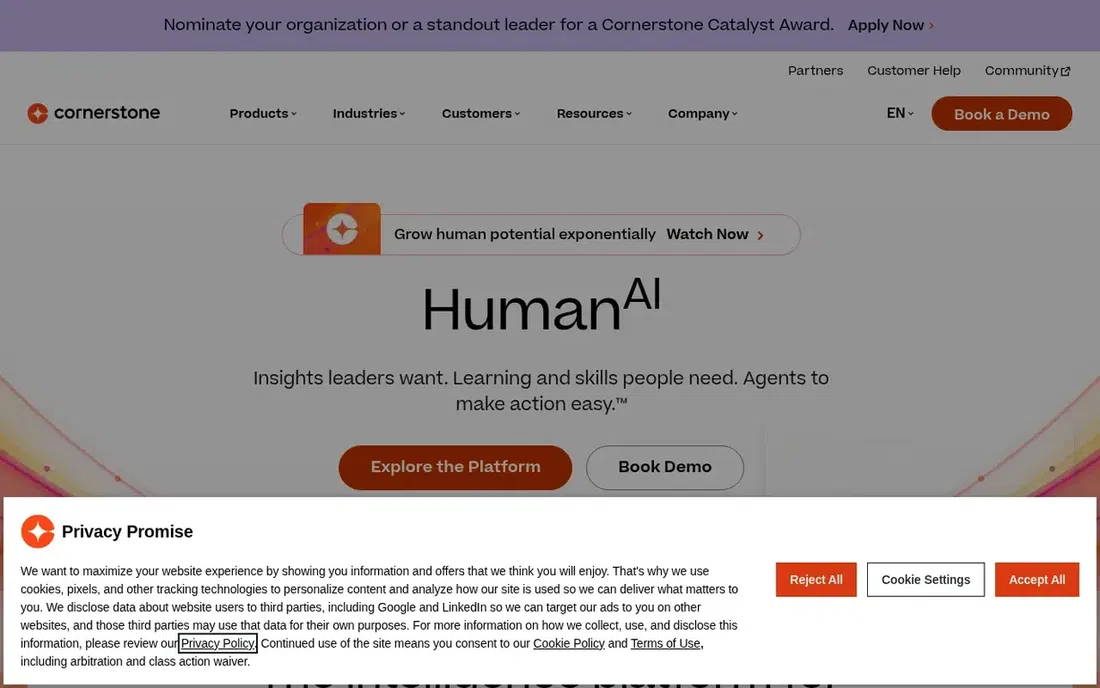
Cornerstone Learning works best for workforce readiness at enterprise scale. Since it targets enterprise readiness, the system can carry more configuration and administration than a lean remote team wants.
Where it is weaker: Setup likely needs dedicated administration.
Expect a ramp-up time for admins. Cornerstone Learning does not show a starting price in this comparison, so check the vendor site for current pricing. As for free access: Not stated.
- AI agents aim to ease action
- Merges skills and learning in one product
- Enterprise orientation can feel heavy for small teams
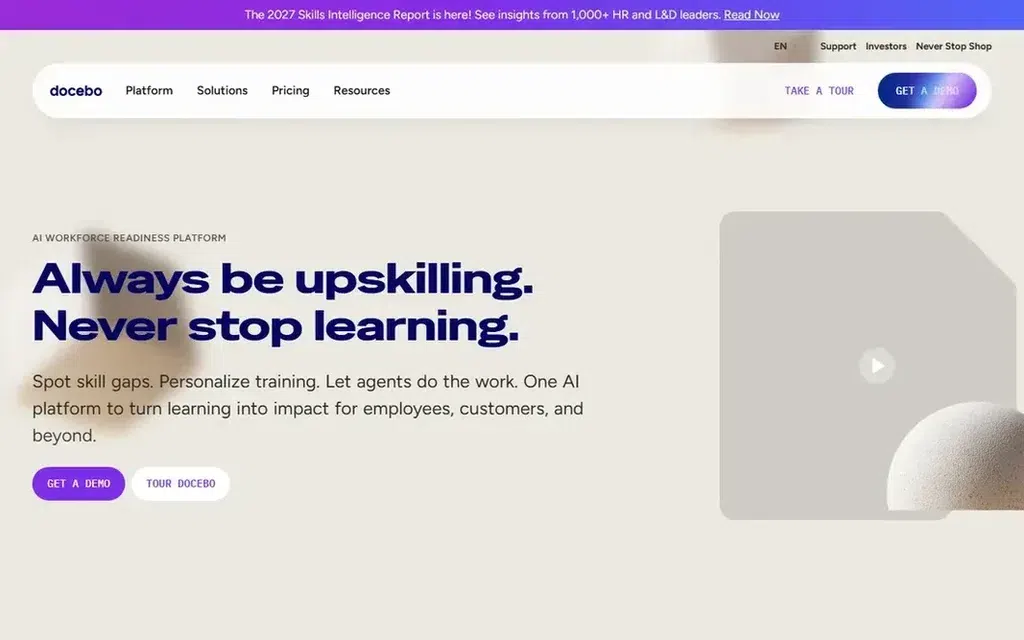
For skills intelligence plus learning delivery, Docebo is a natural candidate. Docebo describes itself as a workforce readiness system that links skills intelligence, learning, knowledge, and AI agents.
Limits to weigh: Readiness focus may exceed entry-level course needs.
The system leans toward bigger, skills-driven learning strategies, so a small team wanting straightforward course hosting may find it more than necessary. Also, budget and admin time matter here. Check the vendor site for Docebo pricing; none is listed in this comparison. Free plan details: Not stated.
- Bundles AI agents for learning support
- Links skills data with learning content
- Wide feature set may overwhelm small teams
How we chose
The comparison looks at four things: starting price, free access, how well the feature set matches learning management systems for remote teams, and the main limit of each tool. Prices and plan limits come from vendor pages and can change, so confirm them on the vendor site before you buy. Order on the page follows fit for the typical buyer first, then price transparency and free access. Your own requirements should decide the final pick.
What to check before you buy
- Ask Litmos, LearnUpon, Cornerstone Learning and Docebo for a written quote, since no starting price is shown.
- Test the free plan from TalentLMS against your real workload before relying on it.
- Take the trial from iSpring Learn and push a live task through it before you pay.
- Before choosing Litmos, weigh its main limit: wide audience scope layers on complexity.
- Pick one real project and run it in Cornerstone Learning first; a small pilot shows fit faster than a checklist.
- Ask iSpring Learn which support channels and response times come with the plan you would buy.
FAQ
Can one LMS serve employees and external partners?
Serving external learners layers on setup around access and content structure. Confirm those details with the vendor before committing.
Do these tools publish their prices?
Not all of them. Litmos, LearnUpon, Cornerstone Learning and Docebo publish no starting price, so expect a quote request for those. The rest, TalentLMS included, show a starting price, though seats and billing terms still change the final cost.
Which options for learning management systems for remote teams have a free plan?
TalentLMS is the only tool in this list with a free plan. Free plans usually cap users, projects or features, so check the limits on the vendor page. One other tool offers a trial instead. For the full picture, the cards above cover all 6 entries of this learning management systems for remote teams list, including price, free plan and limits.
How should we evaluate a LMS before buying?
List your core use cases, for example onboarding, compliance, and development, then check each vendor against them. As for the details, ask about reporting depth, integrations, and admin effort for a remote team.
What is the cheapest option for learning management systems for remote teams in this list?
On published monthly entry prices, iSpring Learn is the lowest here at $6.91 USD per user/month. Entry price is only part of the cost, because seats, add-ons and billing terms can change the total. Prices, free plan details and limits for all 6 tools in this learning management systems for remote teams roundup sit on the individual cards above.
Is Litmos the right pick for everyone comparing learning management systems for remote teams?
No single tool suits every team. Litmos comes first because it fits training employees, customers, and partners, while TalentLMS suits straightforward cloud course management and iSpring Learn suits onboarding and compliance training. Match the tool to your own size, budget and workflow before deciding.
Sources
- https://www.litmos.com
- https://www.talentlms.com
- https://www.ispringlearn.com
- https://www.learnupon.com
- https://www.cornerstoneondemand.com
- https://www.docebo.com