Top 5 Learning Management System for Small Teams for 2026 (Prices and Free Plans)
Weighing the best learning management system for small teams? We lined up 5 products by cost, free access and fit. Weaknesses are named for every tool. No hype.
- Editor's choice
 Docebo
Skills intelligence and workforce readiness
Starts atSee websiteVisit docebo.comFull review - Great alternative
 Absorb LMS
Enterprises wanting AI-powered training
Starts atSee websiteVisit absorblms.comFull review - Also consider
 Teachable
Creators selling courses and coaching
Starts at$39 a monthVisit teachable.comFull review
Direct answer
This list puts Docebo first for skills intelligence and workforce readiness. Listed starting prices: Teachable from $39 a month, TalentLMS from $119 a month and iSpring Learn from $6.91 per user a month. If your case is different, Absorb LMS suits enterprises wanting AI-powered training and Teachable suits creators selling courses and coaching. The remaining 2 options are covered below with prices and limits.
TL;DR:
- Docebo takes the first slot, best suited to skills intelligence and workforce readiness.
- Only TalentLMS offers a free plan among these 5 tools.
- Absorb LMS comes with a trade-off: enterprise orientation may not suit tiny teams.
- For corporate onboarding and compliance training, iSpring Learn is worth a look.
Last checked November 2026. Prices and plan details were read from the vendors' own pages in November 2026; vendors change plans often, so confirm the current price on the vendor site before you buy.
Quick comparison
| Tool | Best for | Starts at | Free plan? | |
|---|---|---|---|---|
| Docebo | Skills intelligence and workforce readiness | See website | Not stated | Visit |
| Absorb LMS | Enterprises wanting AI-powered training | See website | Not stated | Visit |
| Teachable | Creators selling courses and coaching | $39 a month | Free trial | Visit |
 TalentLMS | Small teams creating online courses | $119 a month | Yes | Visit |
 iSpring Learn | Corporate onboarding and compliance training | $6.91 per user a month | Free trial | Visit |
The 5 tools in detail
This LinkVetted guide covers 5 learning management system for small teams. Each profile lists a starting price, free plan details, strengths and drawbacks, so you can drop poor fits quickly.
Think of Docebo for skills intelligence and workforce readiness. Docebo describes itself as a workforce readiness system that links skills intelligence, learning, knowledge, and AI agents.
For everyday use, more straightforward course-centered systems can be simpler to run when skills intelligence is not a requirement. A very small team that only needs to publish a handful of courses may find the workforce readiness scope bigger than necessary. No starting price is listed for Docebo here; confirm pricing on the vendor site. Free access: Not stated.
What to check first: Workforce focus may exceed straightforward course needs.
- Comes with knowledge and AI agent features
- Geared toward workforce readiness
- Broader scope may be heavy for very small teams
Absorb LMS makes the most sense for enterprises wanting AI-powered training. Absorb LMS is presented as an enterprise learning management system with AI-powered training that proves itself in performance. Small teams that are part of a bigger organization, or that expect to grow rapidly, may value that enterprise orientation.
It emphasizes connecting training to measurable performance. Teams wanting a light start could compare more straightforward cloud LMS choices first. No starting price is listed for Absorb LMS here; confirm pricing on the vendor site. On free options: Not stated.
Watch-outs: Enterprise orientation may not suit tiny teams.
- Positioned for enterprise use
- Focus on proving training in performance
- Feature depth can add setup effort
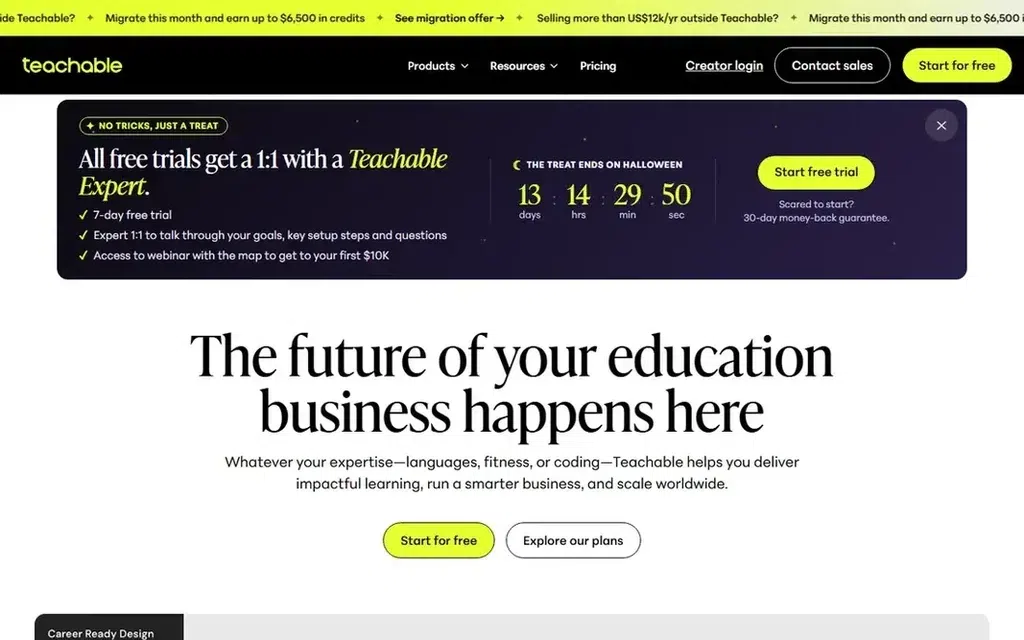
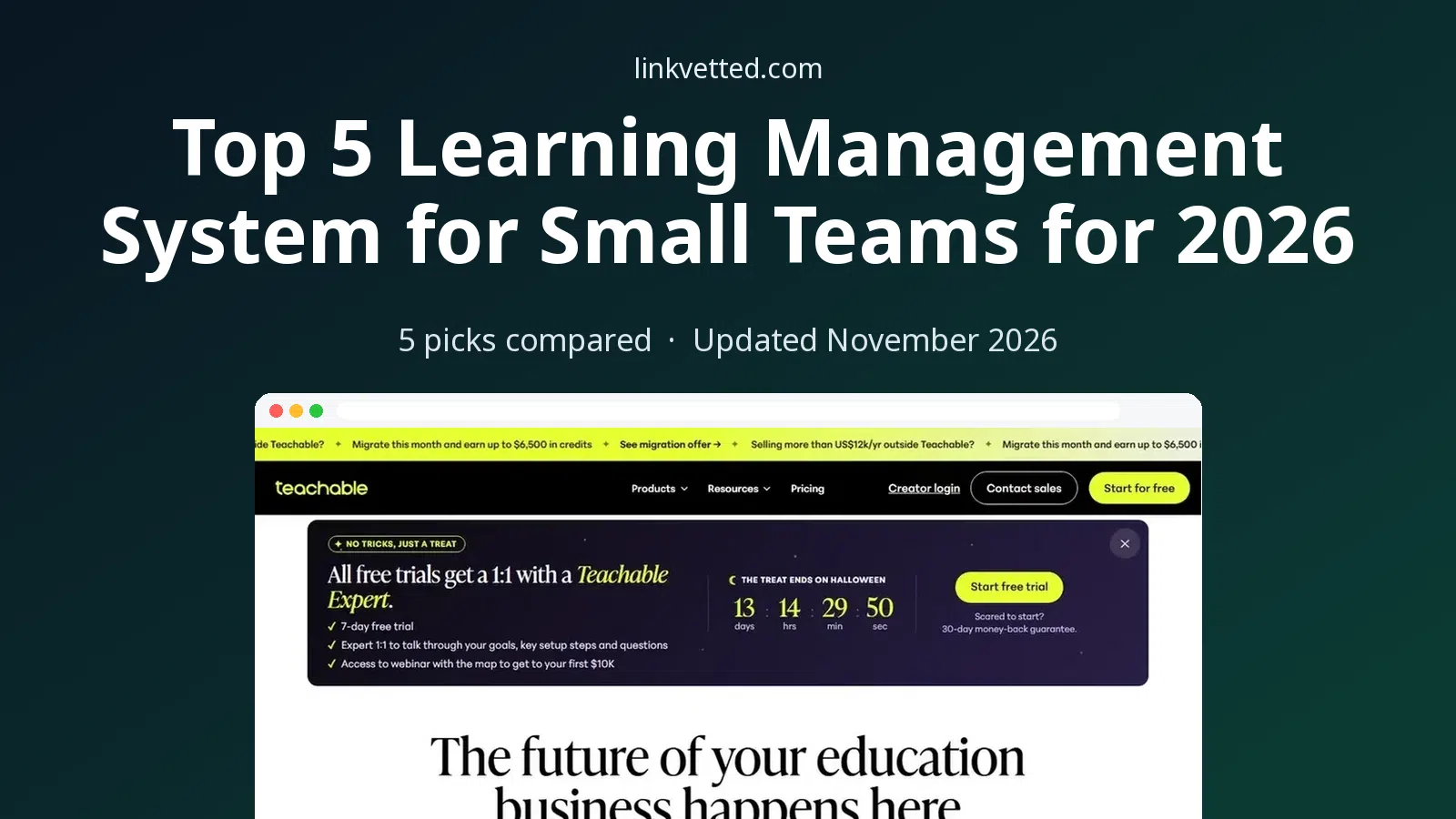
Teachable was built for creators selling courses and coaching. The product centers on the commercial side of online education instead of workplace training. Teams that require employee onboarding, compliance tracking, or workforce reporting will likely want a corporate LMS instead.
Small creator-led teams that want to package expertise into premium offerings fit it well. More specifically, Teachable is the better match when the goal is selling knowledge products to an audience. In daily use, Teachable is an online course product for building and selling courses, coaching, memberships, and digital products. What you pay to start with Teachable: $39 per month. Free plan details: Free trial.
Downsides: Not designed as a corporate training system. Where Teachable stands out: Built around selling digital products.
- Suits individual creators and small companies
- Supports courses, coaching, memberships
- Internal compliance training is not the focus
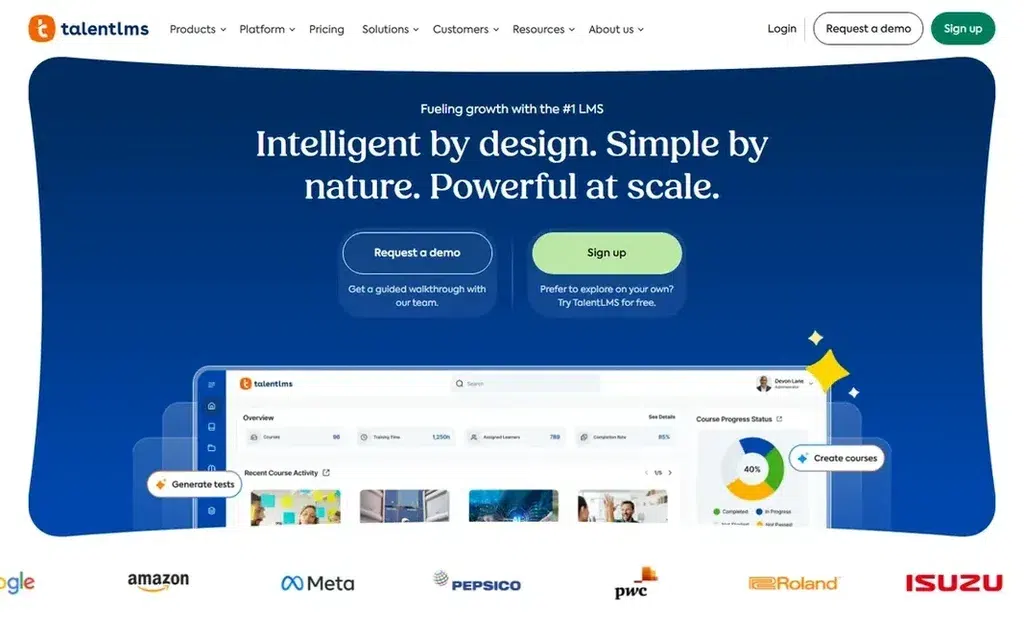
Choose TalentLMS for small teams creating online courses. Since its emphasis is course creation and management, teams that primarily want to sell courses as a business may find a creator-focused product more direct.
Limits to weigh: May feel restricted for advanced enterprise workflows.
TalentLMS pricing: $119 per month. A free plan is available with TalentLMS.
- Aimed at online learning delivery
- Straightforward training management
- Course-selling features are not the focus
Choose iSpring Learn for corporate onboarding and compliance training. Teams whose central goal is selling courses to external learners may prefer a creator-focused product. iSpring Learn is most solid when internal onboarding and compliance are the priorities. iSpring Learn is a corporate LMS that simplifies onboarding, compliance training, and employee development.
Strengths: Supports employee development.
Watch-outs: Corporate focus may not fit course-selling teams.
Also, the system is organized around business training workflows. In daily use, small teams with structured workplace training needs, like new-hire onboarding, are a natural fit. iSpring Learn pricing: $6.91 per user per month. Free options: Free trial.
- Corporate LMS focus
- Simplifies onboarding and compliance training
- Feature set is geared toward business training
How we compared the tools
LinkVetted looked at what each vendor publishes: pricing, plan limits, feature coverage for learning management system for small teams and stated drawbacks. No hands-on testing is claimed. Where a vendor does not publish a price, the entry says quote. Where a price depends on seats or billing term, the entry says so. The order reflects how well each tool fits the most common buying scenario for learning management system for small teams, then price clarity, then free plan access. It is a starting point, not a verdict.
Pre-purchase checklist
- Ask Docebo and Absorb LMS for a written quote, since no starting price is shown.
- Test the free plan from TalentLMS against your real workload before relying on it.
- Take the trial from Teachable and iSpring Learn and push a live task through it before you pay.
- Before choosing Docebo, weigh its main limit: broader scope may be heavy for very small teams.
- Look at which plan of TalentLMS unlocks the features you need; entry tiers are often cut down.
- See whether Teachable offers onboarding or training, and whether it is included in the price.
FAQ
Can a small team use an enterprise-oriented LMS?
Yes, systems like Docebo and Absorb LMS can work if you expect to grow or need workforce readiness features. Confirm with the vendor that the workflows you need are practical for a small team.
What is the cheapest option for learning management system for small teams in this list?
On published monthly entry prices, iSpring Learn is the lowest here at $6.91 per user per month. Entry price is only part of the cost, because seats, add-ons and billing terms can change the total. Each of the 5 options in this learning management system for small teams guide has its own card above with the price, free plan and limits.
How do I verify features before choosing a LMS?
Use the vendor's own documentation and product pages as the source of truth for features and limits. Ask the vendor straight about integrations, reporting, and learner management.
Is Docebo the right pick for everyone comparing learning management system for small teams?
No single tool suits every team. Docebo comes first because it fits skills intelligence and workforce readiness, while Absorb LMS suits enterprises wanting AI-powered training and Teachable suits creators selling courses and coaching. Match the tool to your own size, budget and workflow before deciding.
Which options for learning management system for small teams have a free plan?
TalentLMS is the only tool in this list with a free plan. Free plans usually cap users, projects or features, so check the limits on the vendor page. Several others offer a trial instead. All 5 picks in this learning management system for small teams comparison list a starting price, free plan details and the main limits on their cards above.
What should a small team look for in a LMS?
Then check that the vendor documents the features and integrations you need. Simplicity of setup and learner management matters most for teams without a dedicated administrator.
Sources
- https://www.docebo.com
- https://www.absorblms.com
- https://teachable.com
- https://www.talentlms.com
- https://www.ispringsolutions.com/ispring-learn