Best Lawyer Software for Document Management (2026): 5 Picks Checked on Vendor Pages
Compare 5 picks for the best lawyer software for document management, with prices, free plans and who each fits. Pros and cons for every tool. Facts only.
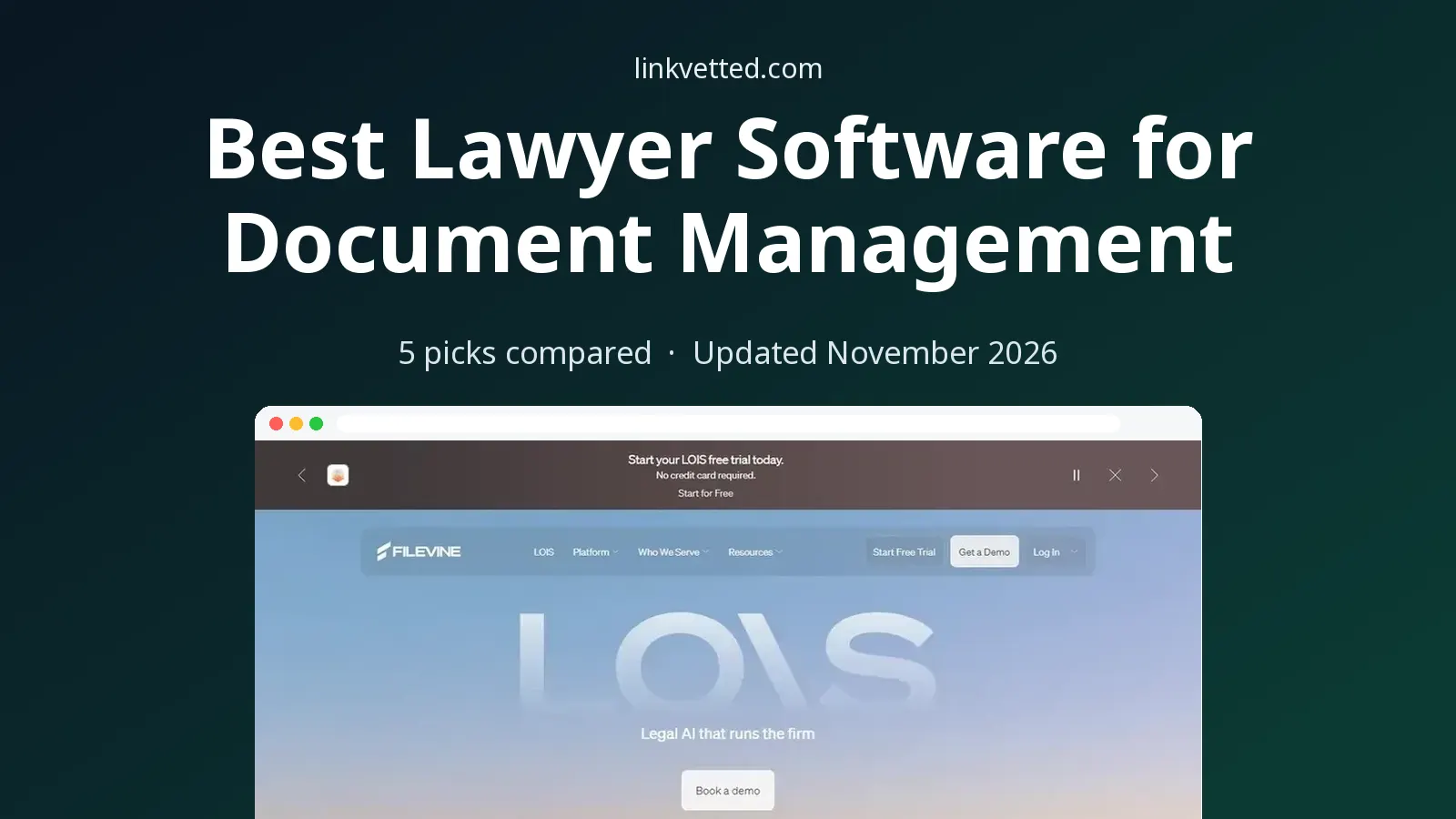
- Editor's choice
 Filevine
Legal AI system with document management
Starts atSee websiteVisit filevine.comFull review - Great alternative
 MyCase
Small businesses needing integrated practice management
Starts at$50 per user a monthVisit mycase.comFull review - Also consider
 Worldox
Document management for legal professionals
Starts atSee websiteVisit worldox.comFull review
Direct answer
Start with Filevine if you need legal AI system with document management. Listed starting prices: MyCase from $50 per user a month. Alternatives: MyCase for small businesses needing integrated practice management, and Worldox for document management for legal professionals. The other 2 tools in the list cover narrower or pricier cases.
TL;DR:
- Filevine takes the first slot, best suited to legal AI system with document management.
- None of the 5 tools, from Filevine to Smokeball, has a free plan, so budget for a subscription or use a trial.
- The main caution on Worldox: future development tied to NetDocuments.
- MyCase has the lowest monthly starting price in this list: $50 per user per month.
Last checked November 2026. Prices and plan details were read from the vendors' own pages in November 2026; vendors change plans often, so confirm the current price on the vendor site before you buy.
Quick comparison
| Tool | Best for | Starts at | Free plan? | |
|---|---|---|---|---|
| Filevine | Legal AI system with document management | See website | Free trial | Visit |
| MyCase | Small businesses needing integrated practice management | $50 per user a month | Free trial | Visit |
| Worldox | Document management for legal professionals | See website | Not stated | Visit |
 NetDocuments | Legal document and email management | See website | Not stated | Visit |
 Smokeball | Automatic time tracking and document automation | See website | Not stated | Visit |
Every option for lawyer software for document management explained
Choosing lawyer software for document management usually comes down to price, fit and limits. This LinkVetted guide sets 5 tools side by side on those three points, with the facts kept short and checkable.

Filevine is a good fit for legal AI system with document management. Businesses needing a standalone document management system without case management may prefer a dedicated tool. Filevine is a legal AI product for law businesses and legal teams, with document management as part of its broader case management capabilities.
It uses AI to help automate and organize legal work, including documents. As for the details, Filevine may be a good match for businesses that completely adopt its AI-driven approach. Some practices may find it less configurable for specific document management needs. Check the vendor site for Filevine pricing; none is listed in this comparison. As for free access: Free trial.
Honest limits: Ramp-up time for new users.
- AI-focused legal platform
- Modern interface
- May be tailored to certain practice areas
In short, MyCase is for small businesses needing integrated practice management. MyCase is legal practice management software that comes with document management along with cases, clients, billing, and payments in one place. Whereas MyCase supplies document management, it may not have the depth of dedicated systems for complicated document-heavy practices.
Where it falls short: Document management may be less advanced than dedicated systems.
In daily use, the product is approachable and fits small to midsize businesses that want a single system for most operations. Document management is integrated with case and client data. The starting price for MyCase: $50 per user per month. Free access: Free trial.
- Approachable interface
- Made for small to midsize businesses
- Restricted customization for large businesses
Worldox works best for document management for legal professionals. Worldox is a document management system for legal professionals, now part of NetDocuments. As Worldox is now a NetDocuments company, its future development may be aligned with NetDocuments' roadmap, which could affect standalone features.
Points against: May lack newer AI features.
On top of that, being part of NetDocuments, it may plug into broader document management capabilities. In practice, the system is used by businesses that require a dependable document management system. Worldox does not show a starting price in this comparison, so check the vendor site for current pricing. On free options: Not stated.
- Part of NetDocuments
- Legal-focused document management
- Future development tied to NetDocuments
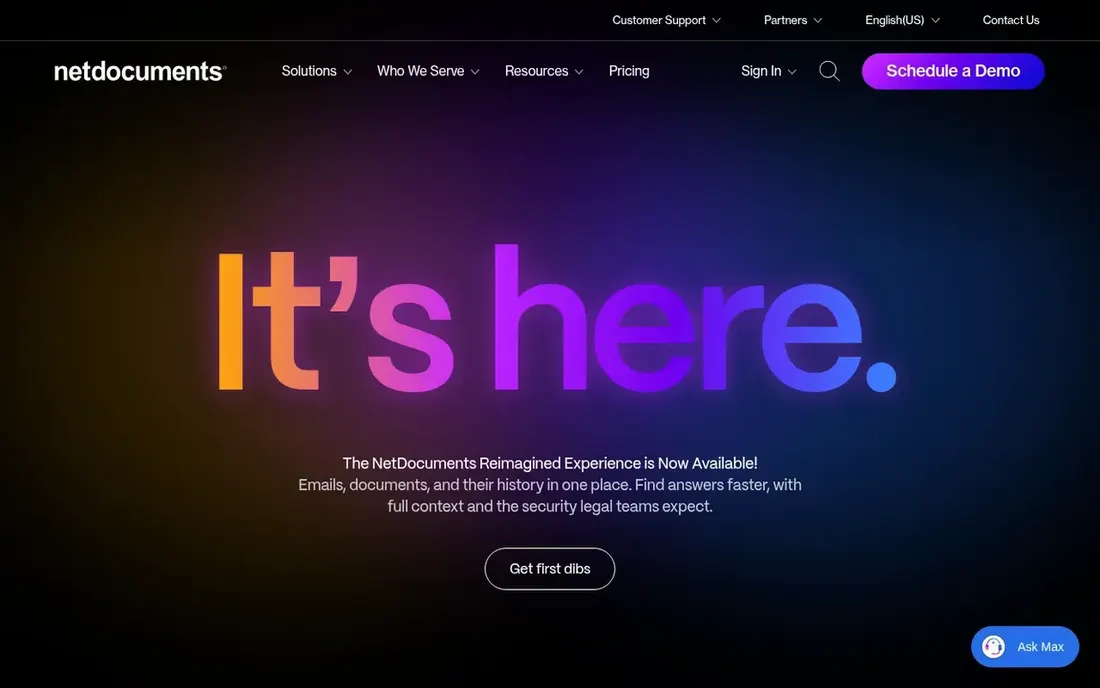
NetDocuments is designed for legal document and email management. NetDocuments is a document and email management system aimed at legal businesses and departments.
Points against: May need training to use completely.
In practice, the system is built to be accessible from anywhere, which fits businesses with remote or mobile workers. From a buyer's view, NetDocuments does not contain thorough billing or case management, so businesses needing an all-in-one practice management option may have to integrate other tools. No starting price is listed for NetDocuments here; confirm pricing on the vendor site. Free plan details: Not stated.
- Compliant product
- Secure
- Restricted built-in billing features
Smokeball works best for automatic time tracking and document automation. Smokeball's document management is integrated with its automation features, which may not appeal to businesses seeking a standalone document management system.
Also, businesses with straightforward document needs might find the automation focus unnecessary. Check the vendor site for Smokeball pricing; none is listed in this comparison. Free options: Not stated.
Points against: Document management tied to automation.
- Document automation features
- Integrated trust and billing
- May be overkill for solo practitioners
Our selection method
Pricing pages, product documentation and feature lists were the main sources, and every entry carries at least one honest drawback. Treat prices as a snapshot: vendors change plans often, so check the vendor site for the figure that applies today. The order reflects how well each tool fits the most common buying scenario for lawyer software for document management, then price clarity, then free plan access. It is a starting point, not a verdict.
Questions to settle before buying
- Get a written quote from Filevine, Worldox, NetDocuments and Smokeball; the list shows no starting price for them.
- Take the trial from Filevine and MyCase and push a live task through it before you pay.
- Before choosing Filevine, weigh its main limit: may be tailored to certain practice areas.
- Map your must-have features to a specific NetDocuments plan before you compare prices.
- Confirm you can export your data from Smokeball, so leaving later does not mean losing records.
FAQ
Is Filevine the right pick for everyone comparing lawyer software for document management?
No single tool suits every team. Filevine comes first because it fits legal AI platform with document management, while MyCase suits small firms needing integrated practice management and Worldox suits document management for legal professionals. Match the tool to your own size, budget and workflow before deciding.
What is the best lawyer software for document management?
Filevine is the pick this page puts first, mainly for legal AI system with document management. If your situation differs, MyCase suits small businesses needing integrated practice management, and Worldox suits document management for legal professionals. Compare price and limits before you decide.
What is the cheapest option for lawyer software for document management in this list?
On published monthly entry prices, MyCase is the lowest here at $50 per user per month. Entry price is only part of the cost, because seats, add-ons and billing terms can change the total. All 5 picks in this Lawyer software for document management comparison list a starting price, free plan details and the main limits on their cards above.
How are the tools for lawyer software for document management ordered?
The order follows typical fit for lawyer software for document management, with Filevine first and Smokeball last, then price clarity and free access. It is editorial judgement, not a score, so another team could rank the tools differently.
Does any tool for lawyer software for document management here have a free plan?
No tool in this list, Filevine and Smokeball included, has a permanent free plan. Filevine, MyCase offer a trial. Trials and quotes are the usual route, so plan a short evaluation period.
Sources
- https://www.filevine.com
- https://www.mycase.com
- https://www.worldox.com
- https://www.netdocuments.com
- https://www.smokeball.com