Best Kitchen Display Software for Food Trucks in 2026: Prices, Free Plans and 6 Picks
Compare 6 best kitchen display software for food trucks, with prices, free plans and who each fits. Weak spots flagged for every entry. Clear verdicts.
- Editor's choice
 TouchBistro
All-in-one restaurant management
Starts at$69 a monthVisit touchbistro.comFull review - Great alternativeFresh KDS
Dedicated kitchen display system
Starts at$16 per month per screen billed annuallyVisit freshkds.comFull review - Also consider
 Clover
Adaptable POS with app integrations
Starts atSee websiteVisit clover.comFull review
Direct answer
Our first pick is TouchBistro, best for all-in-one restaurant management. Listed starting prices: TouchBistro from $69 a month and Fresh KDS from $16 per month per screen billed annually. Alternatives: Fresh KDS for dedicated kitchen display system, and Clover for flexible POS with app integrations. The full list of 6 tools follows, with prices and free plan facts.
TL;DR:
- TouchBistro is the opening pick, best for all-in-one restaurant management.
- One limit worth knowing about TouchBistro: may be more than a food truck needs.
- Fresh KDS is the only tool of the 6 with a free plan.
- Square for Restaurants suits all-in-one POS and kitchen display.
- The cheapest monthly starting price in the list is $16 per month per screen billed yearly, offered by Fresh KDS.
Last checked November 2026. Prices and plan details were read from the vendors' own pages in November 2026; vendors change plans often, so confirm the current price on the vendor site before you buy.
Quick comparison
| Tool | Best for | Starts at | Free plan? | |
|---|---|---|---|---|
| TouchBistro | All-in-one restaurant management | $69 a month | Not stated | Visit |
| Fresh KDS | Dedicated kitchen display system | $16 per month per screen billed annually | Yes | Visit |
| Clover | Adaptable POS with app integrations | See website | Not stated | Visit |
 Lightspeed Restaurant | Configurable POS with insights | See website | Not stated | Visit |
| Lavu | Mobile-friendly POS for food trucks | See website | Not stated | Visit |
 Square for Restaurants | All-in-one POS and kitchen display | See website | Not stated | Visit |
Every option for kitchen display software for food trucks explained
Choosing kitchen display software for food trucks usually comes down to price, fit and limits. This LinkVetted guide sets 6 tools side by side on those three points, with the facts kept short and checkable.
In short, TouchBistro is for all-in-one restaurant management. TouchBistro is an all-in-one POS and restaurant management system built to help restaurants increase sales, delight guests, and save time. It contains features for order management, payments, and customer engagement, making it right for food trucks that want a full-featured option to simplify operations.
On top of that, if you need a more straightforward, dedicated kitchen display, a specialized tool could be a better fit. As for the details, the system may be more thorough than a small food truck needs, and it usually runs on iPad hardware, which is an extra consideration. Also, some features may be geared toward brick-and-mortar restaurants. TouchBistro starts at: $69 per month. Free options: Not stated.
Watch-outs: Needs iPad hardware.
- Guest-focused tools
- Meant to increase sales and save time
- May be more than a food truck needs
Fresh KDS
Best for: Dedicated kitchen display system
Pick Fresh KDS if this describes you: dedicated kitchen display system. It is free to start with no contracts, making it an accessible choice for food trucks that require a dedicated display to handle order flow.
Points against: Restricted to kitchen display features.
On top of that, as a dedicated kitchen display system, Fresh KDS may have to integrate with your existing POS for full functionality, which could add setup steps. Fresh KDS pricing: $16 per month per screen billed yearly. Fresh KDS includes a free tier. Where Fresh KDS stands out: no contracts.
- Keeps orders organized and team on track
- Focused on kitchen display functionality
- May need integration with existing POS
In short, Clover is for adaptable POS with app integrations. It can be used by food trucks to handle orders and payments, and its app marketplace lets adding kitchen display functionality.
Clover does not show a starting price in this comparison, so check the vendor site for current pricing. Trial and free access: Not stated.
Limits to weigh: Hardware costs vary.
- Right for mobile businesses
- App marketplace for added functionality
- Kitchen display may need third-party apps
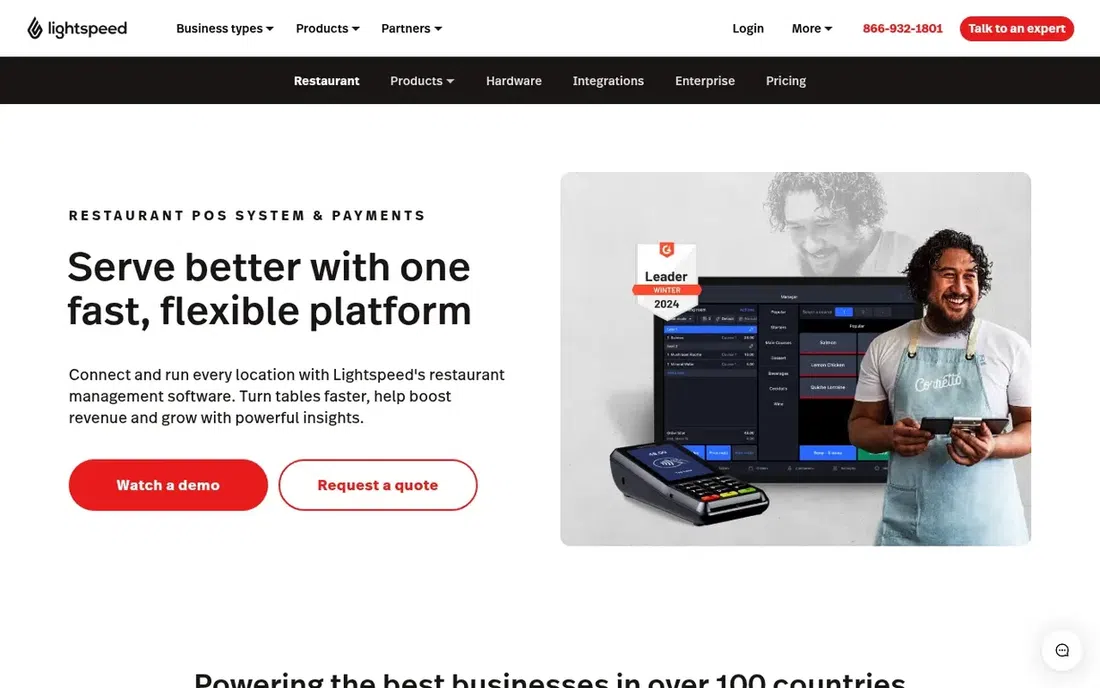
Lightspeed Restaurant is built with configurable POS with insights in mind. The deep customization choices might be more than a small food truck needs, and setup can take time. Also, the system may be better suited for trucks with higher volume or several locations.
Drawbacks to consider: May be overkill for very small trucks.
On top of that, if you need a straightforward, dedicated kitchen display, a specialized tool might be more appropriate. On top of that, Lightspeed Restaurant is an adaptable point-of-sale and management product that supplies payments, restaurant management, and detailed insights. It is built to adapt to different restaurant models, including food trucks, and offers data to help optimize operations. This makes it a solid fit for food trucks looking for a scalable option with solid reporting. Pricing for Lightspeed Restaurant is not stated here, so ask the vendor for current figures. Free options: Not stated.
- Industry-leading insights
- Integrated payments and management
- Customization can need setup time
Lavu
Best for: Mobile-friendly POS for food trucks
For mobile-friendly POS for food trucks, Lavu is a natural candidate. Lavu may need proprietary hardware, which can be an extra investment.
Worth adding: if you need a system with transparent, dedicated kitchen display features, consider Fresh KDS or Square for Restaurants. No starting price is listed for Lavu here; confirm pricing on the vendor site. Free plan details: Not stated.
What to check first: May need proprietary hardware.
- Made for mobile and brick-and-mortar
- Cloud-based management
- Restricted information on homepage
Square for Restaurants is designed for all-in-one POS and kitchen display. It is meant to help food trucks handle orders and payments in one place, with tools to attract and retain customers.
On top of that, consider alternatives if you prefer a standalone kitchen display system or need specialized delivery integration. In daily use, the system may need specific Square hardware, which can be an additional cost for mobile setups. This comparison lists no price for Square for Restaurants; ask the vendor. Free access: Not stated.
Where it falls short: May need Square hardware.
- Tools to organize team and attract diners
- Aimed at restaurant workflows
- Advanced features can add complexity
What went into this list
LinkVetted used vendor pricing pages and product documentation as the base, then compared plans, free access and documented limits for 6 tools. Treat prices as a snapshot: vendors change plans often, so check the vendor site for the figure that applies today. Tools are placed by general fit for kitchen display software for food trucks, with price clarity and free access as tie-breakers. A different team can reasonably rank them differently.
Pre-purchase checklist
- Get a written quote from Clover, Lightspeed Restaurant, Lavu and Square for Restaurants; the list shows no starting price for them.
- Test the free plan from Fresh KDS against your real workload before relying on it.
- Read the limits listed for TouchBistro first: may be more than a food truck needs.
- Check whether Lightspeed Restaurant bills monthly or annually, and what cancelling early costs.
- Let daily users try Lavu on real work; their feedback beats any feature checklist.
FAQ
Which options for kitchen display software for food trucks have a free plan?
Fresh KDS is the only tool in this list with a free plan. Free plans usually cap users, projects or features, so check the limits on the vendor page. For the full picture, the cards above cover all 6 entries of this kitchen display software for food trucks list, including price, free plan and limits.
Do these tools publish their prices?
Not all of them. Clover, Lightspeed Restaurant, Lavu and Square for Restaurants publish no starting price, so expect a quote request for those. The rest, TouchBistro included, show a starting price, though seats and billing terms still change the final cost.
Is TouchBistro the right pick for everyone comparing kitchen display software for food trucks?
No single tool suits every team. TouchBistro comes first because it fits all-in-one restaurant management, while Fresh KDS suits dedicated kitchen display system and Clover suits flexible POS with app integrations. Match the tool to your own size, budget and workflow before deciding.
Can I try these tools before paying?
Often, yes. Fresh KDS has a free plan. Use your own data and a real task during the test, and check what the free tier or trial limits before you rely on it. Prices, free plan details and limits for all 6 tools in this kitchen display software for food trucks roundup sit on the individual cards above.
Is a dedicated kitchen display better than an all-in-one POS for food trucks?
It depends on your needs. A dedicated kitchen display like Fresh KDS is focused and can be more straightforward, whereas an all-in-one POS like Square for Restaurants merges payments and order management.
How do I ensure the software works with my existing hardware?
Check the vendor's hardware compatibility list and confirm whether the software runs on devices you already own. Some systems need specific tablets or displays. Always test the software in your environment before committing.
Sources
- https://www.touchbistro.com
- https://www.freshkds.com
- https://www.clover.com
- https://www.lightspeedhq.com/pos/restaurant
- https://www.lavu.com
- https://squareup.com/us/en/restaurants