Best Java Work Tools in 2026: 6 Tools Compared
Searching for the best java work tools? Here are 6 options with prices and free plans. Each listing flags where it falls short. Built for quick decisions.
- Editor's choiceApache NetBeans
Open source Java IDE work
Starts atSee websiteVisit netbeans.apache.orgFull review - Great alternative
 Postman
API engineering and testing workflows
Starts at$9 a monthVisit postman.comFull review - Also consider
 IntelliJ IDEA
Deep Java and Kotlin code intelligence
Starts atSee websiteVisit jetbrains.comFull review
Direct answer
Apache NetBeans leads the list, best for open source Java IDE work. Listed starting prices: Postman from $9 a month. Postman is better for API engineering and testing workflows, and IntelliJ IDEA is better for deep Java and Kotlin code intelligence. The remaining 3 options are covered below with prices and limits.
TL;DR:
- Apache NetBeans takes the first slot, best suited to open source Java IDE work.
- The lowest published monthly entry price here is $9 per month, from Postman.
- Visual Studio Code fits light, extensible editing across languages.
- A fair warning about IntelliJ IDEA: heavier resource footprint than plain editors.
Last checked November 2026. Prices and plan details were read from the vendors' own pages in November 2026; vendors change plans often, so confirm the current price on the vendor site before you buy.
Quick comparison
| Tool | Best for | Starts at | Free plan? | |
|---|---|---|---|---|
| Apache NetBeans | Open source Java IDE work | See website | Not stated | Visit |
| Postman | API engineering and testing workflows | $9 a month | Yes | Visit |
| IntelliJ IDEA | Deep Java and Kotlin code intelligence | See website | Not stated | Visit |
| Maven | Convention-driven Java project builds | See website | Not stated | Visit |
| Gradle | Adaptable builds for Java, Android and Kotlin | See website | Not stated | Visit |
 Visual Studio Code | Light, extensible editing across languages | See website | Not stated | Visit |
Our 6 java work tools
If you are comparing java work tools, this page covers 6 tools in one place: what each is best for, what it costs to start, whether it has a free plan, and the main limit to know about.
Apache NetBeans
Best for: Open source Java IDE work
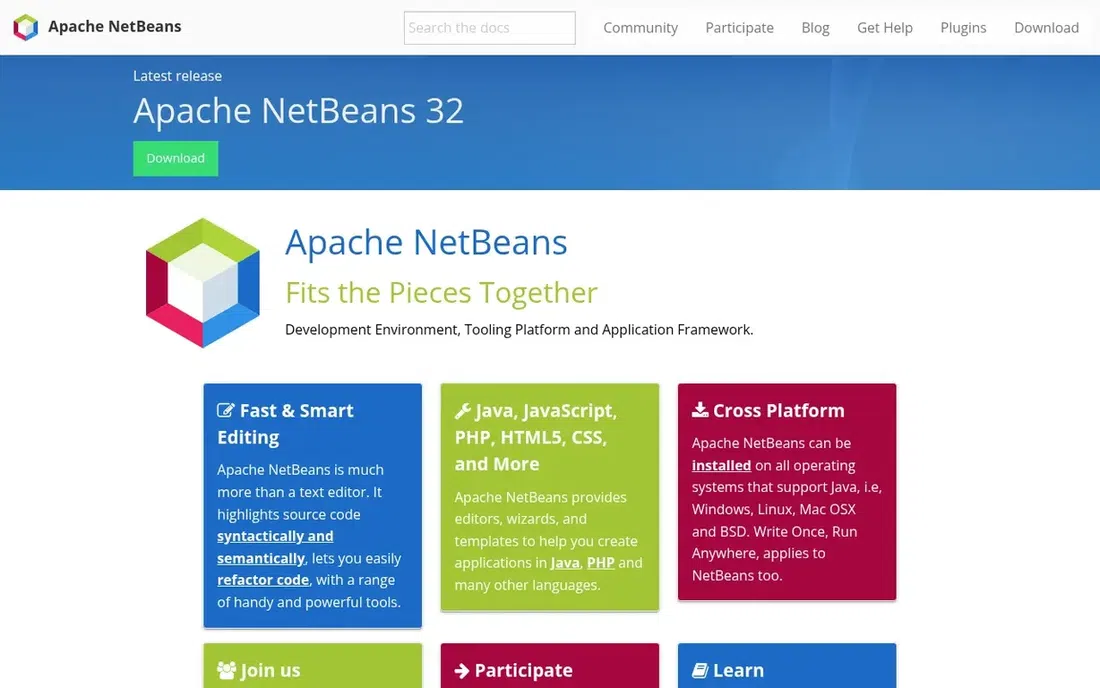
Choose Apache NetBeans for open source Java IDE work. Apache NetBeans is an open source IDE maintained under the Apache Software Foundation. Its homepage presents it as a welcome entry point to the project.
The main drawbacks: Smaller plugin ecosystem than some rivals.
It supplies an editor, project management and debugging support for Java work in a single desktop application. On top of that, NetBeans has a smaller plugin ecosystem than some competing editors. Its interface can feel dated to developers used to newer tools. If you rely on a large extension marketplace or tight integration with a specific vendor stack, compare alternatives first. Check the vendor site for Apache NetBeans pricing; none is listed in this comparison. Free access: Not stated.
- Apache-governed open source project
- Familiar project and editor workflows
- Interface can feel dated to new users
Postman is a good fit for API engineering and testing workflows. Postman is an API engineering product, and its homepage frames it around moving quicker from development to production with higher accuracy and fewer tokens, including work with agents. For everyday use, for Java teams it serves as the API layer: designing, exercising and validating the endpoints a Java service exposes or consumes.
Postman is not a Java editor, build tool or test framework, so it brings a separate tool to the stack instead of replacing existing ones. Teams with very straightforward API needs may manage requests inside their IDE instead. What you pay to start with Postman: $9 per month. Free access exists with Postman.
Downsides: Not a Java IDE or build tool.
- Supports work with AI agents
- API-focused development workflow
- Layers on another tool to the stack

IntelliJ IDEA is designed for deep Java and Kotlin code intelligence. IntelliJ IDEA is JetBrains' IDE for Java and Kotlin, built around deep code intelligence and a set of built-in tools.
This comparison lists no price for IntelliJ IDEA; ask the vendor. On free options: Not stated.
Drawbacks to consider: Heavier resource footprint than plain editors.
- Deep code intelligence for Java and Kotlin
- Built-in developer tools in one IDE
- Some workflows assume JetBrains conventions
Maven
Best for: Convention-driven Java project builds
Pick Maven if this describes you: Convention-driven Java project builds. Apache Maven is a build automation and project management tool for Java projects, organized around a standard lifecycle and convention over configuration.
From a buyer's view, choose Maven when predictability and a shared standard matter more than adaptability. Teams with complicated, highly customized builds frequently look at Gradle instead. Pricing for Maven is not stated here, so ask the vendor for current figures. Free plan details: Not stated.
Where it falls short: Less adaptable for unusual build logic.
- Standard
- Strong dependency management model
- XML configuration can grow verbose
Gradle
Best for: Adaptable builds for Java, Android and Kotlin
For flexible builds for Java, Android and Kotlin, Gradle is a natural candidate. If your project follows a straightforward, standard structure, a convention-driven tool for example Maven may be simpler to onboard. It uses a scriptable model that lets teams express custom build logic instead of relying only on fixed conventions.
The main drawbacks: Build scripts can become complicated.
Reasons to shortlist it: adaptable build logic.
That adaptability is also the cost: build scripts can become complicated, and teams need discipline to keep them maintainable. Pick Gradle when custom build logic and multi-language support are genuine needs. No starting price is listed for Gradle here; confirm pricing on the vendor site. Free plan details: Not stated.
- Targets Java
- Android and Kotlin
- More configuration freedom to handle
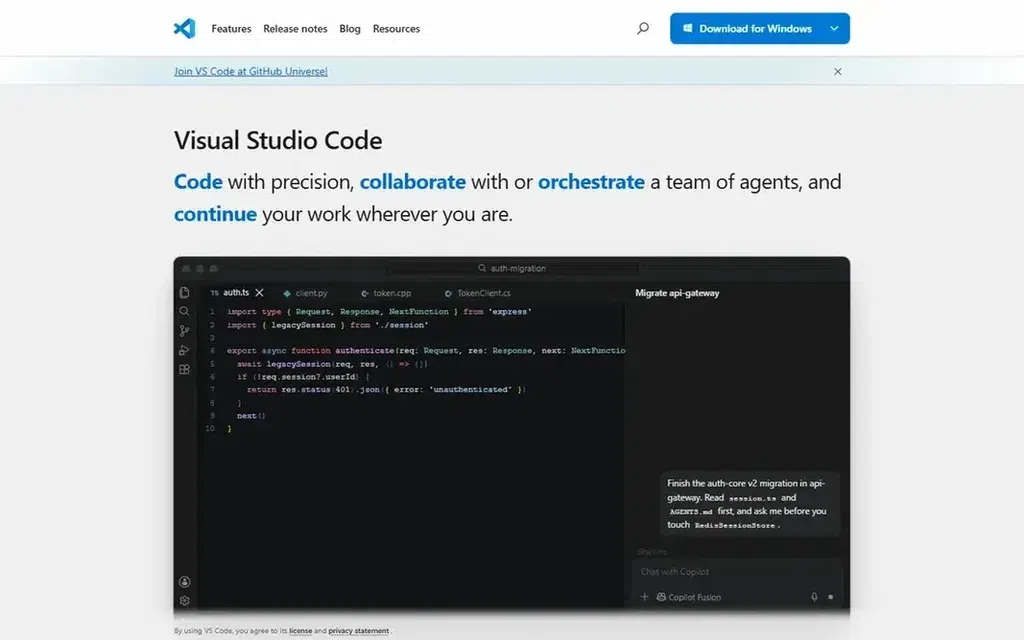
Visual Studio Code is aimed squarely at light, extensible editing across languages. Visual Studio Code is a code editor designed for precision editing, agent collaboration and working across environments, based on its homepage. It deals with Java through its extension ecosystem instead of as a Java-first product.
In practice, if you want refactoring and debugging tuned for Java at once, a Java-first IDE is the safer pick. Choose VS Code when adaptability and a light footprint outweigh Java-specific depth. No starting price is listed for Visual Studio Code here; confirm pricing on the vendor site. Free access: Not stated.
The main drawbacks: Java support relies on extensions.
- Built-in support for collaborating with agents
- Quick
- Less Java-specific depth out of the box
How we compared the tools
The comparison looks at four things: starting price, free access, how well the feature set matches java work tools, and the main limit of each tool. Treat prices as a snapshot: vendors change plans often, so check the vendor site for the figure that applies today. We ordered the tools by general fit, then by how clearly pricing is shown, then by free access. A buyer with unusual needs may reorder them.
Things to verify first
- Get a written quote from Apache NetBeans, IntelliJ IDEA, Maven and others; the list shows no starting price for them.
- Test the free plan from Postman against your real workload before relying on it.
- Before choosing Apache NetBeans, weigh its main limit: smaller plugin ecosystem than some rivals.
- See whether Gradle offers onboarding or training, and whether it is included in the price.
- Ask Visual Studio Code whether prices are locked for the first term and what happens at renewal.
FAQ
Can I try these options before paying?
Often, yes. Postman has a free plan. Use your own data and a real task during the test, and check what the free tier or trial limits before you rely on it. Prices, free plan details and limits for all 6 tools in this Java work tools roundup sit on the individual cards above.
Which options for java work tools have a free plan?
Postman is the only tool in this list with a free plan. Free plans usually cap users, projects or features, so check the limits on the vendor page. Each of the 6 options in this Java work tools guide has its own card above with the price, free plan and limits.
How are the tools for java work tools ordered?
The order follows typical fit for java work tools, with Apache NetBeans first and Visual Studio Code last, then price clarity and free access. It is editorial judgement, not a score, so another team could rank the tools differently.
What is the cheapest option for java work tools in this list?
On published monthly entry prices, Postman is the lowest here at $9 per month. Entry price is only part of the cost, because seats, add-ons and billing terms can change the total. All 6 picks in this Java work tools comparison list a starting price, free plan details and the main limits on their cards above.
Which Java IDE should a beginner start with?
A Java-first IDE for example IntelliJ IDEA or Apache NetBeans provides beginners code intelligence and debugging without assembling plugins. Try one on a small project to see which interface fits you.
Sources
- https://netbeans.apache.org
- https://www.postman.com
- https://www.jetbrains.com/idea
- https://maven.apache.org
- https://gradle.org
- https://code.visualstudio.com