5 Best IT Management Software for Startups for 2026, Vetted and Compared
Searching for the best IT management software for startups? Here are 5 options with prices and free plans. Read the caveats before you buy. Details below.
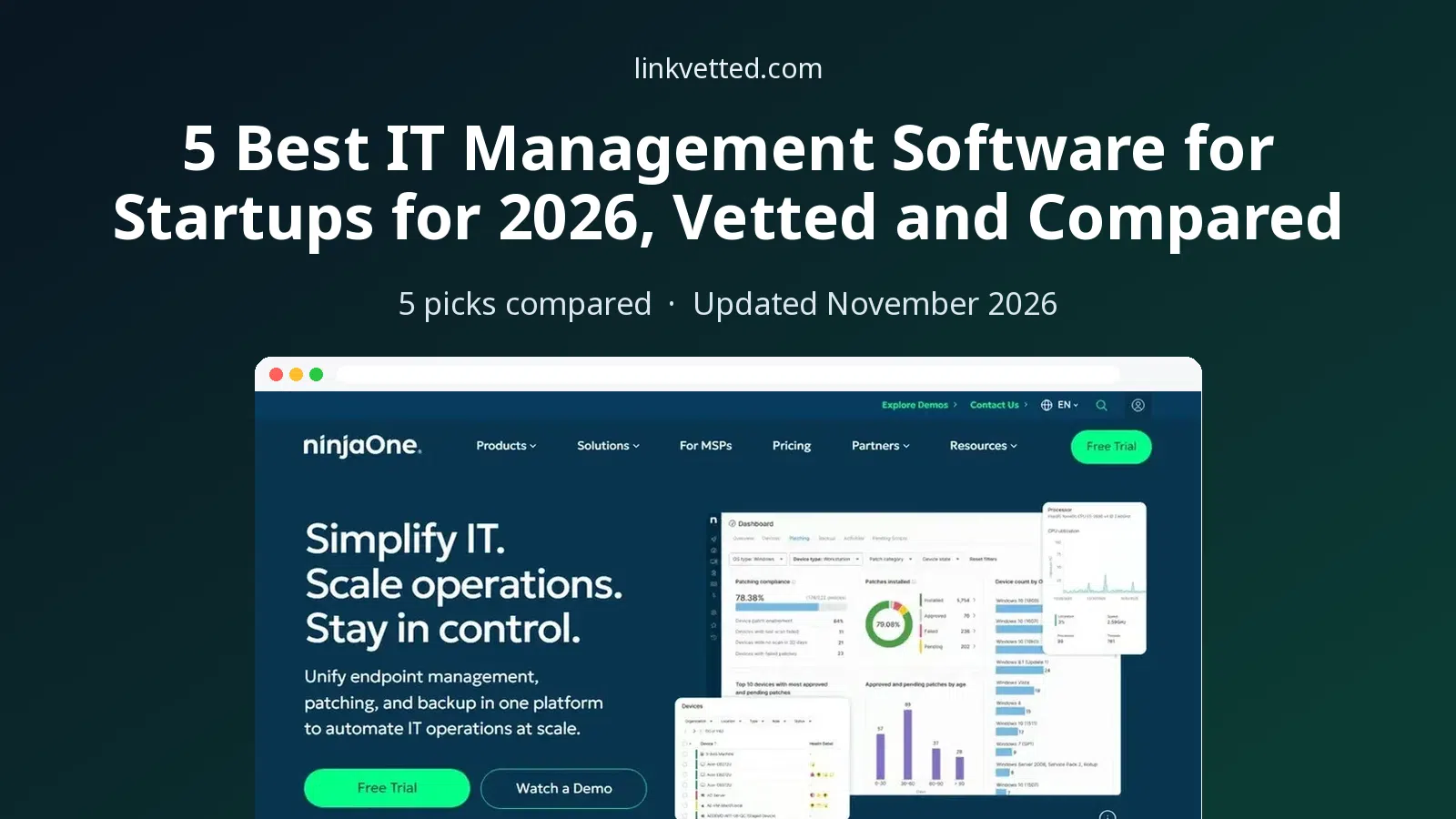
- Editor's choice
 NinjaOne
Unified IT operations
Starts at$1.50 per device a monthVisit ninjaone.comFull review - Great alternative
 ManageEngine Endpoint Central
Unified endpoint management and security
Starts atSee websiteVisit manageengine.comFull review - Also consider
 Action1
Patch management and vulnerability remediation
Starts atSee websiteVisit action1.comFull review
Direct answer
This list puts NinjaOne first for unified IT operations. Listed starting prices: NinjaOne from $1.50 per device a month. Look at ManageEngine Endpoint Central for unified endpoint management and security, and at Action1 for patch management and vulnerability remediation. The full list of 5 tools follows, with prices and free plan facts.
TL;DR:
- This list starts with NinjaOne, which is built for unified IT operations.
- For autonomous endpoint management, SuperOps is worth a look.
- 2 of 5 tools offer a free plan: Action1, SuperOps.
- For the cheapest start, look at NinjaOne: $1.50 per device per month.
Last checked November 2026. Prices and plan details were read from the vendors' own pages in November 2026; vendors change plans often, so confirm the current price on the vendor site before you buy.
Quick comparison
| Tool | Best for | Starts at | Free plan? | |
|---|---|---|---|---|
| NinjaOne | Unified IT operations | $1.50 per device a month | Free trial | Visit |
| ManageEngine Endpoint Central | Unified endpoint management and security | See website | Not stated | Visit |
| Action1 | Patch management and vulnerability remediation | See website | Yes | Visit |
| Kaseya VSA | Remote monitoring and management | See website | Not stated | Visit |
| SuperOps | Autonomous endpoint management | See website | Yes | Visit |
The full IT management software for startups list
Short on time? The summary and table above give the quick view of 5 IT management software for startups, and the profiles that follow give the detail behind each entry.
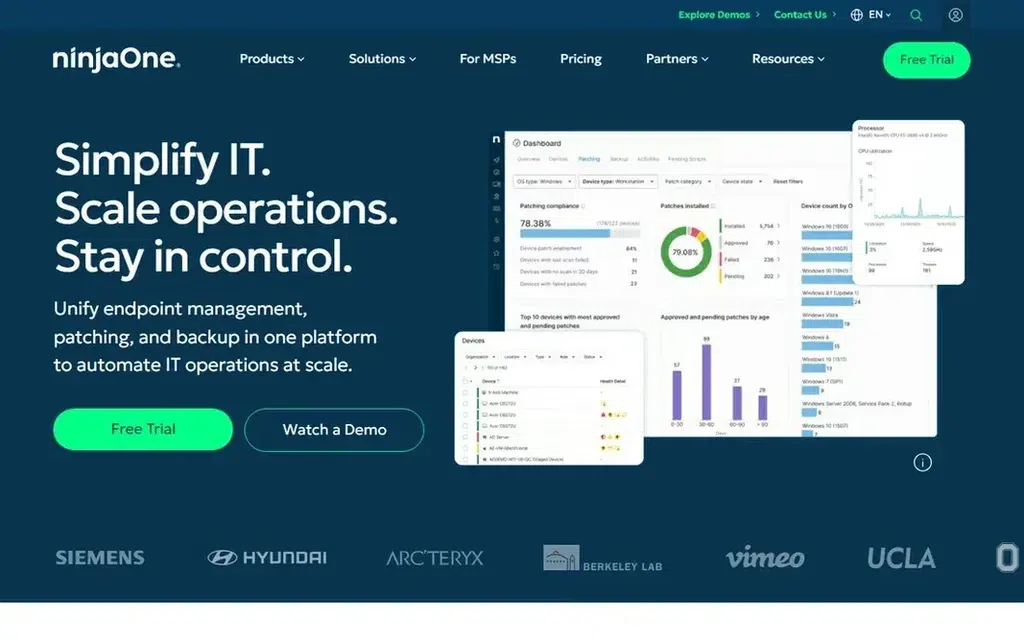
NinjaOne is designed for unified IT operations. It is aimed at IT teams and managed service providers, aiming to modernize IT operations. If you prefer a more specialized tool for endpoint management, ManageEngine Endpoint Central is an alternative.
Drawbacks to consider: Needs onboarding for full use.
The system's wide feature set might be excessive for startups with minimal IT needs. It could need time to completely implement and utilize all functions. The starting price for NinjaOne: $1.50 per device per month. As for free access: Free trial.
- Comes with remote access
- Merges endpoint management and backup
- May be more than needed for entry-level setups
ManageEngine Endpoint Central
Best for: Unified endpoint management and security
Pick ManageEngine Endpoint Central if this describes you: unified endpoint management and security. ManageEngine Endpoint Central is a unified endpoint management and security option that centrally runs servers, desktops, laptops, and mobile devices.
Reasons to shortlist it: mobile devices.
Setup and configuration can take time. From a buyer's view, the option's broad features might be overwhelming for startups with restricted IT resources or very homogeneous device fleets. This comparison lists no price for ManageEngine Endpoint Central; ask the vendor. On free options: Not stated. The main drawbacks: Can be complicated to configure.
- Wide endpoint coverage
- Handles servers, desktops, laptops
- May need training for full use
Choose Action1 for patch management and vulnerability remediation. It lets IT teams to deploy pre-tested OS and external patches from one interface.
Beyond that, for a unified system, consider NinjaOne. Action1 concentrates on patching and may lack the broader endpoint management features found in other tools. Action1 shows no starting price here, so confirm the cost on the vendor site. Action1 offers a free plan.
Where it is weaker: Restricted to patching and remediation.
- Autonomous patching for several OS
- Deploys pre-tested patches
- May not include broader IT management
Kaseya VSA
Best for: Remote monitoring and management
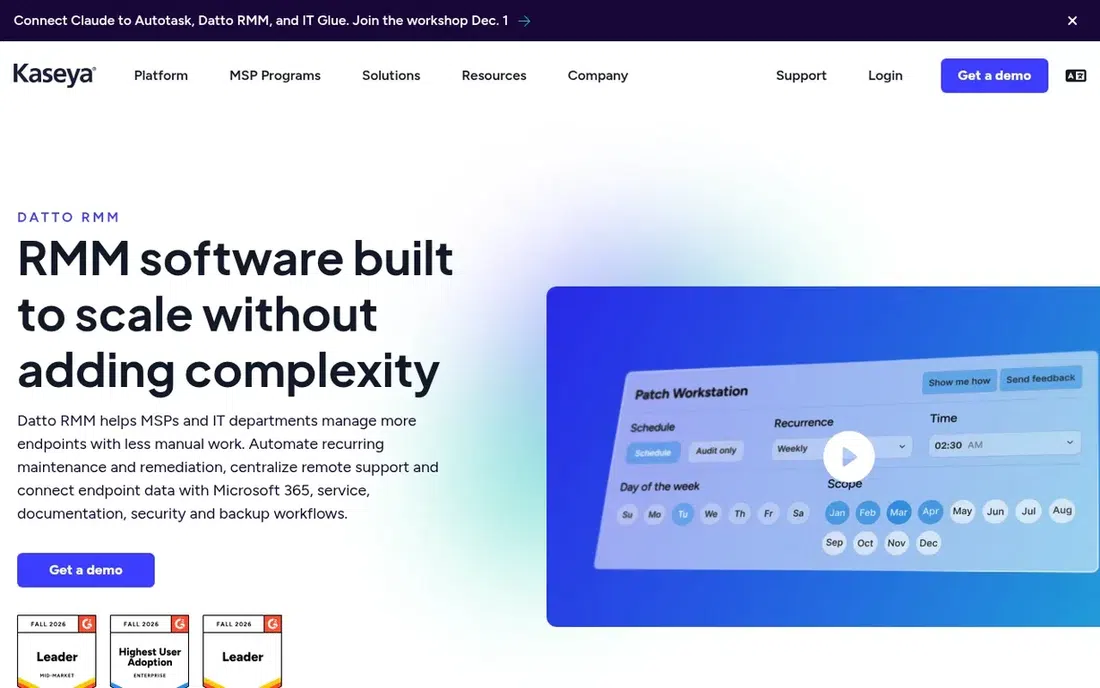
Kaseya VSA targets remote monitoring and management. Startups with very restricted IT staff might find it overwhelming.
In practice, Kaseya VSA, also known as Datto RMM, is remote monitoring and management software meant to help IT teams handle endpoints with less manual work. If you need a more straightforward, more focused tool for patching only, consider Action1 instead. No starting price is listed for Kaseya VSA here; confirm pricing on the vendor site. On free options: Not stated.
The main drawbacks: Could be complicated for very small teams.
- Runs plenty of endpoints
- Supports remote support workflows
- May need setup time
SuperOps
Best for: Autonomous endpoint management
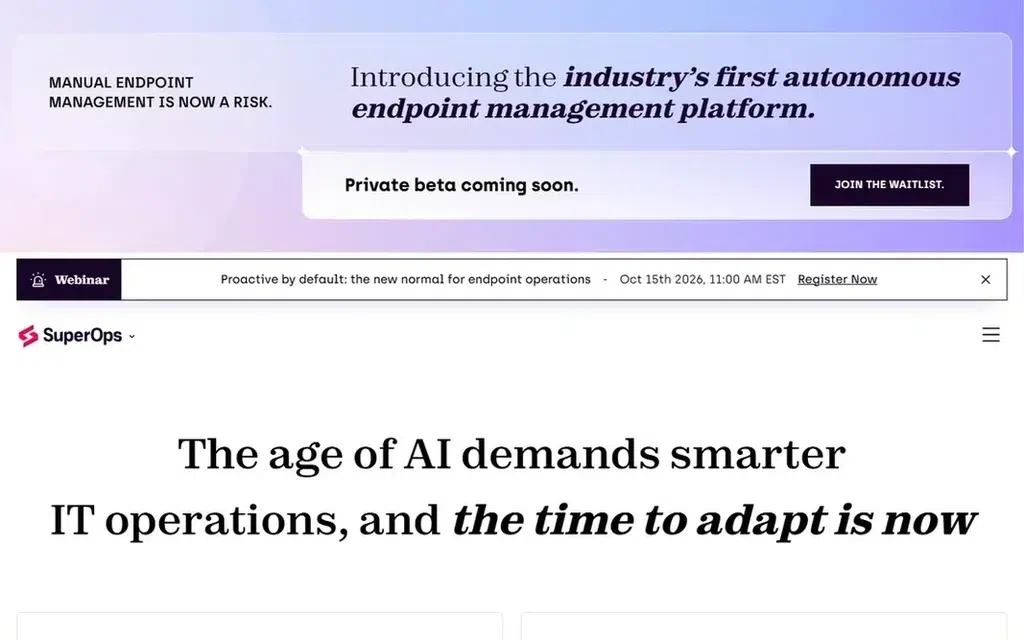
SuperOps serves autonomous endpoint management. SuperOps is an autonomous endpoint management system that uses AI agents to patch, fix, and secure every device under your control. It is tailored for IT teams and managed service providers seeking to automate routine tasks.
Drawbacks to consider: AI-driven approach may need oversight.
Startups that want to minimize manual intervention in endpoint management may find SuperOps appealing. More specifically, consider Action1 for a patch management focus without AI-driven automation. This comparison lists no price for SuperOps; ask the vendor. SuperOps includes a free tier.
- Uses AI agents for patching and fixing
- Made for IT teams and MSPs
- May not suit those preferring manual control
How these tools were picked
Selection started from tools commonly considered for IT management software for startups, then narrowed to 5 that have clear pricing information or a clear quote process. Where a vendor does not publish a price, the entry says quote. Where a price depends on seats or billing term, the entry says so. We ordered the tools by general fit, then by how clearly pricing is shown, then by free access. A buyer with unusual needs may reorder them.
Before you commit
- Get a written quote from ManageEngine Endpoint Central, Action1, Kaseya VSA and SuperOps; the list shows no starting price for them.
- Look at free plan limits closely: Action1 and SuperOps have one, and the caps decide whether it is usable for real work.
- Use real work to test the free trial from NinjaOne, rather than a demo project.
- Read the limits listed for NinjaOne first: may be more than needed for entry-level setups.
- Read the plan comparison for ManageEngine Endpoint Central carefully; key features often start on a higher tier.
- Make sure Action1 lets you export your data in a format another tool can read.
FAQ
Is Action1 a good match for startups without a dedicated IT team?
Startups without a dedicated IT team may find its automation useful for keeping systems secure. Even so, it centres on patching and may not include all IT management needs.
Is NinjaOne the right pick for everyone comparing IT management software for startups?
No single tool suits every team. NinjaOne comes first because it fits unified IT operations, while ManageEngine Endpoint Central suits unified endpoint management and security and Action1 suits patch management and vulnerability remediation. Match the tool to your own size, budget and workflow before deciding.
How does Kaseya VSA compare to NinjaOne for startups?
Kaseya VSA concentrates on remote monitoring and management with automation for endpoints, whereas NinjaOne provides a unified system that contains endpoint management, patching, backup, and remote access. Startups needing a wide RMM tool may prefer Kaseya VSA, whereas those wanting an all-in-one operations system might lean toward NinjaOne.
Which options for IT management software for startups have a free plan?
Action1 and SuperOps offer a free plan in this list. Free plans usually cap users, projects or features, so check the limits on the vendor page. One other tool offers a trial instead.
How are the tools for IT management software for startups ordered?
NinjaOne sits first and SuperOps last because the order follows typical fit for IT management software for startups, then price clarity and free access. It is a judgement call, so read each profile for fit and limits.
Can I try these tools before paying?
Often, yes. Action1 and SuperOps have a free plan and NinjaOne offers a free trial. Use your own data and a real task during the test, and check what the free tier or trial limits before you rely on it. Prices, free plan details and limits for all 5 tools in this IT management software for startups roundup sit on the individual cards above.
Sources
- https://www.ninjaone.com
- https://www.manageengine.com/products/desktop-central
- https://www.action1.com
- https://www.kaseya.com/products/vsa
- https://superops.com