Top 5 IT Budget Planning Software for CIOs for 2026 (Prices and Free Plans)
Weighing the best IT budget planning software for CIOs? We lined up 5 products by cost, free access and fit. Pros and cons for every tool. Pick with confidence.
- Editor's choiceIBM Planning Analytics
AI-powered planning and analytics
Starts at$79.50 per authorized userVisit ibm.comFull review - Great alternative
 Workday Financial Management
Insightful financial management and control
Starts atSee websiteVisit workday.comFull review - Also considerPlanview Enterprise One
Enterprise portfolio and budget planning
Starts atSee websiteVisit planview.comFull review
Direct answer
IBM Planning Analytics is the first pick on this list for AI-powered planning and analytics. Listed starting prices: IBM Planning Analytics from $79.50 per authorized user. Look at Workday Financial Management for Insightful financial management and control, and at Planview Enterprise One for Enterprise portfolio and budget planning. The other 2 tools in the list cover narrower or pricier cases.
TL;DR:
- Top of the list is IBM Planning Analytics, which targets AI-powered planning and analytics.
- Check the limits for IBM Planning Analytics before you commit: may need technical expertise to administer.
- Neither IBM Planning Analytics nor Oracle Fusion Cloud ERP, nor any of the other 3 tools, has a permanent free plan; trials and quotes are the norm.
- Oracle Fusion Cloud ERP fits full ERP with integrated budgeting.
- For Workday Financial Management, Planview Enterprise One, Anaplan and Oracle Fusion Cloud ERP, you have to request a quote because no starting price is shown.
Last checked November 2026. Prices and plan details were read from the vendors' own pages in November 2026; vendors change plans often, so confirm the current price on the vendor site before you buy.
Quick comparison
| Tool | Best for | Starts at | Free plan? | |
|---|---|---|---|---|
| IBM Planning Analytics | AI-powered planning and analytics | $79.50 per authorized user | Free trial | Visit |
| Workday Financial Management | Insightful financial management and control | See website | Not stated | Visit |
| Planview Enterprise One | Enterprise portfolio and budget planning | See website | Not stated | Visit |
 Anaplan | Scenario planning and analysis | See website | Not stated | Visit |
 Oracle Fusion Cloud ERP | Thorough ERP with integrated budgeting | See website | Not stated | Visit |
5 IT budget planning software for CIOs in detail
This LinkVetted guide covers 5 IT budget planning software for CIOs. Each profile lists a starting price, free plan details, strengths and drawbacks, so you can drop poor fits quickly.
IBM Planning Analytics
Best for: AI-powered planning and analytics
IBM Planning Analytics is aimed squarely at AI-powered planning and analytics. IBM Planning Analytics may need specialized skills to implement and maintain, and it can be resource-intensive. IBM Planning Analytics is an AI-powered planning and analytics option built on the IBM TM1 engine.
It supports complicated budgeting and forecasting, making it a good match for CIOs with demanding IT budget planning requirements. The system uses AI to enhance decision-making. IBM Planning Analytics pricing: $79.50 per authorized user. On free options: Free trial.
Where it is weaker: May need technical expertise to administer.
- Scalable for complicated budgeting models
- AI-driven planning and analytics
- Can be expensive for smaller organizations
Workday Financial Management
Best for: Insightful financial management and control
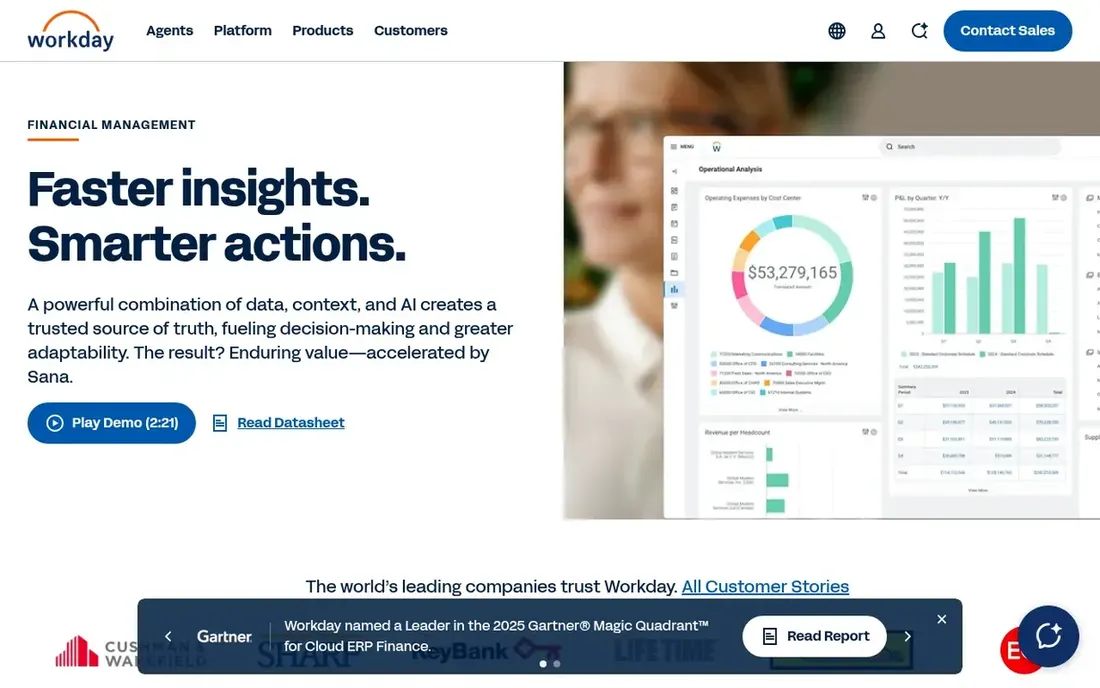
Workday Financial Management makes the most sense for Insightful financial management and control. Workday Financial Management offers unparalleled insight and an innovative foundation for transactional efficiency and control, making it right for IT budget planning.
The main drawbacks: May be less adaptable for non-standard budgeting processes.
The system supports efficient budgeting and forecasting within a unified system. On top of that, organizations with complicated, non-standard IT budgeting needs might have to supplement with other tools. Pricing for Workday Financial Management is not stated here, so ask the vendor for current figures. On free options: Not stated.
- Unparalleled insight into financial data
- Strong control features for budgeting
- Restricted customization compared with some ERPs
Planview Enterprise One
Best for: Enterprise portfolio and budget planning
Planview Enterprise One works best for Enterprise portfolio and budget planning. The product is made for large organizations with complicated planning needs. For everyday use, implementation needs careful planning.
Consider it if you need integrated portfolio and budget planning at scale. In daily use, Planview Enterprise One may be overly complicated for smaller IT teams or those without dedicated portfolio management resources. This comparison lists no price for Planview Enterprise One; ask the vendor. Free plan details: Not stated.
Where it is weaker: May be complicated for smaller teams.
- Integrates strategic planning with budgeting
- Supports enterprise-wide portfolio management
- Needs careful implementation planning
Anaplan serves scenario planning and analysis. It is well-suited for CIOs who require to model several IT budget scenarios and adapt to changing conditions.
Where it is weaker: May need specialized modeling skills.
Also, consider Anaplan when scenario planning is a critical requirement. Anaplan does not show a starting price in this comparison, so check the vendor site for current pricing. As for free access: Not stated.
- Supports live decision making
- Converges AI, data, planning
- Can be complicated for straightforward budgeting tasks
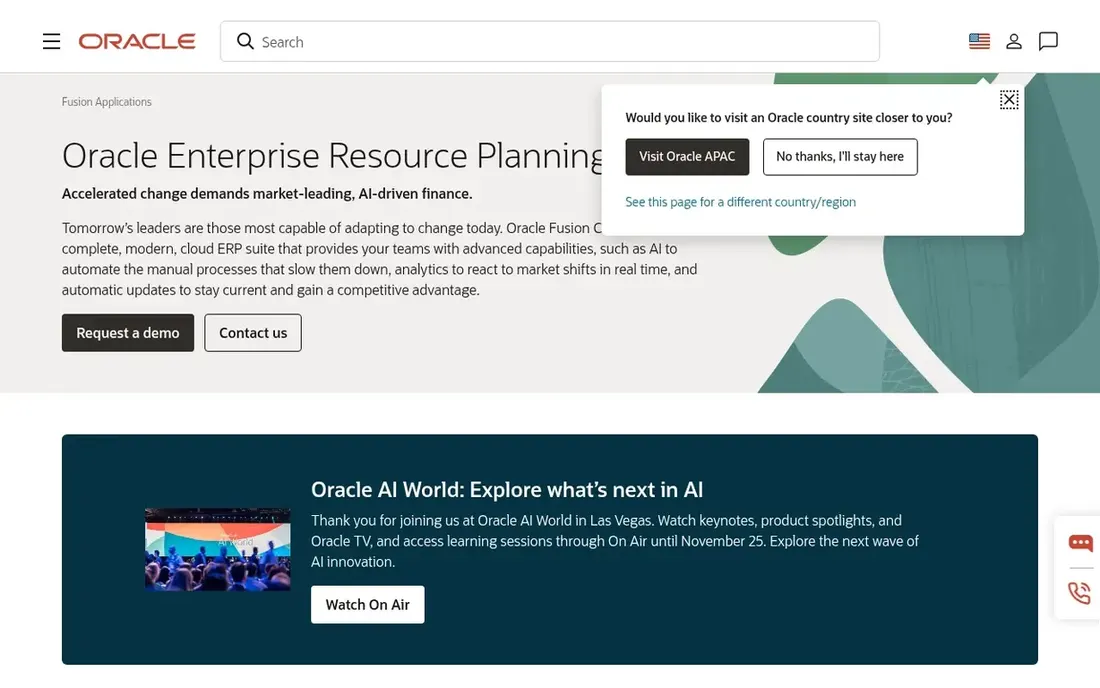
Think of Oracle Fusion Cloud ERP for thorough ERP with integrated budgeting. Oracle Fusion Cloud ERP is a full enterprise resource planning option that contains financial management capabilities suitable for IT budget planning.
Drawbacks to consider: May need significant implementation effort.
Organizations with more straightforward needs or restricted IT finance teams might find it overkill. Worth adding: consider alternative options if you prioritize simplicity over broad integration. This comparison lists no price for Oracle Fusion Cloud ERP; ask the vendor. Free access: Not stated.
- Unified product for financial and operational planning
- Capable integration with other Oracle cloud services
- Complicated for organizations without dedicated IT finance teams
What went into this list
Each tool was reviewed on what its vendor publishes: price, plan limits, core features and stated drawbacks. We did not run hands-on tests. Where a vendor does not publish a price, the entry says quote. Where a price depends on seats or billing term, the entry says so. The order reflects how well each tool fits the most common buying scenario for IT budget planning software for CIOs, then price clarity, then free plan access. It is a starting point, not a verdict.
Pre-purchase checklist
- Confirm the entry price on the vendor page. For Workday Financial Management, Planview Enterprise One, Anaplan and Oracle Fusion Cloud ERP that means a quote rather than a fixed price.
- Take the trial from IBM Planning Analytics and push a live task through it before you pay.
- Before choosing IBM Planning Analytics, weigh its main limit: may need technical expertise to administer.
- Run a one or two week pilot of Anaplan with the people who will use it every day.
- Ask IBM Planning Analytics how an export works before you move any records in; an easy exit lowers the risk.
FAQ
How are the IT budget planning software for CIOs ordered?
IBM Planning Analytics sits first and Oracle Fusion Cloud ERP last because the order follows typical fit for IT budget planning software for CIOs, then price clarity and free access. It is a judgement call, so read each profile for fit and limits.
Do these tools publish their prices?
Not all of them. Workday Financial Management, Planview Enterprise One, Anaplan and Oracle Fusion Cloud ERP publish no starting price, so expect a quote request for those. The rest, IBM Planning Analytics included, show a starting price, though seats and billing terms still change the final cost.
Is IBM Planning Analytics the right pick for everyone comparing IT budget planning software for CIOs?
No single tool suits every team. IBM Planning Analytics comes first because it fits AI-powered planning and analytics, while Workday Financial Management suits Insightful financial management and control and Planview Enterprise One suits Enterprise portfolio and budget planning. Match the tool to your own size, budget and workflow before deciding.
Can IBM Planning Analytics manage large-scale IT budgets?
Yes, IBM Planning Analytics is built on the IBM TM1 engine, which is built for complicated and large-scale budgeting models. It uses AI for enhanced planning and analytics. It is a good match for organizations with demanding requirements.
What should a CIO look for in IT budget planning software?
CIOs should prioritize integration with existing systems, scalability, and scenario modeling capabilities. Simplicity and vendor support are also important. The right tool should align with your organization's size and complexity.
Does any tool for IT budget planning software for CIOs here have a free plan?
A permanent free plan is not offered by IBM Planning Analytics, Oracle Fusion Cloud ERP or the other tools here. IBM Planning Analytics offer a trial. Plan a short evaluation period instead.
Sources
- https://www.ibm.com/products/planning-analytics
- https://www.workday.com/en-us/products/financial-management/overview.html
- https://www.planview.com/products-solutions/products/enterprise-one
- https://www.anaplan.com
- https://www.oracle.com/erp