Best Inventory Management Software for Cafes (2026): 6 Picks Checked on Vendor Pages
Searching for the best inventory management software for cafes? Here are 6 options with prices and free plans. Short verdicts, no fluff. Checked this month.
- Editor's choice
 MarginEdge
Cafes wanting automatic invoice processing
Starts at$350 per location a monthVisit marginedge.comFull review - Great alternativeBlueCart
Cafes managing wholesale orders
Starts atSee websiteVisit bluecart.comFull review - Also consider
 Square for Restaurants
Cafes wanting integrated POS and inventory
Starts atSee websiteVisit squareup.comFull review
Direct answer
Start with MarginEdge if you need Cafes wanting automatic invoice processing. Listed starting prices: MarginEdge from $350 per location a month and MarketMan from $249 a month. Look at BlueCart for Cafes managing wholesale orders, and at Square for Restaurants for Cafes wanting integrated POS and inventory. The remaining 3 options are covered below with prices and limits.
TL;DR:
- MarginEdge takes the first slot, best suited to Cafes wanting automatic invoice processing.
- The lowest published monthly entry price here is $249 per month, from MarketMan.
- MarketMan is the one to check for Cafes concentrated on food cost control.
- Neither MarginEdge nor MarketMan, nor any of the other 4 tools, has a permanent free plan; trials and quotes are the norm.
- Craftable comes with a trade-off: may be complicated for small cafes.
Last checked November 2026. Prices and plan details were read from the vendors' own pages in November 2026; vendors change plans often, so confirm the current price on the vendor site before you buy.
Quick comparison
| Tool | Best for | Starts at | Free plan? | |
|---|---|---|---|---|
| MarginEdge | Cafes wanting automatic invoice processing | $350 per location a month | Not stated | Visit |
| BlueCart | Cafes managing wholesale orders | See website | Not stated | Visit |
| Square for Restaurants | Cafes wanting integrated POS and inventory | See website | Not stated | Visit |
| Craftable | Cafes needing back-office automation | See website | Not stated | Visit |
 Lightspeed Restaurant | Cafes needing configurable POS with insights | See website | Not stated | Visit |
 MarketMan | Cafes centred on food cost control | $249 a month | No | Visit |
6 inventory management software for cafes in detail
If you are comparing inventory management software for cafes, this page covers 6 tools in one place: what each is best for, what it costs to start, whether it has a free plan, and the main limit to know about.
In short, MarginEdge is for Cafes wanting automatic invoice processing. MarginEdge is primarily a back-office tool, so it may not contain POS or front-of-house features.
If you need a complete restaurant management system, you might have to integrate it with other software. Starting cost for MarginEdge: $350 per location per month. Trial and free access: Not stated.
The main drawbacks: May need setup time.
- Instant answers on costs
- Automatic invoice processing
- Focus on back-office
BlueCart
Best for: Cafes managing wholesale orders
Think of BlueCart for Cafes managing wholesale orders. If you need in-depth inventory tracking within your cafe, you may need extra software. On top of that, consider BlueCart if supplier order management is a priority.
Where it falls short: Primarily for suppliers.
As for the details, BlueCart is a wholesale software for food and beverage suppliers. But it can also benefit cafes by simplifying order management and payments with suppliers. Even so, BlueCart is not a dedicated inventory management system for cafes; it centres on the supplier side. Check the vendor site for BlueCart pricing; none is listed in this comparison. On free options: Not stated.
- Order management for suppliers
- Built for foodservice
- Restricted inventory features for cafes
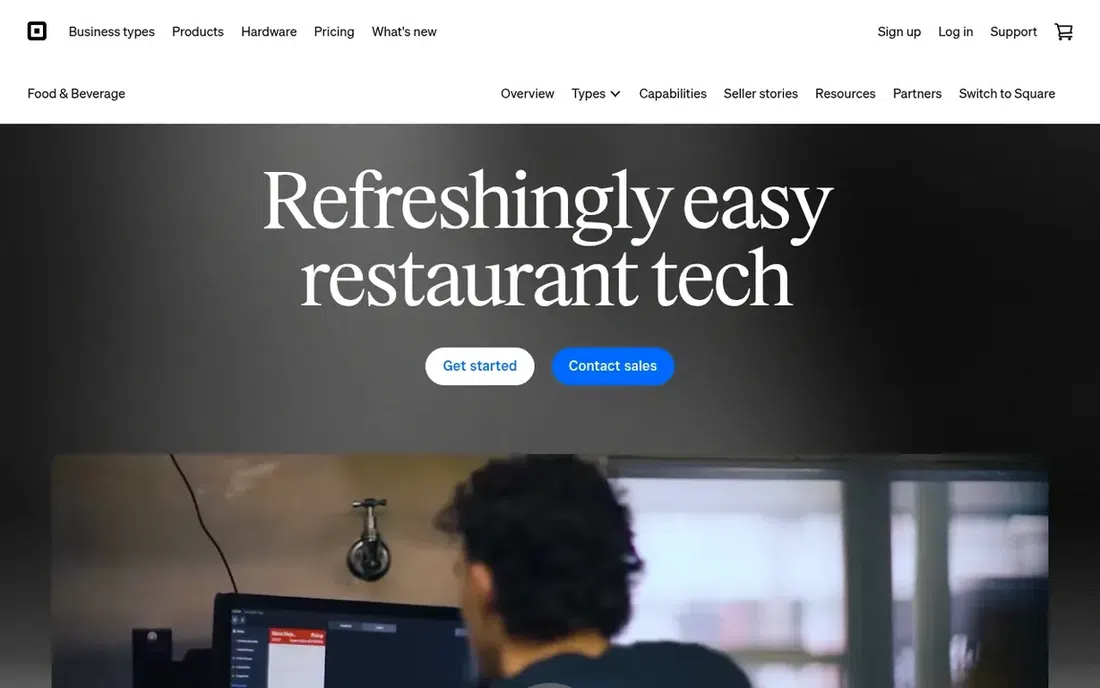
Square for Restaurants is built with Cafes wanting integrated POS and inventory in mind. Square for Restaurants is a point-of-sale system that bundles inventory management tools built for restaurants and cafes. It lets you track orders, take payments, and handle your team whereas keeping an eye on stock levels.
Watch-outs: May need Square hardware.
That said, Square for Restaurants may not offer the deep inventory analytics or recipe costing found in dedicated back-office software. Choose Square if you prioritize an all-in-one POS and inventory option. Pricing for Square for Restaurants is not stated here, so ask the vendor for current figures. Free options: Not stated.
- Inventory management
- Merges POS, payments
- Restricted advanced inventory features
Craftable
Best for: Cafes needing back-office automation
Craftable targets Cafes needing back-office automation. It contains inventory management features that can benefit cafes looking to simplify their operations. This tool is suitable for cafes that require solid back-office functionality.
If you prefer a more straightforward option, consider other choices. Choose Craftable if you need full back-office tools to handle costs and purchasing. No starting price is listed for Craftable here; confirm pricing on the vendor site. As for free access: Not stated.
Limits to weigh: Restricted POS integration.
- Financial visibility
- Automatic purchasing
- May be complicated for small cafes
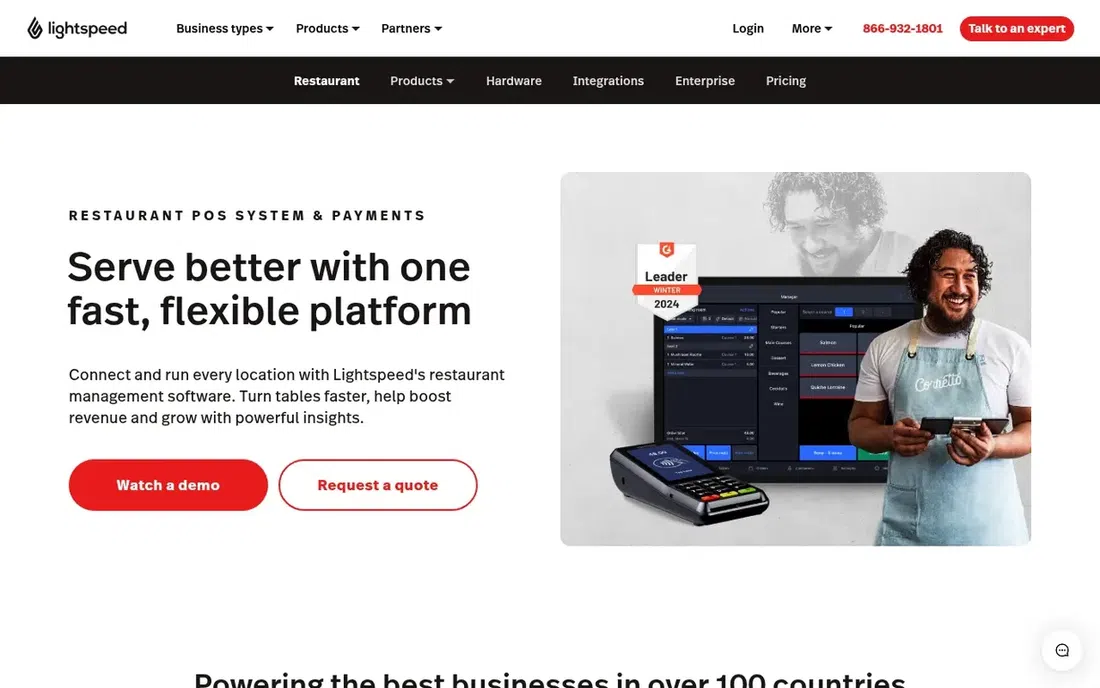
Lightspeed Restaurant was built for Cafes needing configurable POS with insights. Pick Lightspeed for its POS adaptability and insights. Also, Whereas Lightspeed supplies inventory management, it may not be as full as dedicated inventory software for recipe costing or automatic ordering.
Also, Lightspeed Restaurant is an adaptable point-of-sale and management system that contains inventory tracking among its features. It offers insights into sales and stock, helping cafes make data-driven decisions. More specifically, if your cafe needs in-depth back-of-house inventory control, consider pairing Lightspeed with a specialized tool. Check the vendor site for Lightspeed Restaurant pricing; none is listed in this comparison. Free plan details: Not stated.
Watch-outs: Needs subscription.
- Adaptable and configurable POS
- Industry-leading insights
- Inventory features may be entry-level
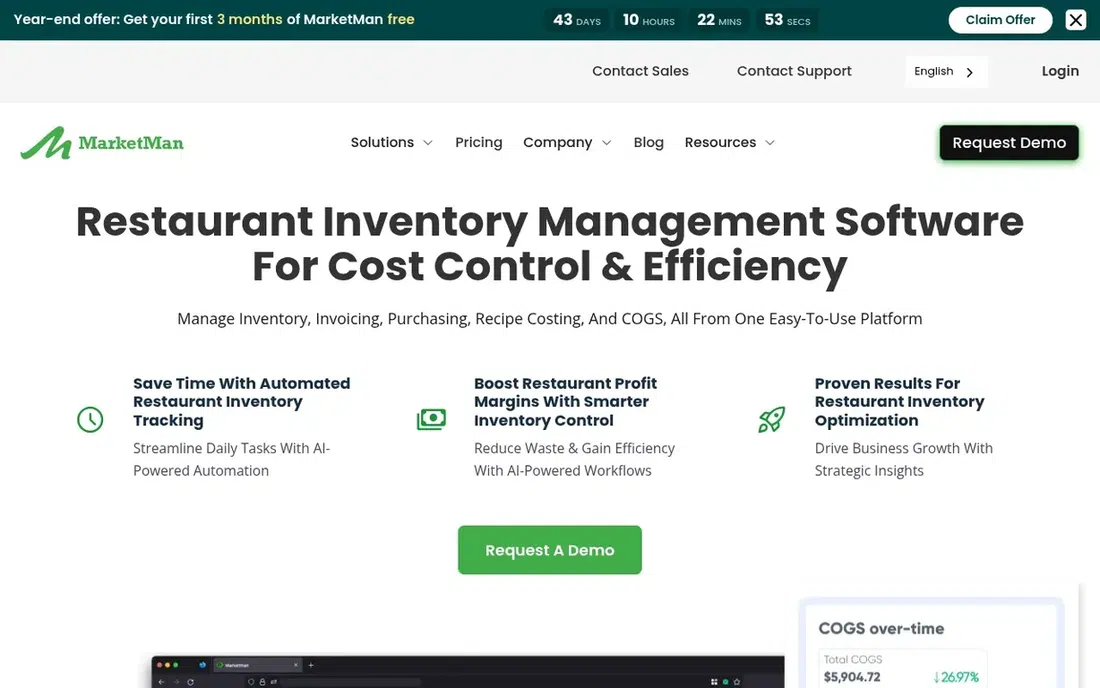
In short, MarketMan is for Cafes centred on food cost control. It provides automatic counts, invoice capture, and live recipe costing, making it well suited to cafes that want to optimize their back-of-house operations.
Honest limits: May need training.
On cost, MarketMan starts like this: $249 per month. MarketMan has no free plan.
- Live recipe costing
- Invoice capture
- Restricted POS features
Selection criteria
Pricing pages, product documentation and feature lists were the main sources, and every entry carries at least one honest drawback. Where a vendor does not publish a price, the entry says quote. Where a price depends on seats or billing term, the entry says so. Tools are placed by general fit for inventory management software for cafes, with price clarity and free access as tie-breakers. A different team can reasonably rank them differently.
Pre-purchase checklist
- Get a written quote from BlueCart, Square for Restaurants, Craftable and Lightspeed Restaurant; the list shows no starting price for them.
- Before choosing MarginEdge, weigh its main limit: focus on back-office.
- Test the integrations you rely on with BlueCart before committing; some connectors sit on upper tiers.
- Check the support hours and onboarding help MarginEdge offers; smaller vendors vary a lot here.
- Ask MarketMan how an export works before you move any records in; an easy exit lowers the risk.
FAQ
Is MarginEdge the right pick for everyone comparing inventory management software for cafes?
No single tool suits every team. MarginEdge comes first because it fits Cafes wanting automated invoice processing, while BlueCart suits Cafes managing wholesale orders and Square for Restaurants suits Cafes wanting integrated POS and inventory. Match the tool to your own size, budget and workflow before deciding.
How are the tools for inventory management software for cafes ordered?
MarginEdge sits first and MarketMan last because the order follows typical fit for inventory management software for cafes, then price clarity and free access. It is a judgement call, so read each profile for fit and limits.
Can I use my POS system for inventory management?
Plenty of POS systems, like Square for Restaurants and Lightspeed Restaurant, contain entry-level inventory management features. Even so, for in-depth cost tracking and automatic purchasing, you may need dedicated inventory software like MarketMan or MarginEdge.
How does inventory management software help cut waste in cafes?
Inventory management software tracks stock levels and usage, helping you identify inefficiencies and cut waste. Features like recipe costing and automatic ordering from tools like MarketMan and Craftable can further minimize waste and control costs.
Can I try these tools before paying?
Not by default. None of the tools, from MarginEdge to MarketMan, lists a free plan or a free trial here, so ask each vendor for a demo before committing. All 6 picks in this inventory management software for Cafes comparison list a starting price, free plan details and the main limits on their cards above.
What is the cheapest option for inventory management software for cafes in this list?
On published monthly entry prices, MarketMan is the lowest here at $249 per month. Entry price is only part of the cost, because seats, add-ons and billing terms can change the total. For the full picture, the cards above cover all 6 entries of this inventory management software for Cafes list, including price, free plan and limits.
Sources
- https://www.marginedge.com
- https://www.bluecart.com
- https://squareup.com/us/en/restaurants
- https://craftable.com
- https://www.lightspeedhq.com/pos/restaurant
- https://www.marketman.com