Top 5 Intranet Software for Law Firms for 2026 (Prices and Free Plans)
Best intranet software for law firms: 5 contenders ranked by fit, with entry costs and free tiers. We note where every tool falls short. Easy to scan.

- Editor's choiceiManage
Knowledge work across legal teams
Starts atPricing on requestVisit imanage.comFull review - Great alternative
 LumApps
Adaptable, scalable employee intranet
Starts atPricing on requestVisit lumapps.comFull review - Also consider
 Unily
Enterprise-scale employee experience
Starts atPricing on requestVisit unily.comFull review
Direct answer
If you need knowledge work across legal teams, iManage is the first tool to look at here. LumApps is the stronger choice for adaptable, scalable employee intranet, while Unily suits enterprise-scale employee experience. The remaining 2 options are covered below with prices and limits. None of these vendors publish plan prices, so pricing is on request for every option.
TL;DR:
- The list opens with iManage, aimed at knowledge work across legal teams.
- Pricing across the list, from iManage to NetDocuments, is by quote only.
- NetDocuments suits legal document and email management.
- A permanent free plan is missing from all 5 tools, iManage and NetDocuments included; plan for a trial or a premium start.
Last checked November 2026. Pricing on request: vendors did not publish plan prices when this guide was last checked (November 2026), so ask each vendor for a written quote.
Quick comparison
| Tool | Best for | Starts at | Free plan? | |
|---|---|---|---|---|
| iManage | Knowledge work across legal teams | Pricing on request | Not stated | Visit |
| LumApps | Adaptable, scalable employee intranet | Pricing on request | Not stated | Visit |
| Unily | Enterprise-scale employee experience | Pricing on request | No | Visit |
 Simpplr | AI-assisted employee experience | Pricing on request | Free trial | Visit |
 NetDocuments | Legal document and email management | Pricing on request | Not stated | Visit |
The full intranet software for law firms list
If you are comparing intranet software for law firms, this page covers 5 tools in one place: what each is best for, what it costs to start, whether it has a free plan, and the main limit to know about.
iManage
Best for: Knowledge work across legal teams
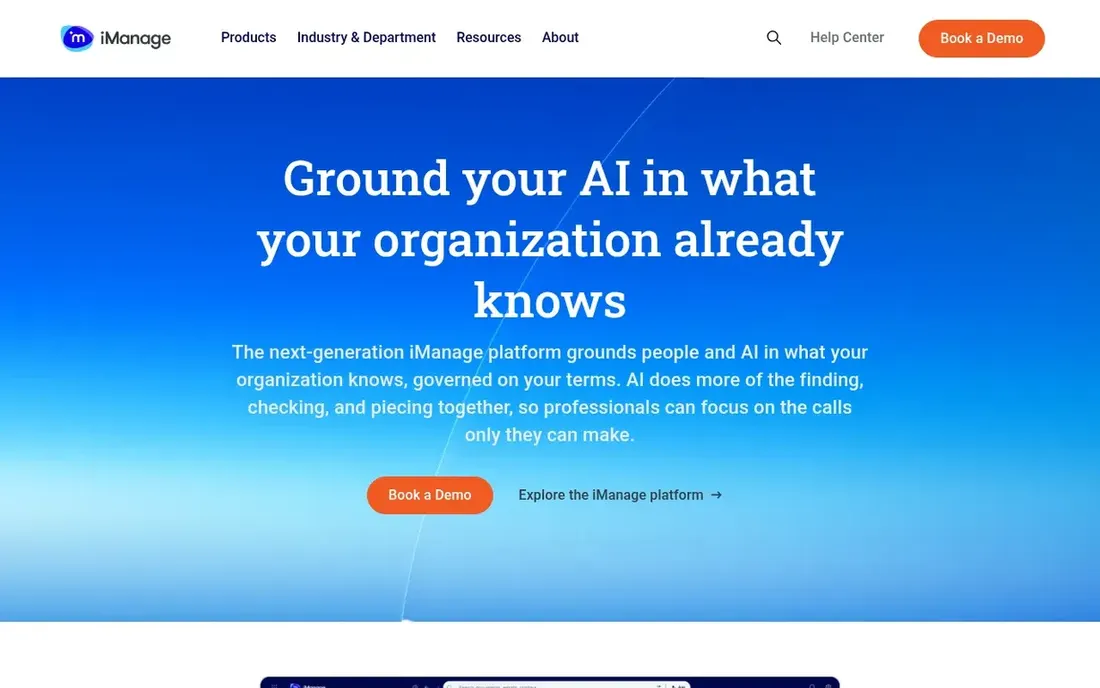
iManage works best for knowledge work across legal teams. For law businesses, that translates into a system where precedent, expertise and documents become searchable firm assets instead of scattered files, which suits businesses that treat knowledge management as a core strategic function.
The product leans toward knowledge work instead of general internal communications, so businesses wanting a refined newsfeed and employee experience hub may look elsewhere or combine tools. iManage does not show a starting price in this comparison, so check the vendor site for current pricing. Free plan details: Not stated.
Watch-outs: Knowledge-centric framing may suit bigger businesses best.
- Frames itself as an AI knowledge work system
- Focus on managing and activating firm knowledge
- Employee communications features are less emphasized
LumApps is a good fit for adaptable, scalable employee intranet. Law businesses with expanding headcount or several practice groups can use it as a communication and engagement hub, connecting lawyers and business services staff around firm announcements, resources and learning content. Its emphasis is employee experience instead of legal document control, so businesses will still need a dedicated system for matter files and client records.
As for the details, consider LumApps when engagement and communication are the primary goals and document management is handled elsewhere. LumApps describes itself as an adaptable, scalable and future-ready intranet for employee experience, geared toward improving communication, productivity and learning. Pricing for LumApps is not stated here, so ask the vendor for current figures. On free options: Not stated.
The main drawbacks: Wide scope may need careful scoping for legal use.
- Productivity and learning
- Marketed as adaptable and scalable
- Legal-specific workflows are not the focus
Pick Unily if this describes you: enterprise-scale employee experience. Unily bills itself as an enterprise employee experience system centred on delivering organizational velocity.
The main drawbacks: Enterprise orientation may exceed smaller firm needs.
The enterprise positioning means smaller businesses may find it heavier than needed, and legal document workflows are not its central focus. Pricing for Unily is not stated here, so ask the vendor for current figures. There is no free plan with Unily.
- Focus on organizational velocity and connection
- Targets large enterprise employee experience needs
- Legal document management is not the core pitch
Simpplr works best for AI-assisted employee experience. Simpplr presents an AI-powered intranet system with specialized employee experience agents that help employees stay informed, find what they need, get support and move everyday needs forward.
Trade-offs to know: May need integration with a DMS for matter files.
It suits businesses that want a modern communications and support layer instead of a replacement for legal records systems. Simpplr shows no starting price here, so confirm the cost on the vendor site. Free access: Free trial.
- Focus on keeping employees informed and supported
- AI intranet with specialized employee experience agents
- Not a dedicated legal document management system
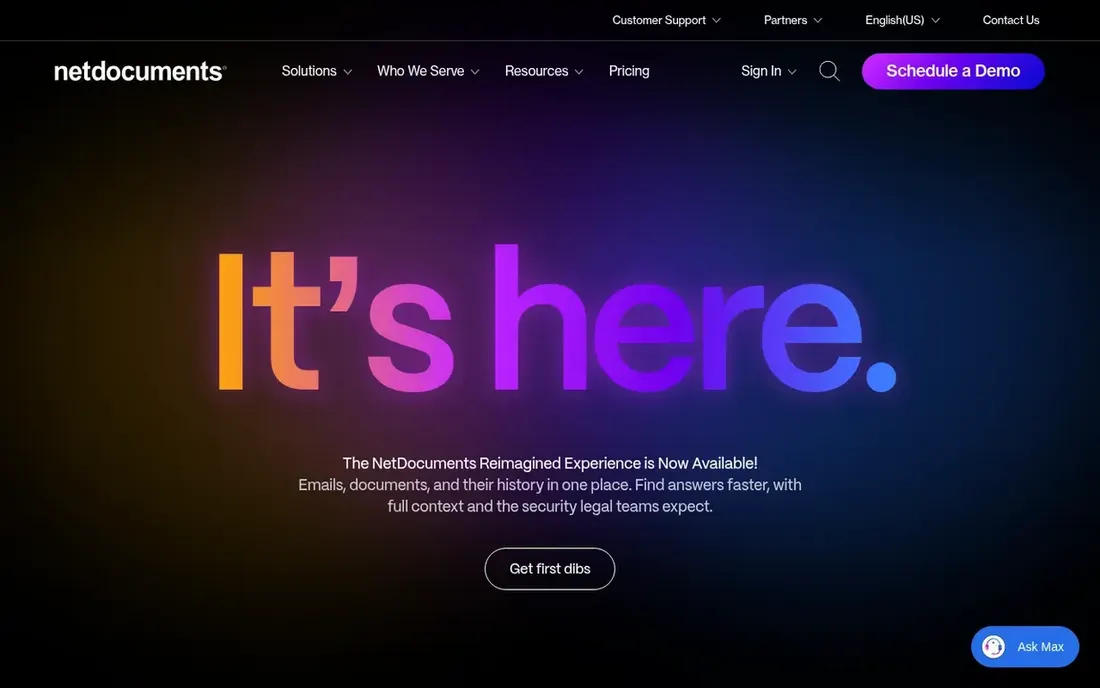
In short, NetDocuments is for legal document and email management. NetDocuments is a document and email management system targeted at legal businesses and departments. Its homepage stresses secure, compliant and anywhere-accessible storage and automation of document and email handling.
Downsides: Narrower focus on wide employee experience.
What users get: Built around legal document and email workflows.
Worth adding: choose NetDocuments when document governance and legal workflow fit matter more than wide internal community features. For law businesses, this makes it a natural anchor for an intranet strategy where matter files, correspondence and firm knowledge live in one governed system that lawyers can reach from the office or remotely. Since its strength is document and email management, businesses seeking a rich social intranet, deep employee experience features or broad communications tooling may have to pair it with another system. This comparison lists no price for NetDocuments; ask the vendor. As for free access: Not stated.
- Emphasizes secure, compliant
- Anywhere access
- Businesses may need additional tools for internal communications
How these tools were picked
We compared the tools on published pricing, free plan or trial availability, feature coverage for intranet software for law firms, and the limits each vendor documents. Treat prices as a snapshot: vendors change plans often, so check the vendor site for the figure that applies today. The order reflects how well each tool fits the most common buying scenario for intranet software for law firms, then price clarity, then free plan access. It is a starting point, not a verdict.
Pre-purchase checklist
- Ask each vendor, from iManage to NetDocuments, for a written quote; none of them publishes a starting price.
- Take the trial from Simpplr and push a live task through it before you pay.
- Before choosing iManage, weigh its main limit: knowledge-centric framing may suit bigger businesses best.
- Ask NetDocuments about contract length, onboarding fees and user minimums before you sign.
- Find out whether the entry plan of Unily covers your must-haves or only a trimmed-down version.
FAQ
How are the tools for intranet software for law firms ordered?
The order follows typical fit for intranet software for law firms, with iManage first and NetDocuments last, then price clarity and free access. It is editorial judgement, not a score, so another team could rank the tools differently.
Can I try these tools before paying?
Often, yes. Simpplr offers a free trial. Use your own data and a real task during the test, and check what the free tier or trial limits before you rely on it. Prices, free plan details and limits for all 5 tools in this intranet software for law firms roundup sit on the individual cards above.
How do AI features fit into a law firm intranet?
Multiple vendors now describe AI-assisted knowledge work and employee support, for example iManage's knowledge activation and Simpplr's employee experience agents. Businesses should confirm what the AI features actually do, how data is handled and whether outputs fit legal confidentiality requirements before relying on them.
Is iManage the right pick for everyone comparing intranet software for law firms?
No single tool suits every team. iManage comes first because it fits knowledge work across legal teams, while LumApps suits flexible, scalable employee intranet and Unily suits enterprise-scale employee experience. Match the tool to your own size, budget and workflow before deciding.
Do these tools publish their prices?
No. None of the tools, from iManage to NetDocuments, shows a fixed starting price here, so budget time for quotes.
Sources
- https://imanage.com
- https://www.lumapps.com
- https://www.unily.com
- https://www.simpplr.com
- https://www.netdocuments.com