The 6 Best Inbox Rotation Tools in 2026, Ranked
A practical guide to the best inbox rotation tools in 2026, compared from vendor documentation and public sources, with limits and buying checks.
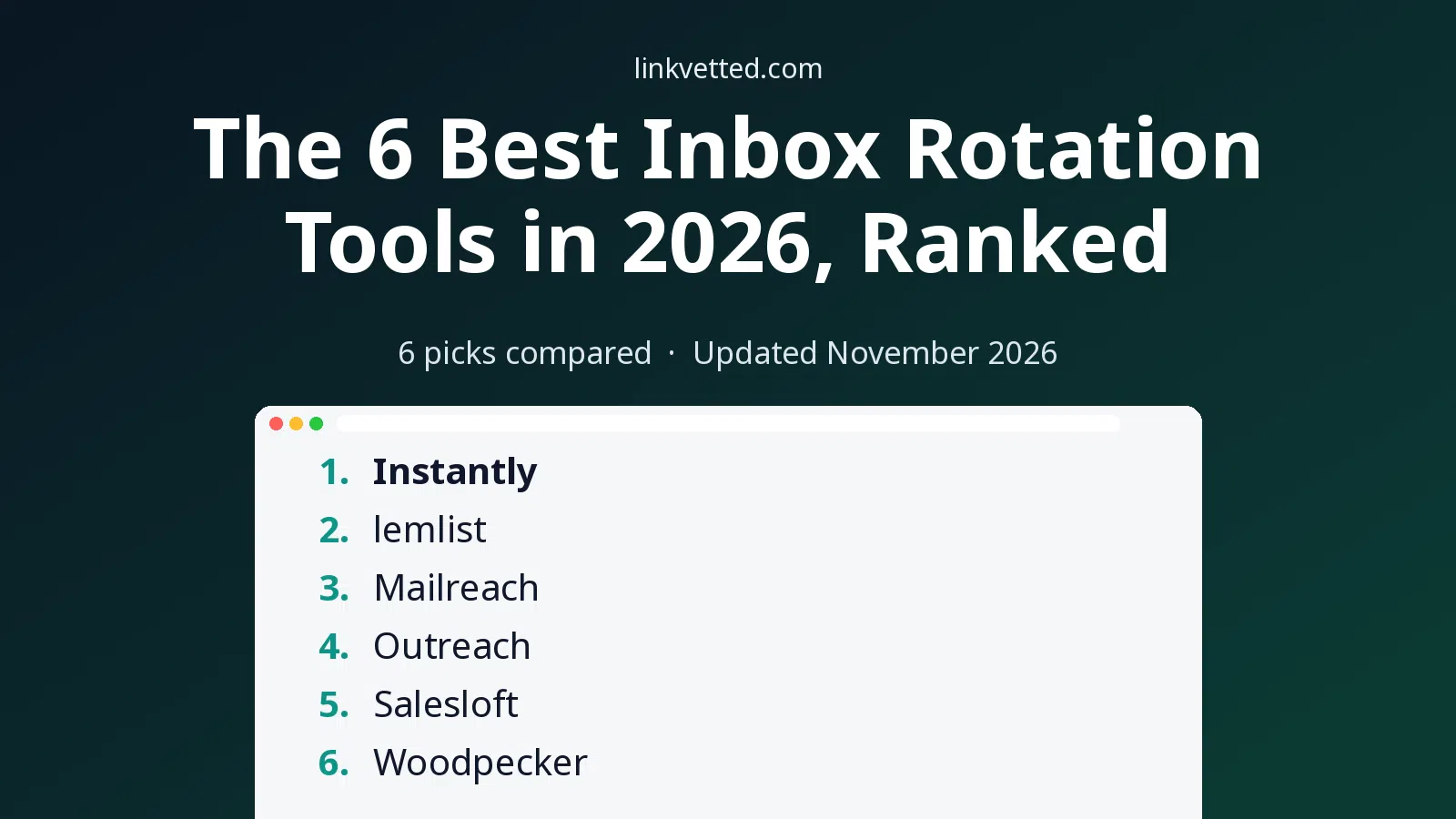
- Editor's choice
 Instantly
Agencies managing many sending domains
Starts atSee websiteVisit instantly.aiFull review - Great alternative
 lemlist
Cold outreach with mailbox rotation
Starts atSee websiteVisit lemlist.comFull review - Also consider
 Mailreach
Warmup plus rotation for small teams
Starts atSee websiteVisit mailreach.coFull review
Direct answer
My top pick is Instantly, because its documentation covers multiple connected sending accounts, sending limits per mailbox and rotation across a campaign. For teams that want rotation inside a larger sales engagement suite, Outreach is the better fit. If you run cold email at higher volume and want mailbox management built in, lemlist is the third name I would look at. Each one handles rotation differently, so match the tool to how many domains and inboxes you actually send from.
TL;DR:
- Inbox rotation means spreading outbound email across several mailboxes so no single address carries all the volume.
- Most tools rotate at the campaign level, which means the mailbox is chosen per contact or per send, not per day.
- Daily sending limits per mailbox are the setting that makes rotation useful, so check how limits are configured.
- Warmup is usually a separate feature from rotation, and you should confirm both are included before you commit.
- Rotation does not fix a bad list or poor targeting, so treat it as a deliverability control, not a growth tactic.
Last checked November 2026. Plan prices are not quoted in this guide because they change often; see each vendor's own pricing page for current figures before you buy.
Quick comparison
| Tool | Best for | Starts at | Free plan? | |
|---|---|---|---|---|
| Instantly | Agencies managing many sending domains | See website | Free trial | Visit |
| lemlist | Cold outreach with mailbox rotation | See website | Free trial | Visit |
| Mailreach | Warmup plus rotation for small teams | See website | Free trial | Visit |
 Outreach | Sales teams with an existing process | See website | No free plan | Visit |
 Salesloft | Revenue teams wanting one platform | See website | No free plan | Visit |
 Woodpecker | Small teams sending personalised email | See website | Free trial | Visit |
The best inbox rotation tools compared
I put this list together from vendor documentation and public sources, not from hands-on tests. I looked at how each product describes mailbox connection, sending limits, rotation behaviour and warmup, then weighed the limits each vendor states. Where a vendor does not publish a detail, I say so rather than guess. The order reflects how clearly each tool documents rotation for cold outreach sending.
Instantly is a cold email platform built around connecting several sending accounts and running campaigns from them. Its documentation describes adding mailboxes, setting daily limits per mailbox and letting the platform distribute sends across the connected accounts. That structure suits agencies or small teams that send for several clients and want each client on separate domains.
For inbox rotation, the relevant workflow is campaign setup: you connect the mailboxes, set limits, and the platform spreads sends across them rather than pushing everything through one address. Warmup runs alongside this, which matters because a freshly connected mailbox needs time before it carries campaign volume. Check the vendor's current docs for exactly how mailbox selection is decided per send.
The limit is scope. Instantly is an email tool, so CRM, calling and deal tracking live elsewhere. If you need one system for the whole sales process, skip it and look at a sales engagement platform instead.
- Clear documentation on connecting multiple mailboxes
- per-mailbox sending limits
- built-in warmup alongside campaigns
- Not a full CRM
- advanced reporting sits in higher tiers
lemlist is an outreach platform that runs email sequences and adds LinkedIn steps to the same campaign. Its documentation covers connecting sending accounts, setting limits and rotating across them, plus a warmup feature for new mailboxes. It fits teams that want rotation inside a broader outbound workflow rather than a plain email sender.
On rotation, the useful part is that mailbox choice is handled inside the sequence, so you set the sending accounts once and the platform distributes volume. Because sequences can include non-email steps, you can keep one contact in a single flow while email sends spread across mailboxes. Read the vendor's plan comparison to confirm which rotation and warmup features your tier includes.
The drawback is complexity. If you only send plain email and want the simplest possible setup, a narrower tool may be easier to run. lemlist rewards teams that will use the multichannel parts.
- Multichannel sequences beyond email
- mailbox and warmup features documented
- personalisation options in sequences
- Some capabilities tied to higher plans
- can feel busy for simple email-only sending
Mailreach focuses on email warmup and inbox health, and its documentation also covers sending across multiple mailboxes. That makes it a reasonable pick when your main concern is keeping mailboxes healthy while you rotate volume between them, rather than running complex sequences.
The rotation angle here is complementary. Many teams use a warmup tool alongside a separate sender, so the warmup product keeps each mailbox in shape while the sender handles which mailbox gets which contact. If you want one tool to do both, confirm in the vendor docs how mailbox selection works when Mailreach is the sending layer.
The limit is breadth. Mailreach is not a CRM or a full campaign builder, so teams that want sequences, reporting and rotation in one place should look at the senders above. It suits small teams that already have a sending setup.
- Warmup is the core product, not an add-on
- documentation on mailbox health
- works alongside other senders
- Not a full sequencer on its own
- rotation depends on how you connect it to your sender
Outreach is a sales engagement platform used by sales teams to run sequences, track activity and manage mailbox sending. Its documentation covers connecting email accounts and controlling how sequences send, which is where rotation fits for teams that already run outbound from a shared process.
For rotation, the value is governance. When several reps send from several mailboxes, the platform gives admins a place to set sending rules and see what is going out. That is different from a cold email tool built for one operator, and it is why Outreach appears on this list for teams rather than individuals.
The drawback is weight. Setup takes real admin work, and there is no free plan to try it casually. If you are a solo sender or a two-person agency, this is more platform than you need.
- Documented sales engagement workflow
- mailbox and sending controls in one platform
- reporting across sequences
- Heavier setup and admin
- aimed at sales orgs rather than solo senders
Salesloft is a revenue platform centred on cadences, which are structured sequences of email and call steps. Its documentation covers connecting email accounts and managing how cadences send, so rotation happens within the cadence workflow rather than as a standalone email feature.
The rotation benefit is consistency across a team. When several people send from several mailboxes, cadence rules and mailbox settings keep the process the same for everyone. Managers get reporting on what was sent and from where, which is the part individual senders usually lack.
The limit is fit. Salesloft is designed for sales organisations with a defined process. Small agencies that just want to spread cold email across inboxes will find it heavy, and there is no free plan to test the waters.
- Cadence-based sending documented
- mailbox connection and controls in one place
- reporting for managers
- Built around sales cadences
- no free plan for evaluation
Woodpecker is a cold email tool aimed at small and mid-sized teams that send personalised campaigns and follow-ups. Its documentation covers connecting sending accounts and running sequences, and it is a practical option when you want rotation without the admin overhead of an enterprise sales platform.
For rotation, the workflow is campaign-based: you connect the mailboxes you want to send from, set the campaign, and the tool distributes sends. Follow-ups run in the same sequence, so a contact stays in one flow while volume spreads across accounts. Confirm the current mailbox limits in the vendor docs before you plan a large sending schedule.
The drawback is breadth of integrations and advanced controls compared with larger platforms. Teams that need deep CRM sync or complex routing rules may outgrow it, but for straightforward outbound it covers the basics.
- Straightforward campaign setup
- documentation on connecting multiple sending accounts
- follow-up sequences built in
- Smaller integration catalogue
- fewer advanced controls than enterprise platforms
How I chose
I built this list from vendor documentation and public sources. For each tool I read what the vendor publishes about connecting mailboxes, setting sending limits, rotating across accounts and warming up new addresses. I did not run hands-on tests, so I am not reporting measured deliverability or inbox placement. Where a vendor does not document a detail clearly, I note that instead of filling the gap with a guess.
The second filter was fit. Rotation means different things to a solo sender and to a sales team, so I included tools that document rotation for agencies and small teams, and separate platforms built for sales organisations with admin controls. I also weighed stated limits, such as which features sit on higher plans or whether a free plan exists, because those affect the real cost of adopting a tool. The result is a shortlist to evaluate against your own sending volume and process, not a ranking of measured performance.
What to check before you buy
- How the tool decides which mailbox sends a given message, whether per contact, per send or per day.
- Whether daily sending limits can be set per mailbox, and whether they apply across campaigns.
- If warmup is included or sold separately, and whether it runs on the same mailboxes you rotate.
- How many sending domains and mailboxes your plan allows, since rotation usually means several of each.
- What reporting shows per mailbox, so you can spot one address carrying too much volume.
- Whether the vendor documents rotation behaviour clearly, because unclear docs make setup guesswork.
FAQ
What is an inbox rotation tool?
It is software that spreads outbound email across several connected mailboxes instead of sending everything from one address. You connect the accounts, set limits, and the tool decides which mailbox sends each message or contact. The aim is to keep per-mailbox volume within the limits you set, not to bypass provider rules. Most tools combine this with warmup and sequence features.
Is inbox rotation the same as email warmup?
No. Warmup is the process of building a mailbox's sending history gradually, usually by exchanging low-volume mail with other accounts. Rotation is about distributing campaign sends across mailboxes you already use. Many platforms include both, but they are separate features with separate settings, and you should confirm each is covered on the plan you choose.
Do I need a separate tool for each sending domain?
Usually not. Most platforms let you connect mailboxes from several domains under one account, and rotation then works across all of them. Check the plan limits, because some vendors cap the number of connected accounts or charge by mailbox. Keeping each client or brand on its own domain is a common setup for agencies.
Can inbox rotation get my emails delivered?
No tool can promise delivery. Rotation is a volume control that helps you stay within the sending limits you configure, and it works alongside list quality, relevant content and proper authentication. If your list is poor or your domain setup is wrong, rotating across more mailboxes will not fix it. Treat rotation as one part of a wider deliverability setup.
Which tool is best for a small agency?
It depends on volume and process. Instantly and lemlist both document mailbox connection, limits and warmup for teams that send cold email regularly. Woodpecker suits smaller, simpler campaigns. If you already run a sales process with reps and managers, Outreach or Salesloft fit better. Compare the plan limits for connected mailboxes before deciding.
Sources
- https://instantly.ai
- https://lemlist.com
- https://mailreach.co
- https://www.outreach.io
- https://salesloft.com
- https://woodpecker.co