Top 6 ID Scanning Software for 2026 (Prices and Free Plans)
Comparing the best ID scanning software? 6 contenders, each with entry cost, free tier and best-fit buyer. Each pick lists its main limit. Refreshed for 2026.
- Editor's choice
 Dynamsoft Barcode Reader
Cross-platform developer SDK integration
Starts atPricing on requestVisit dynamsoft.comFull review - Great alternativeTEKLYNX Label Cloud
Barcode label design and print management
Starts atPricing on requestVisit teklynx.comFull review - Also considerMicroscan AutoVISION
Industrial code reading and machine vision
Starts atPricing on requestVisit microscan.comFull review
Direct answer
If you need cross-platform developer SDK integration, Dynamsoft Barcode Reader is the first tool to look at here. TEKLYNX Label Cloud is better for Barcode label design and print management, and Microscan AutoVISION is better for industrial code reading and machine vision. Free plan facts and limits for all 6 tools follow. None of these vendors publish plan prices, so pricing is on request for every option.
TL;DR:
- Dynamsoft Barcode Reader takes the first slot, best suited to cross-platform developer SDK integration.
- ScanAvenger fits plug-and-play wireless barcode scanning.
- No starting price is shown for any of the 6 tools, Dynamsoft Barcode Reader and ScanAvenger included, so plan time for sales calls.
- Check the limits for TEKLYNX Label Cloud before you commit: Label-focused instead of ID capture.
- A permanent free plan is missing from all 6 tools, Dynamsoft Barcode Reader and ScanAvenger included; plan for a trial or a premium start.
Last checked November 2026. Pricing on request: vendors did not publish plan prices when this guide was last checked (November 2026), so ask each vendor for a written quote.
Quick comparison
| Tool | Best for | Starts at | Free plan? | |
|---|---|---|---|---|
| Dynamsoft Barcode Reader | Cross-platform developer SDK integration | Pricing on request | Free trial | Visit |
| TEKLYNX Label Cloud | Barcode label design and print management | Pricing on request | Not stated | Visit |
| Microscan AutoVISION | Industrial code reading and machine vision | Pricing on request | Not stated | Visit |
 Scandit | Smart device ID and barcode scanning | Pricing on request | Free trial | Visit |
| Honeywell SwiftDecoder | Barcode decoding software from Honeywell | Pricing on request | Not stated | Visit |
| ScanAvenger | Plug-and-play wireless barcode scanning | Pricing on request | Not stated | Visit |
Our 6 picks for ID scanning software
Short on time? The summary and table above give the quick view of 6 tools for ID scanning software, and the profiles that follow give the detail behind each entry.
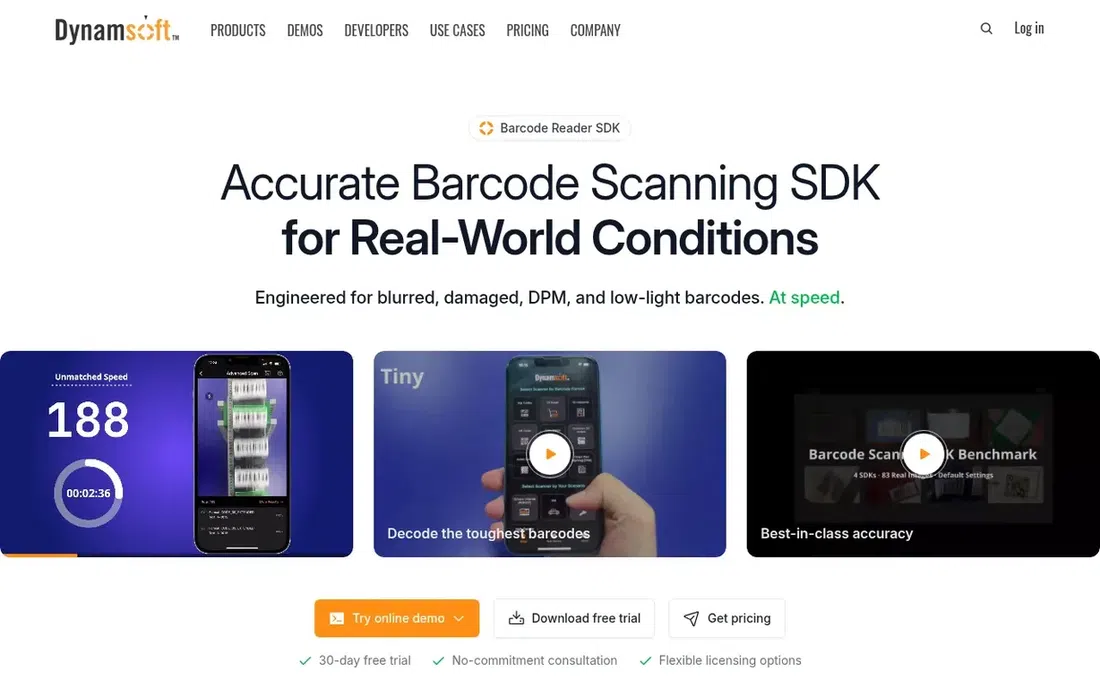
In short, Dynamsoft Barcode Reader is for cross-platform developer SDK integration. It is made for developers who require quick integration and high-accuracy decoding across desktop and mobile environments. In practice, the library approach lets teams embed scanning straight into their own apps instead of relying on a separate scanning product.
As a SDK, Dynamsoft needs development work and testing before it provides value. Also confirm product support for your target environments on the vendor site. This comparison lists no price for Dynamsoft Barcode Reader; ask the vendor. As for free access: Free trial.
Honest limits: Requires coding to integrate.
- Cross-platform SDK
- Quick integration
- Developer-oriented
TEKLYNX Label Cloud
Best for: Barcode label design and print management
TEKLYNX Label Cloud serves Barcode label design and print management. Whereas not an ID scanning tool itself, it supports the labeling side of identification workflows. For everyday use, Label Cloud is built around label creation and management instead of capturing ID data.
Where it is weaker: May need workflow changes.
So it complements instead of replaces scanning software. TEKLYNX Label Cloud gives you barcode label design, printing, and management software. Teams looking only for ID scanning may not need it. This comparison lists no price for TEKLYNX Label Cloud; ask the vendor. Free options: Not stated.
- Label design and printing
- Centralized label management
- Label-focused instead of ID capture
Microscan AutoVISION
Best for: Industrial code reading and machine vision
Microscan AutoVISION is built with industrial code reading and machine vision in mind. Microscan AutoVISION is part of Microscan's code reading and machine vision portfolio, which joined Omron Automation. In practice, AutoVISION is not a general-purpose mobile scanning app, so it may be excessive for office or retail ID checks.
Where it is weaker: Not a mobile app scanner.
In daily use, choose Microscan AutoVISION when code reading is part of an industrial automation or machine vision project. In daily use, the combination of code reading and machine vision helps manufacturers and logistics operations capture ID data as part of a broader automation setup. No starting price is listed for Microscan AutoVISION here; confirm pricing on the vendor site. As for free access: Not stated.
- Suited to industrial settings
- Backed by Omron automation
- Industrial focus
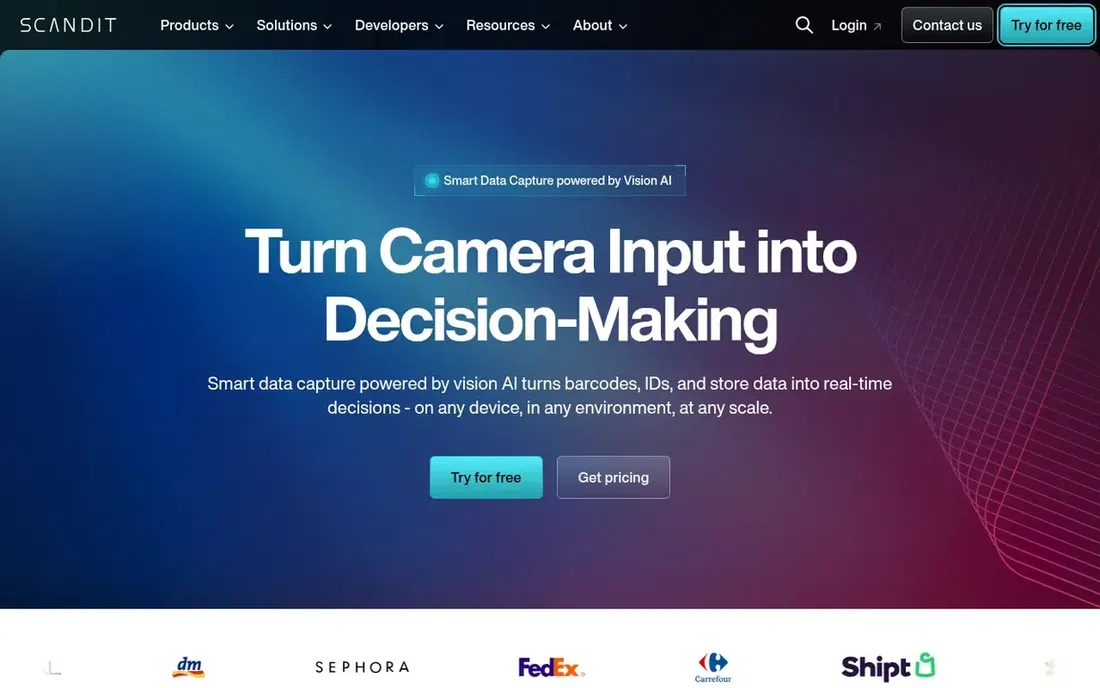
Scandit works best for smart device ID and barcode scanning. Scandit supplies smart data capture software for barcode scanning, ID scanning, and shelf intelligence. It runs on smart devices, which means phones and tablets can act as scanning terminals without dedicated hardware.
Where it falls short: Enterprise-focused.
The vendor emphasizes unmatched speed and accuracy. Beyond that, since Scandit targets enterprise data capture, smaller teams may find it more than they need. On top of that, integration effort and device management should be planned before rollout. This comparison lists no price for Scandit; ask the vendor. On free options: Free trial.
- Advanced barcode and ID scanning
- Emphasizes speed and accuracy
- Not a straightforward consumer app
Honeywell SwiftDecoder
Best for: Barcode decoding software from Honeywell
Think of Honeywell SwiftDecoder for Barcode decoding software from Honeywell. Consider SwiftDecoder when your scanning estate is already Honeywell-based and you want decoding software that suits that stack.
The main drawbacks: Restricted public overview.
In daily use, Honeywell SwiftDecoder is barcode decoding software from Honeywell, a long-established vendor in scanning and data capture hardware. It is usually used to add decoding capabilities to devices and applications within Honeywell-oriented environments. Pricing for Honeywell SwiftDecoder is not stated here, so ask the vendor for current figures. Free plan details: Not stated.
- Software decoding focus
- From an established scanning vendor
- A good match for existing Honeywell users
How we built this list
What to check before you buy
- Request quotes from Dynamsoft Barcode Reader, ScanAvenger and the others; the list shows no fixed prices.
- Take the trial from Dynamsoft Barcode Reader and Scandit and push a live task through it before you pay.
- Read the limits listed for Dynamsoft Barcode Reader first: developer-oriented.
- Get the contract term, renewal terms and any onboarding fees from Microscan AutoVISION in writing.
- Confirm that Dynamsoft Barcode Reader connects to the apps your team already uses, on the plan you would actually buy.
FAQ
Can I try these options before paying?
Often, yes. Dynamsoft Barcode Reader and Scandit offer a free trial. Use your own data and a real task during the test, and check what the free tier or trial limits before you rely on it.
Can ID scanning software work on smartphones?
Tools for example Scandit are meant to run on smart devices, turning phones and tablets into scanning terminals. Confirm device and operating system support for your specific models before rollout.
How does label software fit with ID scanning?
It does not capture ID data itself, so it is usually paired with scanning software. In practice, consider it when consistent labeling and print management are part of your process.
Does any tool for ID scanning software here have a free plan?
No tool in this list, Dynamsoft Barcode Reader and ScanAvenger included, has a permanent free plan. Dynamsoft Barcode Reader, Scandit offer a trial. Trials and quotes are the usual route, so plan a short evaluation period.
Do these tools publish their prices?
No. None of the tools, from Dynamsoft Barcode Reader to ScanAvenger, shows a fixed starting price here, so budget time for quotes.
What is ID scanning software used for?
ID scanning software records and decodes information from identity documents, barcodes, and similar formats. The right tool relies on whether you need mobile scanning, a developer SDK, or industrial code reading.
Sources
- https://www.dynamsoft.com/barcode-reader/overview
- https://www.teklynx.com
- https://www.microscan.com/en-us/products/machine-vision
- https://www.scandit.com
- https://sps.honeywell.com/us/en/products/productivity/solutions/software/swiftdecoder
- https://www.scanavenger.com