Best HR Software for Shift & Hourly Workforces (2026): 5 Picks Checked on Vendor Pages
Best HR software for shift & hourly workforces: 5 contenders ranked by fit, with entry costs and free tiers. The weak spots sit next to the strengths. No hype.
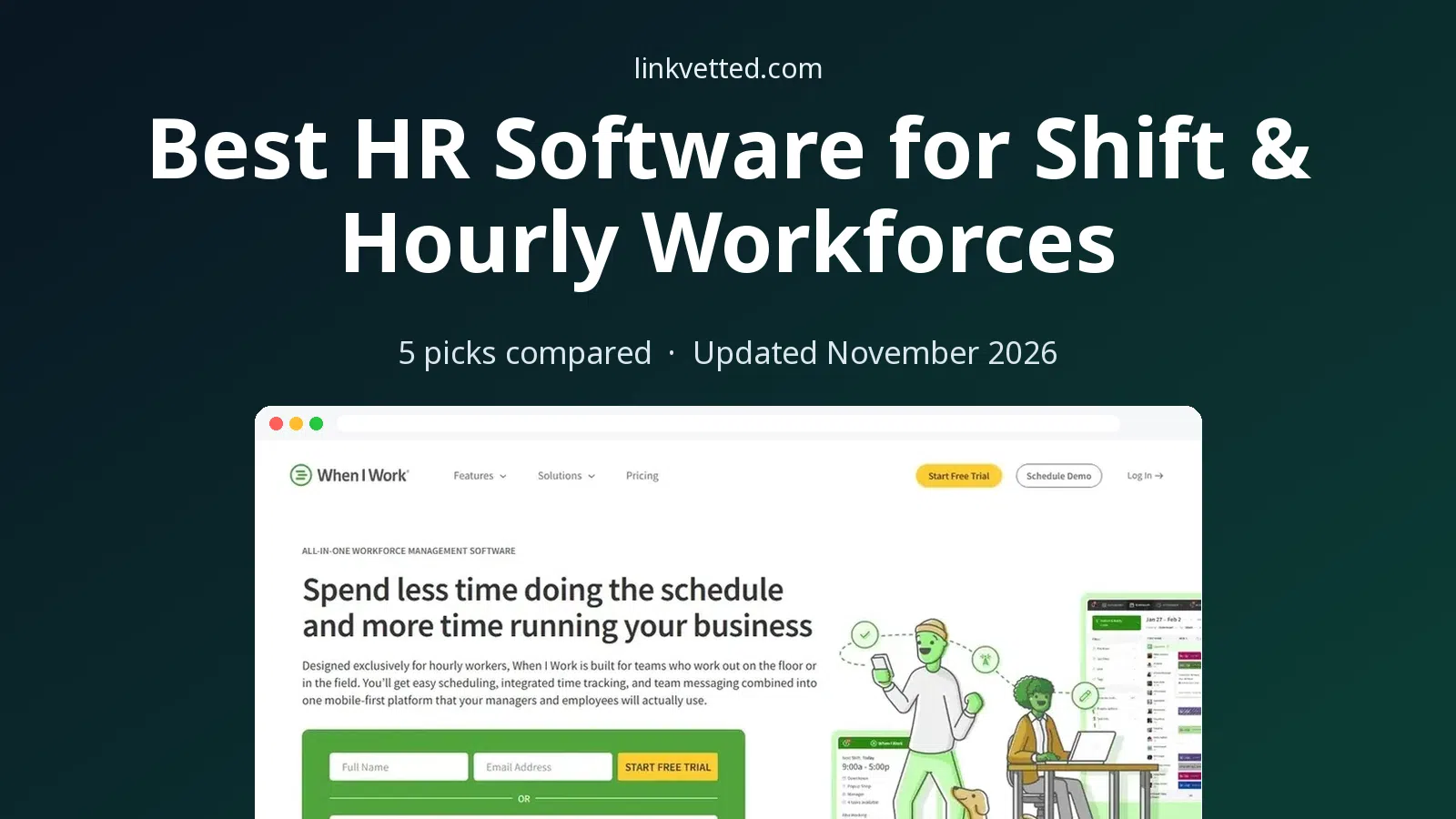
- Editor's choice
 When I Work
Straightforward scheduling and team communication
Starts at$2.50 per user a monthVisit wheniwork.comFull review - Great alternativeUKG Dimensions
Large enterprises with complicated workforce needs
Starts atSee websiteVisit ukg.comFull review - Also consider
 Deputy
Full shift scheduling and payroll
Starts at$5 per user a monthVisit deputy.comFull review
Direct answer
Start with When I Work if you need straightforward scheduling and team communication. Listed starting prices: When I Work from $2.50 per user a month, Deputy from $5 per user a month and Sling from $1.70 per user a month. For a different need, UKG Dimensions covers large enterprises with complicated workforce needs and Deputy covers thorough shift scheduling and payroll. All 5 tools are compared below on price, free plan and limits.
TL;DR:
- When I Work is the opening pick, best for straightforward scheduling and team communication.
- The main caution on Deputy: may be complicated for very small teams.
- Sling stands alone as the one tool in this list with a free plan.
- The cheapest monthly starting price in the list is $1.70 per user per month, offered by Sling.
Last checked November 2026. Prices and plan details were read from the vendors' own pages in November 2026; vendors change plans often, so confirm the current price on the vendor site before you buy.
Quick comparison
| Tool | Best for | Starts at | Free plan? | |
|---|---|---|---|---|
| When I Work | Straightforward scheduling and team communication | $2.50 per user a month | Free trial | Visit |
| UKG Dimensions | Large enterprises with complicated workforce needs | See website | Not stated | Visit |
| Deputy | Full shift scheduling and payroll | $5 per user a month | Free trial | Visit |
 Sling | Budget-friendly shift scheduling | $1.70 per user a month | Yes | Visit |
| HotSchedules | Hospitality-focused scheduling and engagement | See website | Not stated | Visit |
HR Software for Shift & Hourly Workforces profiles
Choosing HR software for shift & hourly workforces usually comes down to price, fit and limits. This LinkVetted guide sets 5 tools side by side on those three points, with the facts kept short and checkable.
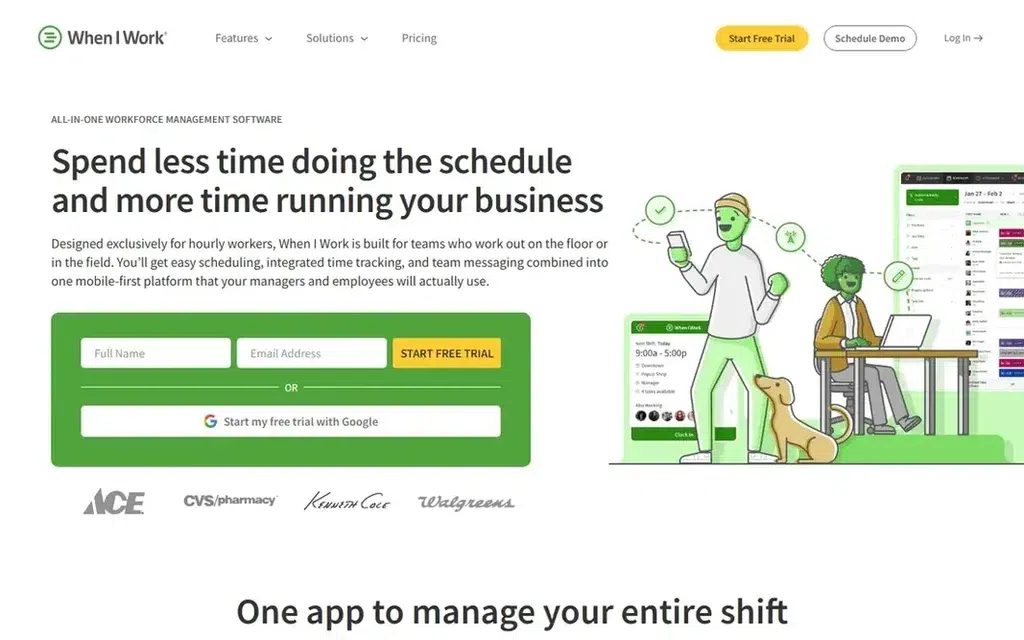
When I Work is aimed squarely at straightforward scheduling and team communication. When I Work is an employee scheduling and management app that concentrates on shift scheduling, time tracking, and team messaging.
Trade-offs to know: Restricted HR features.
The app aims to ease shift management and boost communication between managers and staff. Starting cost for When I Work: $2.50 per user per month. Free plan details: Free trial.
- Approachable interface
- Integrated messaging
- Payroll not included
UKG Dimensions
Best for: Large enterprises with complicated workforce needs
UKG Dimensions is aimed squarely at large enterprises with complicated workforce needs. Implementation can be time-consuming. Also, UKG Dimensions is a workforce management system that eases HR, payroll, and workforce management with workforce intelligence.
Points against: High cost for small companies.
It is aimed at modern operations and is right for medium to large enterprises with complicated scheduling and compliance needs. Also, the product offers advanced features like AI-driven forecasting and analytics. UKG Dimensions may be too complicated and expensive for small companies. UKG Dimensions shows no starting price here, so confirm the cost on the vendor site. On free options: Not stated.
- Scalable for large teams
- AI-powered insights
- Complicated implementation
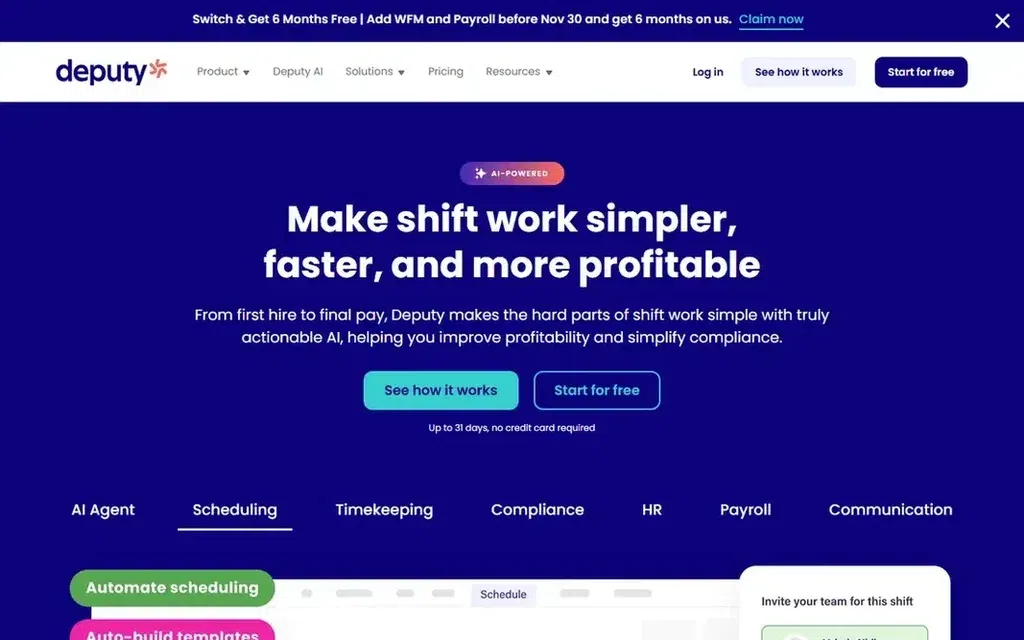
For thorough shift scheduling and payroll, Deputy is a natural candidate. The software helps managers produce schedules, track time, and run payroll in one place, reducing administrative work and improving labor cost control.
Its pricing is not publicly listed, so you have to contact sales for a quote. Price to start with Deputy: $5 per user per month. Trial and free access: Free trial.
Honest limits: May be complicated for very small teams.
- Integrated payroll
- AI labor forecasting
- Pricing not transparent
Sling is aimed squarely at budget-friendly shift scheduling. Sling is a free employee shift scheduling and planning software that helps companies run shifts and communicate with employees.
Drawbacks to consider: Restricted HR and payroll features.
It is aimed at small to medium companies in industries like retail, hospitality, and healthcare. Beyond that, Sling supplies core scheduling features and team messaging, making it an economical choice for entry-level needs. Sling starts at: $1.70 per user per month. Free access exists with Sling.
- Simple shift planning
- Built-in messaging
- May not scale for large businesses
HotSchedules
Best for: Hospitality-focused scheduling and engagement
HotSchedules is built with hospitality-focused scheduling and engagement in mind. It helps restaurants and bars handle shifts, communicate with staff, and boost employee engagement. In daily use, pricing is not publicly listed, requiring a demo request.
Also, the platform contains features like shift swapping, availability management, and team messaging. HotSchedules is specialized for hospitality, so it may not be the best fit for other industries. No starting price is listed for HotSchedules here; confirm pricing on the vendor site. As for free access: Not stated.
Points against: Pricing not transparent.
- Mobile app
- Employee engagement tools
- May be overkill for non-hospitality
How the list was put together
The comparison looks at four things: starting price, free access, how well the feature set matches HR software for shift & hourly workforces, and the main limit of each tool. Figures are shown as the vendors publish them. Billing terms, seat minimums and add-ons can change the real cost. Order on the page follows fit for the typical buyer first, then price transparency and free access. Your own requirements should decide the final pick.
Things to verify first
- Confirm the entry price on the vendor page. For UKG Dimensions and HotSchedules that means a quote rather than a fixed price.
- Look at the free plan from Sling closely: its caps decide whether it is usable for real work.
- Run a trial of When I Work and Deputy with real work before paying for a year; your own workflow is the best test.
- Before choosing When I Work, weigh its main limit: restricted HR features.
- Verify that exporting from When I Work is possible on your plan and covers all your records.
- Read the plan comparison for HotSchedules carefully; key features often start on a higher tier.
FAQ
What features should I look for in HR software for shift workers?
Look for scheduling, time tracking, payroll integration, and mobile access. In daily use, communication tools like messaging and shift swapping are also important.
Is free HR software for shift work sufficient for small firms?
That said, they may lack payroll and advanced HR features. Small firms with straightforward needs may find free choices adequate, but growth may need premium upgrades.
What is the cheapest option for HR software for shift & hourly workforces in this list?
On published monthly entry prices, Sling is the lowest here at $1.70 per user per month. Entry price is only part of the cost, because seats, add-ons and billing terms can change the total. All 5 picks in this HR software for shift & hourly Workforces comparison list a starting price, free plan details and the main limits on their cards above.
Which HR software for shift & hourly workforces have a free plan?
Sling is the only tool in this list with a free plan. Free plans usually cap users, projects or features, so check the limits on the vendor page. Several others offer a trial instead. For the full picture, the cards above cover all 5 entries of this HR software for shift & hourly Workforces list, including price, free plan and limits.
Is When I Work the right pick for everyone comparing HR software for shift & hourly workforces?
No single tool suits every team. When I Work comes first because it fits simple scheduling and team communication, while UKG Dimensions suits large enterprises with complex workforce needs and Deputy suits comprehensive shift scheduling and payroll. Match the tool to your own size, budget and workflow before deciding.
How does HR software help with compliance for hourly workers?
HR software can automate overtime calculations, meal break tracking, and labor law compliance. Features like time tracking and scheduling rules are key.
Sources
- https://wheniwork.com
- https://www.ukg.com
- https://www.deputy.com
- https://getsling.com
- https://www.hotschedules.com