The 6 Best Hosting for LMS Platforms in 2026, Ranked
Comparing the best hosting for LMS platforms? 6 contenders, each with entry cost, free tier and best-fit buyer. Read the caveats before you buy. Quick to scan.
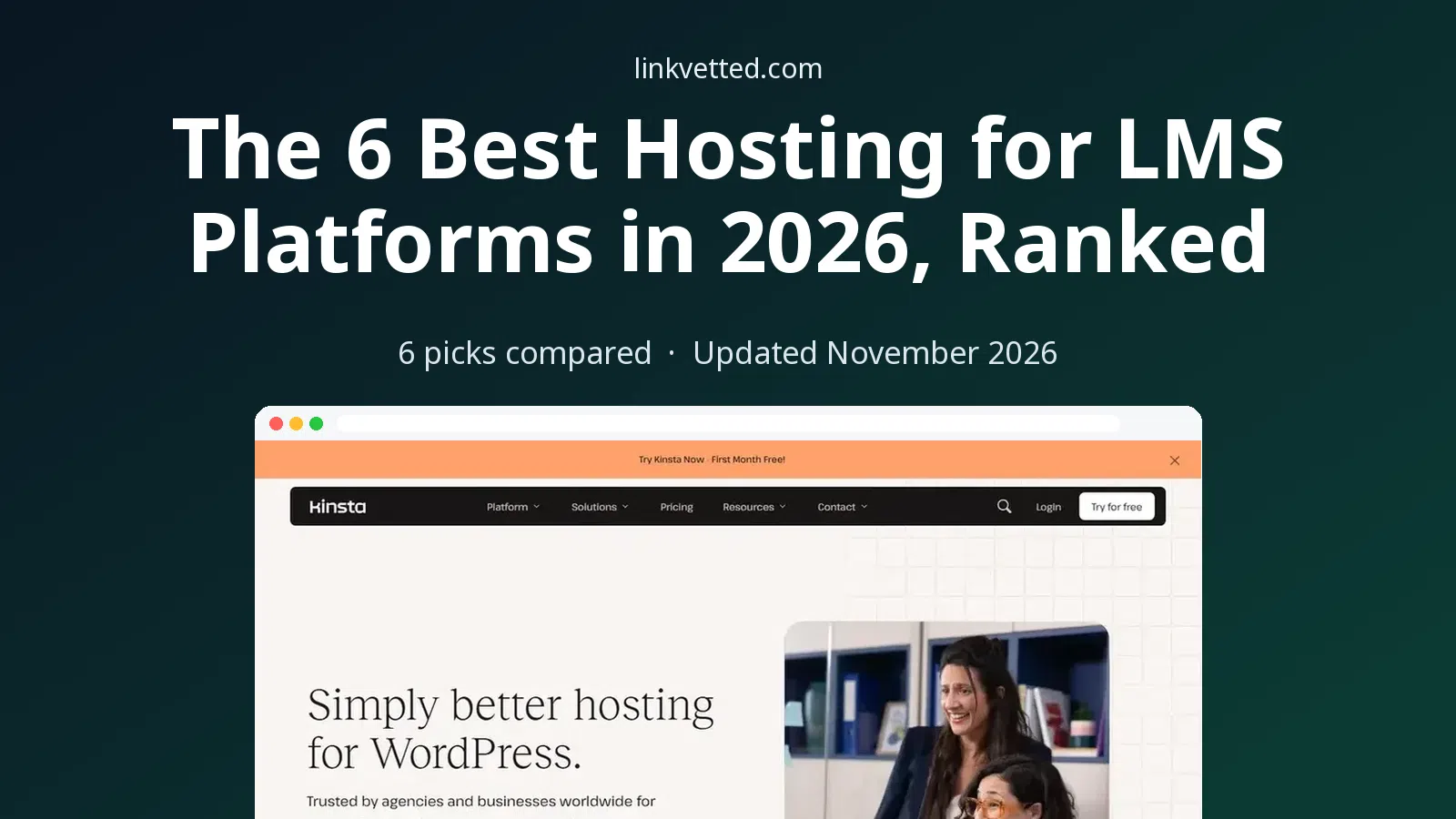
- Editor's choice
 Kinsta
Speed-focused WordPress LMS sites
Starts at$17.50 a monthVisit kinsta.comFull review - Great alternative
 A2 Hosting
Expanding LMS sites needing migration help
Starts atSee websiteVisit a2hosting.comFull review - Also consider
 Hostinger
Budget-conscious LMS beginnings
Starts at$1.99 per monthVisit hostinger.comFull review
Direct answer
If you need speed-focused WordPress LMS sites, Kinsta is the first tool to look at here. Listed starting prices: Kinsta from $17.50 a month, Hostinger from $1.99 per month and WP Engine from $28.00 a month. For a different need, A2 Hosting covers expanding LMS sites needing migration help and Hostinger covers budget-conscious LMS beginnings. Prices, free plans and limits for all 6 tools follow.
TL;DR:
- Kinsta takes the first slot, best suited to speed-focused WordPress LMS sites.
- Neither Kinsta nor Cloudways, nor any of the other 4 tools, has a permanent free plan; trials and quotes are the norm.
- The lowest published monthly entry price here is $1.99 per month, from Hostinger.
- For adaptable managed cloud hosting, Cloudways is worth a look.
Last checked November 2026. Prices and plan details were read from the vendors' own pages in November 2026; vendors change plans often, so confirm the current price on the vendor site before you buy.
Quick comparison
| Tool | Best for | Starts at | Free plan? | |
|---|---|---|---|---|
| Kinsta | Speed-focused WordPress LMS sites | $17.50 a month | Free trial | Visit |
| A2 Hosting | Expanding LMS sites needing migration help | See website | Not stated | Visit |
| Hostinger | Budget-conscious LMS beginnings | $1.99 per month | Not stated | Visit |
 WP Engine | Managed WordPress LMS hosting | $28.00 a month | Not stated | Visit |
 SiteGround | Small to mid-sized LMS sites | See website | Not stated | Visit |
 Cloudways | Adaptable managed cloud hosting | $20 per month | Free trial | Visit |
Our 6 hosting for LMS platforms
LinkVetted put together this guide to hosting for LMS platforms for readers who want a clear shortlist without reading every vendor page. It compares 6 tools on starting price, free plans, who each one suits and where each one falls short.

Kinsta was built for speed-focused WordPress LMS sites. Kinsta presents itself as WordPress hosting with an emphasis on speed, security and support, targeted at users who want a managed environment without handling server administration.
Honest limits: WordPress-focused system.
From a buyer's view, a LMS delivered through WordPress can benefit from that performance focus, especially when course pages, media and enrolled users put steady load on the site. In daily use, organizations with strict infrastructure requirements may prefer a dedicated or cloud host. On cost, Kinsta starts like this: $17.50 per month. Trial and free access: Free trial.
- Managed support included
- Enterprise-grade security emphasis
- Restricted fit for custom LMS apps
A2 Hosting was built for expanding LMS sites needing migration help. For a LMS team moving an existing learning site to a new provider, the migration assistance can cut setup friction.
Trade-offs to know: General-purpose hosting focus.
Pick A2 Hosting when you want a dependable general host with migration support and are comfortable managing the LMS application yourself. More specifically, A2 Hosting is a general web host instead of a LMS-specialized system, so application-specific tuning for a learning system is not its central focus. Check the vendor site for A2 Hosting pricing; none is listed in this comparison. Free options: Not stated.
- Free migration included
- Uptime service commitment
- LMS-specific tuning not the emphasis
Hostinger is designed for budget-conscious LMS beginnings. Hostinger provides shared hosting, domains, VPS and cloud plans, giving teams a way to start small and move to more capable infrastructure as a LMS grows. That progression can suit educators launching a first course site who want an accessible entry point and a clear upgrade path later.
What to check first: Shared plans limit heavy workloads.
It spans the basics of getting a learning site online without a complicated setup. Organizations needing completely managed learning infrastructure may prefer a specialized host. In practice, shared hosting plans have resource limits that heavier LMS workloads can reach, and VPS choices shift more administration onto your team. Price to start with Hostinger: $1.99 per month. Trial and free access: Not stated.
- Domains and hosting together
- Range from shared hosting to VPS
- VPS needs self-management
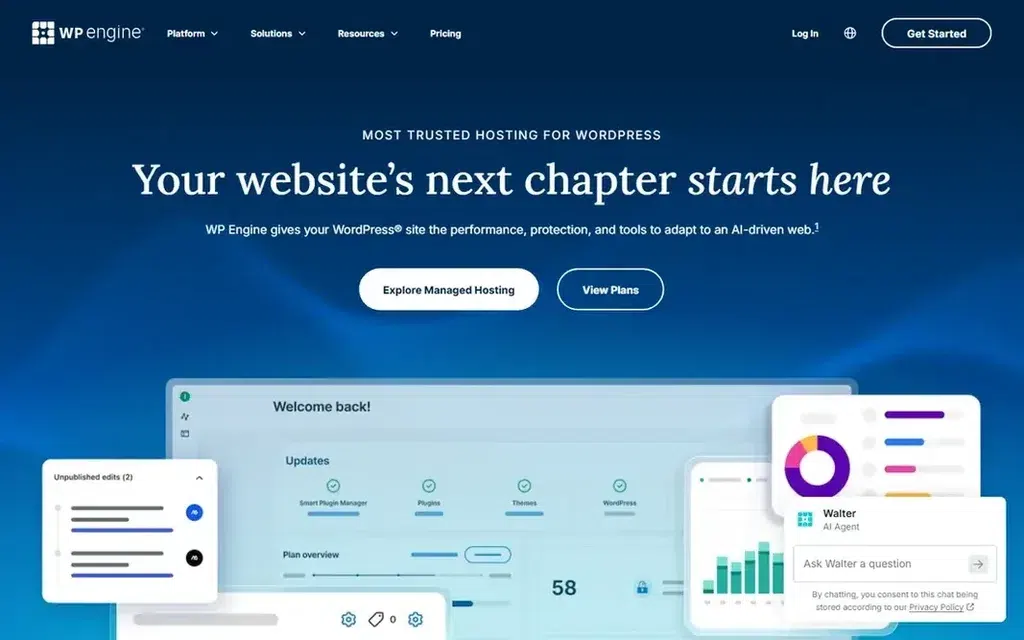
In short, WP Engine is for managed WordPress LMS hosting. WP Engine is a managed website hosting system built around WordPress, with security and support positioned as core parts of the service.
Beyond that, choose WP Engine when your LMS runs on WordPress and managed operations matter more than deep server customization. Price to start with WP Engine: $28.00 per month. Free options: Not stated.
The main drawbacks: Less suited to non-WordPress LMS.
- Managed WordPress environment
- Round-the-clock support
- WordPress-centric only
SiteGround works best for small to mid-sized LMS sites. It suits educators and small teams that want straightforward hosting without deep server administration.
SiteGround's usual plans are oriented toward standard websites, so very large enrollments or custom LMS applications may outgrow the environment. SiteGround does not show a starting price in this comparison, so check the vendor site for current pricing. Trial and free access: Not stated.
The main drawbacks: Shared-style limits on resources.
- Round-the-clock expert support
- Beginner-friendly hosting
- Less suited to heavy custom apps
Cloudways serves adaptable managed cloud hosting. Cloudways supplies a managed cloud hosting product that eases deploying and running sites on top of cloud infrastructure. Cloudways is a hosting product instead of a LMS-specific service, so you remain responsible for installing and maintaining the learning application itself.
Limits to weigh: Not a turnkey LMS product.
As for the details, teams wanting a completely managed WordPress experience may prefer a WordPress-focused host. For LMS teams, that means a path to scale resources as enrollment and course traffic grow, without completely self-managing the underlying servers. Cloudways pricing: $20 per month. On free options: Free trial.
- Choice of cloud infrastructure
- Managed cloud hosting model
- Requires some server knowledge
Selection criteria
For each of the 6 tools we noted price, free plan or trial, fit for hosting for LMS platforms and the main limit, using vendor pages and documentation. Where a price is missing, the vendor does not list one publicly or ties it to a quote. Always confirm before budgeting. Position on the page reflects fit for a typical buyer first, with price clarity and free access breaking ties. Treat it as a guide, not a ruling.
A buyer's checklist
- Ask A2 Hosting and SiteGround for a written quote, since no starting price is shown.
- Use real work to test the free trial from Kinsta and Cloudways, rather than a demo project.
- Before choosing Kinsta, weigh its main limit: WordPress-focused system.
- Before rolling out Kinsta, verify the integrations your workflow depends on.
- Look at which plan of SiteGround unlocks the features you need; entry tiers are often cut down.
FAQ
When should I choose cloud or dedicated hosting for a LMS?
Cloud and dedicated choices make sense when enrollment grows, when you run custom LMS software, or when compliance requirements call for controlled infrastructure.
How are the tools for hosting for LMS platforms ordered?
Kinsta sits first and Cloudways last because the order follows typical fit for hosting for LMS platforms, then price clarity and free access. It is a judgement call, so read each profile for fit and limits.
Is managed WordPress hosting a good match for a LMS?
It can work well when your learning site is built on WordPress, since managed hosts deal with updates, caching and security around the product.
What should I look for in hosting for a LMS product?
Focus on uptime reliability, the resources your expected enrollment will need, and support responsiveness during peak course periods. Also confirm whether the host supports your LMS software straight or expects you to handle the application yourself.
Does any tool for hosting for LMS platforms here have a free plan?
A permanent free plan is not offered by Kinsta, Cloudways or the other tools here. Kinsta, Cloudways offer a trial. Plan a short evaluation period instead.
Is Kinsta the right pick for everyone comparing hosting for LMS platforms?
No single tool suits every team. Kinsta comes first because it fits speed-focused WordPress LMS sites, while A2 Hosting suits growing LMS sites needing migration help and Hostinger suits budget-conscious LMS beginnings. Match the tool to your own size, budget and workflow before deciding.
Sources
- https://kinsta.com
- https://www.a2hosting.com
- https://www.hostinger.com
- https://wpengine.com
- https://www.siteground.com
- https://www.cloudways.com