Home Media Server Software in 2026: The 5 Best Options Side by Side
Best home media server software: 5 contenders ranked by fit, with entry costs and free tiers. Price notes and drawbacks come with each one. Decide faster.
- Editor's choiceSubsonic
Music-focused personal streaming
Starts atSee websiteVisit subsonic.orgFull review - Great alternativeJellyfin
Control-focused open media system
Starts atSee websiteVisit jellyfin.orgFull review - Also consider
 Kodi
Big-screen home theater playback
Starts atSee websiteVisit kodi.tvFull review
Direct answer
Our first pick is Subsonic, best for music-focused personal streaming. Listed starting prices: Plex Media Server from $1.99 a month. For a different need, Jellyfin covers control-focused open media system and Kodi covers big-screen home theater playback. Prices, free plans and limits for all 5 tools follow.
TL;DR:
- Number one here is Subsonic, a fit for music-focused personal streaming.
- A fair warning about Subsonic: less suited to video libraries.
- The lowest published monthly entry price here is $1.99 per month, from Plex Media Server.
- Just one of the 5 tools, Plex Media Server, has a free plan.
- Plex Media Server suits all-in-one household media hub.
Last checked November 2026. Prices and plan details were read from the vendors' own pages in November 2026; vendors change plans often, so confirm the current price on the vendor site before you buy.
Quick comparison
| Tool | Best for | Starts at | Free plan? | |
|---|---|---|---|---|
| Subsonic | Music-focused personal streaming | See website | Not stated | Visit |
| Jellyfin | Control-focused open media system | See website | Not stated | Visit |
| Kodi | Big-screen home theater playback | See website | Not stated | Visit |
| Universal Media Server | Streaming to plenty of device types | See website | Not stated | Visit |
| Plex Media Server | All-in-one household media hub | $1.99 a month | Yes | Visit |
Home Media Server Software profiles
Choosing home media server software usually comes down to price, fit and limits. This LinkVetted guide sets 5 tools side by side on those three points, with the facts kept short and checkable.
Subsonic
Best for: Music-focused personal streaming
Subsonic is built with music-focused personal streaming in mind. Subsonic is a personal media streamer best known for music, letting you serve your own collection from a home server to browsers and apps.
What to check first: Interface is plain.
Subsonic is not the most solid choice for large video libraries with rich metadata and TV handling. Pricing for Subsonic is not stated here, so ask the vendor for current figures. Free options: Not stated.
- Fits music-centric libraries
- Built around streaming your own media
- Less suited to video libraries
Jellyfin
Best for: Control-focused open media system
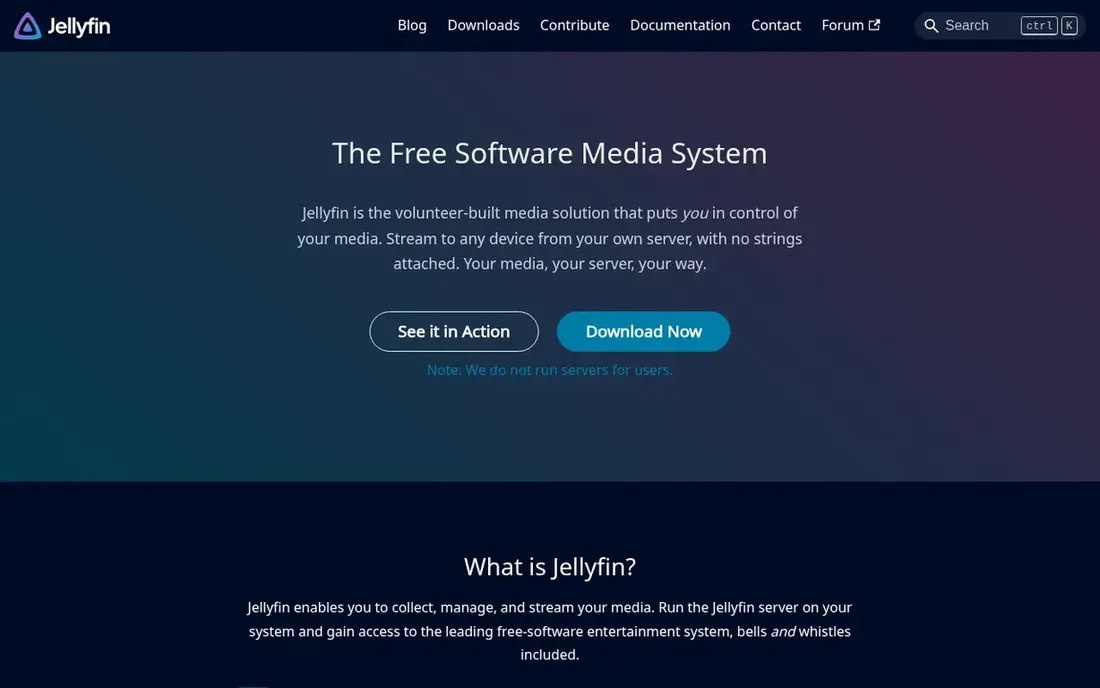
Jellyfin works best for control-focused open media system. Jellyfin describes itself as the free software media system, a volunteer-built media solution that puts you in control of your media and streams to any device from your own server with no strings attached.
It fits people who want to self-host their library and avoid dependence on a vendor account or hosted service. Jellyfin shows no starting price here, so confirm the cost on the vendor site. Free access: Not stated.
Trade-offs to know: Some client apps are less refined.
- Volunteer-built and puts you in control
- Described as having no strings attached
- Fewer refined extras than commercial servers
For big-screen home theater playback, Kodi is a natural candidate. Kodi is an open source home theater software and free media player meant to look great on your big screen TV whereas working just as well on a small screen.
Points against: Not a background server for numerous clients.
It fits people who want a front-end player on a TV-connected device and are comfortable configuring extras and sources themselves. Kodi shows no starting price here, so confirm the cost on the vendor site. As for free access: Not stated.
- Open source and free media player
- Works on small screens too
- Extras and setup need tinkering
Universal Media Server
Best for: Streaming to plenty of device types
For streaming to plenty of device types, Universal Media Server is a natural candidate. Universal Media Server streams your media to devices including TVs, smartphones, gaming consoles, computers and audio receivers.
The main drawbacks: Configuration can be technical.
Its wide device focus makes it a practical choice for mixed households where the same library needs to reach numerous kinds of hardware, including older or unusual players. Check the vendor site for Universal Media Server pricing; none is listed in this comparison. Trial and free access: Not stated.
- Also targets computers and audio receivers
- Streams to TVs
- Interface is utilitarian
Plex Media Server
Best for: All-in-one household media hub
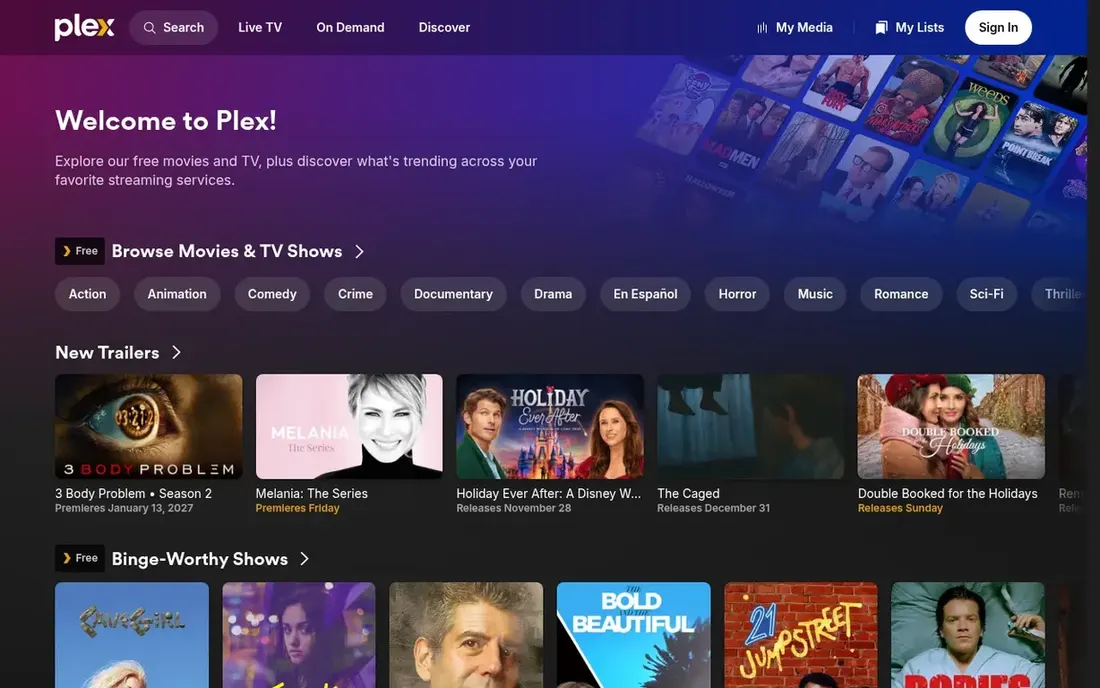
Plex Media Server serves all-in-one household media hub. If your priority is a refined, app-rich experience across many devices, Plex is the usual starting point.
Upsides: Broad device and app support for streaming.
If you want volunteer-built software, look at Jellyfin. Entry price for Plex Media Server: $1.99 per month. Plex Media Server has a free plan.
What to check first: Setup has more moving parts than a straightforward player.
- Organizes movies, presents
- Refined interface for browsing and playback
- Some features rely on a Plex account
How these tools were picked
The comparison looks at four things: starting price, free access, how well the feature set matches home media server software, and the main limit of each tool. Figures are shown as the vendors publish them. Billing terms, seat minimums and add-ons can change the real cost. We ordered the tools by general fit, then by how clearly pricing is shown, then by free access. A buyer with unusual needs may reorder them.
What to check before you buy
- Get a written quote from Subsonic, Jellyfin, Kodi and Universal Media Server; the list shows no starting price for them.
- Test the free plan from Plex Media Server against your real workload before relying on it.
- Before choosing Subsonic, weigh its main limit: less suited to video libraries.
- Check the support hours and onboarding help Jellyfin offers; smaller vendors vary a lot here.
- Let daily users try Plex Media Server on real work; their feedback beats any feature checklist.
FAQ
Is Subsonic the right pick for everyone comparing home media server software?
No single tool suits every team. Subsonic comes first because it fits music-focused personal streaming, while Jellyfin suits control-focused open media system and Kodi suits big-screen home theater playback. Match the tool to your own size, budget and workflow before deciding.
Which home media server is a good match for beginners?
For most readers this guide would start with Subsonic, built for music-focused personal streaming. Jellyfin is the alternative for control-focused open media system, and Kodi for big-screen home theater playback. The right answer depends on budget and workflow.
How are the tools for home media server software ordered?
The order follows typical fit for home media server software, with Subsonic first and Plex Media Server last, then price clarity and free access. It is editorial judgement, not a score, so another team could rank the tools differently.
Do these tools publish their prices?
Not all of them. Subsonic, Jellyfin, Kodi and Universal Media Server publish no starting price, so expect a quote request for those. The rest, Plex Media Server included, show a starting price, though seats and billing terms still change the final cost.
Which options for home media server software have a free plan?
Plex Media Server is the only tool in this list with a free plan. Free plans usually cap users, projects or features, so check the limits on the vendor page.
Sources
- https://www.subsonic.org
- https://jellyfin.org
- https://kodi.tv
- https://www.universalmediaserver.com
- https://www.plex.tv