Best Home Inspection Software for Commercial Buildings for 2026: Our 6 Vetted Picks
Best home inspection software for commercial buildings: 6 tools compared on price, free plans and fit. Plain-spoken summaries throughout. Narrow your shortlist.
- Editor's choice3D Inspection System
Economical reporting across industries
Starts at$1,199.00Visit 3dinspection.comFull review - Great alternativeSpectora
Automation and business growth
Starts at$4 per inspectionVisit spectora.comFull review - Also considerHomeGauge
Combined reporting and business management
Starts atSee websiteVisit homegauge.comFull review
Direct answer
3D Inspection System leads the list, best for economical reporting across industries. Listed starting prices: 3D Inspection System from $1,199.00, Spectora from $4 per inspection and Palm-Tech from $50 per user per month. If your case is different, Spectora suits automation and business growth and HomeGauge suits combined reporting and business management. All 6 tools are compared below on price, free plan and limits.
TL;DR:
- Number one here is 3D Inspection System, a fit for economical reporting across industries.
- Palm-Tech is the lowest-priced starter here at $50 per user per month.
- None of the 6 tools, from 3D Inspection System to Tap Inspect, has a free plan, so budget for a subscription or use a trial.
- Tap Inspect is the one to check for iPhone and iPad inspections.
Last checked November 2026. Prices and plan details were read from the vendors' own pages in November 2026; vendors change plans often, so confirm the current price on the vendor site before you buy.
Quick comparison
| Tool | Best for | Starts at | Free plan? | |
|---|---|---|---|---|
| 3D Inspection System | Economical reporting across industries | $1,199.00 | Free trial | Visit |
| Spectora | Automation and business growth | $4 per inspection | Free trial | Visit |
| HomeGauge | Combined reporting and business management | See website | Not stated | Visit |
| Palm-Tech | Easy-to-use report writing | $50 per user per month | Free trial | Visit |
| ReportHost | Web-based report creation | $6 per report | Not stated | Visit |
| Tap Inspect | IPhone and iPad inspections | See website | Free trial | Visit |
Home Inspection Software for Commercial Buildings compared in detail
If you are comparing home inspection software for commercial buildings, this page covers 6 tools in one place: what each is best for, what it costs to start, whether it has a free plan, and the main limit to know about.
3D Inspection System
Best for: Economical reporting across industries
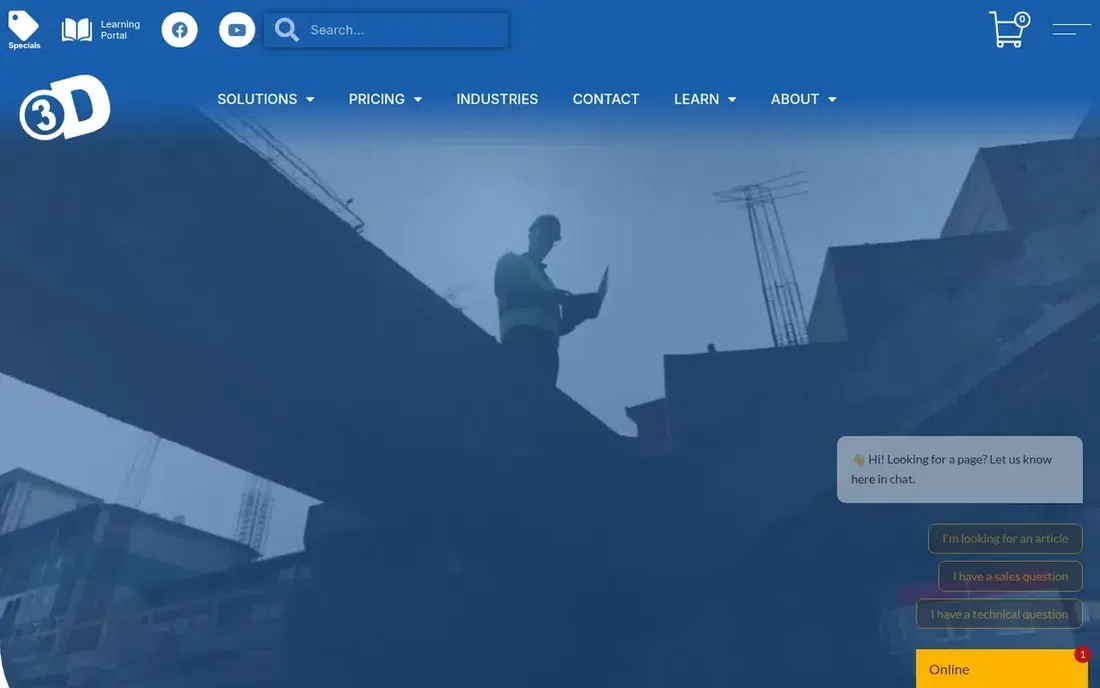
3D Inspection System is built with economical reporting across industries in mind. 3D Inspection System is economical home inspection software aimed at efficient reporting in several industries, including residential and marine inspections.
In daily use, for inspectors who handle mixed property types on a budget, 3D Inspection System is worth considering. For commercial buildings, the multi-industry approach can be adapted, though the vendor flags residential and marine use. What you pay to start with 3D Inspection System: $1,199.00. Free access: Free trial.
Downsides: Commercial building templates may need customization.
- Economical choice
- Reporting for several industries
- Interface may feel dated
Spectora
Best for: Automation and business growth
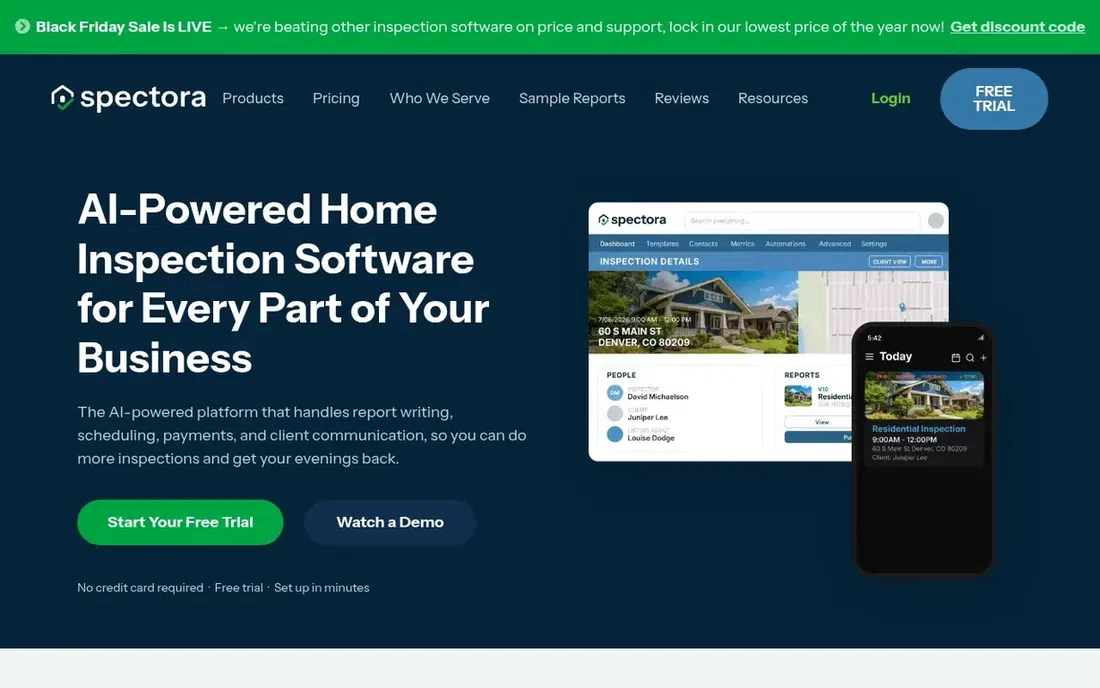
For automation and business growth, Spectora is a natural candidate. Spectora is home inspection automation and business growth software that helps inspectors close more extras and run their business. If you need deep commercial report templates from day one, compare with a more general reporting tool.
For inspectors prioritizing automation, Spectora remains a solid fit. Also, for commercial buildings, the automation can cut admin work, though the core design targets residential inspections. What you pay to start with Spectora: $4 per inspection. Free plan details: Free trial.
Drawbacks to consider: Commercial-specific templates may be restricted.
- Automates workflow tasks
- Supports add-on sales
- Automation setup can take time
HomeGauge
Best for: Combined reporting and business management
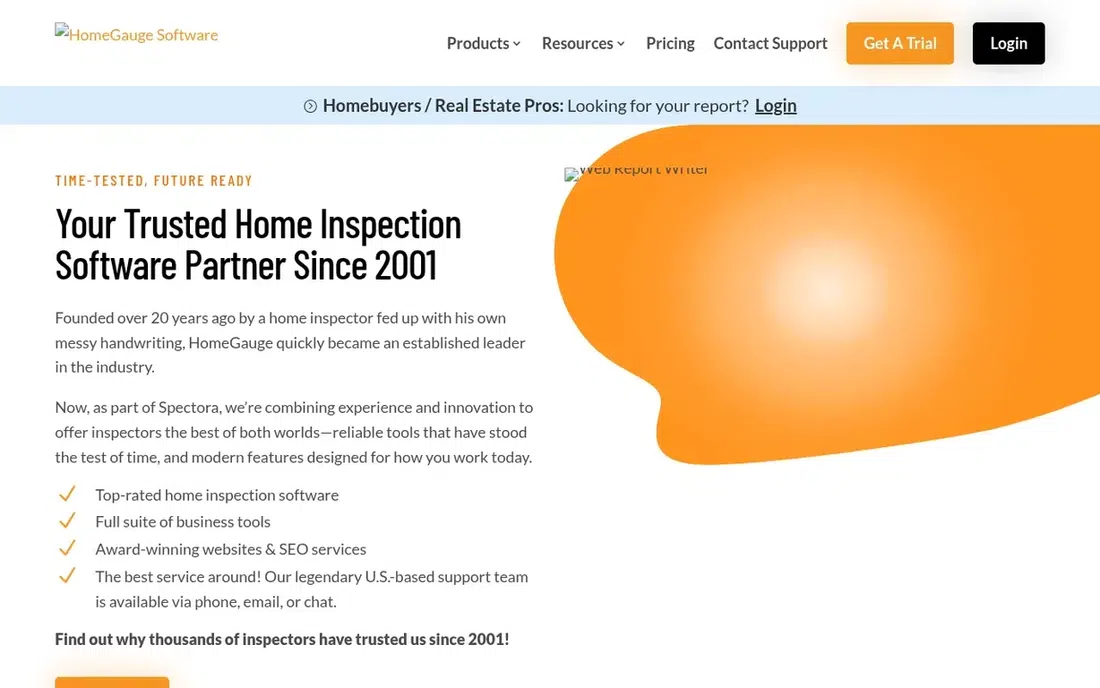
HomeGauge targets combined reporting and business management. HomeGauge is home inspection software that also offers websites and business management tools for writing and managing property reports.
For commercial buildings, its report tools can be adapted, though the vendor emphasizes residential property reports for buyers, sellers, and agents. Otherwise, HomeGauge is a solid all-around choice for mixed inspection companies. No starting price is listed for HomeGauge here; confirm pricing on the vendor site. Free plan details: Not stated.
What to check first: Less specialized for complicated commercial systems.
- Websites and business management tools included
- Wide property report support
- May need setup time for custom templates
Palm-Tech
Best for: Easy-to-use report writing
Palm-Tech targets easy-to-use report writing. On top of that, for commercial buildings, the report writer can be used, but the vendor centers on home inspections.
Trade-offs to know: Restricted automation compared to newer tools.
Worth adding: for inspectors who want a straightforward report writer, Palm-Tech is a practical choice. As for the details, if you need deep commercial reporting features, compare with more specialized choices. Palm-Tech pricing: $50 per user per month. Free options: Free trial.
- Straightforward interface
- Long focus on usability
- Less emphasis on commercial-specific features
ReportHost
Best for: Web-based report creation
ReportHost targets web-based report creation. ReportHost is home inspection software for creating professional home inspection reports with ease.
Beyond that, for commercial buildings, the report creation workflow can be used, though the vendor centres on home inspection reports. What you pay to start with ReportHost: $6 per report. As for free access: Not stated.
Where it falls short: Commercial-specific features may be restricted.
- Long-standing presence
- Professional report output
- May need internet access
Tap Inspect
Best for: IPhone and iPad inspections
For iPhone and iPad inspections, Tap Inspect is a natural candidate. For commercial buildings, the mobile workflow can accelerate data collection, though the vendor targets home inspectors.
What to check first: Commercial templates may be entry-level.
As for the details, since Tap Inspect is built around iOS, teams using Android or desktop-heavy workflows may find it less adaptable. This comparison lists no price for Tap Inspect; ask the vendor. On free options: Free trial.
- Mobile-first for iPhone and iPad
- Scheduling and client management
- IOS focus may limit Android users
How we chose
Before you commit
- Confirm the entry price on the vendor page. For HomeGauge and Tap Inspect that means a quote rather than a fixed price.
- Take the trial from 3D Inspection System, Spectora, Palm-Tech and Tap Inspect and push a live task through it before you pay.
- Read the limits listed for 3D Inspection System first: interface may feel dated.
- Ask HomeGauge which support channels and response times come with the plan you would buy.
- Confirm you can export your data from ReportHost, so leaving later does not mean losing records.
FAQ
How are the tools for home inspection software for commercial buildings ordered?
The order follows typical fit for home inspection software for commercial buildings, with 3D Inspection System first and Tap Inspect last, then price clarity and free access. It is editorial judgement, not a score, so another team could rank the tools differently.
Does any tool for home inspection software for commercial buildings here have a free plan?
No tool in this list, 3D Inspection System and Tap Inspect included, has a permanent free plan. 3D Inspection System, Spectora, Palm-Tech, Tap Inspect offer a trial. Trials and quotes are the usual route, so plan a short evaluation period.
Can I try these tools before paying?
Often, yes. 3D Inspection System, Spectora, Palm-Tech and Tap Inspect offer a free trial. Use your own data and a real task during the test, and check what the free tier or trial limits before you rely on it.
What is the cheapest option for home inspection software for commercial buildings in this list?
On published monthly entry prices, Palm-Tech is the lowest here at $50 per user per month. Entry price is only part of the cost, because seats, add-ons and billing terms can change the total. Prices, free plan details and limits for all 6 tools in this home inspection software for commercial buildings roundup sit on the individual cards above.
Can home inspection software deal with commercial buildings?
Plenty of home inspection tools can be adapted for commercial buildings, but depth varies. Look for configurable templates and the capacity to document complicated systems.
Sources
- https://www.3dinspection.com
- https://spectora.com
- https://www.homegauge.com
- https://www.palm-tech.com
- https://www.reporthost.com
- https://tapinspect.com