5 Best Help Desk Ticketing Software for Universities for 2026, Vetted and Compared
Searching for the best help desk ticketing software for universities? Here are 5 options with prices and free plans. Where a tool struggles is spelled out.

- Editor's choice
 SolarWinds Service Desk
Employee-focused IT service management
Starts atSee websiteVisit solarwinds.comFull review - Great alternative
 Jira Service Management
IT support tied to development teams
Starts atSee websiteVisit atlassian.comFull review - Also considerZendesk Support
AI-assisted omnichannel campus support
Starts at$19 agent/month premium yearlyVisit zendesk.comFull review
Direct answer
This list puts SolarWinds Service Desk first for employee-focused IT service management. Listed starting prices: Zendesk Support from $19 agent/month premium yearly. Jira Service Management is the stronger choice for IT support tied to development teams, while Zendesk Support suits AI-assisted omnichannel campus support. Prices, free plans and limits for all 5 tools follow.
TL;DR:
- SolarWinds Service Desk takes the first slot, best suited to employee-focused IT service management.
- One limit worth knowing about SolarWinds Service Desk: centred on internal employee services.
- TeamDynamix is the one to check for higher education ITSM and project work.
- Zendesk Support is the lowest-priced starter here at $19 agent/month premium yearly.
Last checked November 2026. Prices and plan details were read from the vendors' own pages in November 2026; vendors change plans often, so confirm the current price on the vendor site before you buy.
Quick comparison
| Tool | Best for | Starts at | Free plan? | |
|---|---|---|---|---|
| SolarWinds Service Desk | Employee-focused IT service management | See website | Not stated | Visit |
| Jira Service Management | IT support tied to development teams | See website | Not stated | Visit |
| Zendesk Support | AI-assisted omnichannel campus support | $19 agent/month premium yearly | Free trial | Visit |
 Freshdesk | Automatic workflows for service teams | See website | Not stated | Visit |
| TeamDynamix | Higher education ITSM and project work | See website | Not stated | Visit |
Help Desk Ticketing Software for Universities profiles
This LinkVetted guide covers 5 help desk ticketing software for universities. Each profile lists a starting price, free plan details, strengths and drawbacks, so you can drop poor fits quickly.
Pick SolarWinds Service Desk if this describes you: employee-focused IT service management. University IT departments can use it to manage internal requests from faculty and staff with structured incident and request workflows.
Downsides: May need extras for broader campus use cases.
This comparison lists no price for SolarWinds Service Desk; ask the vendor. Free plan details: Not stated.
- Designed for IT service management
- Suits organizations already using SolarWinds tools
- Centred on internal employee services
Think of Jira Service Management for IT support tied to development teams. Campus IT groups that already use Atlassian tools for development or project tracking can keep service requests close to the work they support.
Drawbacks to consider: ITSM depth may be more than entry-level desks need.
Jira Service Management from Atlassian provides AI-powered ITSM for incident response, change management and request fulfillment. The product is most solid inside the Atlassian ecosystem, and institutions using unrelated tooling may not gain the same benefit. Jira Service Management shows no starting price here, so confirm the cost on the vendor site. Free access: Not stated.
- Suits teams already using Atlassian tools
- AI-powered ITSM for incident response
- Best value when paired with other Atlassian products
Zendesk Support
Best for: AI-assisted omnichannel campus support

Zendesk Support targets AI-assisted omnichannel campus support. Choose Zendesk Support when cross-channel service quality and AI-assisted resolution are central to your support strategy. More specifically, for universities, that means student and staff inquiries can arrive through multiple channels and be triaged with automation.
Highlights: AI agents resolve issues end to end.
Honest limits: Advanced AI features may need careful scoping.
Smaller IT teams may find more straightforward ticketing tools quicker to launch. In practice, Zendesk Support is an AI-powered customer service product built around moving beyond deflection toward AI agents that resolve issues end to end. The product is wide, and that breadth can mean more setup effort than a lean campus help desk needs. Starting cost for Zendesk Support: $19 agent/month premium yearly. Free plan details: Free trial.
- Wide channel coverage for service teams
- Focus on service quality and scale
- Configuration depth can be heavy for small teams
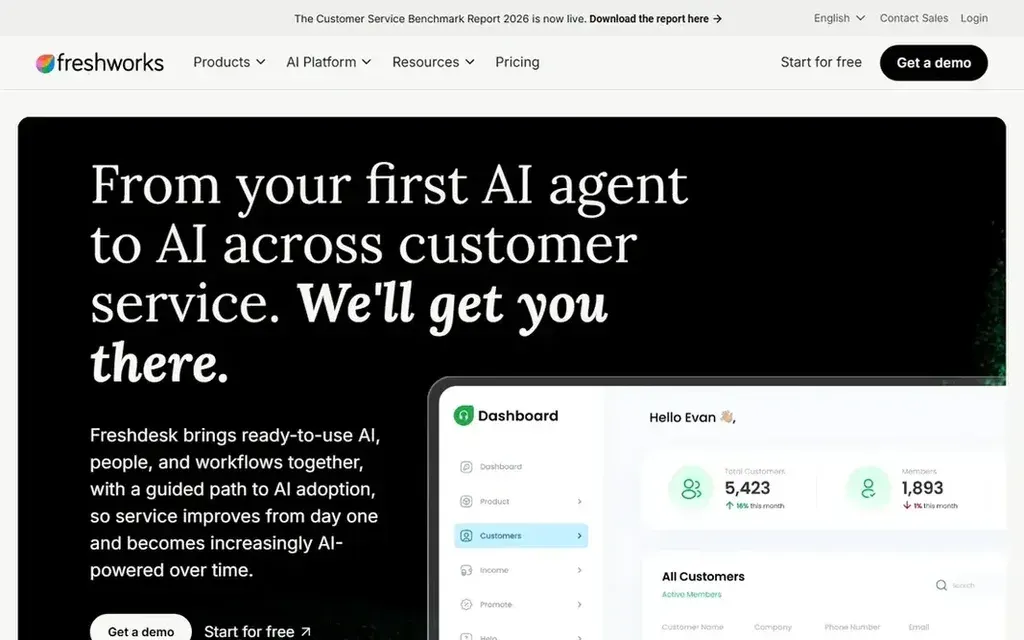
Freshdesk is built with automatic workflows for service teams in mind. Freshdesk is an AI-powered customer service option from Freshworks with omnichannel ticketing and automatic workflows pitched at boosting agent productivity. Teams with complicated IT service management requirements, for example formal change and asset processes, may outgrow what a general service product handles.
Beyond that, departments needing tightly integrated IT workflows should compare dedicated ITSM choices. As for the details, campus service desks can use it to centralize requests from email, web and other channels and route them through rules. This comparison lists no price for Freshdesk; ask the vendor. As for free access: Not stated.
Drawbacks to consider: Feature set can exceed entry-level help desk needs.
- Automatic workflows boost agent productivity
- Omnichannel ticketing in one place
- Deeper customization may need planning
TeamDynamix
Best for: Higher education ITSM and project work
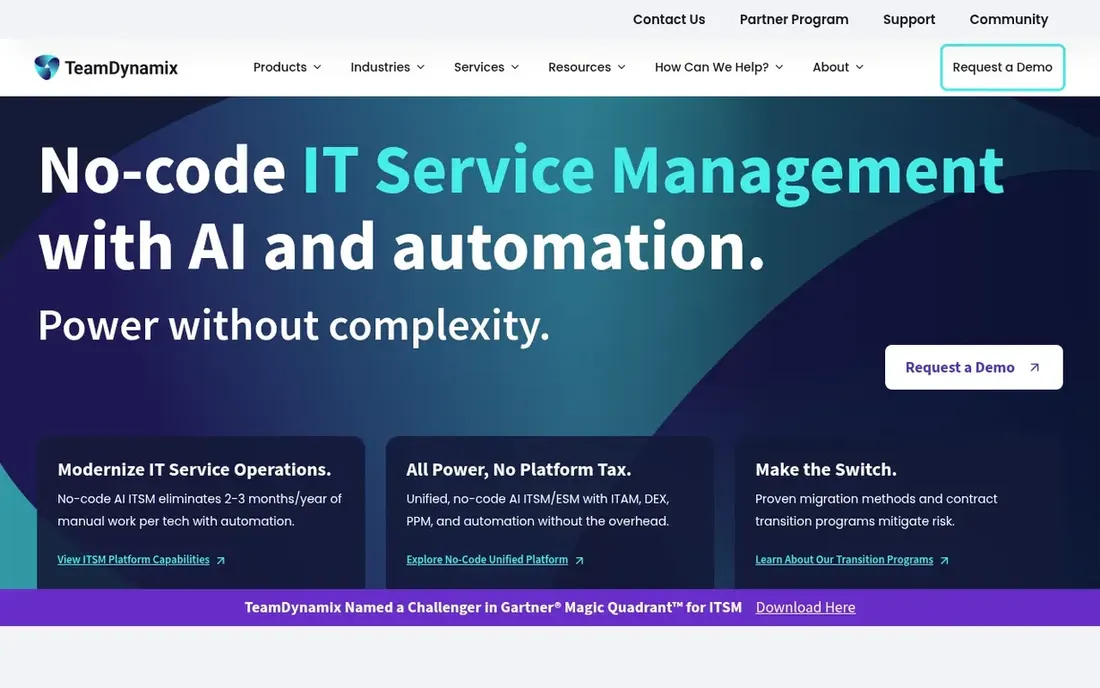
TeamDynamix is aimed squarely at higher education ITSM and project work. Departments wanting a light ticketing inbox should weigh more straightforward tools first.
More specifically, choose TeamDynamix when campus-wide service management and project visibility are the priority. TeamDynamix does not show a starting price in this comparison, so check the vendor site for current pricing. On free options: Not stated.
Honest limits: Wide scope may be more than a single department needs.
- Geared toward scalable enterprise service management
- PPM and integration on one system
- Codeless setup still needs governance planning
Our selection method
The comparison looks at four things: starting price, free access, how well the feature set matches help desk ticketing software for universities, and the main limit of each tool. Treat prices as a snapshot: vendors change plans often, so check the vendor site for the figure that applies today. We ordered the tools by general fit, then by how clearly pricing is shown, then by free access. A buyer with unusual needs may reorder them.
A buyer's checklist
- Ask SolarWinds Service Desk, Jira Service Management, Freshdesk and TeamDynamix for a written quote, since no starting price is shown.
- Run a trial of Zendesk Support with real work before paying for a year; your own workflow is the best test.
- Before choosing SolarWinds Service Desk, weigh its main limit: centred on internal employee services.
- Verify that exporting from Zendesk Support is possible on your plan and covers all your records.
- Involve the people who will use SolarWinds Service Desk daily; a short pilot beats a long feature checklist.
FAQ
How long does implementation typically take?
Light ticketing setups can launch quicker, whereas enterprise ITSM systems with custom workflows and campus integrations generally need more planning and administrative resources.
How are the tools for help desk ticketing software for universities ordered?
The order follows typical fit for help desk ticketing software for universities, with SolarWinds Service Desk first and TeamDynamix last, then price clarity and free access. It is editorial judgement, not a score, so another team could rank the tools differently.
What is the cheapest option for help desk ticketing software for universities in this list?
On published monthly entry prices, Zendesk Support is the lowest here at $19 agent/month premium yearly. Entry price is only part of the cost, because seats, add-ons and billing terms can change the total. All 5 picks in this help desk ticketing software for Universities comparison list a starting price, free plan details and the main limits on their cards above.
Do these tools publish their prices?
Not all of them. SolarWinds Service Desk, Jira Service Management, Freshdesk and TeamDynamix publish no starting price, so expect a quote request for those. The rest, Zendesk Support included, show a starting price, though seats and billing terms still change the final cost.
Is SolarWinds Service Desk the right pick for everyone comparing help desk ticketing software for universities?
No single tool suits every team. SolarWinds Service Desk comes first because it fits employee-focused IT service management, while Jira Service Management suits IT support tied to development teams and Zendesk Support suits AI-assisted omnichannel campus support. Match the tool to your own size, budget and workflow before deciding.
Sources
- https://www.solarwinds.com/service-desk
- https://www.atlassian.com/software/jira/service-management
- https://www.zendesk.com
- https://www.freshworks.com/freshdesk
- https://www.teamdynamix.com