Best IT Help Desk Software in 2026: 8 Tools Compared
We compared the best it help desk software for IT teams, covering ticketing, asset tracking, automation, and pricing for small and large desks in October 2026.

- Editor's choice
 Freshservice
Mid-size IT teams that need ITSM fast
Starts atSee websiteVisit freshworks.comFull review - Great alternative
 Jira Service Management
Teams already using Atlassian tools
Starts atSee websiteVisit atlassian.comFull review - Also consider
 Zendesk
Large support teams with many channels
Starts atSee websiteVisit zendesk.comFull review
TL;DR:
- Freshservice and Jira Service Management are the clearest IT-first choices, with asset and change tools built for IT work.
- Zendesk and Freshdesk suit teams that also handle customer support, not just internal IT tickets.
- Zoho Desk and ManageEngine offer lower-cost routes, with free editions that suit small IT teams.
- ServiceNow is the enterprise option, with quote-only pricing and a setup that small teams should avoid.
Quick comparison
| Tool | Best for | Starts at | Free plan? | |
|---|---|---|---|---|
| Freshservice | Mid-size IT teams that need ITSM fast | See website | Free trial | Visit |
| Jira Service Management | Teams already using Atlassian tools | See website | Yes | Visit |
| Zendesk | Large support teams with many channels | See website | Free trial | Visit |
 Freshdesk | Support teams that want low entry cost | See website | Free trial | Visit |
 Zoho Desk | Budget teams, especially Zoho users | See website | Yes | Visit |
 ServiceNow | Global enterprises with complex IT needs | See website | No | Visit |
 ManageEngine ServiceDesk Plus | Budget IT teams that want a free edition | See website | Yes | Visit |
 SysAid | IT teams that want AI help with tickets | See website | Free trial | Visit |
The best IT help desk software
An IT help desk is judged by speed and clarity: a ticket arrives, the right person sees it, the fix is recorded, and the same problem does not return unnoticed. These tools differ in IT depth, automation, and price, and the best one depends on whether you run IT for employees, customers, or both.
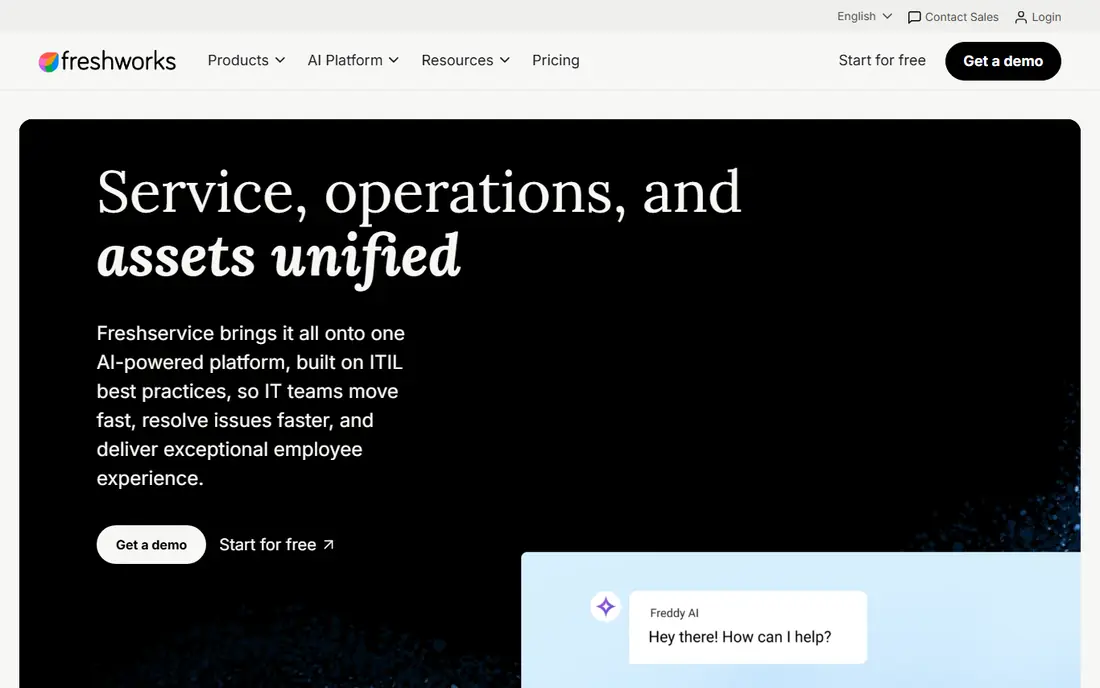
Freshservice is the most direct IT-first pick for mid-size teams. It covers incident, problem, change, and asset management with a portal that lets staff check status and search answers before raising a ticket. Automation rules route tickets, set priorities, and send updates without manual triage.
The catch is tiering. Starter plans cover the basics, while deeper automation and analytics need higher tiers. Price the agent count you will have in a year, and test asset tracking on your real device list during the trial.
- ITIL aligned workflows
- Asset management
- Automation and self-service portal
- Advanced features sit on higher tiers
- Per-agent costs add up

Jira Service Management fits teams that already live in Jira and Confluence. Tickets link to development work, change requests follow a clear approval path, and the portal gives staff a simple place to ask for help. For IT teams that work closely with developers, that shared workflow removes duplicate tracking.
The weakness is complexity for non-Atlassian teams. Setup and permissions take care, and teams outside the Atlassian world may find a simpler desk faster to adopt. It is strongest when Jira is already part of daily work.
- Deep Jira links
- Strong incident and change workflows
- Free tier for small teams
- Setup can feel complex
- Best value inside Atlassian shops
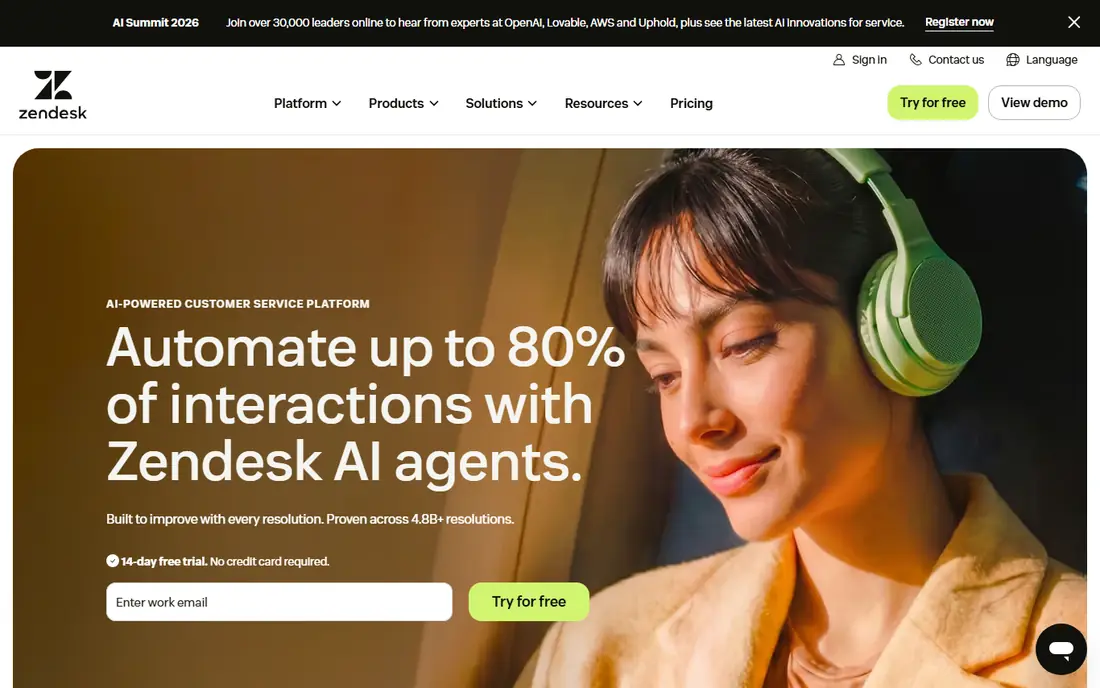
Zendesk suits teams that handle email, chat, phone, and social in one queue. Tickets, customer history, and internal notes sit together, and reporting shows volume, response times, and agent workload. That breadth helps when support spans customers and internal staff, not just one group.
The catch is cost and add-ons. AI assistance and advanced workforce tools often cost extra, and higher tiers rise quickly per agent. It is best when channel breadth and reporting justify the bill, not when a simple IT queue would do.
- Strong omnichannel ticketing
- Large integration list
- Good reporting
- AI features often cost extra
- Per-agent price rises on higher tiers
Freshdesk is the value option in the Freshworks family for general support desks. It handles tickets, a shared inbox, a knowledge base, and a customer portal at a lower entry price than Zendesk. Current plans include AI agent sessions, which help small teams answer common questions without adding headcount.
The weakness for IT teams is depth. Asset management and ITIL workflows are thinner than in Freshservice or ServiceNow, so pure IT desks may outgrow it. Choose it when the desk serves customers first and IT second.
- Low entry price
- Shared inbox and portal
- AI sessions on current plans
- IT asset depth is thinner than Freshservice
- AI copilot is a paid add-on
Zoho Desk is the cheapest credible desk for small teams. A free tier covers a few agents, and paid tiers stay below most rivals, which matters when every seat counts. Tickets, knowledge base, and customer happiness tracking cover the core job, and Zoho users get clean links to CRM and other Zoho apps.
The catch is polish and depth. The interface can feel busy, and the full AI suite sits on higher tiers. It is a strong budget pick, and a weaker pick for large IT teams that need deep asset and change controls.
- Low prices
- Free tier for small teams
- Strong Zoho links
- Advanced AI sits on higher tiers
- Interface feels busy to some users
ServiceNow is the platform large enterprises standardize on when mid-market tools run out of depth. Incident, problem, change, asset, and configuration management run on one data model, and the platform extends into HR, security, and custom apps. That breadth suits firms with complex approval chains and strict compliance needs.
The trade-off is cost and people. Pricing is quote based, contracts often run multi-year, and most deployments need an implementation partner. Teams of three to fifteen technicians should treat it as overkill unless complexity genuinely demands it.
- Deep ITSM, asset, and workflow platform
- Strong enterprise controls
- Quote-only pricing
- Needs dedicated admins and partners
ManageEngine ServiceDesk Plus
Best for: Budget IT teams that want a free edition
ManageEngine ServiceDesk Plus gives small IT teams a serious free starting point. The free edition covers core ticketing and asset tracking, and paid editions add change, problem, and project features. An on-premise option also suits firms with strict hosting rules, which cloud-only tools cannot match.
The weakness is polish. The interface feels dated next to Freshservice, and setup benefits from IT time. It is best for cost-conscious IT teams that value control and a free edition over a modern look.
- Free edition available
- Asset and change tools
- On-premise option
- Interface feels dated to some users
- Setup needs IT time
SysAid positions itself as an AI-first service desk for mid-size IT teams. AI routing, summaries, and suggested answers help agents clear common tickets faster, while asset management and a service catalog keep requests organized. That mix suits IT teams with high ticket volume and a small staff.
The catch is pricing clarity. Plans are quote based, so small teams must request a quote to compare fairly. The ecosystem is also smaller than ServiceNow or Atlassian, so check key integrations before you commit.
- AI ticket routing and summaries
- Asset management
- Service catalog
- Pricing is quote based
- Smaller ecosystem than leaders
How we picked these
We compared official pricing and feature pages, free edition terms, and public IT reviews for help desk tools in October 2026. We favored tools with clear ticket, asset, and automation workflows, and we flagged quote-only pricing, since that makes direct comparison harder for small teams.
How to choose an IT help desk without buying too much platform
Start with ticket volume and agent count, not with feature lists. A five-person IT team does not need the same platform as a global enterprise, and a tool built for enterprise approval chains will slow a small team down. Run a trial with real tickets, real assets, and real approval steps, and measure how long a ticket takes from arrival to first response. Also check the self-service portal with real staff questions, not just demo questions, since a portal that staff cannot search will not reduce ticket volume. Track repeat tickets by category each month, because a rising repeat category often points to a fixable product or process fault.
ITSM depth versus support breadth
ITSM tools focus on assets, changes, and incidents. Support tools focus on customer channels and satisfaction. If your desk serves employees and devices, favor ITSM depth. If it serves customers across chat and email, favor channel breadth.
Check automation that saves agent time
Good automation routes tickets, fills fields, sends status updates, and suggests knowledge articles. Bad automation just adds approval steps. Test automation on your five most common ticket types, not on a vendor demo.
Price agents, add-ons, and AI separately
Per-agent prices look simple until AI, advanced analytics, and asset modules are added. Ask for a total quote at your real agent count, including the AI features you plan to use.
FAQ
What is the best it help desk software for a small IT team?
Freshservice, Jira Service Management, and Zoho Desk are common small-team picks, with different strengths. Freshservice offers IT depth, Jira suits Atlassian teams, and Zoho Desk offers the lowest cost. ManageEngine also offers a free edition worth testing.
Is Freshservice better than Zendesk for IT?
For pure IT work, Freshservice usually fits better, because asset, change, and problem tools are built for IT. Zendesk fits better when the desk also handles customer support across many channels. The right answer depends on who submits most tickets.
Does help desk software include asset management?
Some tools do, including Freshservice, ServiceNow, ManageEngine, and SysAid. Others, such as Freshdesk and Zoho Desk, offer lighter asset features. Check asset discovery and tracking on your real device types before you buy.
Can a small team use ServiceNow?
Technically yes, but cost, setup time, and admin needs usually make it a poor fit for small teams. Mid-market tools cover most small-team needs at a lower total cost, with faster setup.
What is ITSM?
ITSM stands for IT service management, which is the set of practices for handling incidents, problems, changes, assets, and service requests. ITSM tools turn those practices into ticket workflows, approvals, and reports.
Sources
https://www.freshworks.com/freshservice/ https://www.atlassian.com/software/jira/service-management https://www.zendesk.com https://www.freshdesk.com https://www.zoho.com/desk/ https://www.servicenow.com https://www.manageengine.com/products/service-desk/ https://www.sysaid.com