Top 6 Help Desk Software for Remote Teams for 2026 (Prices and Free Plans)
Comparing the best help desk software for remote teams? 6 contenders, each with entry cost, free tier and best-fit buyer. Real limits included. Easy to scan.
- Editor's choice
 Zoho Desk
Unified help desk with AI-human collaboration
Starts atSee websiteVisit zoho.comFull review - Great alternative
 Help Scout
Customer-first brands wanting easy-to-learn support
Starts at$25 per user a monthVisit helpscout.comFull review - Also consider
 HubSpot Service Hub
Expanding teams already in HubSpot
Starts atSee websiteVisit hubspot.comFull review
Direct answer
For unified help desk with AI-human collaboration, Zoho Desk is where this list starts. Listed starting prices: Help Scout from $25 per user a month, Front from $25 per seat a month and Zendesk Support from $19 agent/month premium yearly. Alternatives: Help Scout for customer-first brands wanting easy-to-learn support, and HubSpot Service Hub for expanding teams already in HubSpot. The remaining 3 options are covered below with prices and limits.
TL;DR:
- Top of the list is Zoho Desk, which targets unified help desk with AI-human collaboration.
- Check the limits for Help Scout before you commit: less suited to heavy IT-style ticketing.
- For omnichannel ticketing with automatic workflows, Freshdesk is worth a look.
- Zendesk Support is the lowest-priced starter here at $19 agent/month premium yearly.
Last checked November 2026. Prices and plan details were read from the vendors' own pages in November 2026; vendors change plans often, so confirm the current price on the vendor site before you buy.
Quick comparison
| Tool | Best for | Starts at | Free plan? | |
|---|---|---|---|---|
| Zoho Desk | Unified help desk with AI-human collaboration | See website | Not stated | Visit |
| Help Scout | Customer-first brands wanting easy-to-learn support | $25 per user a month | Yes | Visit |
| HubSpot Service Hub | Expanding teams already in HubSpot | See website | Not stated | Visit |
 Front | Shared inboxes across support and operations | $25 per seat a month | Free trial | Visit |
| Zendesk Support | Wide AI-assisted service at scale | $19 agent/month premium yearly | Free trial | Visit |
 Freshdesk | Omnichannel ticketing with automatic workflows | See website | Not stated | Visit |
Every option for help desk software for remote teams explained
Short on time? The summary and table above give the quick view of 6 help desk software for remote teams, and the profiles that follow give the detail behind each entry.
Choose Zoho Desk for unified help desk with AI-human collaboration. The value of a unified system frequently relies on how much of the surrounding ecosystem you use, so assess fit honestly.
What to check first: Configuration can take time.
Also, teams wanting a purely standalone inbox tool may prefer Front or Help Scout. Zoho Desk is a unified help desk product designed for smooth AI-human collaboration, targeted at delivering support at scale. Zoho Desk does not show a starting price in this comparison, so check the vendor site for current pricing. As for free access: Not stated.
- AI and human collaboration focus
- Designed for support at scale
- Ecosystem dependence
Help Scout is a good fit for customer-first brands wanting easy-to-learn support. Confirm that the channels and workflows you depend on are covered. Beyond that, Help Scout describes itself as an AI-driven support product for customer-first brands, delivering the capable, easy-to-learn features needed for exceptional support at a fraction of the cost of other customer service products.
More specifically, pick Help Scout when simplicity and a customer-first tone matter more than deep service configuration. As for the details, teams with complicated, multi-tier service processes or heavy operational ticketing may outgrow the more straightforward model and should compare Zendesk Support or Freshdesk. Price to start with Help Scout: $25 per user per month. A free plan is available with Help Scout.
Watch-outs: Less suited to heavy IT-style ticketing.
- Easy-to-learn support features
- Cost-conscious positioning
- Advanced needs may need extras
HubSpot Service Hub is designed for expanding teams already in HubSpot. HubSpot Service Hub is an AI-powered customer service platform for expanding teams, positioned to transform the customer experience. As for the details, teams not using HubSpot elsewhere may find the service capabilities less compelling on their own, and setup effort grows with complexity.
In practice, if you need a dedicated help desk first, compare Zendesk Support or Freshdesk. Also, choose Service Hub when connected customer context across an expanding team is the deciding factor. No starting price is listed for HubSpot Service Hub here; confirm pricing on the vendor site. On free options: Not stated.
Points against: Best value inside HubSpot.
- Targeted at growing teams
- Links to customer experience work
- Service depth relies on setup
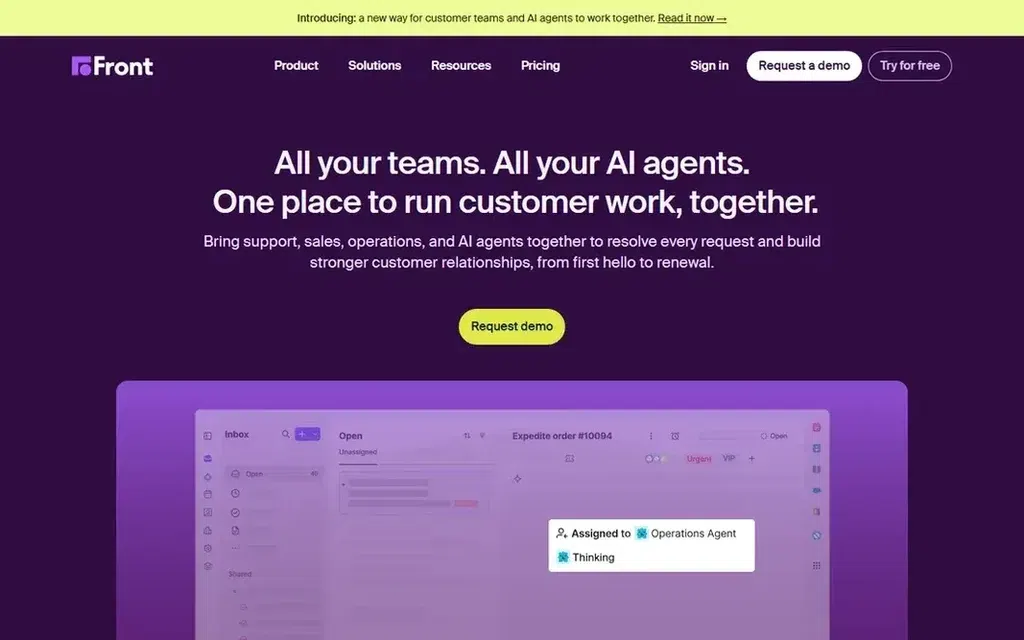
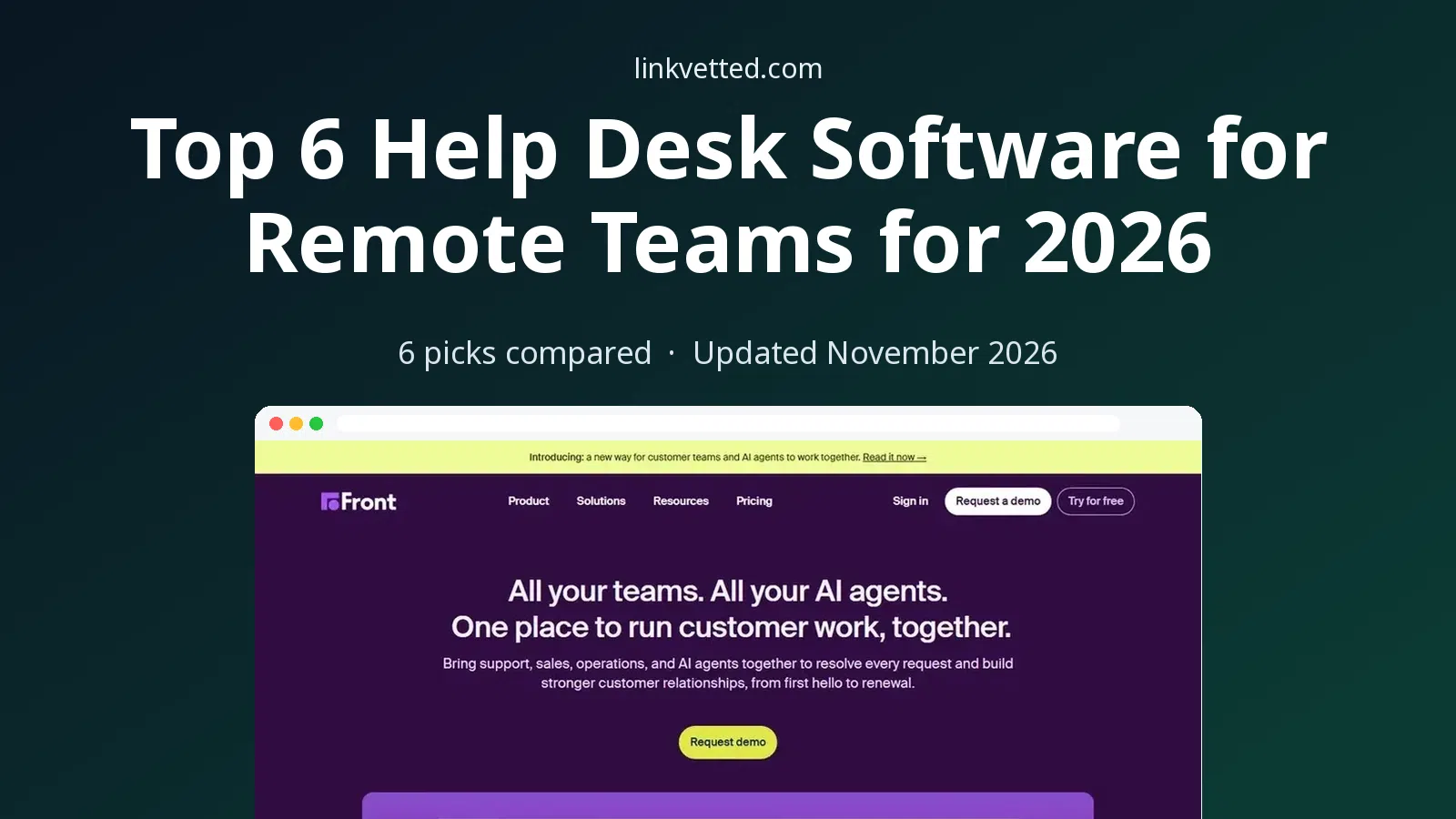
Think of Front for shared inboxes across support and operations. Organizations that value collaboration over strict ticket queues frequently find this model natural for distributed work.
Since Front leans toward shared inbox collaboration, teams needing deep ticketing structures and formal service workflows may want a more ticket-centric system like Zendesk Support or Freshdesk. On cost, Front starts like this: $25 per seat per month. As for free access: Free trial.
What to check first: May overlap with other tools.
- Fits complicated customer work
- Brings teams and AI agents together
- Less ticketing-centric
Zendesk Support
Best for: Wide AI-assisted service at scale
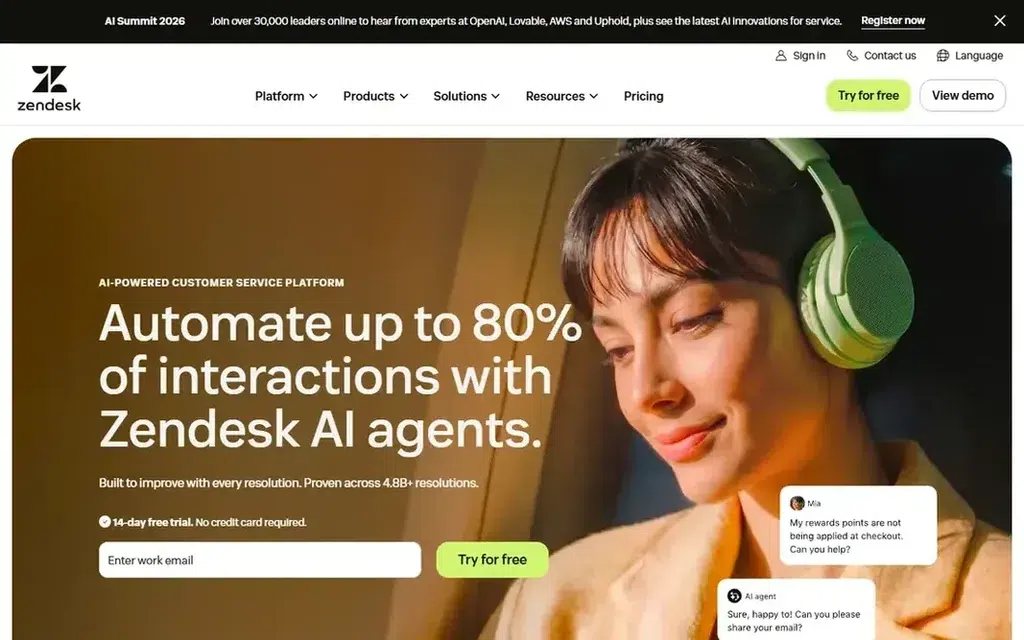
Pick Zendesk Support if this describes you: wide AI-assisted service at scale. For remote teams with expanding ticket volumes and several channels, it gives you a wide foundation that can be configured as workflows mature.
Beyond that, choose Zendesk Support when scale, AI resolution and a broad service footprint matter more than minimal setup. The breadth of the system can mean more configuration effort, which may be heavier than a small remote team needs at the start. Entry price for Zendesk Support: $19 agent/month premium yearly. On free options: Free trial.
Drawbacks to consider: Can feel complicated for small teams.
- Broad service system
- AI agents resolve issues end-to-end
- Setup needs planning
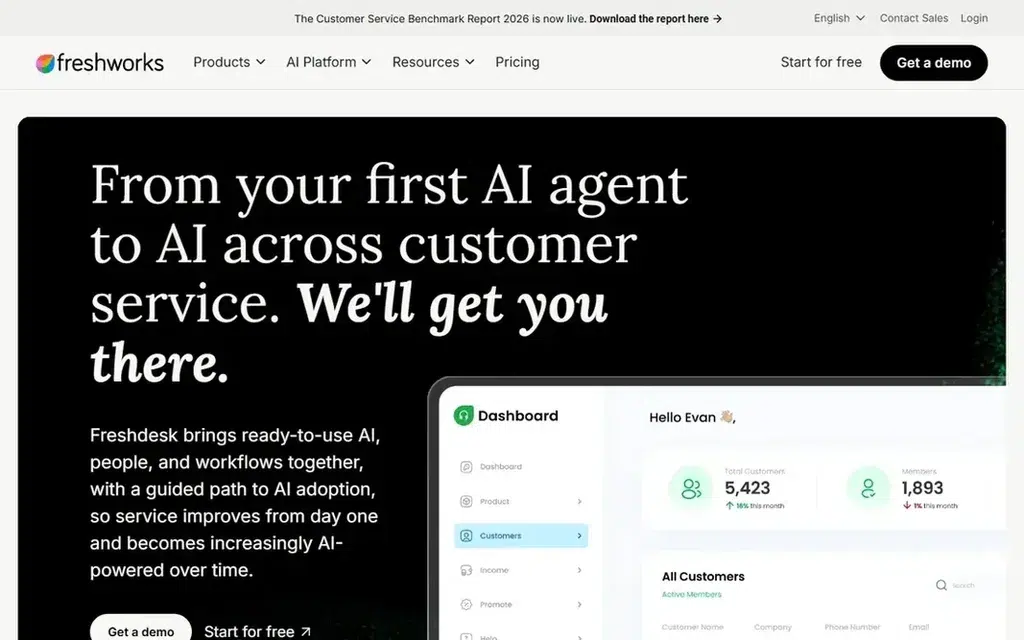
Choose Freshdesk for omnichannel ticketing with automatic workflows. Freshdesk is an AI-powered customer service option centered on omnichannel ticketing and automatic workflows, with a stated goal of boosting agent productivity and delivering smooth customer experiences. Beyond that, teams that primarily need a shared email inbox with collaboration may find Front or Help Scout more direct.
Where it falls short: Automation needs tuning.
Remote teams that deal with requests from multiple channels and want routine steps automatic will find the ticketing model familiar. In practice, automation and channel coverage rely on how the account is configured, so plan the workflow design before rollout. No starting price is listed for Freshdesk here; confirm pricing on the vendor site. On free options: Not stated.
- Omnichannel ticketing
- Agent productivity focus
- Feature depth varies by level
How the list was put together
Questions to settle before buying
- Confirm the entry price on the vendor page. For Zoho Desk, HubSpot Service Hub and Freshdesk that means a quote rather than a fixed price.
- Test the free plan from Help Scout against your real workload before relying on it.
- Run a trial of Front and Zendesk Support with real work before paying for a year; your own workflow is the best test.
- Before choosing Zoho Desk, weigh its main limit: ecosystem dependence.
- Let daily users try Front on real work; their feedback beats any feature checklist.
- Work out what Zendesk Support costs with your real seat count, add-ons and usage, not just the entry price.
FAQ
What is the cheapest option for help desk software for remote teams in this list?
On published monthly entry prices, Zendesk Support is the lowest here at $19 agent/month premium yearly. Entry price is only part of the cost, because seats, add-ons and billing terms can change the total. Each of the 6 options in this help desk software for remote teams guide has its own card above with the price, free plan and limits.
Which options for help desk software for remote teams have a free plan?
Help Scout is the only tool in this list with a free plan. Free plans usually cap users, projects or features, so check the limits on the vendor page. Several others offer a trial instead. All 6 picks in this help desk software for remote teams comparison list a starting price, free plan details and the main limits on their cards above.
How important is AI assistance in help desk software?
AI assistance appears across most products here, from AI agents that resolve issues to automatic workflows and suggested replies. Treat it as a productivity aid and confirm how it manages your actual request types before relying on it for customer-facing work.
Can I try these tools before paying?
Often, yes. Help Scout has a free plan and Front and Zendesk Support offer a free trial. Use your own data and a real task during the test, and check what the free tier or trial limits before you rely on it. For the full picture, the cards above cover all 6 entries of this help desk software for remote teams list, including price, free plan and limits.
How do shared inbox tools differ from ticketing platforms?
Shared inbox products like Front organize conversations collaboratively across teams, whereas ticketing products like Zendesk Support and Freshdesk emphasize structured queues, workflows and service reporting.
What should remote teams look for in help desk software?
Prioritize shared visibility of every conversation, clear assignment and permissions for distributed agents, and automation that cuts manual routing. Confirm channel coverage and reporting before committing, since remote teams depend on documentation and asynchronous handoffs.
Sources
- https://www.zoho.com/desk
- https://www.helpscout.com
- https://www.hubspot.com/products/service
- https://front.com
- https://www.zendesk.com
- https://www.freshworks.com/freshdesk