Best Help Desk Software for IT Departments (2026): 5 Picks Checked on Vendor Pages
Best help desk software for IT departments, compared. 5 tools with published prices, free plans and limits. Every entry states what it lacks. Jump to the table.
- Editor's choiceZendesk Support
Customer-facing support with IT ticketing
Starts atPricing on requestVisit zendesk.comFull review - Great alternativeSolarWinds Web Help Desk
Self-hosted ticketing and asset tracking
Starts atPricing on requestVisit solarwinds.comFull review - Also considerTeamDynamix ITSM
No-code ITSM with project management
Starts atPricing on requestVisit teamdynamix.comFull review
Direct answer
Zendesk Support comes first here, mainly for customer-facing support with IT ticketing. SolarWinds Web Help Desk fits self-hosted ticketing and asset tracking; TeamDynamix ITSM fits no-code ITSM with project management. The remaining 2 options are covered below with pricing notes and limits. None of these vendors publish plan prices, so pricing is on request for every option.
TL;DR:
- This list starts with Zendesk Support, which is built for customer-facing support with IT ticketing.
- For quick-to-deploy AI-powered ITSM, Freshservice is worth a look.
- Zendesk Support, Freshservice and the 3 others all sell by quote; expect sales conversations before you see a price.
- Neither Zendesk Support nor Freshservice, nor any of the other 3 tools, has a permanent free plan; trials and quotes are the norm.
- One limit worth knowing about Jira Service Management: can feel complicated for small teams.
Last checked November 2026. Pricing on request: vendors did not publish plan prices when this guide was last checked (November 2026), so ask each vendor for a written quote.
Quick comparison
| Tool | Best for | Starts at | Free plan? | |
|---|---|---|---|---|
| Zendesk Support | Customer-facing support with IT ticketing | Pricing on request | Not stated | Visit |
| SolarWinds Web Help Desk | Self-hosted ticketing and asset tracking | Pricing on request | Not stated | Visit |
| TeamDynamix ITSM | No-code ITSM with project management | Pricing on request | Not stated | Visit |
 Jira Service Management | Agile IT teams wanting integrated ITSM | Pricing on request | Not stated | Visit |
 Freshservice | Quick-to-deploy AI-powered ITSM | Pricing on request | Not stated | Visit |
Tool-by-tool breakdown
This LinkVetted guide covers 5 help desk software for IT departments. Each profile lists a starting price, free plan details, strengths and drawbacks, so you can drop poor fits quickly.
Zendesk Support
Best for: Customer-facing support with IT ticketing
Zendesk Support targets customer-facing support with IT ticketing. Zendesk Support is a customer service platform that links AI, agents, knowledge, and workflows in one place to resolve requests quicker. IT departments that also manage external customer support often value its unified approach.
What to check first: Not ITIL-focused.
It can serve as a shared help desk for both internal and external requests. Its core design leans toward customer service instead of deep IT operations. As for the details, Zendesk Support is not built around ITIL processes or full IT asset management. So IT departments with strict service management requirements may find gaps. Zendesk Support does not show a starting price in this comparison, so check the vendor site for current pricing. Trial and free access: Not stated.
- Workflow automation
- Unified support product
- Asset management is restricted
SolarWinds Web Help Desk
Best for: Self-hosted ticketing and asset tracking
SolarWinds Web Help Desk makes the most sense for self-hosted ticketing and asset tracking. IT departments that require to manage support requests within their own environment commonly choose it for that control. It spans core help desk functions and asset tracking, making it a practical choice for teams with on-premises infrastructure and data residency preferences.
The main drawbacks: Needs on-premises maintenance.
More specifically, pick Web Help Desk when on-premises control is a requirement and you have the resources to maintain the system. SolarWinds Web Help Desk is self-hosted help desk software for tickets, assets, and SLAs. More specifically, self-hosting means your team deals with installation, updates, and maintenance, which brings operational overhead. The product is less concentrated on AI-driven ITSM than some competitors. No starting price is listed for SolarWinds Web Help Desk here; confirm pricing on the vendor site. Free access: Not stated.
- Self-hosted deployment
- SLA tracking
- Less AI-driven than rivals
TeamDynamix ITSM
Best for: No-code ITSM with project management
Where TeamDynamix ITSM fits: no-code ITSM with project management. TeamDynamix ITSM is a no-code AI ITSM platform that brings ESM, ITAM, PPM, iPaaS, and conversational AI together. It is made for scalable, codeless IT service, which appeals to IT departments that want to adjust workflows without heavy development.
Downsides: Less known in some markets.
Strengths: Conversational AI. Teams with very straightforward needs might find the feature set broader than necessary. As a less widely adopted product, it may have fewer ready-made integrations or community resources than bigger vendors. For everyday use, consider TeamDynamix when no-code adaptability and combined ITSM and project management are priorities. TeamDynamix ITSM shows no starting price here, so confirm the cost on the vendor site. On free options: Not stated.
- No-code configuration
- Bundles ESM, ITAM, PPM
- May need process review
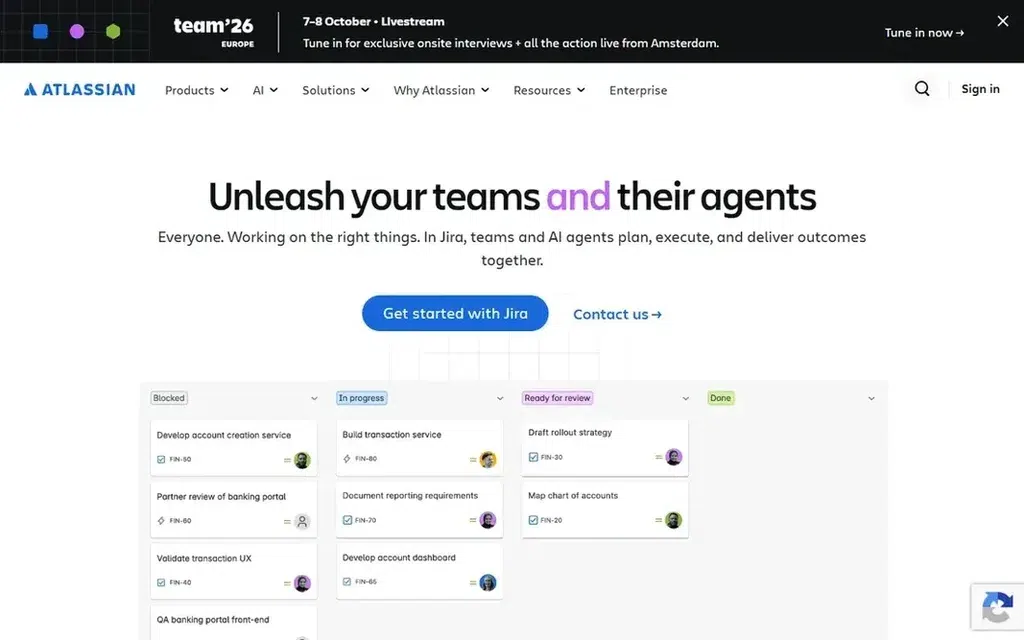
Jira Service Management targets Agile IT teams wanting integrated ITSM. Jira Service Management is Atlassian's ITSM offering for IT support at scale. It brings together incident response, change management, and request fulfillment with AI assistance.
The platform's adaptability can mean more configuration effort at the start, which may overwhelm very small teams or those without dedicated administrators. Teams already using Atlassian products commonly find it a natural fit since service work sits close to development and project tracking. More specifically, consider Jira Service Management when you need structured ITIL-aligned workflows and can invest time in setup. Check the vendor site for Jira Service Management pricing; none is listed in this comparison. Free options: Not stated.
The main drawbacks: Can feel complicated for small teams.
- AI-powered ITSM
- Incident and change management
- Setup needs planning
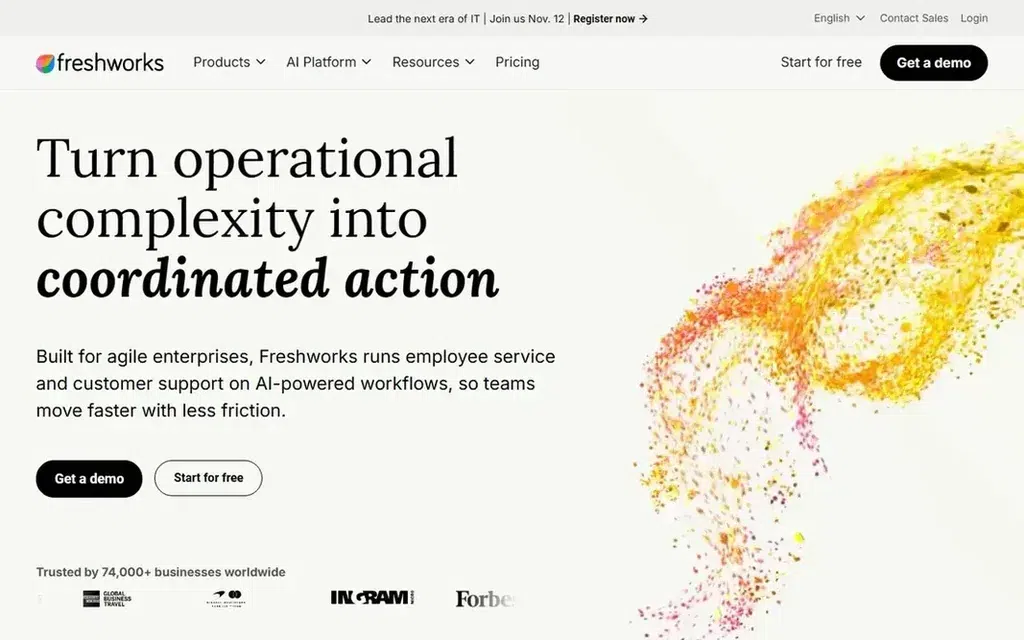
Freshservice works best for quick-to-deploy AI-powered ITSM. Whereas it includes core ITSM needs, very complicated or highly customized processes may push against its limits.
This comparison lists no price for Freshservice; ask the vendor. Trial and free access: Not stated.
Where it falls short: May lack depth for complicated needs.
- AI-powered ITSM
- Fast to deploy
- Customization has limits
How these tools were picked
The comparison looks at four things: starting price, free access, how well the feature set matches help desk software for IT departments, and the main limit of each tool. Figures are shown as the vendors publish them. Billing terms, seat minimums and add-ons can change the real cost. We ordered the tools by general fit, then by how clearly pricing is shown, then by free access. A buyer with unusual needs may reorder them.
Things to verify first
- Confirm the entry price with every vendor: no tool from Zendesk Support to Freshservice shows a fixed starting price.
- Before choosing Zendesk Support, weigh its main limit: not ITIL-focused.
- Ask TeamDynamix ITSM about contract length, onboarding fees and user minimums before you sign.
- Confirm the exact SolarWinds Web Help Desk plan that includes your must-have features.
- List the apps you already depend on and check that Zendesk Support supports each one on the plan you would buy.
FAQ
Is Zendesk Support the right pick for everyone comparing help desk software for IT departments?
No single tool suits every team. Zendesk Support comes first because it fits customer-facing support with IT ticketing, while SolarWinds Web Help Desk suits self-hosted ticketing and asset tracking and TeamDynamix ITSM suits no-code ITSM with project management. Match the tool to your own size, budget and workflow before deciding.
How are the tools for help desk software for IT departments ordered?
The order follows typical fit for help desk software for IT departments, with Zendesk Support first and Freshservice last, then price clarity and free access. It is editorial judgement, not a score, so another team could rank the tools differently.
What should an IT department look for in help desk software?
Prioritize ticket management, asset tracking, SLA support, and ITIL-aligned workflows. Also consider deployment model, ease of configuration, and how well the tool connects with your existing systems. The right fit relies on team size and process complexity.
Can help desk software handle both internal and external support?
Some products, for example Zendesk Support, are meant to unify customer-facing and internal support. Others focus primarily on internal IT service management. Decide whether you need one shared tool or separate systems before shortlisting.
Does any tool for help desk software for IT departments here have a free plan?
A permanent free plan is not offered by Zendesk Support, Freshservice or the other tools here. Plan a short evaluation period instead.
Can I try these tools before paying?
Not by default. None of the tools, from Zendesk Support to Freshservice, lists a free plan or a free trial here, so ask each vendor for a demo before committing.
Sources
- https://www.zendesk.com/service
- https://www.solarwinds.com/web-help-desk
- https://www.teamdynamix.com
- https://www.atlassian.com/software/jira/service-management
- https://www.freshworks.com/freshservice