6 Help Desk Software for HIPAA Compliance Worth Shortlisting in 2026
Searching for the best help desk software for HIPAA compliance? Here are 6 options with prices and free plans. Short verdicts, no fluff. Straight answers.
- Editor's choiceServiceNow Customer Service Management
Cross-team service beyond CRM
Starts atSee websiteVisit servicenow.comFull review - Great alternative
 HubSpot Service Hub
Expanding teams already in HubSpot
Starts atSee websiteVisit hubspot.comFull review - Also consider
 Salesforce Service Cloud
Connected service on a CRM system
Starts atSee websiteVisit salesforce.comFull review
Direct answer
For cross-team service beyond CRM, ServiceNow Customer Service Management is where this list starts. Listed starting prices: HappyFox from $1 per user per month and Zendesk from $19 agent/month premium yearly. Alternatives: HubSpot Service Hub for expanding teams already in HubSpot, and Salesforce Service Cloud for connected service on a CRM product. Details, prices and limits for the rest of the 6 tools are below.
TL;DR:
- Number one here is ServiceNow Customer Service Management, a fit for cross-team service beyond CRM.
- Starting prices begin at $1 per user per month with HappyFox.
- HappyFox stands alone as the one tool in this list with a free plan.
- Zendesk suits wide, configurable support operations.
- The main caution on ServiceNow Customer Service Management: implementation is a substantial project.
Last checked November 2026. Prices and plan details were read from the vendors' own pages in November 2026; vendors change plans often, so confirm the current price on the vendor site before you buy.
Quick comparison
| Tool | Best for | Starts at | Free plan? | |
|---|---|---|---|---|
| ServiceNow Customer Service Management | Cross-team service beyond CRM | See website | Not stated | Visit |
| HubSpot Service Hub | Expanding teams already in HubSpot | See website | Not stated | Visit |
| Salesforce Service Cloud | Connected service on a CRM system | See website | Not stated | Visit |
 Jira Service Management | ITSM-style request and incident handling | See website | Not stated | Visit |
 HappyFox | Focused help desk with SLA control | $1 per user per month | Yes | Visit |
 Zendesk | Wide, customizable support operations | $19 agent/month premium yearly | Free trial | Visit |
6 options for help desk software for HIPAA compliance in detail
LinkVetted put together this guide to help desk software for HIPAA compliance for readers who want a clear shortlist without reading every vendor page. It compares 6 tools on starting price, free plans, who each one suits and where each one falls short.
ServiceNow Customer Service Management
Best for: Cross-team service beyond CRM
Where ServiceNow Customer Service Management fits: cross-team service beyond CRM. It is oriented toward organizations that require structured processes spanning service, operations, and back-office groups. If your needs are primarily ticketing and a knowledge base, a dedicated help desk is commonly more straightforward.
Watch-outs: Implementation is a substantial project.
Choose ServiceNow when cross-department process integration is the core requirement. Also, implementation is a substantial undertaking, and the system can feel heavy for small support desks. Check the vendor site for ServiceNow Customer Service Management pricing; none is listed in this comparison. Free access: Not stated.
- Solid process and workflow orientation
- Links service with other departments
- Interface can feel heavy for small teams
Pick HubSpot Service Hub if this describes you: growing teams already in HubSpot. Organizations already using HubSpot for marketing or sales can keep service conversations alongside the rest of the customer record.
As for the details, the system gives the most value when the rest of your stack is HubSpot, and customization is more restricted than enterprise service suites. HubSpot Service Hub shows no starting price here, so confirm the cost on the vendor site. Trial and free access: Not stated.
Where it falls short: Deep customization is restricted.
- Approachable interface for smaller teams
- Unified customer context across the system
- Best value inside the HubSpot ecosystem
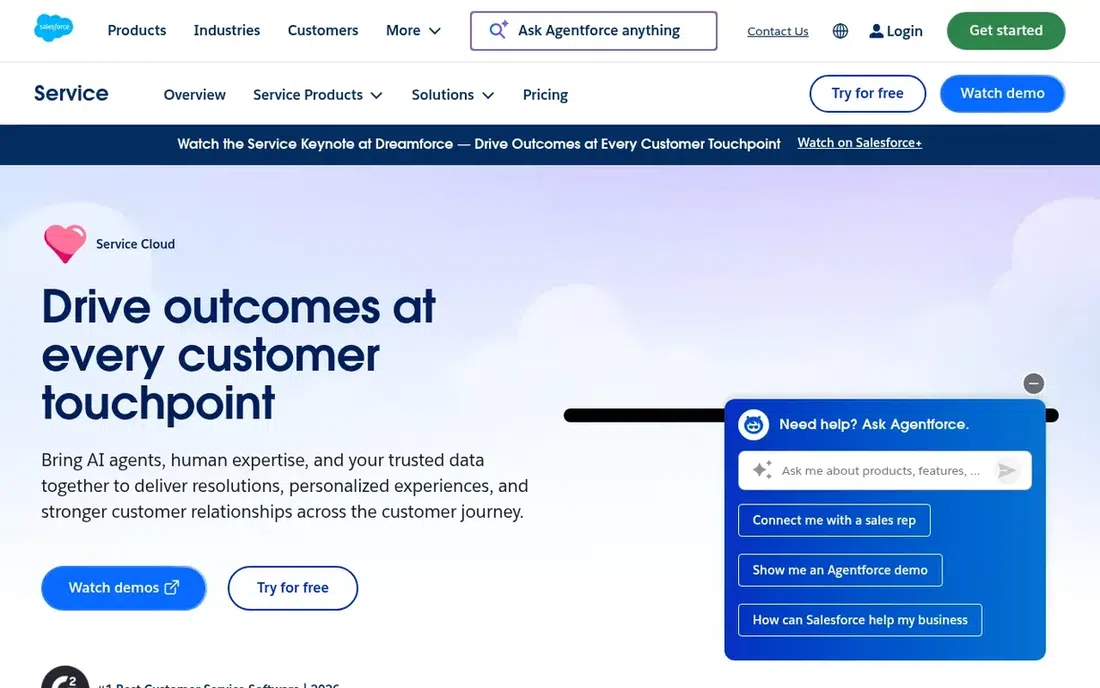
In short, Salesforce Service Cloud is for connected service on a CRM system. Teams without that capacity may find lighter help desks quicker to deploy. From a buyer's view, for regulated environments, that connected view can cut duplicate handling of sensitive information.
Honest limits: Complexity can slow time to value.
Worth adding: the product is complicated, and effective use usually relies on trained administrators or partners. Beyond that, since it sits within a broader CRM system, support teams can work from the same customer record used by sales and other departments. Pricing for Salesforce Service Cloud is not stated here, so ask the vendor for current figures. Trial and free access: Not stated.
- Service data connected to a wider CRM
- Scales across large service organizations
- Configuration needs specialist skills
Jira Service Management is built with ITSM-style request and incident handling in mind. Jira Service Management is AI-powered ITSM for incident response, change management, and request fulfillment, pitched at delivering service at scale.
Drawbacks to consider: ITSM focus may not fit customer support.
For everyday use, if you primarily need a straightforward shared inbox for patient or member inquiries, a dedicated help desk may fit better. Pick it when IT and support workflows should live together. This comparison lists no price for Jira Service Management; ask the vendor. Free access: Not stated.
- Request fulfillment workflows at scale
- AI-powered ITSM capabilities
- Setup assumes process knowledge
HappyFox makes the most sense for focused help desk with SLA control. Integration depth is also narrower.
On top of that, HappyFox help desk software brings together requests, automates ticketing and SLAs, and hands support teams AI assistance, knowledge, and reporting. Entry price for HappyFox: $1 per user per month. HappyFox includes a free tier.
Where it falls short: Fewer adjacent products to integrate.
- Brings together requests and automatic ticketing
- AI assistance and knowledge tools
- Smaller ecosystem than major suites

Zendesk is aimed squarely at wide, configurable support operations. Zendesk is an AI-powered customer service product built around ticketing, automation, and AI agents that resolve issues end-to-end.
The main drawbacks: Depth can mean a longer setup.
The product's depth can slow initial configuration, and smaller teams may find more settings than they need. Entry price for Zendesk: $19 agent/month premium yearly. Free access: Free trial.
- AI agents that resolve issues end-to-end
- Deep ticketing and workflow configuration
- Advanced needs may need extras
Our selection method
We compared the tools on published pricing, free plan or trial availability, feature coverage for help desk software for HIPAA compliance, and the limits each vendor documents. Figures are shown as the vendors publish them. Billing terms, seat minimums and add-ons can change the real cost. Tools are placed by general fit for help desk software for HIPAA compliance, with price clarity and free access as tie-breakers. A different team can reasonably rank them differently.
Before you commit
- Ask ServiceNow Customer Service Management, HubSpot Service Hub, Salesforce Service Cloud and Jira Service Management for a written quote, since no starting price is shown.
- Look at the free plan from HappyFox closely: its caps decide whether it is usable for real work.
- Take the trial from Zendesk and push a live task through it before you pay.
- Read the limits listed for ServiceNow Customer Service Management first: implementation is a substantial project.
- Ask HappyFox about contract length, onboarding fees and user minimums before you sign.
- Compare total cost, not headline price: for Jira Service Management, add extra seats, add-ons and any usage-based charges.
FAQ
Which options for help desk software for HIPAA compliance have a free plan?
HappyFox is the only tool in this list with a free plan. Free plans usually cap users, projects or features, so check the limits on the vendor page. One other tool offers a trial instead. For the full picture, the cards above cover all 6 entries of this help desk software for HIPAA compliance list, including price, free plan and limits.
Does a help desk system make a team HIPAA compliant on its own?
No. Compliance relies on how you configure the tool, the agreements you sign with the vendor, and your internal policies and training. A product can support compliance through access controls and audit trails, but the responsibility stays with your organization.
How are the tools for help desk software for HIPAA compliance ordered?
The order follows typical fit for help desk software for HIPAA compliance, with ServiceNow Customer Service Management first and Zendesk last, then price clarity and free access. It is editorial judgement, not a score, so another team could rank the tools differently.
Is ServiceNow Customer Service Management the right pick for everyone comparing help desk software for HIPAA compliance?
No single tool suits every team. ServiceNow Customer Service Management comes first because it fits cross-team service beyond CRM, while HubSpot Service Hub suits growing teams already in HubSpot and Salesforce Service Cloud suits connected service on a CRM platform. Match the tool to your own size, budget and workflow before deciding.
Can I try these tools before paying?
Often, yes. HappyFox has a free plan and Zendesk offers a free trial. Use your own data and a real task during the test, and check what the free tier or trial limits before you rely on it. Prices, free plan details and limits for all 6 tools in this help desk software for HIPAA compliance roundup sit on the individual cards above.
Sources
- https://www.servicenow.com/products/customer-service-management.html
- https://www.hubspot.com/products/service
- https://www.salesforce.com/service
- https://www.atlassian.com/software/jira/service-management
- https://www.happyfox.com
- https://www.zendesk.com