Help Desk Software for Healthcare Providers in 2026: The 5 Best Options Side by Side
Searching for the best help desk software for healthcare providers? Here are 5 options with prices and free plans. Cost notes and weak points included.
- Editor's choiceServiceNow Customer Service Management
Cross-team service without silos
Starts atSee websiteVisit servicenow.comFull review - Great alternative
 Zoho Desk
Unified help desk with AI collaboration
Starts atSee websiteVisit zoho.comFull review - Also consider
 HubSpot Service Hub
Expanding teams building customer experience
Starts atSee websiteVisit hubspot.comFull review
Direct answer
If you need cross-team service without silos, ServiceNow Customer Service Management is the first tool to look at here. Listed starting prices: Zendesk from $19 agent/month premium yearly. Zoho Desk is the stronger choice for unified help desk with AI collaboration, while HubSpot Service Hub suits expanding teams building customer experience. The full list of 5 tools follows, with prices and free plan facts.
TL;DR:
- Top of the list is ServiceNow Customer Service Management, which targets cross-team service without silos.
- Zendesk is the lowest-priced starter here at $19 agent/month premium yearly.
- The main caution on Zendesk: configuration can take effort.
- Jira Service Management fits IT and internal service requests.
- Neither ServiceNow Customer Service Management nor Jira Service Management, nor any of the other 3 tools, has a permanent free plan; trials and quotes are the norm.
Last checked November 2026. Prices and plan details were read from the vendors' own pages in November 2026; vendors change plans often, so confirm the current price on the vendor site before you buy.
Quick comparison
| Tool | Best for | Starts at | Free plan? | |
|---|---|---|---|---|
| ServiceNow Customer Service Management | Cross-team service without silos | See website | Not stated | Visit |
| Zoho Desk | Unified help desk with AI collaboration | See website | Not stated | Visit |
| HubSpot Service Hub | Expanding teams building customer experience | See website | Not stated | Visit |
 Zendesk | AI-driven patient and member support | $19 agent/month premium yearly | Free trial | Visit |
 Jira Service Management | IT and internal service requests | See website | Not stated | Visit |
Help Desk Software for Healthcare Providers compared in detail
LinkVetted put together this guide to help desk software for healthcare providers for readers who want a clear shortlist without reading every vendor page. It compares 5 tools on starting price, free plans, who each one suits and where each one falls short.
ServiceNow Customer Service Management
Best for: Cross-team service without silos
Pick ServiceNow Customer Service Management if this describes you: cross-team service without silos. ServiceNow Customer Service Management positions itself as more than CRM, centred on removing silos and connecting customer service with other teams to boost satisfaction.
ServiceNow Customer Service Management shows no starting price here, so confirm the cost on the vendor site. Free plan details: Not stated.
Points against: Needs process maturity.
- Links service across teams
- Goes beyond traditional CRM
- Enterprise-oriented complexity
Zoho Desk works best for unified help desk with AI collaboration. Zoho Desk is a unified help desk system designed for smooth AI and human collaboration, with the goal of delivering support at scale. Choose Zoho Desk when unified ticketing and AI assistance are the core need, and evaluate more specialized systems when service processes are unusually complicated.
Drawbacks to consider: Advanced needs may need configuration.
The wider Zoho product family can mean extra decisions about which components to adopt. Healthcare support teams that want a single place for tickets and AI-assisted responses can use it to standardize how inquiries are handled. Check the vendor site for Zoho Desk pricing; none is listed in this comparison. Free plan details: Not stated.
- Built for support at scale
- Unified help desk system
- Broad product family can add choices
HubSpot Service Hub serves expanding teams building customer experience. For smaller healthcare practices, clinics or digital health teams, it gives you a way to organize service conversations whereas keeping contact context in one place. In practice, look to other choices when patient support needs deep workflow customization or strict enterprise service orchestration.
Honest limits: Best when used with HubSpot tools.
In practice, organizations with complicated incident, change or multi-department service processes may find it less specialized than dedicated ITSM tools. It gives the most value when aligned with HubSpot's broader product. No starting price is listed for HubSpot Service Hub here; confirm pricing on the vendor site. As for free access: Not stated.
- Aimed at expanding teams
- AI-powered service product
- May be less deep for complicated ITSM

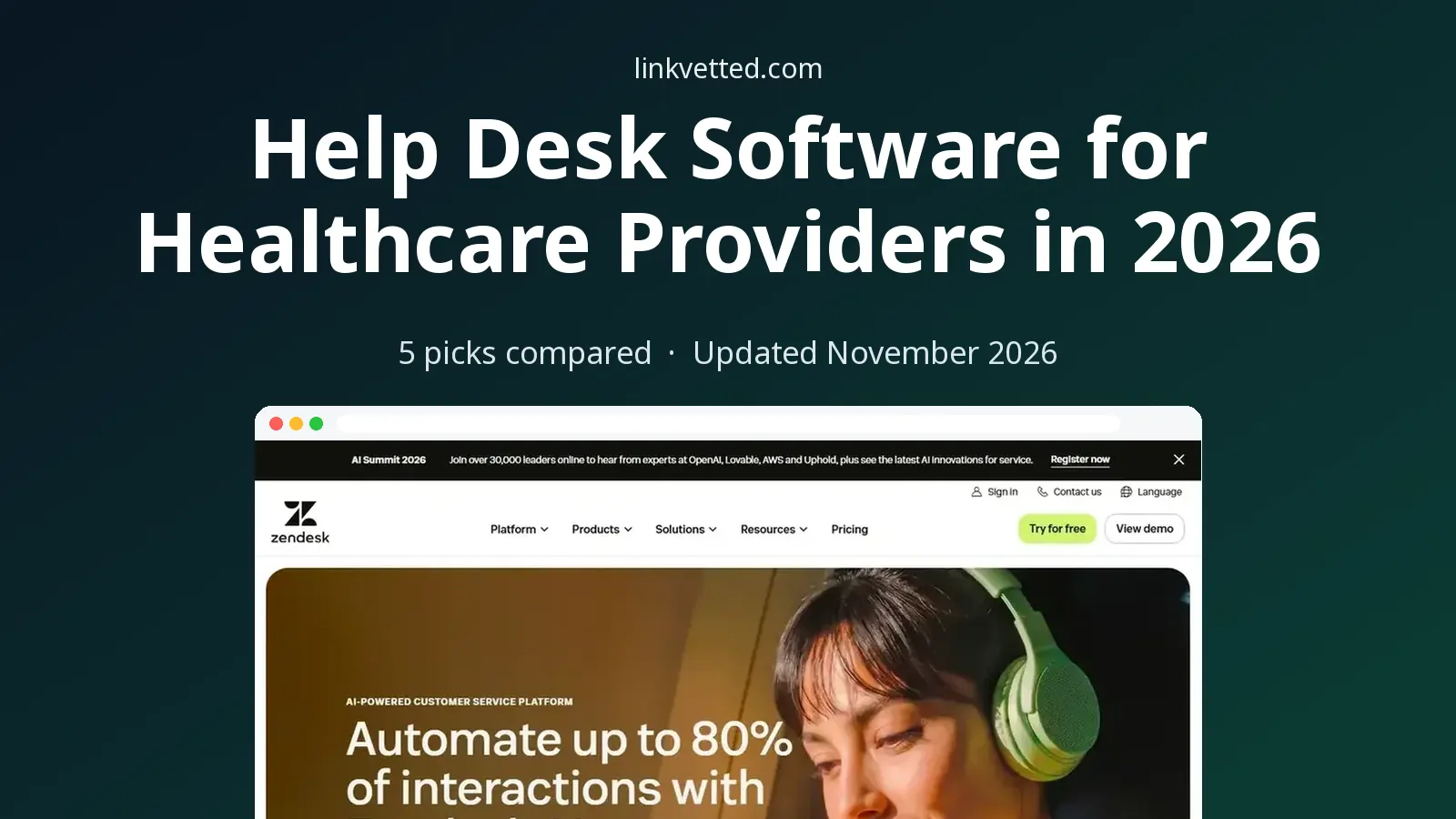
Zendesk was built for AI-driven patient and member support. Smaller clinics or practices with straightforward request patterns may prefer a lighter tool. Worth adding: organizations that want a mature, extensible help desk foundation and are comfortable configuring workflows tend to find it a natural starting point.
Consider alternatives when you need tightly scoped workflows without deep configuration, or when your team wants a more straightforward interface from day one. From a buyer's view, Zendesk is an AI-powered customer service product built to move beyond deflection with AI agents that resolve issues end to end. It emphasizes service quality, speed and scale, which suits healthcare support teams handling varied patient, member and caregiver inquiries. Zendesk cost at the entry level: $19 agent/month premium yearly. As for free access: Free trial.
Downsides: Wide feature set may exceed small teams.
- Wide customer service product
- AI agents resolve issues end to end
- Configuration can take effort
Jira Service Management is a good fit for IT and internal service requests. Healthcare providers frequently use it for internal IT and facilities requests, like equipment issues or access changes, where structured queues and approvals matter.
Downsides: ITSM focus may not fit patient support.
In practice, consider it for internal service workflows and pair it with a customer service system when external patient inquiries are the central workload. This comparison lists no price for Jira Service Management; ask the vendor. Free options: Not stated.
- Incident and change management
- Request fulfillment workflows
- Setup assumes process knowledge
How the list was put together
The comparison looks at four things: starting price, free access, how well the feature set matches help desk software for healthcare providers, and the main limit of each tool. Treat prices as a snapshot: vendors change plans often, so check the vendor site for the figure that applies today. The sequence is a judgement call: typical use case first, then pricing transparency, then free access. Use the profiles to check fit.
Things to verify first
- Get a written quote from ServiceNow Customer Service Management, Zoho Desk, HubSpot Service Hub and Jira Service Management; the list shows no starting price for them.
- Run a trial of Zendesk with real work before paying for a year; your own workflow is the best test.
- Read the limits listed for ServiceNow Customer Service Management first: enterprise-oriented complexity.
- Make sure Jira Service Management lets you export your data in a format another tool can read.
- Check whether the features you need in Zoho Desk sit on the entry plan or only on higher tiers.
FAQ
Is ServiceNow Customer Service Management the right pick for everyone comparing help desk software for healthcare providers?
No single tool suits every team. ServiceNow Customer Service Management comes first because it fits cross-team service without silos, while Zoho Desk suits unified help desk with AI collaboration and HubSpot Service Hub suits growing teams building customer experience. Match the tool to your own size, budget and workflow before deciding.
Does any tool for help desk software for healthcare providers here have a free plan?
A permanent free plan is not offered by ServiceNow Customer Service Management, Jira Service Management or the other tools here. Zendesk offer a trial. Plan a short evaluation period instead.
Which help desk software is a good match for a small healthcare practice?
Start with ServiceNow Customer Service Management if you need cross-team service without silos. Zoho Desk is the better match for unified help desk with AI collaboration, and HubSpot Service Hub for expanding teams building customer experience. The best choice depends on budget, team size and workflow.
Do these tools publish their prices?
Not all of them. ServiceNow Customer Service Management, Zoho Desk, HubSpot Service Hub and Jira Service Management publish no starting price, so expect a quote request for those. The rest, Zendesk included, show a starting price, though seats and billing terms still change the final cost.
How are the tools for help desk software for healthcare providers ordered?
The order follows typical fit for help desk software for healthcare providers, with ServiceNow Customer Service Management first and Jira Service Management last, then price clarity and free access. It is editorial judgement, not a score, so another team could rank the tools differently.
Sources
- https://www.servicenow.com/products/customer-service-management.html
- https://www.zoho.com/desk
- https://www.hubspot.com/products/service
- https://www.zendesk.com
- https://www.atlassian.com/software/jira/service-management