Top 6 Healthcare Analytics Software for Startups for 2026 (Prices and Free Plans)
6 best healthcare analytics software for startups, compared on pricing, free plans and best-fit use. Strengths and gaps are listed per tool. No filler.
- Editor's choice
 Sisense
Embedding analytics in your product
Starts atSee websiteVisit sisense.comFull review - Great alternative
 Qlik Sense
Combining integration and analytics
Starts atSee websiteVisit qlik.comFull review - Also consider
 Domo
Governed data pipelines for AI
Starts atSee websiteVisit domo.comFull review
Direct answer
Sisense comes first here, mainly for embedding analytics in your product. Listed starting prices: Tableau from $15 per user a month. Qlik Sense is better for combining integration and analytics, and Domo is better for governed data pipelines for AI. Details, prices and limits for the rest of the 6 tools are below.
TL;DR:
- The list opens with Sisense, aimed at embedding analytics in your product.
- Databricks fits unified data, analytics, and AI engineering.
- A fair warning about Sisense: product integration work required.
- For the cheapest start, look at Tableau: $15 per user per month.
Last checked November 2026. Prices and plan details were read from the vendors' own pages in November 2026; vendors change plans often, so confirm the current price on the vendor site before you buy.
Quick comparison
| Tool | Best for | Starts at | Free plan? | |
|---|---|---|---|---|
| Sisense | Embedding analytics in your product | See website | Free trial | Visit |
| Qlik Sense | Combining integration and analytics | See website | Not stated | Visit |
| Domo | Governed data pipelines for AI | See website | Free trial | Visit |
 Tableau | Adaptable visual exploration for small teams | $15 per user a month | Yes | Visit |
 Looker | Governed metrics and embedded analytics | See website | Not stated | Visit |
 Databricks | Unified data, analytics, and AI engineering | See website | Not stated | Visit |
Our 6 healthcare analytics software for startups
LinkVetted put together this guide to healthcare analytics software for startups for readers who want a clear shortlist without reading every vendor page. It compares 6 tools on starting price, free plans, who each one suits and where each one falls short.
Sisense is a good fit for embedding analytics in your product. Sisense gives AI-powered embedded analytics pitched at turning data into revenue, with pro-code, low-code, and no-code adaptability.
What Sisense does well: no-code choices.
Embedded analytics is a product commitment, so teams that only need internal reporting may find the integration effort unnecessary. Worth adding: pick Sisense when analytics is a feature you sell instead of a back-office convenience. Sisense does not show a starting price in this comparison, so check the vendor site for current pricing. Free options: Free trial.
Trade-offs to know: Product integration work required.
- Pro-code, low-code
- Embedded analytics focus
- Less suited to pure internal reporting
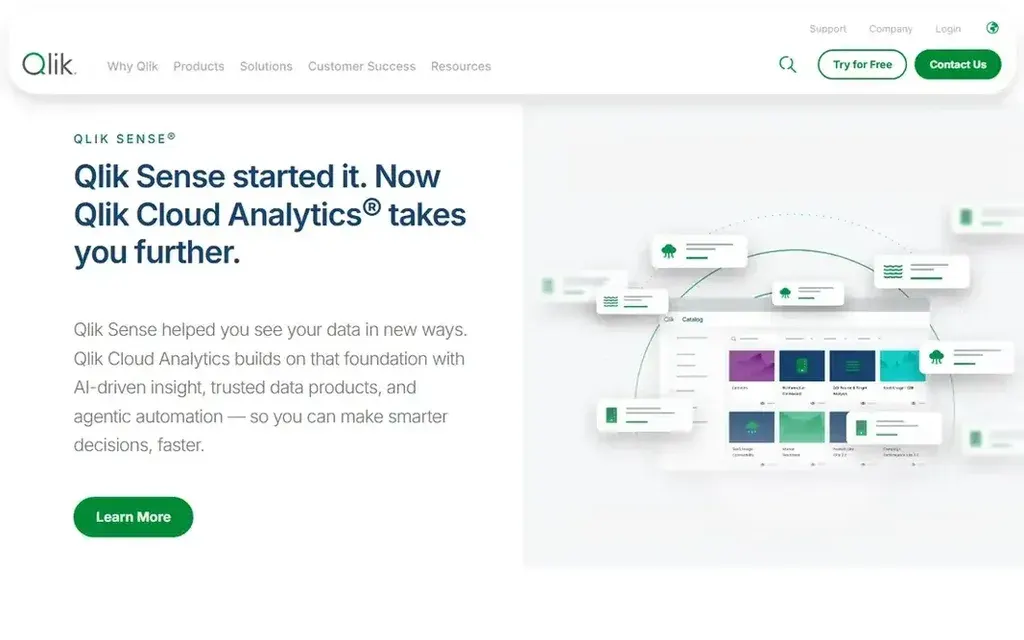
Qlik Sense was built for combining integration and analytics. Qlik Sense, now paired with Talend, positions itself as a data fabric and analytics offering with end-to-end data integration, data quality, and insight delivery. From a buyer's view, the breadth is also the challenge: adopting the full stack asks for skills across integration, quality, and analytics, which a small startup may not have yet.
Watch-outs: Wide stack can overwhelm small teams.
Reasons to shortlist it: Analytics alongside data fabric. From a buyer's view, pick Qlik when data integration and quality are as important as the charts. Worth adding: if you only need dashboards on a single clean source, a narrower tool is more straightforward. No starting price is listed for Qlik Sense here; confirm pricing on the vendor site. Trial and free access: Not stated.
- Data quality capabilities
- End-to-end data integration
- Setup spans several disciplines
Think of Domo for governed data pipelines for AI. Domo describes a product for strengthening the data journey with AI and data products. It links and moves data from any source, prepares and expands access for exploration, and accelerates business-critical insights, with an emphasis on governed data for AI agents.
For everyday use, consider Domo when consolidation, preparation, and governance across several sources are the pressing problems instead of visualization alone. For everyday use, startups with one primary data source may not need the full pipeline layer. Worth adding: the all-in-one scope means onboarding multiple capabilities at once, which can slow a very small team. Domo shows no starting price here, so confirm the cost on the vendor site. Free plan details: Free trial.
Where it falls short: System breadth takes time to learn.
- Focus on governed data for AI agents
- Data preparation and access controls
- Value relies on plenty of data sources
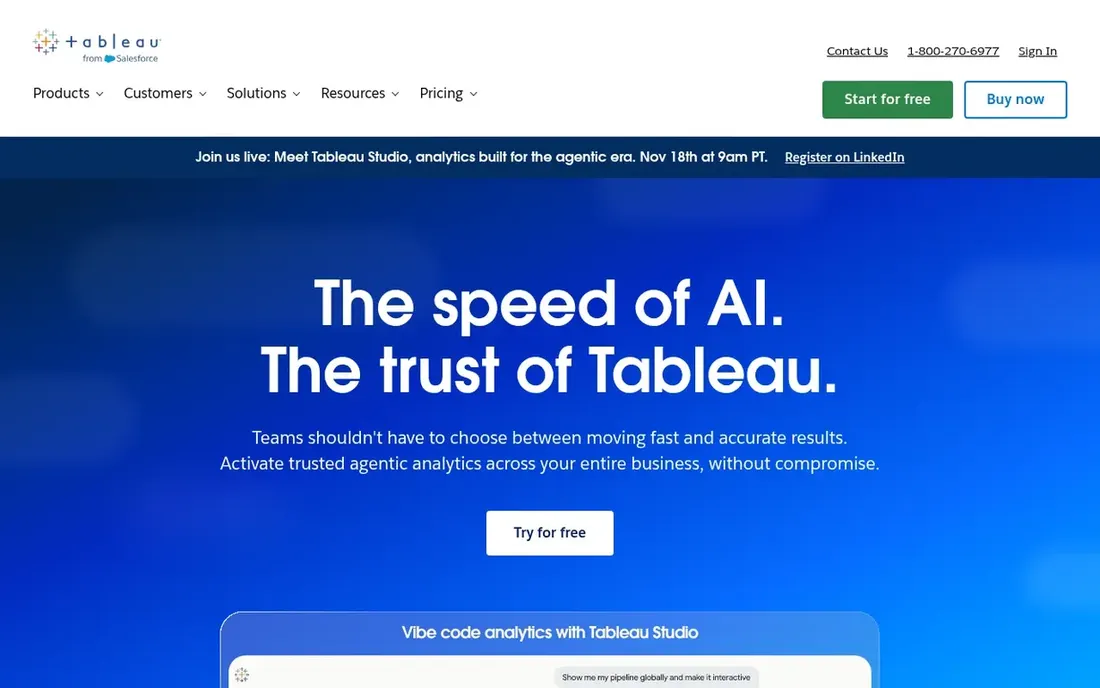
Tableau was built for adaptable visual exploration for small teams. Tableau is a business intelligence and analytics system built around visual exploration.
Honest limits: Governance needs setup discipline.
Tableau is most solid on visualization and weaker as a place to centralize governed metric definitions, which typically means pairing it with a separate data layer. For a startup without a dedicated analytics engineering team, that visual approach lowers the barrier to first insights. Price to start with Tableau: $15 per user per month. Tableau has a free plan.
- Links to almost any database
- Simple sharing of dashboards
- Advanced modeling needs separate tooling
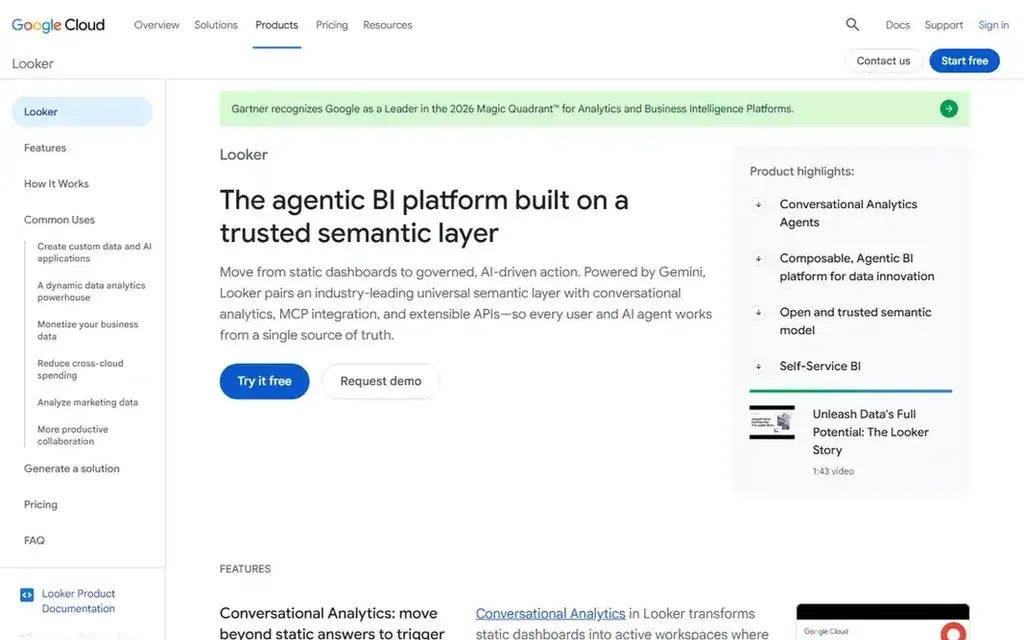
Looker makes the most sense for governed metrics and embedded analytics. The semantic layer is an asset only if someone owns the modeling work, which can be a real burden for a very lean team.
Check the vendor site for Looker pricing; none is listed in this comparison. On free options: Not stated.
Downsides: Best value at higher data maturity.
- AI assistance through Gemini agents
- Trusted semantic layer for metrics
- Needs modeling discipline upfront
Databricks serves unified data, analytics, and AI engineering. The platform assumes engineering skills and a willingness to run infrastructure concepts, so non-technical teams will struggle without support. Startups needing only straightforward dashboards should look at a business intelligence tool first.
Where it falls short: Overkill for straightforward reporting needs.
Databricks gives you a unified product for data, analytics, and AI with a data-centric approach. It is a foundation for building analytics instead of a finished dashboard product. This comparison lists no price for Databricks; ask the vendor. Free plan details: Not stated.
- Unified data and AI system
- Eases ETL and warehousing
- Demands engineering expertise
Selection criteria
We compared the tools on published pricing, free plan or trial availability, feature coverage for healthcare analytics software for startups, and the limits each vendor documents. Where a price is missing, the vendor does not list one publicly or ties it to a quote. Always confirm before budgeting. We ordered the tools by general fit, then by how clearly pricing is shown, then by free access. A buyer with unusual needs may reorder them.
Pre-purchase checklist
- Get a written quote from Sisense, Qlik Sense, Domo and others; the list shows no starting price for them.
- Test the free plan from Tableau against your real workload before relying on it.
- Use real work to test the free trial from Sisense and Domo, rather than a demo project.
- Read the limits listed for Sisense first: product integration work required.
- Let daily users try Databricks on real work; their feedback beats any feature checklist.
- Check the support hours and onboarding help Tableau offers; smaller vendors vary a lot here.
FAQ
Do these tools publish their prices?
Not all of them. Sisense, Qlik Sense, Domo and others publish no starting price, so expect a quote request for those. The rest, Tableau included, show a starting price, though seats and billing terms still change the final cost.
How are the tools for healthcare analytics software for startups ordered?
Sisense sits first and Databricks last because the order follows typical fit for healthcare analytics software for startups, then price clarity and free access. It is a judgement call, so read each profile for fit and limits.
Can I try these tools before paying?
Often, yes. Tableau has a free plan and Sisense and Domo offer a free trial. Use your own data and a real task during the test, and check what the free tier or trial limits before you rely on it. Each of the 6 options in this healthcare analytics software for startups guide has its own card above with the price, free plan and limits.
Which healthcare analytics tool is a good match for a very small startup?
Sisense comes first here and is built for embedding analytics in your product. Buyers with other needs may prefer Qlik Sense (for combining integration and analytics) or Domo (for governed data pipelines for AI). Compare costs and limits first.
Which options for healthcare analytics software for startups have a free plan?
Tableau is the only tool in this list with a free plan. Free plans usually cap users, projects or features, so check the limits on the vendor page. Several others offer a trial instead. All 6 picks in this healthcare analytics software for startups comparison list a starting price, free plan details and the main limits on their cards above.
When does embedded analytics make sense for a startup?
It becomes a product commitment, so define customer-facing requirements before integrating. In daily use, internal reporting alone seldom justifies the added effort.
Sources
- https://www.sisense.com
- https://www.qlik.com
- https://www.domo.com
- https://www.tableau.com
- https://cloud.google.com/looker
- https://www.databricks.com