The 6 Best GTIN Number Generator Software in 2026, Ranked
Searching for the best GTIN number generator software? Here are 6 options with prices and free plans. Pros and cons for every tool. Jump to the table.

- Editor's choiceAvery Design & Print
Straightforward DIY label and sticker printing
Starts atSee websiteVisit avery.comFull review - Great alternativeBarcode Producer
Design-focused barcode generation on Mac and PC
Starts atSee websiteVisit barcodeproducer.comFull review - Also consider
 Labeljoy
In-house barcode label design and printing
Starts atSee websiteVisit labeljoy.comFull review
Direct answer
Avery Design & Print is the first pick on this list for straightforward DIY label and sticker printing. Listed starting prices: GS1 US Data Hub from $30.00. Barcode Producer is better for Design-focused barcode generation on Mac and PC, and Labeljoy is better for in-house barcode label design and printing. The remaining 3 options are covered below with prices and limits.
TL;DR:
- Top of the list is Avery Design & Print, which targets straightforward DIY label and sticker printing.
- Neither Avery Design & Print nor GS1 US Data Hub, nor any of the other 4 tools, has a permanent free plan; trials and quotes are the norm.
- For Authentic GTINs and retail compliance, GS1 US Data Hub is worth a look.
- Expect to ask for a quote from Avery Design & Print, Barcode Producer, Labeljoy and others; the other tools show a starting price.
Last checked November 2026. Prices and plan details were read from the vendors' own pages in November 2026; vendors change plans often, so confirm the current price on the vendor site before you buy.
Quick comparison
| Tool | Best for | Starts at | Free plan? | |
|---|---|---|---|---|
| Avery Design & Print | Straightforward DIY label and sticker printing | See website | Not stated | Visit |
| Barcode Producer | Design-focused barcode generation on Mac and PC | See website | Not stated | Visit |
| Labeljoy | In-house barcode label design and printing | See website | Not stated | Visit |
 TEC-IT Barcode Studio | Standards-compliant barcode creation and automation | See website | Not stated | Visit |
| IDAutomation Barcode Generator | Wide barcode generation and developer tools | See website | Not stated | Visit |
| GS1 US Data Hub | Authentic GTINs and retail compliance | $30.00 | Not stated | Visit |
6 options for GTIN number generator software in detail
LinkVetted put together this guide to GTIN number generator software for readers who want a clear shortlist without reading every vendor page. It compares 6 tools on starting price, free plans, who each one suits and where each one falls short.
Avery Design & Print
Best for: Straightforward DIY label and sticker printing
Avery Design & Print is designed for straightforward DIY label and sticker printing. The tool is convenient when you already use Avery materials and want a straightforward design experience.
More specifically, for high-volume or complicated labeling, a professional tool is a better fit. This comparison lists no price for Avery Design & Print; ask the vendor. As for free access: Not stated.
Honest limits: Tied to Avery label sizes.
- Simple for non-designers
- Works with Avery label products
- Restricted advanced barcode features
Barcode Producer
Best for: Design-focused barcode generation on Mac and PC
Pick Barcode Producer if this describes you: Design-focused barcode generation on Mac and PC. Barcode Producer is an advanced barcode generation suite for Mac and PC that lets you design any symbology, customize it, and export as vector EPS or bitmap. In practice, the focus is on producing clean, configurable barcode graphics instead of managing label workflows.
Honest limits: No GTIN issuance.
It does not issue GTINs or deal with centralized label printing, so it fits best alongside a numbering authority and a print system. Choose Barcode Producer when design control and vector output are essential. Barcode Producer shows no starting price here, so confirm the cost on the vendor site. As for free access: Not stated.
- Configurable barcode appearance
- Supports numerous symbologies
- Not a label management system
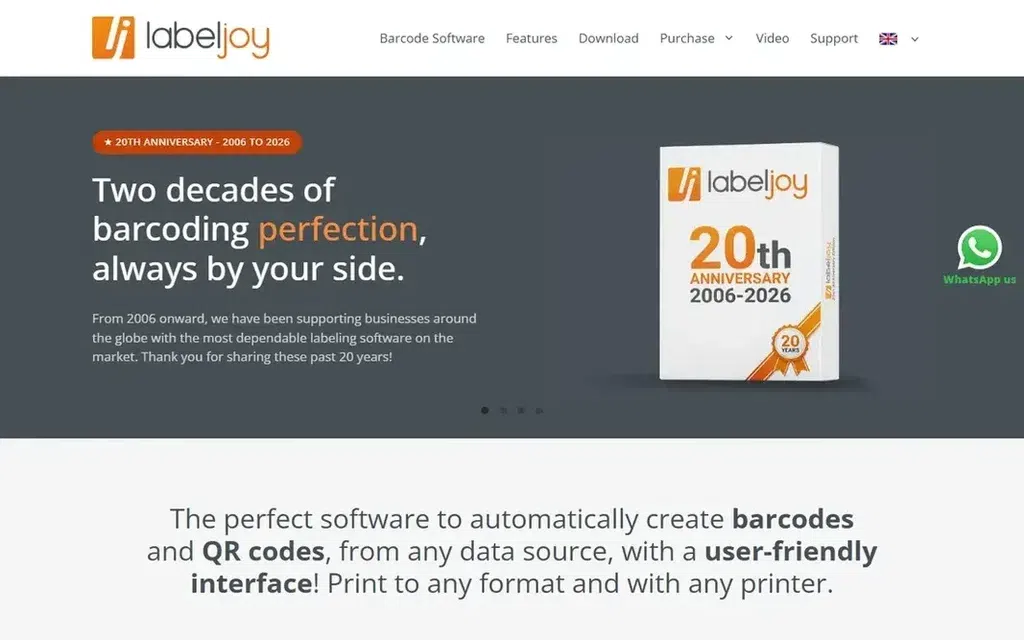
Labeljoy serves in-house barcode label design and printing. Labeljoy is professional software that produces barcodes from any source and lets you design and print labels with standard laser or inkjet printers plus roll printers. Pick Labeljoy when label design and local printing are the central tasks.
The tool emphasizes design adaptability and direct printing. More specifically, Labeljoy does not issue GTINs; it assumes you already have valid numbers to encode. It is also desktop-oriented, so teams needing centralized cloud management may prefer a different choice. Labeljoy does not show a starting price in this comparison, so check the vendor site for current pricing. Free options: Not stated.
What users get: Professional label design features. What to check first: Desktop-focused workflow.
- Prints on standard and roll printers
- Creates barcodes from any source
- No GTIN issuance
TEC-IT Barcode Studio
Best for: Standards-compliant barcode creation and automation
Pick TEC-IT Barcode Studio if this describes you: standards-compliant barcode creation and automation. TEC-IT Barcode Studio is barcode and labeling software that builds standards-compliant barcodes, automates label printing, and records data straight into applications, scaling from a single workstation to a whole organization.
What to check first: May need technical setup.
The tool emphasizes standards compliance and print automation. Beyond that, choose TEC-IT Barcode Studio when standards compliance and automation are central to your labeling. TEC-IT Barcode Studio does not show a starting price in this comparison, so check the vendor site for current pricing. As for free access: Not stated.
- Records data into applications
- Builds standards-compliant barcodes
- Desktop-oriented for single workstations
IDAutomation Barcode Generator
Best for: Wide barcode generation and developer tools
IDAutomation Barcode Generator is a good fit for wide barcode generation and developer tools. Choose IDAutomation when you need adaptable, developer-oriented barcode generation.
IDAutomation is a well-known provider of barcode generation tools, including fonts, components, and software for developers and firms. Its barcode generator products are widely used to produce barcodes for labels, applications, and systems. IDAutomation Barcode Generator shows no starting price here, so confirm the cost on the vendor site. Trial and free access: Not stated.
Downsides: No GTIN issuance.
- Established barcode technology vendor
- Broad range of barcode products
- Product range can be complicated to navigate
GS1 US Data Hub
Best for: Authentic GTINs and retail compliance
For Authentic GTINs and retail compliance, GS1 US Data Hub is a natural candidate. GS1 US Data Hub is the official source for authentic barcodes powered by GS1 standards, which uniquely identify your brand and products in e-commerce. It is the natural first stop for brands that require genuine GTINs accepted by major retailers and marketplaces.
Honest limits: Concentrated on standards compliance.
For everyday use, the product is built around GS1 standards, the most widely used in global supply chains. In daily use, if you have to lay out labels, add graphics, or handle print jobs across a team, pair it with a dedicated label tool. GS1 US Data Hub pricing: $30.00. On free options: Not stated.
- Supports e-commerce product identity
- Recognized in global supply chains
- May need GS1 membership
What went into this list
Things to verify first
- Ask Avery Design & Print, Barcode Producer, Labeljoy and others for a written quote, since no starting price is shown.
- Before choosing Avery Design & Print, weigh its main limit: restricted advanced barcode features.
- Ask GS1 US Data Hub about contract length, onboarding fees and user minimums before you sign.
- Verify that exporting from TEC-IT Barcode Studio is possible on your plan and covers all your records.
- Total up the real monthly cost of Barcode Producer, including add-ons, extra users and usage-based fees.
FAQ
Does any tool for GTIN number generator software here have a free plan?
No tool in this list, Avery Design & Print and GS1 US Data Hub included, has a permanent free plan. Trials and quotes are the usual route, so plan a short evaluation period.
How are the tools for GTIN number generator software ordered?
The order follows typical fit for GTIN number generator software, with Avery Design & Print first and GS1 US Data Hub last, then price clarity and free access. It is editorial judgement, not a score, so another team could rank the tools differently.
Do these tools publish their prices?
Not all of them. Avery Design & Print, Barcode Producer, Labeljoy and others publish no starting price, so expect a quote request for those. The rest, GS1 US Data Hub included, show a starting price, though seats and billing terms still change the final cost.
Can I try these options before paying?
Not by default. None of the tools, from Avery Design & Print to GS1 US Data Hub, lists a free plan or a free trial here, so ask each vendor for a demo before committing.
Do I need a GS1 membership to get valid GTINs?
In most retail and e-commerce contexts, authentic GTINs come from GS1, which generally needs a membership or license. Check retailer requirements before choosing a source.
Sources
- https://www.avery.com
- https://www.barcodeproducer.com
- https://www.labeljoy.com
- https://www.tec-it.com
- https://www.idautomation.com
- https://www.gs1us.org