The 6 Best Google Workspace Teacher Resources Software in 2026, Ranked
Best Google workspace teacher resources software: 6 contenders ranked by fit, with entry costs and free tiers. Short verdicts, no fluff. Compare quickly.
- Editor's choice
 Nearpod
Building active, interactive lessons
Starts at$159 per yearVisit nearpod.comFull review - Great alternative
 Kahoot.
Game-based review and engagement
Starts at$3 a monthVisit kahoot.comFull review - Also considerHapara
Classroom oversight and safe digital learning
Starts at$1,500Visit hapara.comFull review
Direct answer
Nearpod is the first pick on this list for building active, interactive lessons. Listed starting prices: Nearpod from $159 per year, Kahoot. from $3 a month and Hapara from $1,500. Kahoot. Fits game-based review and engagement; Hapara fits Classroom oversight and safe digital learning. All 6 tools are compared below on price, free plan and limits.
TL;DR:
- Nearpod sits first on this list: building active, interactive lessons.
- Hapara comes with a trade-off: pitched at schools instead of individual teachers.
- A free plan is available from 3 of the 6 tools: Nearpod, Kahoot., Pear Deck.
- Pear Deck is the one to check for live feedback in K-12 lessons.
- Starting prices begin at $3 per month with Kahoot.
Last checked November 2026. Prices and plan details were read from the vendors' own pages in November 2026; vendors change plans often, so confirm the current price on the vendor site before you buy.
Quick comparison
| Tool | Best for | Starts at | Free plan? | |
|---|---|---|---|---|
| Nearpod | Building active, interactive lessons | $159 per year | Yes | Visit |
| Kahoot. | Game-based review and engagement | $3 a month | Yes | Visit |
| Hapara | Classroom oversight and safe digital learning | $1,500 | Not stated | Visit |
 Google Classroom | Organizing classes within Google Workspace | See website | Not stated | Visit |
 Canvas LMS | Schools needing a full learning management system | See website | Not stated | Visit |
| Pear Deck | Live feedback in K-12 lessons | $125 a year | Yes | Visit |
6 options for Google workspace teacher resources software in detail
Choosing Google workspace teacher resources software usually comes down to price, fit and limits. This LinkVetted guide sets 6 tools side by side on those three points, with the facts kept short and checkable.
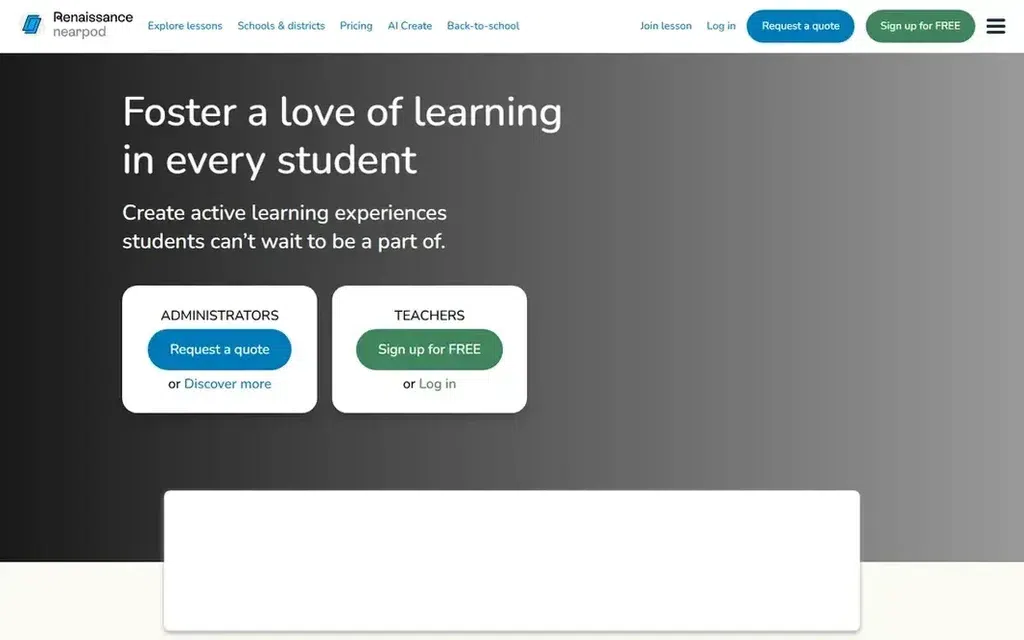
In short, Nearpod is for building active, interactive lessons. It suits teachers who want to turn presentations and lessons into interactive activities with student involvement.
It performs well as a layer on top of Google Classroom for educators who want more engagement during instruction. On cost, Nearpod starts like this: $159 per year. Nearpod includes a free tier.
What to check first: Layers on another tool to handle.
- Works as a lesson layer for teachers
- Meant to keep students participating
- Best value with consistent lesson use
Kahoot. Targets game-based review and engagement. Kahoot. Is a game-based learning system that brings engagement and fun to learning at school, at work and at home. It is a typical engagement layer alongside Google Classroom.
Teachers who require standards-aligned practice and differentiation may prefer Wayground, and those wanting interactive lessons should look at Nearpod or Pear Deck. In daily use, Kahoot. Is most solid for review and participation. So it is not a substitute for course management or detailed progress tracking. What you pay to start with Kahoot.: $3 per month. Kahoot. Offers a free plan.
Drawbacks to consider: Engagement focus over deep assessment.
- Works across school and work settings
- Game-based learning format
- Can favor fun over sustained instruction
Hapara
Best for: Classroom oversight and safe digital learning
Hapara was built for Classroom oversight and safe digital learning. Hapara is an oversight and management layer, not a source of lessons or practice activities.
So it complements instead of replaces Google Classroom, Nearpod or Wayground. What you pay to start with Hapara: $1,500. On free options: Not stated.
What to check first: Geared toward schools instead of individual teachers.
- Hall pass feature for oversight
- School web filtering included
- Management focus, not lesson content
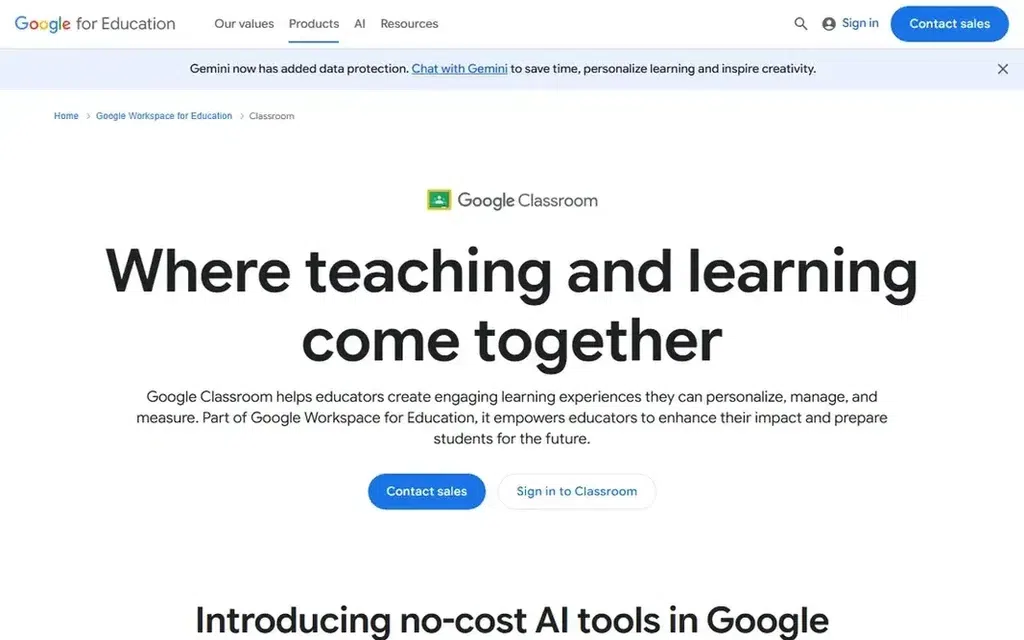
Where Google Classroom fits: organizing classes within Google Workspace. Google Classroom is Google's central hub for managing classrooms and sharing tools and resources with students.
It is commonly the default starting point before adding more specialized teaching tools. It is not a full-featured learning management system, so schools needing deep gradebooks, complicated course structures or advanced reporting may outgrow it. Check the vendor site for Google Classroom pricing; none is listed in this comparison. Free access: Not stated.
The main drawbacks: Fewer advanced assessment features.
- Straightforward class management
- Tight fit with Google's education ecosystem
- Restricted as a full learning management system
Think of Canvas LMS for schools needing a full learning management system. Consider Google Classroom for more straightforward class organization, and reserve Canvas for settings that need full course management across a school or district.
Points against: Overkill for straightforward resource sharing.
Also, Canvas LMS by Instructure is a learning management system built to ease teaching and enhance student learning. It also needs institutional setup and training to use well. This comparison lists no price for Canvas LMS; ask the vendor. Free plan details: Not stated.
- Approachable interface emphasis
- Meant to ease teaching
- Heavier setup than an entry-level class hub
Pear Deck
Best for: Live feedback in K-12 lessons
Pear Deck makes the most sense for live feedback in K-12 lessons. Pear Deck describes itself as a K-12 learning ecosystem with tools that assess progress, provide live feedback and support differentiated instruction and gamified practice.
It pairs naturally with Google Workspace classrooms. Since Pear Deck spans multiple tools, schools may find overlap with Nearpod for interactive lessons or with Kahoot. And Wayground for practice. Pear Deck pricing: $125 per year. Pear Deck has a free plan.
Limits to weigh: Feature set spread across an ecosystem.
- Part of a broader learning ecosystem
- Differentiated instruction support
- May overlap with other interactive tools
How we compared the tools
For each of the 6 tools we noted price, free plan or trial, fit for Google workspace teacher resources software and the main limit, using vendor pages and documentation. Plan names, prices and limits change often. Treat the figures here as a starting point and verify them with the vendor. Tools are placed by general fit for Google workspace teacher resources software, with price clarity and free access as tie-breakers. A different team can reasonably rank them differently.
Pre-purchase checklist
- Ask Google Classroom and Canvas LMS for a written quote, since no starting price is shown.
- Read the fine print on the free plans from Nearpod, Kahoot. And Pear Deck; seat, project and feature caps differ.
- Before choosing Nearpod, weigh its main limit: brings another tool to run.
- Verify that exporting from Google Classroom is possible on your plan and covers all your records.
- Ask Kahoot. About contract length, onboarding fees and user minimums before you sign.
FAQ
How are the tools for Google workspace teacher resources software ordered?
The order follows typical fit for Google workspace teacher resources software, with Nearpod first and Pear Deck last, then price clarity and free access. It is editorial judgement, not a score, so another team could rank the tools differently.
Which options for Google workspace teacher resources software have a free plan?
Nearpod, Kahoot. And Pear Deck offer a free plan in this list. Free plans usually cap users, projects or features, so check the limits on the vendor page.
What is the cheapest option for Google workspace teacher resources software in this list?
On published monthly entry prices, Kahoot. Is the lowest here at $3 per month. Entry price is only part of the cost, because seats, add-ons and billing terms can change the total. For the full picture, the cards above cover all 6 entries of this Google workspace Teacher resources software list, including price, free plan and limits.
Which tool should a Google Workspace teacher start with?
Google Classroom is the sensible starting point since it is Google's own hub for class management and resources. Add Nearpod, Pear Deck or Wayground once you need interactive lessons or standards-aligned practice.
Can I try these options before paying?
Often, yes. Nearpod, Kahoot. And Pear Deck have a free plan. Use your own data and a real task during the test, and check what the free tier or trial limits before you rely on it.
Do these tools replace Google Classroom?
Canvas LMS is a full learning management system, and the others act as add-on layers for engagement, practice or oversight. Hapara, for instance, brings classroom management and filtering instead of course content.
Sources
- https://nearpod.com
- https://kahoot.com
- https://hapara.com
- https://classroom.google.com
- https://www.instructure.com/canvas
- https://www.peardeck.com