Best Google Sheets Addons for Outreach in 2026: 6 Tools Compared
A practical guide to the best Google Sheets addons for outreach in 2026, covering mail merge, verification, enrichment and sending tools for link building.
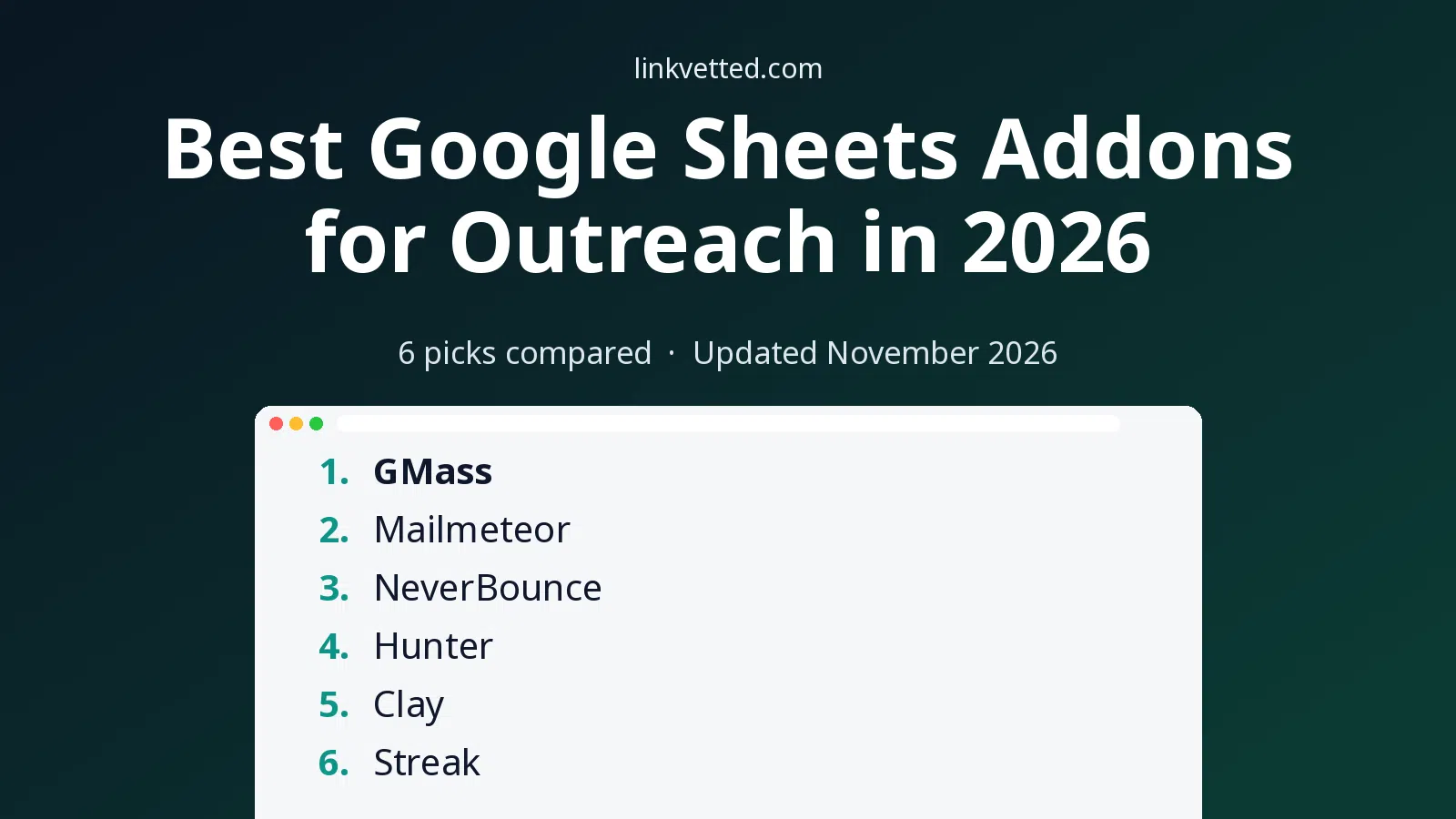
- Editor's choiceGMass
Sending and tracking from a Sheet
Starts atSee websiteVisit gmass.coFull review - Great alternativeMailmeteor
Straightforward mail merge in Sheets
Starts atSee websiteVisit mailmeteor.comFull review - Also consider
 NeverBounce
Verifying addresses before you send
Starts atSee websiteVisit neverbounce.comFull review
Direct answer
My top pick is GMass, because it turns a Google Sheet into a sending and tracking workflow without leaving the spreadsheet most outreach teams already use. For teams that mainly need to clean and verify a prospect list before sending, I suggest checking NeverBounce, and for teams that want to enrich rows with contact details, Clay is the one I would look at first. Each fits a different stage of the same job.
TL;DR:
- The best addon depends on whether your bottleneck is sending, verifying, enriching or tracking replies.
- Most outreach addons work from a Sheet column mapping, so clean headers and consistent data matter more than the tool itself.
- Verification before sending protects your domain reputation and is usually cheaper than fixing a damaged sender score.
- Enrichment tools save time on list building but can return stale or missing data, so spot-check rows before you send.
- Free plans and trials change often, so confirm current limits on each vendor's site before you commit a campaign to it.
Last checked November 2026. Plan prices are not quoted in this guide because they change often; see each vendor's own pricing page for current figures before you buy.
Quick comparison
| Tool | Best for | Starts at | Free plan? | |
|---|---|---|---|---|
| GMass | Sending and tracking from a Sheet | See website | Free plan | Visit |
| Mailmeteor | Straightforward mail merge in Sheets | See website | Free plan | Visit |
| NeverBounce | Verifying addresses before you send | See website | Free trial | Visit |
 Hunter | Finding and verifying work emails | See website | Free plan | Visit |
 Clay | Enriching rows with contact data | See website | Free plan | Visit |
 Streak | Tracking replies inside Gmail | See website | Free plan | Visit |
The best Google Sheets addons for outreach compared
I put this list together by reading vendor documentation, help centres and public product pages, and by mapping each tool to a specific step in an outreach workflow. I did not run hands-on tests, so treat this as a starting shortlist to evaluate against your own process rather than a lab result.
GMass
Best for: Sending and tracking from a Sheet
GMass is a Gmail-based outreach tool that connects to Google Sheets so you can use a spreadsheet as your recipient list. You add columns for email, first name, company and any personalisation field, then map them in the campaign setup. It suits small SEO teams and link builders who already run outreach from a Gmail or Google Workspace account and want to avoid exporting CSVs between tools.
In a link building workflow, the Sheet usually holds prospect URL, contact name, email, target page and status. GMass reads those columns and inserts personalisation tokens into the message, so one row becomes one email. Follow-up sequences can be set from the same campaign, and replies land back in Gmail where you can update the Sheet status column. That loop keeps your tracker and your inbox in step.
The limits are worth knowing. If your team sends from Outlook or a custom SMTP setup, GMass is not the natural fit. It also does not verify addresses for you, so a dirty list will still bounce. Skip it if you need a full CRM with pipeline stages and team assignment.
- Sends personalised campaigns from Gmail
- reads recipient data straight from a Sheet
- tracks opens, clicks and replies
- Tied closely to Gmail
- deliverability depends on your own sending habits
Mailmeteor
Best for: Straightforward mail merge in Sheets
Mailmeteor is a mail merge addon that lives inside Google Sheets. You write your email in a sidebar, insert merge tags that match your column headers, and send to selected rows. It is aimed at people who want the spreadsheet to stay the centre of the workflow rather than moving to a separate dashboard.
For outreach, the practical benefit is speed of setup. You can keep a tab per campaign, mark rows as sent, and use merge tags for the prospect's name, site and the page you want to link to. Basic open tracking helps you see which rows deserve a follow-up. It works well for blogger outreach and small digital PR lists where volume is modest and personalisation matters.
The trade-off is depth. If you need detailed sequence logic, A/B testing across large lists or granular sending schedules, a dedicated outreach platform will give you more control. It is also a sending tool, not a verification or enrichment tool, so pair it with a list-cleaning step.
- Runs as a Google Sheets add-on
- simple column mapping
- supports personalised fields and tracking
- Fewer advanced sending controls
- best suited to smaller campaigns
NeverBounce is an email verification service. You upload a list or connect a spreadsheet, and it returns a status for each address, typically valid, invalid, accept-all or unknown. For outreach teams, the value is catching dead addresses before a campaign goes out, which protects the sender reputation you have built.
The workflow is simple. Export the email column from your Sheet, verify it, then bring the results back and filter out invalid rows before sending. Some teams keep a verification date column so they know when a list was last checked. That habit matters for link building lists that are built over weeks from search results and public pages.
It is not an outreach tool, so do not expect sequencing or reply tracking. If your list is small and you send rarely, the extra step may feel like overhead. For anyone sending regularly from a shared domain, it is a sensible precaution.
- Bulk verification from a list
- clear result categories
- helps reduce hard bounces
- Does not send or track outreach
- results can change over time
Hunter is a prospecting tool for finding professional email addresses tied to a company domain. It offers a Sheets addon and integrations so you can pull addresses into a spreadsheet column instead of copying them by hand. For link builders, that means going from a list of target sites to a list of contact addresses faster.
In practice you keep a column for the domain, run the lookup, and fill in the contact and email columns. Hunter also indicates confidence and verification status, which helps you decide which rows to send first. It is useful for digital PR teams building media lists from publication domains and for agencies prospecting resource pages.
The limitation is coverage. Smaller sites, personal blogs and some regional domains may return nothing, and you still need a human check on whether the contact is the right person. Skip it if your lists come from conferences or directories where addresses are already supplied.
- Domain search for company addresses
- email pattern lookup
- verification built in
- Free lookups are limited
- not every address can be found
Clay is a data enrichment and workflow tool that presents your list as a table and lets you run lookups across many sources. It is more capable than a single-purpose addon, and that breadth is exactly why teams use it for outreach list building. You can start from a Sheet of target sites and enrich company, contact and social columns.
For outreach, the useful pattern is to enrich first, then filter, then send from whichever tool you prefer. Clay can also help with research steps like pulling company details that feed personalisation lines. That reduces the manual tab-switching that slows down a link building campaign.
The main limit is complexity. Credit-based pricing and multi-step enrichment mean you need to plan what you actually need before running large jobs. If you only need to verify an existing list, a simpler verifier is easier to justify. Skip Clay if nobody on the team wants to own the setup.
- Combines multiple data sources in one table
- can enrich many columns at once
- works with spreadsheet-style workflows
- Learning curve is steeper
- credit-based usage needs monitoring
Streak is a CRM that runs inside Gmail, with pipeline views and tracking for conversations. It is not a mail merge addon in the classic sense, but it fits the outreach workflow because it tracks the state of each conversation without a separate login. Teams that already use Sheets for the master list often use Streak for the reply stage.
The practical use in link building is status tracking. You can see which prospects have replied, which need a nudge and which are closed, and keep that view next to your inbox. Some workflows sync a Sheet into Streak so the master list and the pipeline stay aligned.
The drawback is that it does not solve list building, verification or bulk sending. If your main problem is sending 500 personalised emails from a Sheet, a mail merge addon is the better first purchase. Streak earns its place once replies start arriving and you need order.
- CRM view inside Gmail
- pipeline stages for prospects
- works alongside Sheets
- More CRM than outreach sender
- setup takes some discipline
How I chose
I started from the job an outreach team actually does in a spreadsheet: build a list, find contacts, verify addresses, send personalised messages, then track replies and update status. I then looked for tools that plug into that flow, either as a Google Sheets addon or as a service that reads and writes spreadsheet data. Vendor documentation, help centre articles and public product pages were my main sources.
I ruled out tools I could not confirm are operating, and I avoided anything that depends on bought lists or automated link placement. I also weighed limits that show up in real use, such as inbox compatibility, credit systems and whether a tool is a sender, a verifier or a CRM. Where a tool is strong at one step and weak at another, I said so rather than presenting it as an all-rounder. No hands-on testing was done.
What to check before you buy
- Confirm the addon works with your email provider, not just Gmail, if your team sends from Outlook or a custom domain.
- Check how the tool maps Sheet columns to merge fields, and whether renaming a header breaks an existing campaign.
- Ask whether verification is included or a separate purchase, since bounces affect sender reputation.
- Look at how replies and statuses are written back to the Sheet, so your tracker does not drift out of date.
- Review sending limits and daily caps on your plan before you plan a campaign around them.
- Check data handling and permissions, especially if prospect lists include personal contact details.
FAQ
Do I need a paid addon to run outreach from Google Sheets?
No. Several tools offer a free plan that covers small campaigns, and you can run a basic mail merge with a free addon. Paid plans usually add sending volume, tracking detail or team features. Start free, confirm the workflow fits, then upgrade when a limit actually blocks you.
Can I send link building outreach directly from a spreadsheet?
Yes. Mail merge addons read your Sheet rows and send personalised messages from your connected inbox. Keep columns for the target URL, contact name, email and status, and map them to merge tags. Verification and reply tracking are separate steps you should plan for.
Is it safe to use a mail merge addon for cold outreach?
It can be, if you send at a reasonable pace, verify addresses first and personalise the message. Risk comes from volume and list quality, not the addon itself. Follow your provider's sending rules and keep an eye on bounce rates so you can pause if something looks wrong.
What is the difference between an enrichment tool and a verification tool?
Enrichment adds data to a row, such as a contact name, company details or a social profile. Verification checks whether an email address will accept mail. You often need both: enrich to find the contact, verify before you send. Some tools do a bit of each, but few do both well.
Can these addons track replies and update my Sheet automatically?
Some can. Sending tools often track opens and replies, and CRM-style tools keep conversation status. Writing that status back to the Sheet varies by tool and setup. Test the round trip on a small batch before you rely on it for a full campaign.
Sources
- https://www.gmass.co
- https://mailmeteor.com
- https://www.neverbounce.com
- https://hunter.io
- https://www.clay.com
- https://www.streak.com