6 Affiliate Outreach Tools Worth Shortlisting in 2026
A practical guide to the best affiliate outreach tools in 2026, compared from vendor documentation and public sources, with limits and buying checks.
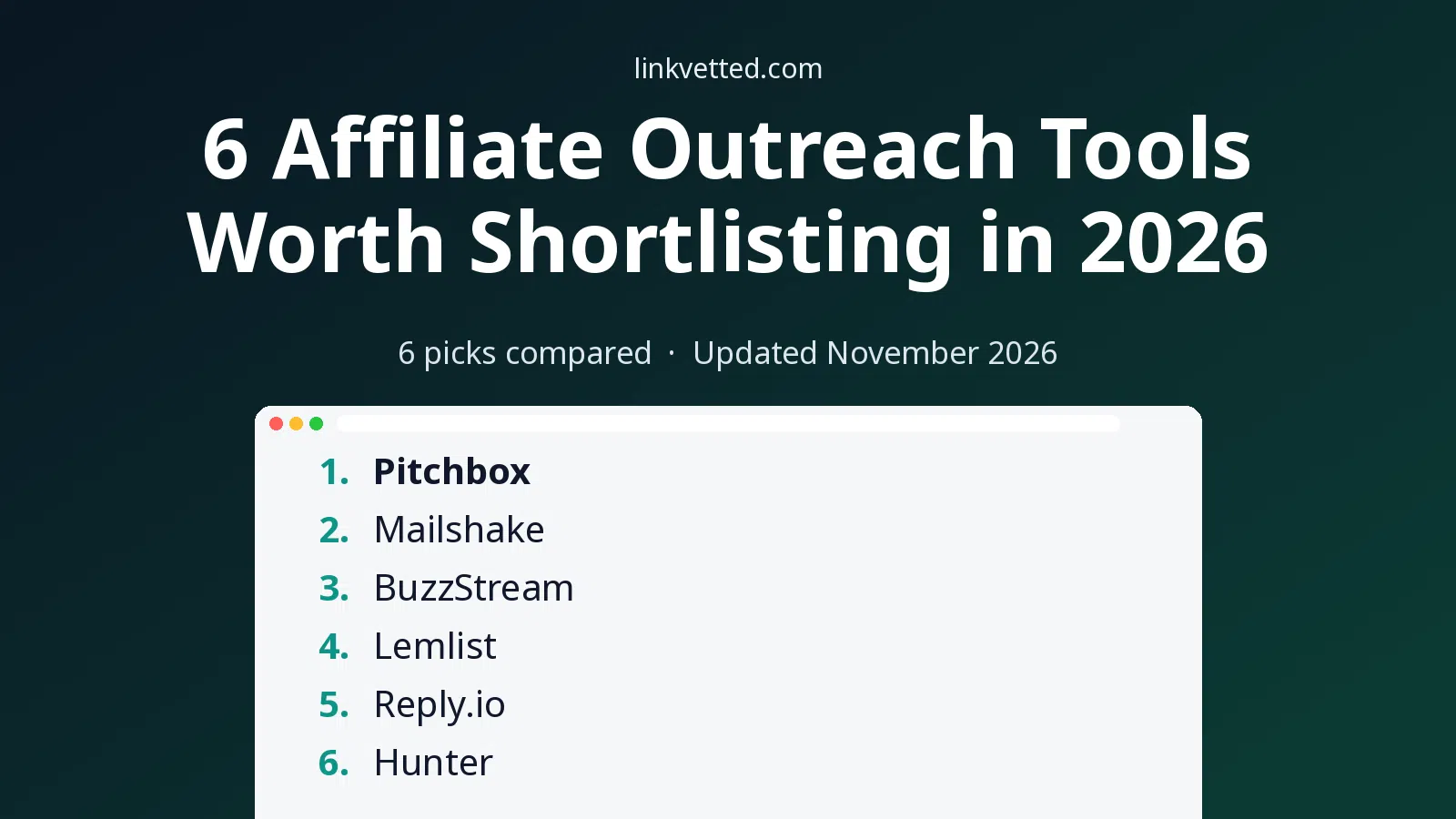
- Editor's choice
 Pitchbox
Repeatable affiliate recruitment campaigns
Starts atSee websiteVisit pitchbox.comFull review - Great alternative
 Mailshake
Simple outreach sequences for small teams
Starts atSee websiteVisit mailshake.comFull review - Also consider
 BuzzStream
Agencies running outreach and link building
Starts atSee websiteVisit buzzstream.comFull review
Direct answer
My first pick is Pitchbox, because it is built around prospecting, outreach sequences and follow-up in one place, which is what affiliate recruitment needs most. For teams that want a lighter outreach tool with a simple interface, I suggest Mailshake. For agencies that run outreach alongside link building and digital PR, BuzzStream is the one I would look at next. I compared these from vendor documentation and public sources, not hands-on tests.
TL;DR:
- Affiliate outreach is closer to sales prospecting than to press outreach, so sequence and follow-up features matter more than media lists.
- Pick a tool that can store affiliate-specific fields such as commission terms, traffic source and promo method, not just an email address.
- Deliverability features like mailbox rotation and sending limits decide whether your outreach lands at all.
- Most tools here are general outreach platforms, so you will need a process for finding and qualifying affiliates yourself.
- Check integration with your affiliate network or tracking platform before you commit, because manual exports get old fast.
Last checked November 2026. Plan prices are not quoted in this guide because they change often; see each vendor's own pricing page for current figures before you buy.
Quick comparison
| Tool | Best for | Starts at | Free plan? | |
|---|---|---|---|---|
| Pitchbox | Repeatable affiliate recruitment campaigns | See website | Not stated | Visit |
| Mailshake | Simple outreach sequences for small teams | See website | Free trial | Visit |
| BuzzStream | Agencies running outreach and link building | See website | Free trial | Visit |
 Lemlist | Personalised outreach at moderate volume | See website | Free trial | Visit |
 Reply.io | Multi-channel sequences at higher volume | See website | Free plan | Visit |
 Hunter | Finding and verifying affiliate contact emails | See website | Free plan | Visit |
The best affiliate outreach tools compared
I put this list together from vendor documentation, help centres and public sources, and I did not run hands-on tests of each tool. My focus was on how each one fits affiliate recruitment: finding contacts, storing affiliate details, sending sequences and following up without losing track.
Pitchbox is an outreach platform that combines prospect search, contact management and email campaigns. For affiliate work, that means you can build a list of partner sites, store the contact and site details, then run a sequence that reminds people who did not reply. It suits in-house teams and agencies that recruit affiliates month after month rather than running a one-off push.
The workflow matters here because affiliate recruitment is a numbers game with a long tail. You need to segment prospects by niche, send a first email, follow up two or three times, and track who opened or replied. Pitchbox supports that structure, and its reporting helps you see which segments respond. You still have to qualify affiliates yourself, since the tool does not judge whether a site is a good fit for your programme.
The main limit is cost and setup time. If you send a few dozen affiliate emails a month, a simpler email tool will do the same job for less. Skip Pitchbox if you do not have someone who can own campaign setup and list quality.
- Prospecting and outreach in one workflow
- campaign templates and follow-ups
- reporting on replies and placements
- Pricing is aimed at teams
- setup takes some planning
Mailshake is an email outreach tool built around sequences and simple lead lists. It fits small affiliate teams or solo managers who want to send a structured recruitment email, add two follow-ups and see who replied, without learning a large platform. It connects to your own mailbox, so messages come from a real address.
For affiliate outreach, the useful part is the sequence builder and the reply handling. You can write one recruitment email, set follow-up timing, and pause the sequence when someone replies. Leads can be tagged so you can separate affiliates you have contacted from ones you have signed. It also handles basic sending limits, which helps protect your domain reputation when you scale up.
The drawback is depth. Mailshake does not help you find affiliate prospects, and its data fields are generic, so commission terms or traffic notes end up in custom columns or a separate sheet. Skip it if you need built-in prospecting or detailed reporting across many campaigns.
- Clean interface that is quick to learn
- email sequences with follow-ups
- basic lead management
- Fewer research features than outreach suites
- limited affiliate-specific fields
BuzzStream is a web-based outreach and relationship management tool used widely for link building and digital PR. For affiliate recruitment, its strength is the contact record: you can keep notes on past conversations, tag prospects by type, and see who on your team last spoke to them. That history is useful when an affiliate relationship runs for years.
The tool helps with affiliate outreach by letting you build prospect lists, capture site and contact details, and run email sequences from the same place. Its research sidebar speeds up checking a prospect's site before you write. For agencies that already use BuzzStream for link building, adding affiliate recruitment to the same account avoids a second subscription and keeps all outreach history together.
The limit is focus. BuzzStream is general outreach software, so affiliate-specific needs like commission tracking or network integration are not its job. Beginners may find the interface crowded. Skip it if you only send occasional emails and do not need relationship history.
- Contact and relationship history in one place
- research sidebar for prospect details
- team-friendly workflows
- Can feel busy for new users
- not built only for affiliate programmes
Lemlist is an email outreach platform known for personalised messages, including custom images and variables per contact. For affiliate recruitment, that means you can mention a prospect's site, a recent post or their niche in the first line without writing every email by hand. It suits teams that want replies from busy site owners who ignore generic pitches.
In an affiliate workflow, Lemlist handles the sequence: first email, follow-ups, and stopping when someone replies. You can build a template with variables pulled from your lead list, then review before sending. It also offers inbox warm-up and sending controls, which matter when you contact many new domains in a short period.
The trade-off is setup effort. Personalisation only works if your lead data is clean, and custom images take time to prepare. Costs rise with team size. Skip Lemlist if you send plain text at low volume or do not want to maintain detailed lead data.
- Custom variables and images in emails
- multi-step sequences
- inbox warm-up features
- Personalisation setup takes time
- can get expensive as seats grow
Reply.io is a sales engagement platform that runs sequences across email and LinkedIn. For affiliate outreach, the multi-channel option is the draw: you can email a prospect, then connect on LinkedIn as a second step, which often gets a reply when email does not. It fits teams recruiting affiliates at volume and willing to manage more settings.
The tool helps by centralising sequences, contact data and reporting. You can build a recruitment sequence, track opens and replies, and adjust steps based on results. Its contact database can help find prospects, though you should still check each site for affiliate fit before adding it to a campaign.
The main drawback is complexity. There are many settings, and a small team can spend more time configuring than outreach. Skip Reply.io if you send fewer than a few hundred emails a month or only want email, not LinkedIn steps.
- Email and LinkedIn steps in one sequence
- database of contacts
- analytics on sequence performance
- Many features to configure
- overkill for small affiliate lists
Hunter is an email search and verification tool. You enter a domain and it returns public email addresses linked to that site, plus a confidence score. For affiliate outreach it is a supporting tool rather than a full platform: it helps you find the right contact at a partner site, then you send from your email tool or CRM.
In practice, you would use Hunter to fill gaps in a prospect list. If you have a list of affiliate sites but no contacts, Hunter can suggest addresses, and its verification step helps you avoid bounces that hurt sender reputation. It pairs well with Mailshake or Lemlist when you do not need a built-in prospect database.
The limit is scope. Hunter does not send sequences, track replies or manage relationships, so it cannot run an affiliate programme alone. Skip it if your outreach platform already includes contact finding, or if you prefer to collect contacts manually.
- Email search by domain
- verification to reduce bounces
- simple interface
- Not an outreach platform
- results still need manual checking
How I chose
I built this list from vendor documentation, help centre articles and public sources, and I did not run hands-on tests. My starting point was the actual job: finding affiliate prospects, storing enough detail to judge fit, sending a sequence and following up. Tools that only do one part of that job, like Hunter, are included as supporting picks rather than full platforms.
I also weighed limits honestly. Cost, setup time and complexity decide whether a tool gets used at all, so a simpler tool can beat a larger one for a small team. I left out tools whose sites I could not verify and avoided any claims about results, since outreach outcomes depend on your list and offer, not the software.
What to check before you buy
- Confirm the tool can store affiliate-specific fields such as commission terms, traffic source and promo method, or plan a workaround.
- Check whether it integrates with your affiliate network or tracking platform, so you are not exporting data by hand every week.
- Ask how it handles sending limits and mailbox rotation, because deliverability decides whether outreach works.
- Test the reply handling: sequences should stop when someone replies, or you will annoy good partners.
- Check team seats and permissions if more than one person contacts affiliates, so history stays in one place.
- Read the cancellation and export terms, so you can move your prospect list if you switch tools.
FAQ
What is affiliate outreach?
Affiliate outreach is the process of contacting site owners, publishers or creators to invite them into your affiliate programme. It usually involves finding sites that fit your niche, identifying the right contact, sending a short pitch with commission details, and following up. Tools help with the list, the emails and the tracking, but the offer and the fit still decide whether people join.
Do I need a dedicated affiliate outreach tool?
Not always. If you recruit a handful of partners a month, a simple email tool with sequences is enough. A dedicated platform makes sense when you contact many prospects, run several campaigns, or need relationship history across a team. Start simple, then move up when manual tracking becomes the bottleneck.
Can I use link building tools for affiliate outreach?
Yes, and many teams do. Tools like BuzzStream and Pitchbox are used for both link building and affiliate recruitment because the workflow is similar: find a site, find a contact, send a pitch, follow up. The difference is the ask. Affiliate emails need commission terms and programme details, so keep a separate template and lead list.
How many follow-ups should an affiliate outreach sequence have?
Two or three follow-ups is a common approach in most vendor examples. More than that risks annoying a site owner you may want as a long-term partner. Space them out, keep each message short, and stop the sequence as soon as someone replies. The right number depends on your list quality more than the tool.
What should I track in affiliate outreach?
Track the prospect site, contact name, niche, traffic source, the date of your last message and the reply status. Once someone joins, note the commission terms and promo method. Keeping this in the outreach tool rather than a spreadsheet saves time when a partner asks about terms months later.
Sources
- https://www.pitchbox.com
- https://mailshake.com
- https://www.buzzstream.com
- https://www.lemlist.com
- https://reply.io
- https://hunter.io