Best Google Alerts Alternatives for 2026 (6 Compared)
A practical guide to Google Alerts alternatives for media monitoring and brand mentions, compared from vendor documentation and public sources.
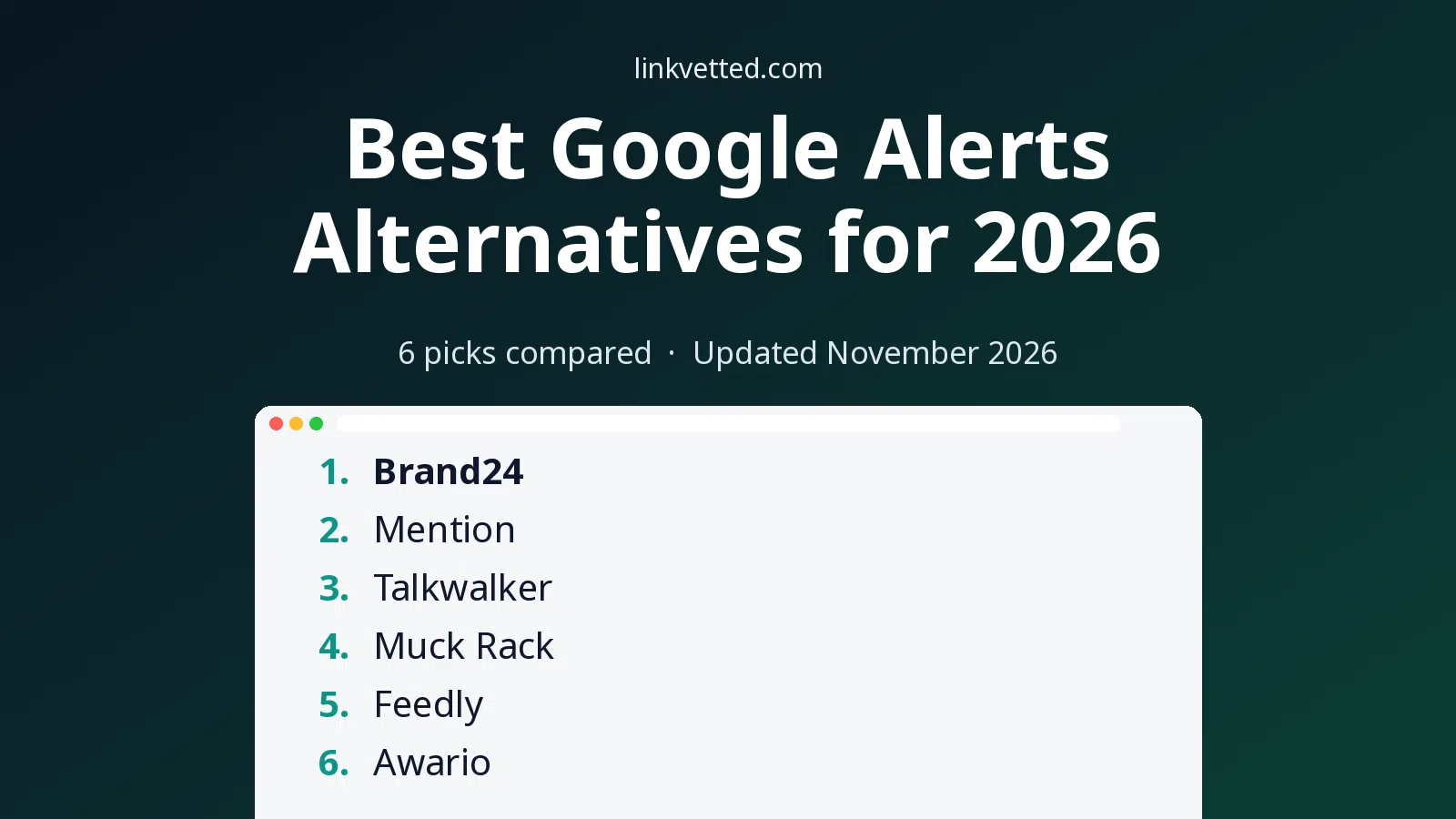
- Editor's choice
 Brand24
Brand and competitor mention monitoring
Starts atSee websiteVisit brand24.comFull review - Great alternative
 Mention
Web and social media monitoring
Starts atSee websiteVisit mention.comFull review - Also consider
 Talkwalker
Social listening and consumer insight
Starts atSee websiteVisit talkwalker.comFull review
Direct answer
My first pick is Brand24, because it is built for ongoing mention monitoring with sentiment context and team workflows rather than email digests alone. For teams that want a broad media database and journalist contact data alongside monitoring, Muck Rack fits better. If you mainly need social listening and competitor tracking at a smaller scale, Talkwalker is worth a look. People look for alternatives because Google Alerts gives limited control over sources, coverage and delivery.
TL;DR:
- Google Alerts alternatives usually add sentiment, source filtering, dashboards or team sharing that a plain email alert does not provide.
- The right pick depends on whether you monitor brand mentions, competitors, journalists or a specific industry niche.
- Most paid monitoring tools charge by number of keywords, mentions or seats, so check the vendor's current plan details before committing.
- Free tiers exist in this category but often limit keywords, history or export options.
- No monitoring tool replaces reading the source; treat alerts as a starting point for review.
Last checked November 2026. Plan prices are not quoted in this guide because they change often; see each vendor's own pricing page for current figures before you buy.
Quick comparison
| Tool | Best for | Starts at | Free plan? | |
|---|---|---|---|---|
| Brand24 | Brand and competitor mention monitoring | See website | Free trial | Visit |
| Mention | Web and social media monitoring | See website | Free trial | Visit |
| Talkwalker | Social listening and consumer insight | See website | Not stated | Visit |
 Muck Rack | PR teams tracking coverage | See website | Not stated | Visit |
 Feedly | Reading and filtering news feeds | See website | Free plan | Visit |
 Awario | Social listening on a tighter budget | See website | Free trial | Visit |
The best Google Alerts alternatives compared
I put this list together by reading vendor documentation, pricing pages and public product descriptions, and by comparing how each tool handles mention discovery, filtering and delivery. I did not run hands-on tests, so treat this as a starting map rather than a lab report. The tools below cover different jobs: brand monitoring, media databases, feed reading and social listening.
Brand24 is a media monitoring platform that collects mentions of keywords across news sites, blogs, forums and social platforms, then presents them in a dashboard with filters and sentiment tags. It suits small agencies and in-house marketing teams that want to watch a brand, a product name or a competitor without checking several sources by hand.
For replacing Google Alerts, the workflow is straightforward: you add keywords and phrases, set which source types matter, and let the tool collect matches. You can then filter by sentiment, source or date and share a view with a client. That is more control than an email digest gives you, and it helps when you need to respond to a mention quickly.
The limits are mostly about scale. Plans are tied to keyword counts and mention volume, and the tool is not built for finding journalist contact details. Skip it if you only need a simple daily email and nothing else.
- Broad web and social coverage
- sentiment and influence context
- dashboards and team sharing
- Paid plans scale with keywords and mentions
- not a full PR contact database
Mention is a monitoring service that tracks brand names, keywords and competitor terms across the web and social networks. It is aimed at marketing and communications teams that want alerts plus a readable dashboard, and it works well for agencies that manage several client names at once.
In practice, Mention lets you create separate alerts per client or campaign and choose how you want to be notified. Reports can be scheduled, which helps when you send a monthly summary to a client. Compared with a bare email alert, the value is in the organisation: one place for many keywords and a record you can look back on.
Check the plan details before you commit, because limits on mentions, users and history differ between tiers. If your main need is deep social listening analytics rather than mention collection, a different tool may fit better.
- Monitors web and social sources in one place
- alert and report options
- works for agencies with multiple clients
- Plan features differ by tier
- some sources are covered better than others
Talkwalker is a consumer intelligence and social listening platform. It collects mentions and conversations across social networks, news and other sources, then offers analytics around sentiment, themes and trends. It fits larger marketing teams, agencies and brands that need to understand a conversation, not just collect links to it.
As a Google Alerts alternative, it goes further than simple alerting. You can build queries around a brand, a campaign or a competitor and review the results in dashboards. That is useful when you want to spot emerging topics or measure how a message is being received, rather than just know that a mention exists.
The trade-off is complexity and cost. It is not a quick, cheap replacement for a single email alert, and small businesses may find it oversized. Skip it if you only need basic mention notifications.
- Wide social and media coverage
- analytics for themes and sentiment
- suited to larger monitoring programmes
- Aimed at bigger teams and budgets
- may be more than a small site needs
Muck Rack is a public relations platform that combines a media database with monitoring and coverage reporting. It suits PR agencies and in-house communications teams that need to find journalists, track what gets published and report on coverage. It is not a general-purpose web monitoring tool, so read the fit carefully.
For someone moving away from Google Alerts, Muck Rack helps in a different way: it ties mentions to the journalists and outlets you already work with. You can watch coverage for a client, keep a record of placements and use the database to plan outreach. That combination is useful when monitoring and media relations sit in the same role.
The downside is that it is a PR platform first. If you only want keyword alerts with no outreach or reporting needs, it is more than you need. Check current plan details on the site before deciding.
- Media database and monitoring in one platform
- coverage tracking for PR reporting
- journalist profiles and contact details
- Built around PR workflows
- not a low-cost alert tool
Feedly is a news reader that collects articles from sources you choose and lets you filter them by keyword. It is a good fit for people who want to follow specific publications and blogs closely and who prefer a reading interface over an inbox full of alerts. It is a different approach from a mention-monitoring platform.
To use it as a Google Alerts alternative, you add the sites and topics you care about, then set keyword filters or alerts so relevant items surface. This works well for industry news and for tracking a set of publications where you expect coverage. It gives you more control over sources than a generic alert does.
The limitation is that it only sees what you subscribe to or what its search covers. It will not catch every mention across the open web, and some useful features sit behind paid plans. Skip it if you need broad, automatic mention discovery.
- Organises news and blog sources in one reader
- keyword filtering and alert options
- team sharing on paid tiers
- Relies on the sources you add
- AI and team features are paid
Awario is a social listening and mention monitoring tool that tracks keywords across social networks, news and blogs. It is aimed at small and mid-sized teams that want mention discovery and basic sentiment analysis without the complexity of an enterprise platform. It is a reasonable step up from a plain email alert.
In use, you create alerts for brand names, competitors or topics, then review results in a dashboard with filters. You can track how often a term appears and see the posts behind the numbers. For agencies watching a handful of clients, that is a practical middle ground between free alerts and large listening suites.
The main limit is coverage: its index is smaller than the biggest platforms, so some niche sources may be missed. Check plan limits on mentions and projects. Skip it if you need the widest possible source coverage.
- Web and social mention monitoring
- sentiment and competitor tracking
- straightforward interface
- Smaller index than the largest platforms
- plan limits on mentions and projects
How I chose
I chose these tools by reviewing vendor documentation, pricing pages and public product descriptions, then matching each one to a common reason people leave Google Alerts: limited source control, thin filtering, no dashboards and no team workflow. I did not run hands-on tests, and I have not measured accuracy or coverage myself. Where a vendor did not state something clearly, such as a free plan, I marked it as not stated rather than guessing.
The list deliberately mixes categories. Some tools are dedicated mention monitors, one is a PR platform, one is a news reader and one is a social listening product. That is because "Google Alerts alternative" means different things to different people: a blogger may want a better reader, while an agency may want client dashboards and reporting. I left out tools whose official sites I could not verify, and I avoided any tool that promises rankings or uses spam tactics. Before you buy, confirm current features and limits directly with the vendor.
What to check before you buy
- Confirm which sources the tool covers: news, blogs, forums, social networks or only a subset.
- Check how keywords and boolean queries are handled, including phrase matching and exclusions.
- Look at plan limits on keywords, mentions, projects and user seats, since these drive cost as you grow.
- Check how alerts are delivered: email, dashboard, Slack or API, and whether you can schedule reports.
- Confirm how far back the mention history goes and whether you can export data.
- Ask whether sentiment, language coverage and duplicate detection are included or sold separately.
FAQ
Why do people look for Google Alerts alternatives?
People look for alternatives because Google Alerts gives limited control over which sources are covered, how results are filtered and how they are delivered. Teams often want dashboards, sentiment context, multiple keywords per client and shared access. Others want broader social coverage or a reading interface instead of email digests. The right replacement depends on whether you monitor a brand, a market or a set of publications.
Are Google Alerts alternatives free?
Some have free plans or free trials, but most serious monitoring tools charge for keyword volume, mention limits or team seats. Free tiers often restrict history, exports or the number of alerts. Check the vendor's current plan page, because features and limits change. A free reader like Feedly can cover basic news following, while mention monitoring platforms usually require a paid plan for regular use.
Can these tools replace media monitoring for a small agency?
Yes, for many small agencies a mid-range monitoring tool covers brand mentions, competitor tracking and client reporting. The gap appears when you need deep social analytics, journalist contact data or very broad source coverage. In those cases you may combine a monitoring tool with a media database or a listening platform. Match the tool to the client work you actually do, not to the longest feature list.
Do I still need Google Alerts if I use one of these tools?
Not necessarily, but some teams keep a simple alert as a backup for terms they do not want to pay to monitor. Running both can create duplicate emails, so decide which system is the source of truth for each client or campaign. If you already pay for a monitoring platform, use its alerts and reports as the main record and drop the extra inbox noise.
What is the difference between media monitoring and social listening?
Media monitoring usually focuses on mentions in news, blogs and forums, with alerts and coverage reports. Social listening adds analysis of conversations on social platforms, including sentiment, themes and trends over time. Some tools do both. Decide which matters more for your work: tracking coverage of a brand, or understanding how people talk about a topic.
Sources
- https://brand24.com
- https://mention.com
- https://www.talkwalker.com
- https://muckrack.com
- https://feedly.com
- https://awario.com