Top 5 Geo Analytics Platforms for 2026 (Prices and Free Plans)
Best geo analytics platforms: 5 contenders ranked by fit, with entry costs and free tiers. Strengths and weak spots are spelled out. Built for quick decisions.

- Editor's choice
 Mapbox
Developer map APIs and navigation
Starts at$0.08 per tripVisit mapbox.comFull review - Great alternative
 CARTO
Cloud-native scalable spatial analysis
Starts atSee websiteVisit carto.comFull review - Also considerPlacer.ai
Foot traffic and site selection insight
Starts atSee websiteVisit placer.aiFull review
Direct answer
For developer map APIs and navigation, Mapbox is where this list starts. Listed starting prices: Mapbox from $0.08 per trip. CARTO is the stronger choice for cloud-native scalable spatial analysis, while Placer.ai suits foot traffic and site selection insight. The full list of 5 tools follows, with prices and free plan facts.
TL;DR:
- This list starts with Mapbox, which is built for developer map APIs and navigation.
- Before buying Placer.ai, weigh this: specialized to traffic and location insight.
- Esri Business Analyst is the one to check for demographic mapping and site selection.
- No starting price is published for CARTO, Placer.ai, Esri ArcGIS and Esri Business Analyst; expect a quote.
Last checked November 2026. Prices and plan details were read from the vendors' own pages in November 2026; vendors change plans often, so confirm the current price on the vendor site before you buy.
Quick comparison
| Tool | Best for | Starts at | Free plan? | |
|---|---|---|---|---|
| Mapbox | Developer map APIs and navigation | $0.08 per trip | Yes | Visit |
| CARTO | Cloud-native scalable spatial analysis | See website | Free trial | Visit |
| Placer.ai | Foot traffic and site selection insight | See website | No | Visit |
| Esri ArcGIS | Advanced desktop mapping and spatial analysis | See website | Not stated | Visit |
| Esri Business Analyst | Demographic mapping and site selection | See website | Not stated | Visit |
The full geo analytics platforms list
If you are comparing geo analytics platforms, this page covers 5 tools in one place: what each is best for, what it costs to start, whether it has a free plan, and the main limit to know about.
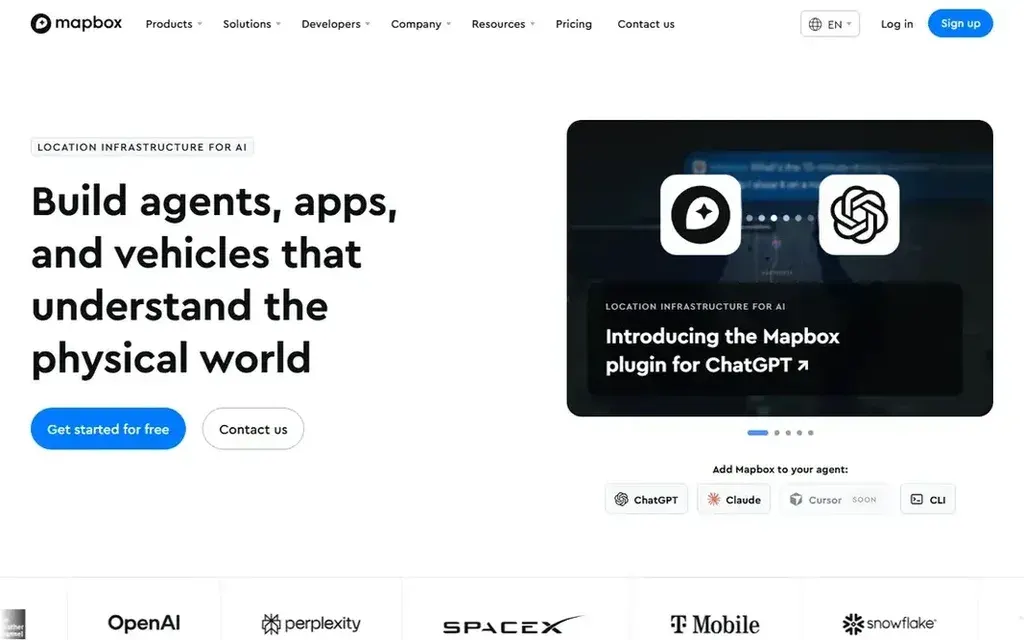
Choose Mapbox for developer map APIs and navigation. The system includes both the visual map layer and the search and routing services behind it. It is a developer system, so business analysts looking for point-and-click spatial analysis may find it indirect.
Downsides: not a desktop GIS.
Building custom experiences takes engineering time. Mapbox supplies APIs and SDKs for AI-powered maps, location search, turn-by-turn navigation and geospatial data inside mobile or web applications. Mapbox pricing: $0.08 per trip. You can start on Mapbox without paying.
- Geospatial data support for apps
- APIs and SDKs for web and mobile
- Needs coding to unlock full value
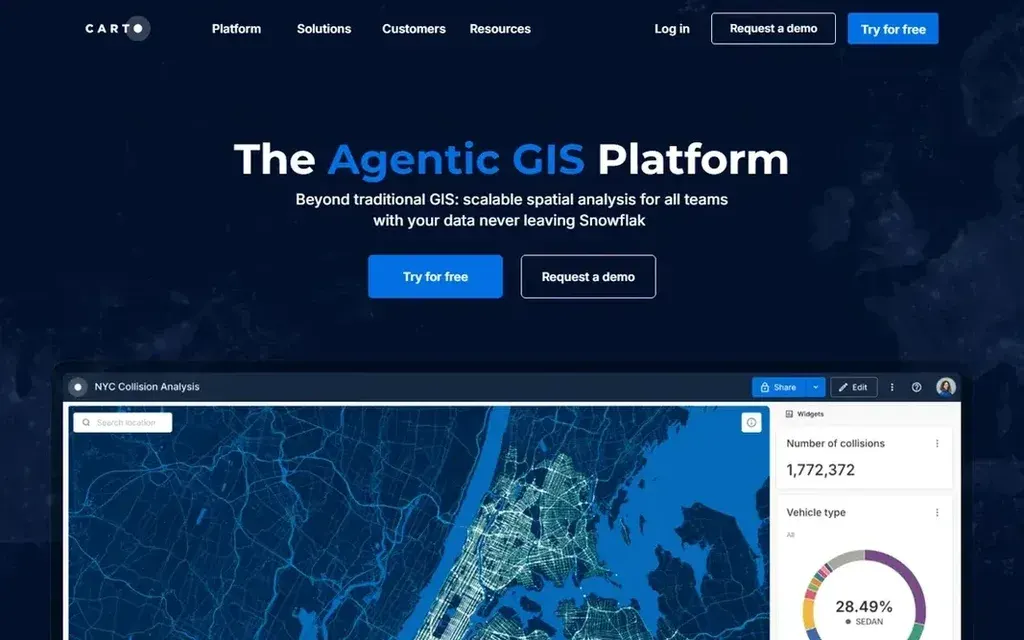
For cloud-native scalable spatial analysis, CARTO is a natural candidate. Since it leans on your cloud environment, getting started relies on having data and access set up there.
In practice, pick CARTO when cloud data governance and team-scale spatial analysis are priorities. For everyday use, CARTO describes itself as an agentic GIS system aimed at scalable spatial analysis across teams, with spatial data remaining inside your own cloud ecosystem. No starting price is listed for CARTO here; confirm pricing on the vendor site. Trial and free access: Free trial.
Where it falls short: Less suited to offline desktop work.
- Scalable analysis for teams
- Designed for collaborative workflows
- Needs cloud data setup
Placer.ai
Best for: Foot traffic and site selection insight
Placer.ai was built for foot traffic and site selection insight. Placer.ai gives you foot traffic data and location intelligence pitched at site selection, retail analytics and commercial real estate.
As for the details, pick Placer.ai when traffic-based location decisions are the core question. Worth adding: the system is built around location insight instead of general mapping production. This comparison lists no price for Placer.ai; ask the vendor. Placer.ai does not include a free plan.
Where it is weaker: Not a general-purpose GIS.
- Supports site selection decisions
- Aimed at retail and real estate analysis
- Specialized to traffic and location insight
Esri ArcGIS
Best for: Advanced desktop mapping and spatial analysis
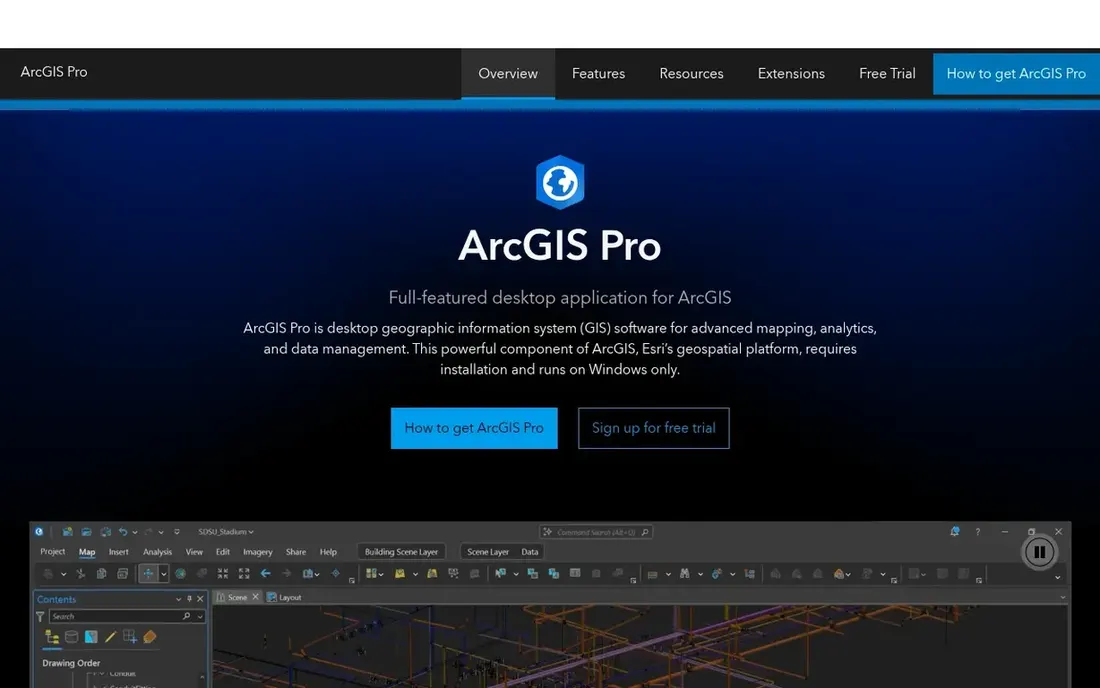
Where Esri ArcGIS fits: advanced desktop mapping and spatial analysis. ArcGIS Pro is Esri's desktop GIS application for managing spatial data, running advanced mapping and analytics, and building refined visualizations. In practice, the desktop model means installation, licensing and a steeper ramp-up time than browser-based products.
What to check first: Desktop-centric ramp-up time.
Beyond that, teams with established spatial datasets and a need for in-depth, project-based analysis will find the workflow familiar and full. In daily use, choose ArcGIS when analytical depth and cartographic control matter more than fast setup. Also, casual users who only need a fast map or a shared dashboard may prefer a lighter cloud tool. No starting price is listed for Esri ArcGIS here; confirm pricing on the vendor site. Free plan details: Not stated.
- Capable cartographic visualization
- Deep spatial data management tools
- Heavier setup than web tools
Esri Business Analyst
Best for: Demographic mapping and site selection
Pick Esri Business Analyst if this describes you: demographic mapping and site selection. Organizations wanting only raw location data or developer APIs should consider other choices.
For everyday use, pick Business Analyst when demographic-driven site and market decisions are central. Esri Business Analyst does not show a starting price in this comparison, so check the vendor site for current pricing. Free access: Not stated.
Where it falls short: Tied to the Esri ecosystem.
- Territory design support
- Demographic mapping tools
- Feature breadth takes time to learn
How the list was put together
We compared the tools on published pricing, free plan or trial availability, feature coverage for geo analytics platforms, and the limits each vendor documents. Treat prices as a snapshot: vendors change plans often, so check the vendor site for the figure that applies today. Tools are placed by general fit for geo analytics platforms, with price clarity and free access as tie-breakers. A different team can reasonably rank them differently.
Questions to settle before buying
- Ask CARTO, Placer.ai, Esri ArcGIS and Esri Business Analyst for a written quote, since no starting price is shown.
- Look at the free plan from Mapbox closely: its caps decide whether it is usable for real work.
- Run a trial of CARTO with real work before paying for a year; your own workflow is the best test.
- Before choosing Mapbox, weigh its main limit: developer-oriented, not a desktop GIS.
- Ask Placer.ai how an export works before you move any records in; an easy exit lowers the risk.
- Check the integration list for Mapbox against the tools you run today, and note which ones need a higher plan.
FAQ
Can I try these options before paying?
Often, yes. Mapbox has a free plan and CARTO offers a free trial. Use your own data and a real task during the test, and check what the free tier or trial limits before you rely on it.
Do these tools publish their prices?
Not all of them. CARTO, Placer.ai, Esri ArcGIS and Esri Business Analyst publish no starting price, so expect a quote request for those. The rest, Mapbox included, show a starting price, though seats and billing terms still change the final cost.
What is the difference between a GIS and a geo analytics system?
A GIS for example Esri ArcGIS centres on managing, editing and visualizing spatial data in depth. Geo analytics systems frequently emphasize specific data, for example foot traffic or points of interest, or embed location features into apps. Numerous teams combine both types.
How are the tools for geo analytics platforms ordered?
Mapbox sits first and Esri Business Analyst last because the order follows typical fit for geo analytics platforms, then price clarity and free access. It is a judgement call, so read each profile for fit and limits.
Which options for geo analytics platforms have a free plan?
Mapbox is the only tool in this list with a free plan. Free plans usually cap users, projects or features, so check the limits on the vendor page. One other tool offers a trial instead.
Sources
- https://www.mapbox.com
- https://carto.com
- https://www.placer.ai
- https://www.esri.com/en-us/arcgis/products/arcgis-pro/overview
- https://www.esri.com/en-us/arcgis/products/arcgis-business-analyst/overview