Choosing Gantt Software for Construction Scheduling in 2026: 5 Options Compared
Best gantt software for construction scheduling in 2026: 5 contenders with entry costs and free tiers. We note where every tool falls short. Details below.
- Editor's choice
 Autodesk Construction Cloud
Design-connected construction scheduling
Starts atSee websiteVisit construction.autodesk.comFull review - Great alternative
 Smartsheet
Adaptable Gantt views on collaborative sheets
Starts at$12 per Member/monthVisit smartsheet.comFull review - Also consider
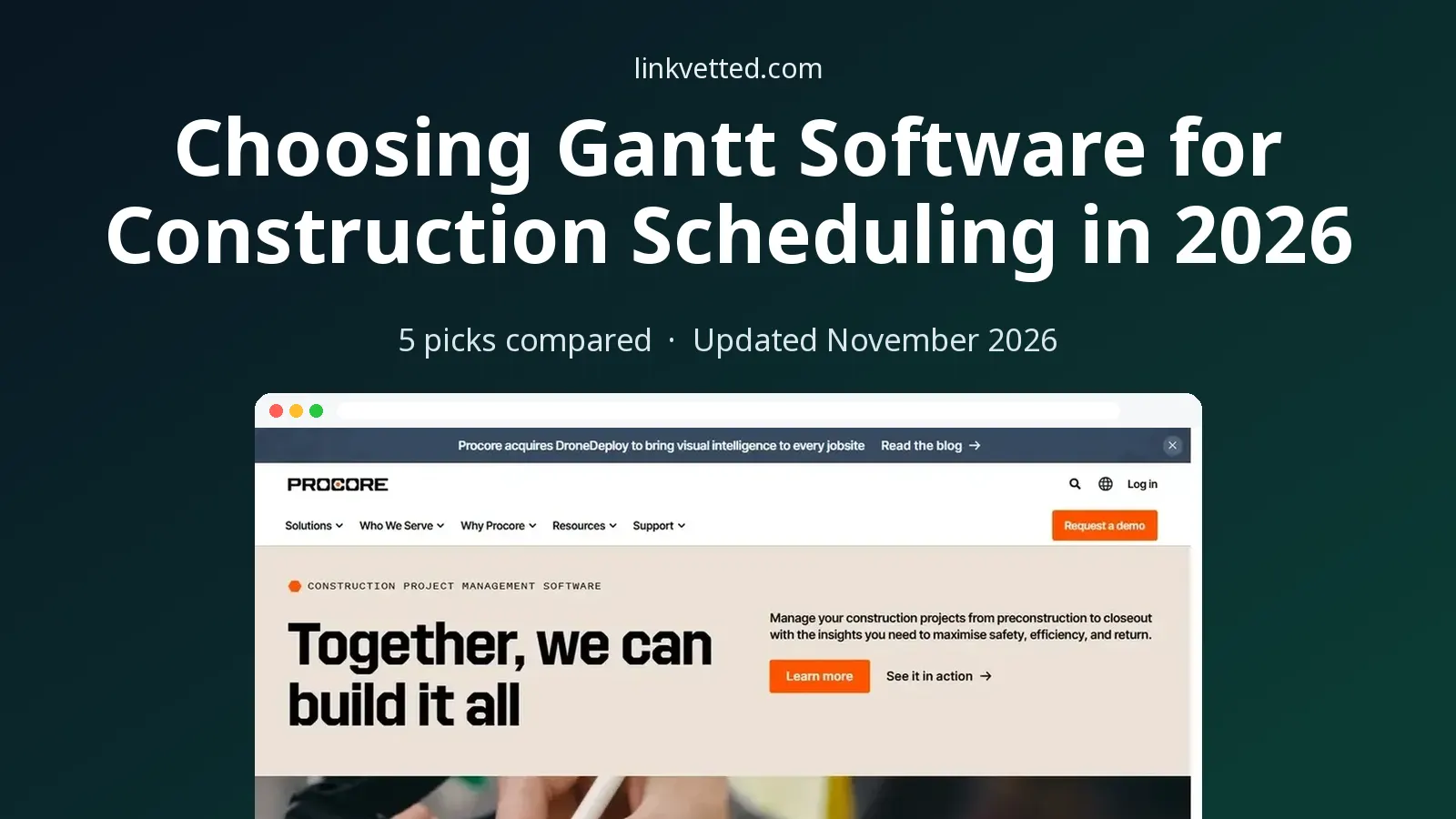
 Procore
Connecting schedules to site and office
Starts atSee websiteVisit procore.comFull review
Direct answer
If you need design-connected construction scheduling, Autodesk Construction Cloud is the first tool to look at here. Listed starting prices: Smartsheet from $12 per Member/month. Look at Smartsheet for adaptable Gantt views on collaborative sheets, and at Procore for connecting schedules to site and office. All 5 tools are compared below on price, free plan and limits.
TL;DR:
- Autodesk Construction Cloud is the opening pick, best for design-connected construction scheduling.
- Smartsheet has the lowest monthly starting price in this list: $12 per Member/month.
- Microsoft Project is the one to check for familiar Gantt scheduling for general teams.
- Autodesk Construction Cloud, Microsoft Project and the 3 others all need a premium plan or a trial, since no free plan is listed.
Last checked November 2026. Prices and plan details were read from the vendors' own pages in November 2026; vendors change plans often, so confirm the current price on the vendor site before you buy.
Quick comparison
| Tool | Best for | Starts at | Free plan? | |
|---|---|---|---|---|
| Autodesk Construction Cloud | Design-connected construction scheduling | See website | Not stated | Visit |
| Smartsheet | Adaptable Gantt views on collaborative sheets | $12 per Member/month | Not stated | Visit |
| Procore | Connecting schedules to site and office | See website | Not stated | Visit |
 Oracle Primavera P6 | Large, complicated construction programs | See website | Not stated | Visit |
 Microsoft Project | Familiar Gantt scheduling for general teams | See website | Not stated | Visit |
The 5 tools in detail
LinkVetted put together this guide to gantt software for construction scheduling for readers who want a clear shortlist without reading every vendor page. It compares 5 tools on starting price, free plans, who each one suits and where each one falls short.
Autodesk Construction Cloud
Best for: Design-connected construction scheduling
For design-connected construction scheduling, Autodesk Construction Cloud is a natural candidate. Schedule views sit alongside model and document coordination, which helps teams link Gantt timelines to design and build data.
Beyond that, choose it when design-to-construction continuity is the priority. Pricing for Autodesk Construction Cloud is not stated here, so ask the vendor for current figures. Free plan details: Not stated.
The main drawbacks: Scheduling is one part of a bigger suite.
- Supports on-time delivery goals
- Links project teams securely
- Setup spans several products
Smartsheet is designed for adaptable Gantt views on collaborative sheets. Choose Smartsheet when adaptability and shared visibility matter more than construction-specific depth.
What to check first: Complicated schedules need careful setup.
Smartsheet is general-purpose, so deep construction scheduling logic and field integration are restricted compared to specialized tools. Price to start with Smartsheet: $12 per Member/month. Free options: Not stated.
- Adaptable to plenty of workflows
- Governance and visibility features
- Less construction-specific depth

Procore makes the most sense for connecting schedules to site and office. Procore is a construction management product that links the site and the office, giving teams live visibility to deliver quality projects on time. Its scheduling views tie Gantt timelines to daily field activity, drawings and project communication.
Downsides: Scheduling depth varies by setup.
Consider it when connecting schedules to field workflows matters more than deep critical path modeling. Procore is a wide product, so teams wanting only a pure Gantt editor may find it more than needed, and advanced schedule logic commonly depends on integration with dedicated tools. Pricing for Procore is not stated here, so ask the vendor for current figures. Trial and free access: Not stated.
- Wide construction management platform
- Links field and office data
- Wide system can feel heavy
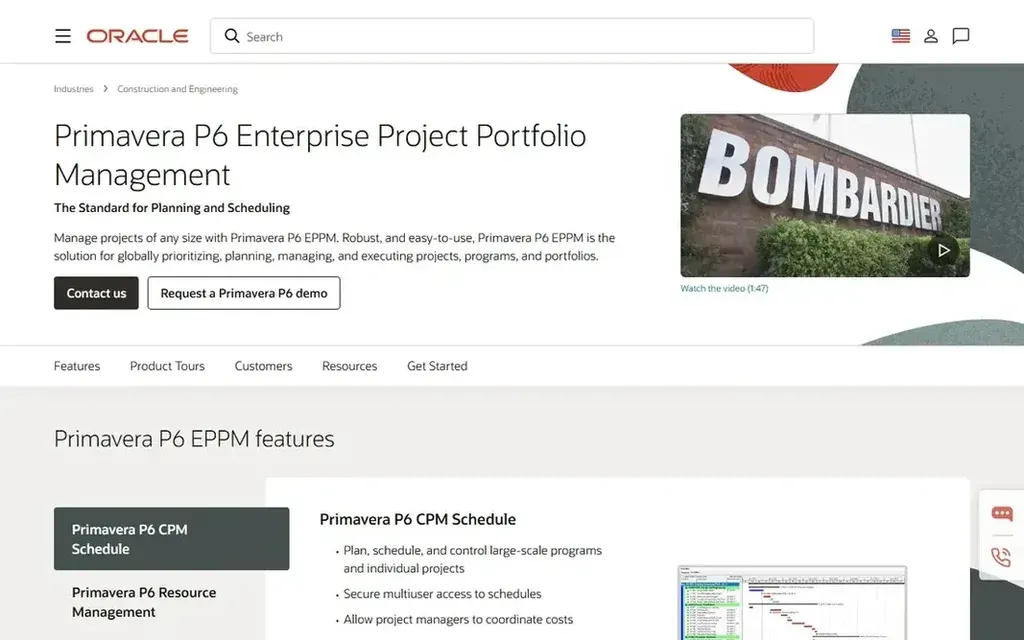
Think of Oracle Primavera P6 for large, complicated construction programs. Choose P6 when schedule depth and portfolio scale justify the learning investment.
Trade-offs to know: Heavier setup for small jobs.
Also, if you need lighter Gantt scheduling with quicker onboarding, a general project tool may serve better. Oracle Primavera P6 is enterprise project portfolio management software made for construction and engineering work of any size. This comparison lists no price for Oracle Primavera P6; ask the vendor. Free options: Not stated.
- Enterprise portfolio management
- Manages projects of any size
- Steep ramp-up time
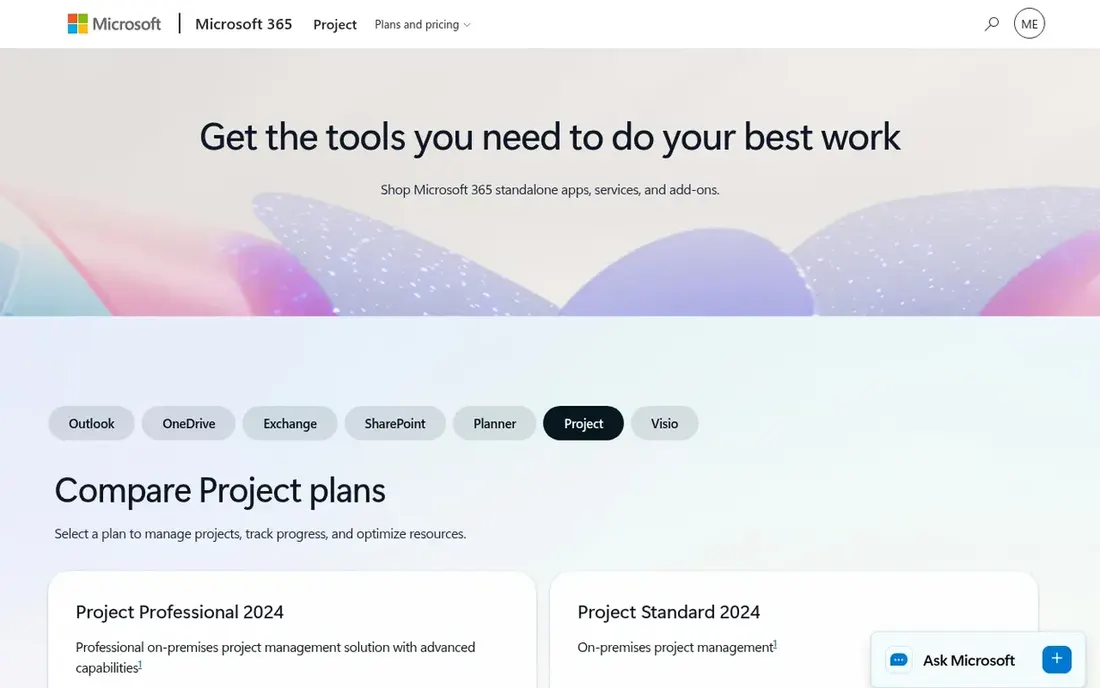
Choose Microsoft Project for familiar Gantt scheduling for general teams. Microsoft Project is project management software for planning tasks, tracking resources and delivering results, with Gantt charts at its core. It is general-purpose instead of construction-specific, so field data, drawings and site workflows live elsewhere.
Where it is weaker: Restricted construction-specific field features.
Beyond that, pick Microsoft Project when your team values a familiar Gantt experience and straightforward resource tracking over deep construction integration. In practice, complicated, multi-contractor programs may outgrow its scheduling depth. No starting price is listed for Microsoft Project here; confirm pricing on the vendor site. On free options: Not stated.
- Resource tracking tools
- Suits Microsoft-centered workflows
- Collaboration relies on extras
Selection criteria
We compared the tools on published pricing, free plan or trial availability, feature coverage for gantt software for construction scheduling, and the limits each vendor documents. Where a vendor does not publish a price, the entry says quote. Where a price depends on seats or billing term, the entry says so. The order reflects how well each tool fits the most common buying scenario for gantt software for construction scheduling, then price clarity, then free plan access. It is a starting point, not a verdict.
Things to verify first
- Ask Autodesk Construction Cloud, Procore, Oracle Primavera P6 and Microsoft Project for a written quote, since no starting price is shown.
- Before choosing Autodesk Construction Cloud, weigh its main limit: scheduling is one part of a bigger suite.
- Ask Microsoft Project about contract length, onboarding fees and user minimums before you sign.
- List the apps you already depend on and check that Autodesk Construction Cloud supports each one on the plan you would buy.
- Involve the people who will use Smartsheet daily; a short pilot beats a long feature checklist.
FAQ
How are the tools for gantt software for construction scheduling ordered?
The order follows typical fit for gantt software for construction scheduling, with Autodesk Construction Cloud first and Microsoft Project last, then price clarity and free access. It is editorial judgement, not a score, so another team could rank the tools differently.
Does any tool for gantt software for construction scheduling here have a free plan?
No tool in this list, Autodesk Construction Cloud and Microsoft Project included, has a permanent free plan. Trials and quotes are the usual route, so plan a short evaluation period.
What is the cheapest option for gantt software for construction scheduling in this list?
On published monthly entry prices, Smartsheet is the lowest here at $12 per Member/month. Entry price is only part of the cost, because seats, add-ons and billing terms can change the total. All 5 picks in this Gantt software for construction scheduling comparison list a starting price, free plan details and the main limits on their cards above.
Can I try these tools before paying?
Not by default. None of the tools, from Autodesk Construction Cloud to Microsoft Project, lists a free plan or a free trial here, so ask each vendor for a demo before committing.
Sources
- https://construction.autodesk.com
- https://www.smartsheet.com
- https://www.procore.com
- https://www.oracle.com/construction-engineering/primavera-p6
- https://www.microsoft.com/en-us/microsoft-365/project/project-management-software