5 Best Gantt Chart Software for Construction Scheduling for 2026, Vetted and Compared
Compare 5 picks for the best gantt chart software for construction scheduling, with prices, free plans and who each fits. Real limits included. Costs up front.
- Editor's choice
 Microsoft Project
General project planning and resource tracking
Starts atSee websiteVisit microsoft.comFull review - Great alternative
 Procore
Connecting site and office teams
Starts atSee websiteVisit procore.comFull review - Also consider
 Oracle Primavera P6
Large, complicated construction programs
Starts atSee websiteVisit oracle.comFull review
Direct answer
Our first pick is Microsoft Project, best for general project planning and resource tracking. Listed starting prices: Smartsheet from $12 per Member/month. Procore fits connecting site and office teams; Oracle Primavera P6 fits large, complicated construction programs. The remaining 2 options are covered below with prices and limits.
TL;DR:
- The list opens with Microsoft Project, aimed at general project planning and resource tracking.
- A permanent free plan is missing from all 5 tools, Microsoft Project and Trimble ProjectSight included; plan for a trial or a premium start.
- The cheapest monthly starting price in the list is $12 per Member/month, offered by Smartsheet.
- Before buying Procore, weigh this: scheduling depth varies by workflow.
- For field-to-back-office project management, Trimble ProjectSight is worth a look.
Last checked November 2026. Prices and plan details were read from the vendors' own pages in November 2026; vendors change plans often, so confirm the current price on the vendor site before you buy.
Quick comparison
| Tool | Best for | Starts at | Free plan? | |
|---|---|---|---|---|
| Microsoft Project | General project planning and resource tracking | See website | Not stated | Visit |
| Procore | Connecting site and office teams | See website | Not stated | Visit |
| Oracle Primavera P6 | Large, complicated construction programs | See website | Not stated | Visit |
 Smartsheet | Adaptable spreadsheet-style schedule execution | $12 per Member/month | Not stated | Visit |
| Trimble ProjectSight | Field-to-back-office project management | See website | Not stated | Visit |
Tool-by-tool breakdown
If you are comparing gantt chart software for construction scheduling, this page covers 5 tools in one place: what each is best for, what it costs to start, whether it has a free plan, and the main limit to know about.
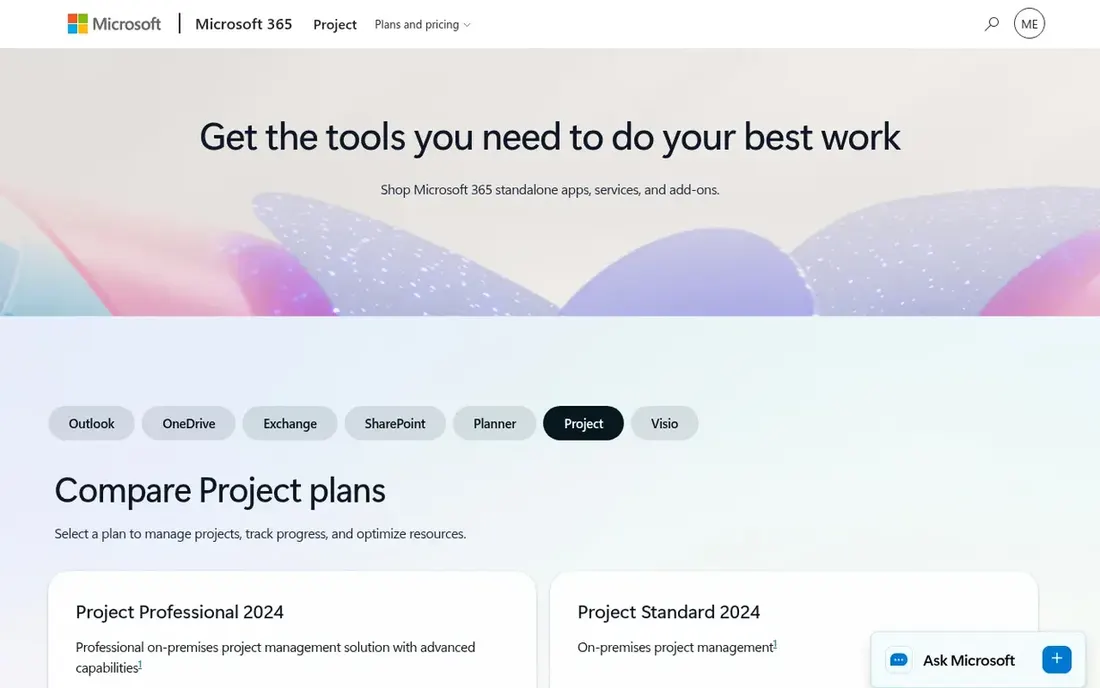
Microsoft Project was built for general project planning and resource tracking. Microsoft Project is project management software for planning, tracking resources and delivering results, with Gantt views central to how schedules are built and shared.
It is general-purpose instead of construction-specific, so field coordination, site documentation and heavy resource leveling may need companion tools. Also, pick something else if your schedule relies on in-depth construction workflows or integrated jobsite data. This comparison lists no price for Microsoft Project; ask the vendor. As for free access: Not stated.
Honest limits: Construction-specific depth is restricted.
- Resource tracking tools
- Wide planning features
- Advanced scheduling needs extras

Procore serves connecting site and office teams. Choose a specialist scheduler instead if in-depth critical path work is your primary need.
Honest limits: Scheduling depth varies by workflow.
Procore does not show a starting price in this comparison, so check the vendor site for current pricing. As for free access: Not stated.
- Field-to-office visibility
- Construction-focused system
- Wide system may feel large
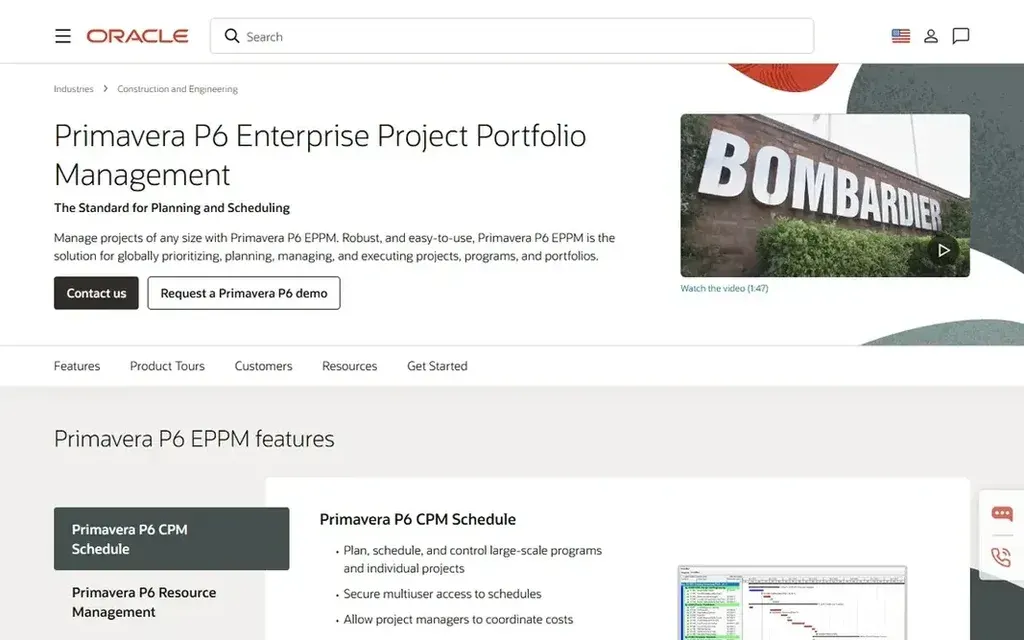
Oracle Primavera P6 is aimed squarely at large, complicated construction programs. Teams that require rigorous schedule control and centralized resource planning across plenty of projects are the natural fit. Worth adding: the product carries real complexity, so it rewards trained schedulers and disciplined processes.
Oracle Primavera P6 is enterprise project portfolio management software pitched at construction and engineering work. Its scheduling engine supports in-depth activity networks, resource assignment and portfolio-level oversight, which fits large capital projects and multi-project programs. This comparison lists no price for Oracle Primavera P6; ask the vendor. Free access: Not stated.
Drawbacks to consider: Steep ramp-up time.
- Enterprise portfolio oversight
- Made for projects of any size
- Heavier setup for small jobs
Smartsheet was built for adaptable spreadsheet-style schedule execution. Smartsheet is described as an execution hub where people and AI get work done together, with the governance and visibility enterprises need.
Its grid-based approach translates naturally into Gantt-style planning, making it a practical choice for teams that want adaptable scheduling and tracking without a construction-only system. What you pay to start with Smartsheet: $12 per Member/month. As for free access: Not stated.
Where it falls short: Complex schedules need careful setup.
- Familiar grid-based interface
- Governance and visibility features
- Less construction-specific depth
Trimble ProjectSight
Best for: Field-to-back-office project management
Trimble ProjectSight serves field-to-back-office project management. Trimble ProjectSight sits within Trimble's construction management options, which offer wide capabilities and integrations from the back office to the field. Its scheduling strength relies on how it is configured and integrated.
The main drawbacks: Best value within Trimble ecosystem.
Teams needing advanced critical path scheduling may pair it with dedicated software. It is most compelling when Trimble integrations align with your existing workflow. Check the vendor site for Trimble ProjectSight pricing; none is listed in this comparison. As for free access: Not stated.
- Integrations across Trimble tools
- Wide construction capabilities
- Scheduling depth relies on configuration
What went into this list
The comparison looks at four things: starting price, free access, how well the feature set matches gantt chart software for construction scheduling, and the main limit of each tool. Where a vendor does not publish a price, the entry says quote. Where a price depends on seats or billing term, the entry says so. We ordered the tools by general fit, then by how clearly pricing is shown, then by free access. A buyer with unusual needs may reorder them.
Before you commit
- Ask Microsoft Project, Procore, Oracle Primavera P6 and Trimble ProjectSight for a written quote, since no starting price is shown.
- Before choosing Microsoft Project, weigh its main limit: Construction-specific depth is limited.
- Test the integrations you rely on with Trimble ProjectSight before committing; some connectors sit on upper tiers.
- Make sure Microsoft Project lets you export your data in a format another tool can read.
- Let daily users try Procore on real work; their feedback beats any feature checklist.
FAQ
How are the tools for gantt chart software for construction scheduling ordered?
The order follows typical fit for gantt chart software for construction scheduling, with Microsoft Project first and Trimble ProjectSight last, then price clarity and free access. It is editorial judgement, not a score, so another team could rank the tools differently.
Do these tools publish their prices?
Not all of them. Microsoft Project, Procore, Oracle Primavera P6 and Trimble ProjectSight publish no starting price, so expect a quote request for those. The rest, Smartsheet included, show a starting price, though seats and billing terms still change the final cost.
What should I check before choosing?
Confirm the scheduling depth you need, how field teams will update progress, and which integrations matter for your existing tools. As for the details, verifying these details on vendor sites helps avoid mismatches after purchase.
Can I try these tools before paying?
Not by default. None of the tools, from Microsoft Project to Trimble ProjectSight, lists a free plan or a free trial here, so ask each vendor for a demo before committing.
What is the cheapest option for gantt chart software for construction scheduling in this list?
On published monthly entry prices, Smartsheet is the lowest here at $12 per Member/month. Entry price is only part of the cost, because seats, add-ons and billing terms can change the total. Each of the 5 options in this Gantt chart software for construction scheduling guide has its own card above with the price, free plan and limits.
Sources
- https://www.microsoft.com/en-us/microsoft-365/project/project-management-software
- https://www.procore.com
- https://www.oracle.com/construction-engineering/primavera-p6
- https://www.smartsheet.com
- https://construction.trimble.com/en/products/projectsight