Best Fundraising Event Software for Rotary Clubs for 2026: Our 5 Vetted Picks
Best fundraising event software for rotary clubs, compared. 5 tools with published prices, free plans and limits. Details on cost, catches and fit. Start here.
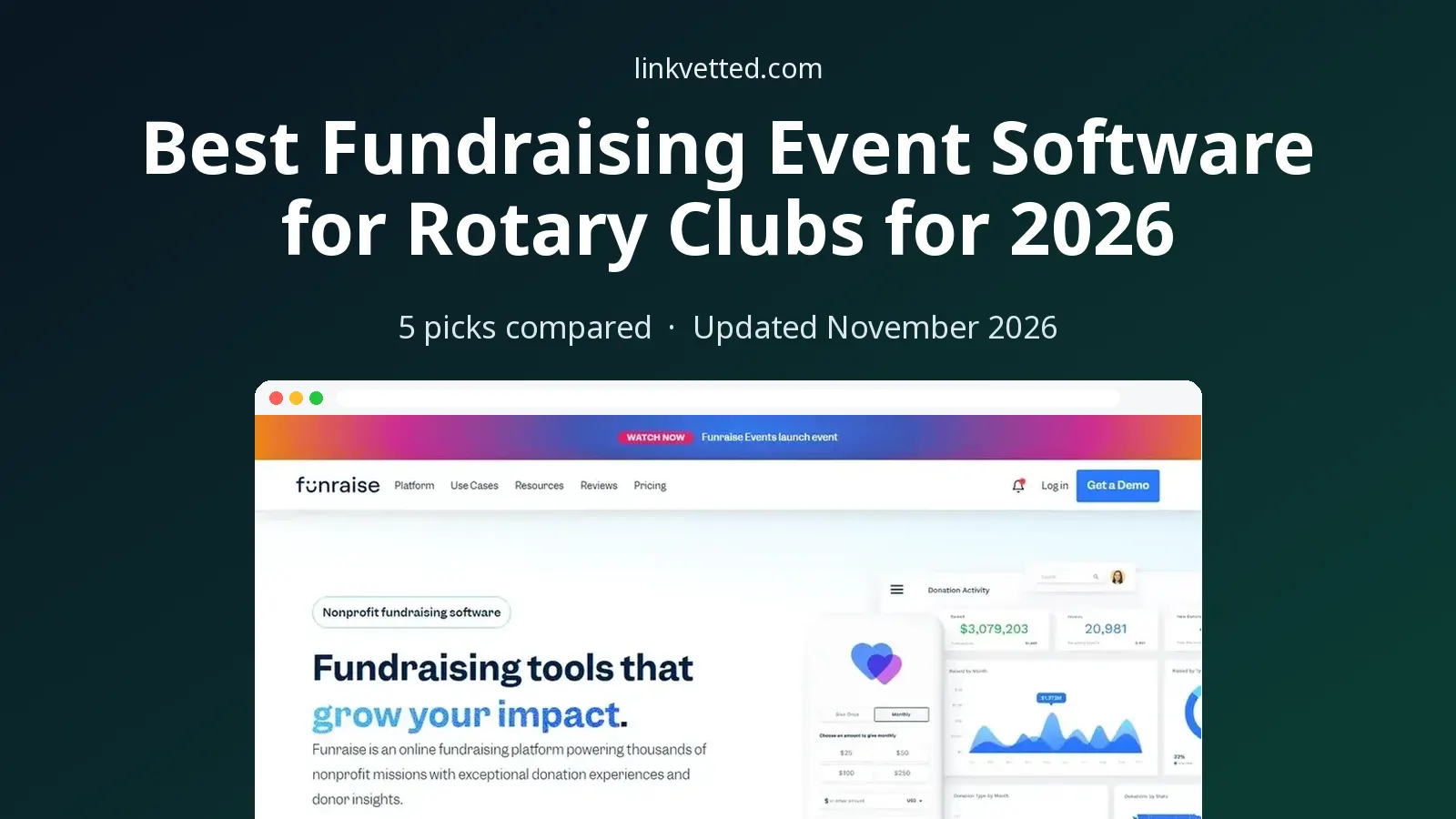
- Editor's choiceFunraise
Simplified nonprofit fundraising operations
Starts atSee websiteVisit funraise.orgFull review - Great alternativeGiveSmart
All-in-one fundraising and donor management
Starts at$0 to get startedVisit givesmart.comFull review - Also considerOneCause
Events, auctions, and peer-to-peer campaigns
Starts at$200Visit onecause.comFull review
Direct answer
Funraise is the first pick on this list for simplified nonprofit fundraising operations. Listed starting prices: GiveSmart from $0 to get started, OneCause from $200 and Givebutter from $29 per month. For a different need, GiveSmart covers all-in-one fundraising and donor management and OneCause covers events, auctions, and peer-to-peer campaigns. The other 2 tools in the list cover narrower or pricier cases.
TL;DR:
- Funraise takes the first slot, best suited to simplified nonprofit fundraising operations.
- Free plans exist at 4 of 5 tools (Funraise, GiveSmart, Givebutter, Auctria).
- For the cheapest start, look at Givebutter: $29 per month.
- Auctria is the one to check for straightforward, smooth auction event management.
- The main caution on GiveSmart: Auction specifics may be less specialized.
Last checked November 2026. Prices and plan details were read from the vendors' own pages in November 2026; vendors change plans often, so confirm the current price on the vendor site before you buy.
Quick comparison
| Tool | Best for | Starts at | Free plan? | |
|---|---|---|---|---|
| Funraise | Simplified nonprofit fundraising operations | See website | Yes | Visit |
| GiveSmart | All-in-one fundraising and donor management | $0 to get started | Yes | Visit |
| OneCause | Events, auctions, and peer-to-peer campaigns | $200 | Not stated | Visit |
 Givebutter | All-in-one fundraising and donor management | $29 per month | Yes | Visit |
| Auctria | Straightforward, smooth auction event management | $375 a year | Yes | Visit |
The best fundraising event software for rotary clubs
Choosing fundraising event software for rotary clubs usually comes down to price, fit and limits. This LinkVetted guide sets 5 tools side by side on those three points, with the facts kept short and checkable.
Funraise
Best for: Simplified nonprofit fundraising operations
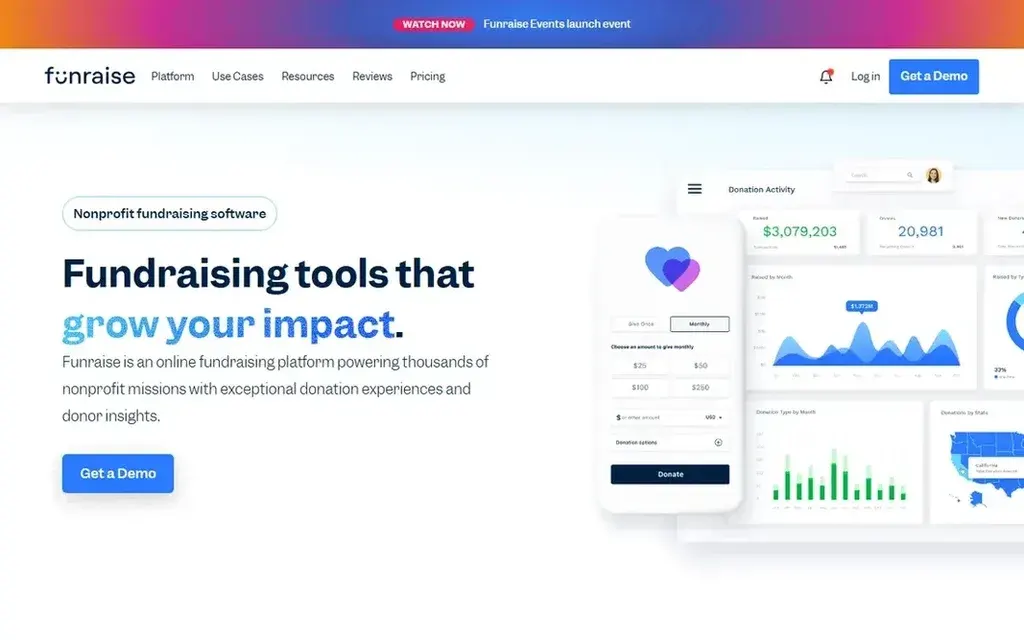
Funraise makes the most sense for simplified nonprofit fundraising operations. Funraise describes itself as nonprofit fundraising software that makes fundraising a piece of cake, with innovative features and tools intended to ease the work.
Downsides: Event auction detail may be restricted.
Also, clubs with very small, occasional events may also prefer something more straightforward. Pricing for Funraise is not stated here, so ask the vendor for current figures. Funraise offers a free plan.
- Markets innovative fundraising features
- Aims to make fundraising simpler
- Best fit for clubs with digital fundraising habits
GiveSmart
Best for: All-in-one fundraising and donor management
GiveSmart is built with all-in-one fundraising and donor management in mind. Choose GiveSmart when donor management and simplified fundraising across the year matter as much as the event itself.
Clubs whose events hinge on specialized auction mechanics may find a dedicated auction system more targeted. GiveSmart presents modern, all-in-one nonprofit fundraising software that simplifies fundraising and donor management, framed around making your mission a movement. GiveSmart pricing: $0 to get started. GiveSmart has a free plan.
Downsides: Auction specifics may be less specialized.
- Aims to simplify fundraising overall
- Modern all-in-one fundraising software
- Full suite may exceed small club needs
OneCause
Best for: Events, auctions, and peer-to-peer campaigns
OneCause serves events, auctions, and peer-to-peer campaigns. It fits clubs that want one event system to include bidding, donations, and supporter engagement across multiple formats.
Points against: Feature set may be more than small clubs need.
On top of that, the breadth of features can be more than a club with one straightforward event each year needs, and volunteers should allow time to plan setup before the event. Price to start with OneCause: $200. Trial and free access: Not stated.
- Spans events, auctions, Text2Give
- Built around nonprofit event fundraising
- Setup needs planning before event night
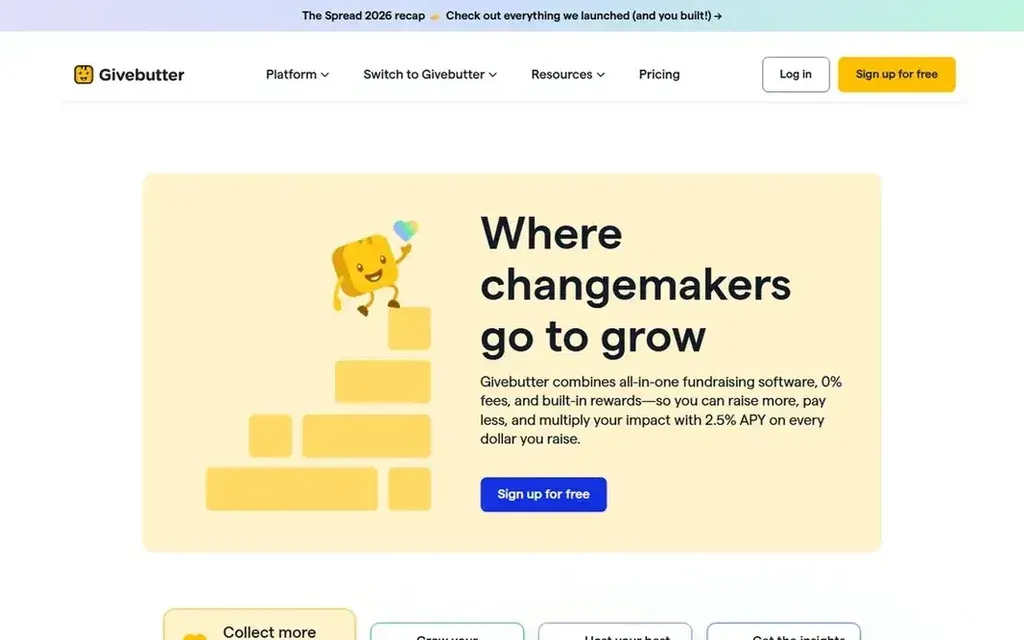
Givebutter targets all-in-one fundraising and donor management. For a Rotary club that wants one place to run campaigns, track supporters, and keep event promotion organized, that combined approach cuts the number of systems volunteers must learn. Worth adding: since it spans multiple functions, a club with a very specialized live auction may want deeper bidding features than a general product offers.
What to check first: Auction depth may trail dedicated auction tools.
If your priority is donor management alongside events, Givebutter is a sensible starting point. If it is auction mechanics alone, look at the dedicated auction tools below. What you pay to start with Givebutter: $29 per month. Free access exists with Givebutter.
- Donor management
- Single system for smoother campaigns
- Wide scope may feel large for small events
Auctria
Best for: Straightforward, smooth auction event management
Auctria was built for straightforward, smooth auction event management. Auctria describes itself as an easy-to-use web-based product that lets you run a smooth fundraising event and auction. Since the system centers on events and auctions, clubs that also want integrated donor management or wide online campaign tools may need another system alongside it.
The main drawbacks: Narrower scope than full fundraising suites.
In daily use, choose Auctria when a clean, event-focused auction workflow is the priority and other fundraising needs are handled separately. As for the details, for Rotary clubs whose primary fundraiser is a silent or live auction, that narrow focus can be an advantage since volunteers handle fewer unrelated features. The starting price for Auctria: $375 per year. You can start on Auctria without paying.
- Focus on running events smoothly
- Easy-to-use positioning for volunteers
- Less suited to year-round donor management
Selection criteria
We compared the tools on published pricing, free plan or trial availability, feature coverage for fundraising event software for rotary clubs, and the limits each vendor documents. Where a price is missing, the vendor does not list one publicly or ties it to a quote. Always confirm before budgeting. Order on the page follows fit for the typical buyer first, then price transparency and free access. Your own requirements should decide the final pick.
What to confirm before you sign up
- Confirm the entry price on the vendor page. For Funraise that means a quote rather than a fixed price.
- Read the fine print on the free plans from Funraise, GiveSmart, Givebutter and Auctria; seat, project and feature caps differ.
- Read the limits listed for Funraise first: event auction detail may be limited.
- Pick one real project and run it in Givebutter first; a small pilot shows fit faster than a checklist.
- Confirm you can export your data from OneCause, so leaving later does not mean losing records.
FAQ
Which options for fundraising event software for rotary clubs have a free plan?
On this list, Funraise, GiveSmart, Givebutter and Auctria include a free plan. Caps on seats, usage or features are common, so test the free plan against your real workload.
How are the tools for fundraising event software for rotary clubs ordered?
Funraise sits first and Auctria last because the order follows typical fit for fundraising event software for rotary clubs, then price clarity and free access. It is a judgement call, so read each profile for fit and limits.
Can I try these tools before paying?
Often, yes. Funraise, GiveSmart, Givebutter and Auctria have a free plan. Use your own data and a real task during the test, and check what the free tier or trial limits before you rely on it.
What should a Rotary club look for in fundraising event software?
Start with the format of your primary event, whether that is an auction, a gala, or an online campaign. Then check ticketing, mobile bidding, check-in, and how donor records are handled so volunteers are not juggling multiple systems.
Is Funraise the right pick for everyone comparing fundraising event software for rotary clubs?
No single tool suits every team. Funraise comes first because it fits simplified nonprofit fundraising operations, while GiveSmart suits all-in-one fundraising and donor management and OneCause suits events, auctions, and peer-to-peer campaigns. Match the tool to your own size, budget and workflow before deciding.
Can volunteers learn these systems rapidly?
Most vendors position their tools as simple to use, but setup still takes planning before event night. Ask about training and support, and assign one or two volunteers to own the product so the club is not learning it during the event.
Sources
- https://www.funraise.org
- https://www.givesmart.com
- https://www.onecause.com
- https://givebutter.com
- https://www.auctria.com