Best Forms Automation Software for Financial Services in 2026: Prices, Free Plans and 6 Picks
Best forms automation software for financial services in 2026: 6 tools with starting prices, free plans and limits. Honest caveats for every entry. Facts only.
- Editor's choice
 Jotform
Quick, approachable form creation
Starts at$34 a monthVisit jotform.comFull review - Great alternative
 DocuSign
Agreement signing and management
Starts at$45 per user a monthVisit docusign.comFull review - Also consider
 Adobe Acrobat Sign
E-signatures inside document workflows
Starts atSee websiteVisit adobe.comFull review
Direct answer
If you need quick, approachable form creation, Jotform is the first tool to look at here. Listed starting prices: Jotform from $34 a month, DocuSign from $45 per user a month and Formstack from $83 a month. If your case is different, DocuSign suits agreement signing and management and Adobe Acrobat Sign suits E-signatures inside document workflows. The other 3 tools in the list cover narrower or pricier cases.
TL;DR:
- The list opens with Jotform, aimed at quick, approachable form creation.
- Only 2 of the 6 tools have a free plan (Jotform, Cognito Forms), so check the caps.
- What to know about Jotform first: less focused on deep process automation.
- For end-to-end process and workflow automation, Nintex Workflow is worth a look.
- The lowest published monthly entry price here is $24 per month, from Cognito Forms.
Last checked November 2026. Prices and plan details were read from the vendors' own pages in November 2026; vendors change plans often, so confirm the current price on the vendor site before you buy.
Quick comparison
| Tool | Best for | Starts at | Free plan? | |
|---|---|---|---|---|
| Jotform | Quick, approachable form creation | $34 a month | Yes | Visit |
| DocuSign | Agreement signing and management | $45 per user a month | Not stated | Visit |
| Adobe Acrobat Sign | E-signatures inside document workflows | See website | Not stated | Visit |
 Formstack | Forms, documents and e-signatures together | $83 a month | Free trial | Visit |
 Cognito Forms | Approval-driven forms with signatures | $24 per month | Yes | Visit |
| Nintex Workflow | End-to-end process and workflow automation | See website | Free trial | Visit |
Our 6 forms automation software for financial services
Choosing forms automation software for financial services usually comes down to price, fit and limits. This LinkVetted guide sets 6 tools side by side on those three points, with the facts kept short and checkable.
In short, Jotform is for quick, approachable form creation. Teams needing complicated approval chains, document generation or heavy integration with core systems should look at products built around workflow automation.
Jotform starts at: $34 per month. Jotform includes a free tier.
Where it falls short: Less centred on deep process automation.
- Fast form and survey building
- Straightforward starting point for data collection
- Financial workflows may need additional tooling
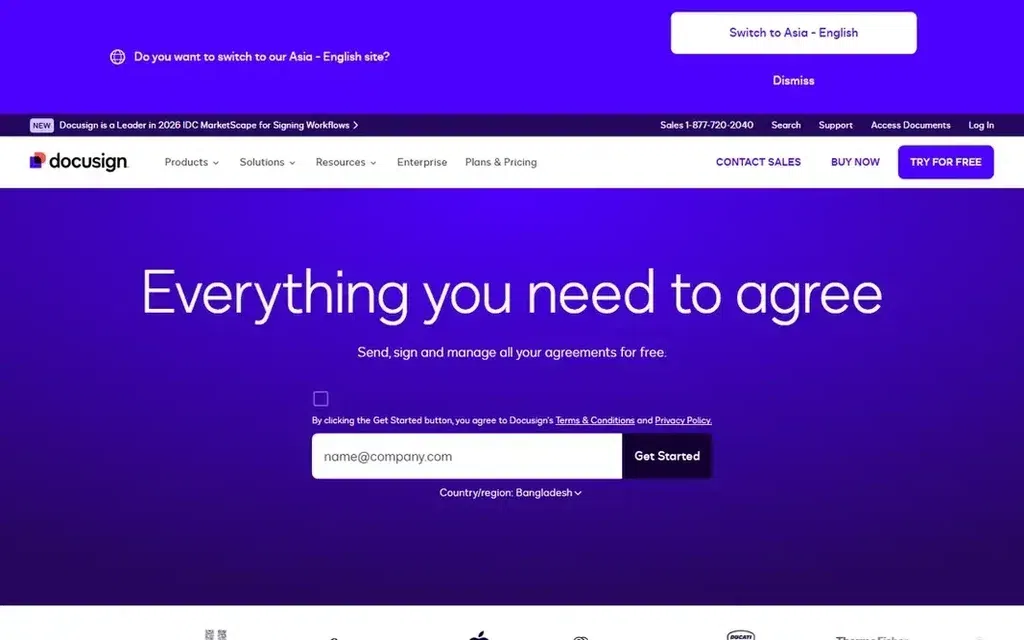
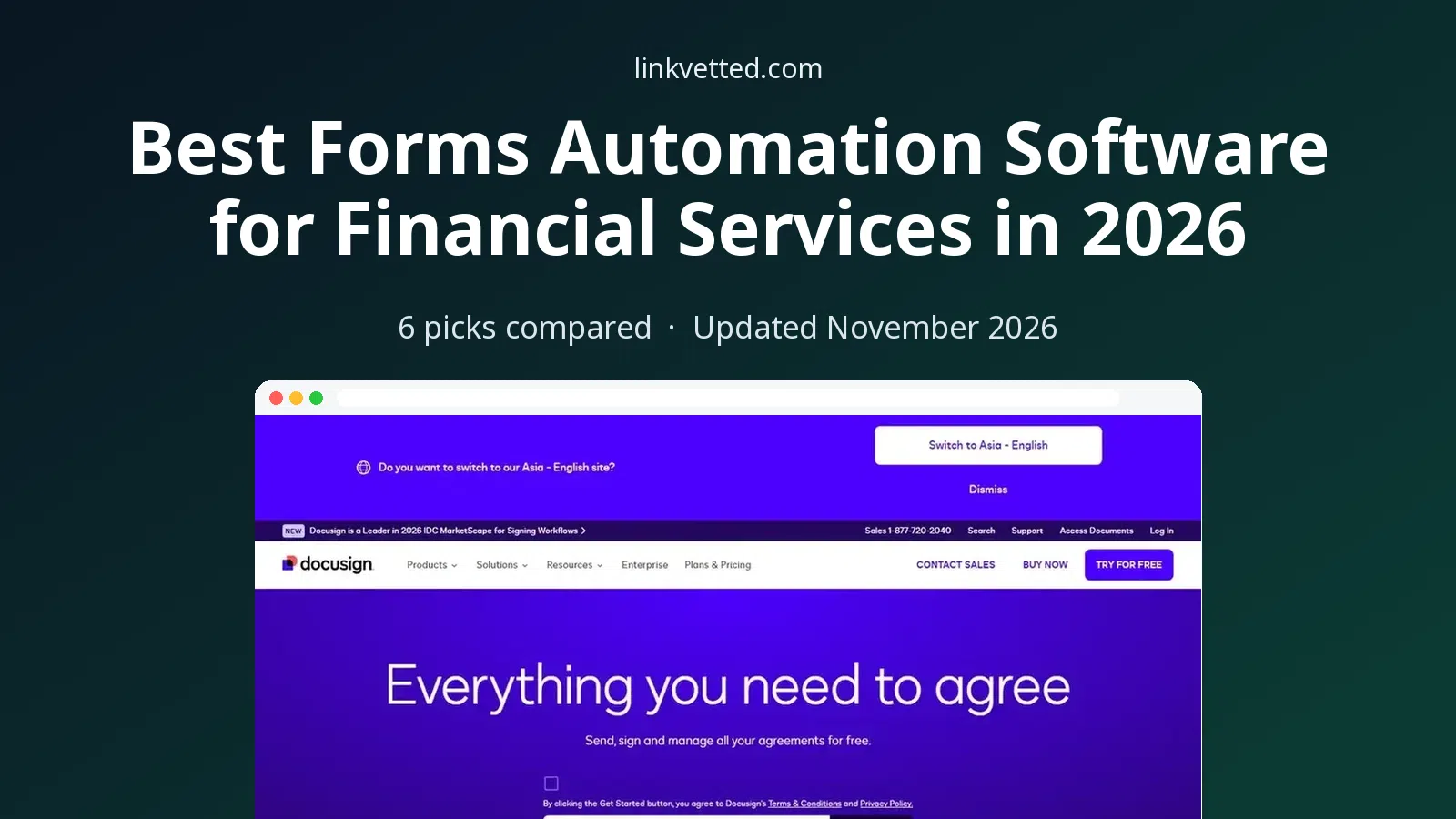
DocuSign serves agreement signing and management. Since its center of gravity is agreements, teams needing rich form logic, scoring or internal data routing may want a dedicated form builder alongside it.
Downsides: Agreement-centric instead of data-centric.
More specifically, pick DocuSign when signing and agreement lifecycle are the priority rather than general data collection. What you pay to start with DocuSign: $45 per user per month. As for free access: Not stated.
- Agreement creation and management in one system
- Electronic signature at the core
- Form building is not the primary focus
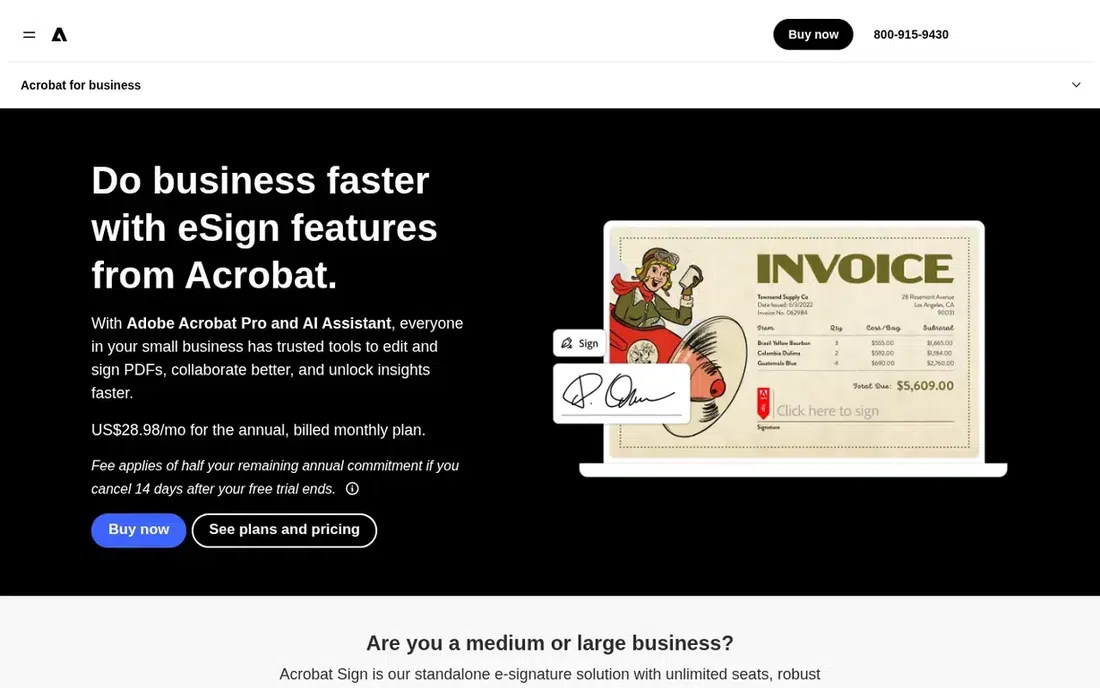
Adobe Acrobat Sign is a good fit for E-signatures inside document workflows. Financial services teams already working with PDF-centric documents frequently find it a natural fit for signature steps in client and internal paperwork.
It is oriented toward signing and document workflows instead of building complicated data-collection forms with branching logic. Adobe Acrobat Sign does not show a starting price in this comparison, so check the vendor site for current pricing. As for free access: Not stated.
What to check first: Not a full form automation suite.
- Can collect digital payments
- Suits document-centric processes
- Best value for document-heavy teams
Pick Formstack if this describes you: Forms, documents and e-signatures together. Formstack positions itself around secure, easy-to-use forms, documents and e-signatures, helping organizations simplify workflows with online forms, document generation and signing.
Trade-offs to know: Feature depth varies by use case.
That combination suits financial services processes that move from intake to generated paperwork to signature in one flow. On cost, Formstack starts like this: $83 per month. On free options: Free trial.
- Workflow-oriented feature set
- Contains e-signature tools
- May need configuration planning
Cognito Forms is aimed squarely at approval-driven forms with signatures. Financial services teams handling requests that require review and sign-off can model those steps straight in the form workflow.
Limits to weigh: Smaller ecosystem than bigger suites.
Entry price for Cognito Forms: $24 per month. Free access exists with Cognito Forms.
- Supports approvals and file uploads
- Document and signature features
- Complicated enterprise processes may outgrow it
Nintex Workflow
Best for: End-to-end process and workflow automation

Nintex Workflow is aimed squarely at end-to-end process and workflow automation. Choose a more straightforward form tool when your requirement is data collection alone without connected process automation.
Where it is weaker: Broader scope than straightforward form building.
For financial services, it suits teams that treat forms as one step in a bigger process, for example onboarding, account servicing or internal approvals that span several systems and departments. Pricing for Nintex Workflow is not stated here, so ask the vendor for current figures. Free access: Free trial.
- Custom app development capabilities
- Supports integrated workflow design
- Setup may need process design effort
How these tools were picked
LinkVetted used vendor pricing pages and product documentation as the base, then compared plans, free access and documented limits for 6 tools. Plan names, prices and limits change often. Treat the figures here as a starting point and verify them with the vendor. Tools are placed by general fit for forms automation software for financial services, with price clarity and free access as tie-breakers. A different team can reasonably rank them differently.
A buyer's checklist
- Confirm the entry price on the vendor page. For Adobe Acrobat Sign and Nintex Workflow that means a quote rather than a fixed price.
- Look at free plan limits closely: Jotform and Cognito Forms have one, and the caps decide whether it is usable for real work.
- Use real work to test the free trial from Formstack and Nintex Workflow, rather than a demo project.
- Before choosing Jotform, weigh its main limit: less concentrated on deep process automation.
- Check the integration list for Jotform against the tools you run today, and note which ones need a higher plan.
- Involve the people who will use Cognito Forms daily; a short pilot beats a long feature checklist.
FAQ
How are the tools for forms automation software for financial services ordered?
Jotform sits first and Nintex Workflow last because the order follows typical fit for forms automation software for financial services, then price clarity and free access. It is a judgement call, so read each profile for fit and limits.
Can I try these options before paying?
Often, yes. Jotform and Cognito Forms have a free plan and Formstack and Nintex Workflow offer a free trial. Use your own data and a real task during the test, and check what the free tier or trial limits before you rely on it.
What should financial services teams look for in forms automation software?
Prioritize workflow routing, approval steps, document generation, e-signature support and audit-friendly record keeping. Also check how the tool plugs into existing systems, since forms seldom stand alone in financial processes.
Do these tools publish their prices?
Not all of them. Adobe Acrobat Sign and Nintex Workflow publish no starting price, so expect a quote request for those. The rest, Jotform included, show a starting price, though seats and billing terms still change the final cost.
Is Jotform the right pick for everyone comparing forms automation software for financial services?
No single tool suits every team. Jotform comes first because it fits fast, approachable form creation, while DocuSign suits agreement signing and management and Adobe Acrobat Sign suits E-signatures inside document workflows. Match the tool to your own size, budget and workflow before deciding.
Sources
- https://www.jotform.com
- https://www.docusign.com
- https://www.adobe.com/sign.html
- https://www.formstack.com
- https://www.cognitoforms.com
- https://www.nintex.com