Best Form Builder Software for Patient Intake for 2026: Our 6 Vetted Picks
Best form builder software for patient intake: 6 tools compared on price, free plans and fit. Concise write-ups of every option. Built for quick decisions.
- Editor's choiceWPForms
WordPress-based patient intake
Starts at$49.50 a yearVisit wpforms.comFull review - Great alternative
 Typeform
Engaging patient questionnaires
Starts atSee websiteVisit typeform.comFull review - Also consider
 Jotform
Simple drag-and-drop patient intake forms
Starts at$34 a monthVisit jotform.comFull review
Direct answer
WPForms leads the list, best for WordPress-based patient intake. Listed starting prices: WPForms from $49.50 a year, Jotform from $34 a month and Cognito Forms from $24 a month. Alternatives: Typeform for engaging patient questionnaires, and Jotform for simple drag-and-drop patient intake forms. The full list of 6 tools follows, with prices and free plan facts.
TL;DR:
- This list starts with WPForms, which is built for WordPress-based patient intake.
- Formstack fits secure healthcare forms with eSignatures.
- The cheapest monthly starting price in the list is $24 per month, offered by Cognito Forms.
- Before buying Jotform, weigh this: restricted advanced workflow automation.
Last checked November 2026. Prices and plan details were read from the vendors' own pages in November 2026; vendors change plans often, so confirm the current price on the vendor site before you buy.
Quick comparison
| Tool | Best for | Starts at | Free plan? | |
|---|---|---|---|---|
| WPForms | WordPress-based patient intake | $49.50 a year | Not stated | Visit |
| Typeform | Engaging patient questionnaires | See website | Not stated | Visit |
| Jotform | Simple drag-and-drop patient intake forms | $34 a month | Yes | Visit |
 Cognito Forms | Workflow automation with payments | $24 a month | Yes | Visit |
| Gravity Forms | Advanced WordPress form development | $59 a year | No | Visit |
 Formstack | Secure healthcare forms with eSignatures | $83 a month | Free trial | Visit |
The full form builder software for patient intake list
Choosing form builder software for patient intake usually comes down to price, fit and limits. This LinkVetted guide sets 6 tools side by side on those three points, with the facts kept short and checkable.
WPForms
Best for: WordPress-based patient intake
Choose WPForms for WordPress-based patient intake. WPForms is a widely used WordPress form builder plugin that permits users to produce forms straight within their WordPress site. It supplies a drag-and-drop builder and AI-powered form creation, making it simple to add patient intake forms to a healthcare website.
Trade-offs to know: Restricted advanced healthcare features.
WPForms needs a WordPress site and may not offer the advanced security and compliance features needed for sensitive patient data without extra plugins. It is less right for non-WordPress users. On top of that, WPForms is well suited to practices already using WordPress that want a straightforward, integrated option. The starting price for WPForms: $49.50 per year. Free access: Not stated.
- Drag-and-drop builder
- Smooth WordPress integration
- Needs WordPress site
Typeform serves engaging patient questionnaires. Typeform is noted for its engaging, conversational forms that present one question at a time. This approach can improve patient engagement and completion rates for intake questionnaires.
Where it falls short: Restricted healthcare-specific features.
Worth adding: with AI-powered automation, Typeform can trigger workflows based on responses, making it right for practices that prioritize patient experience and modern design. Typeform may not be a strong match for lengthy or complicated medical forms, as the one-question-at-a-time format can be time-consuming. Typeform shows no starting price here, so confirm the cost on the vendor site. Free plan details: Not stated.
- High completion rates
- Conversational
- Can be less efficient for long forms

Jotform targets simple drag-and-drop patient intake forms. It lets healthcare providers to rapidly build patient intake forms with drag-and-drop simplicity.
The main drawbacks: Restricted advanced workflow automation.
As for the details, Whereas Jotform supplies HIPAA-friendly features, some advanced security and compliance choices may need higher-tier plans. It may lack the deep healthcare-specific workflows of dedicated medical intake software. Jotform starts at: $34 per month. Jotform has a free plan.
- Easy-to-learn drag-and-drop builder
- HIPAA-friendly features available
- Can become expensive with extras
Cognito Forms works best for workflow automation with payments. Cognito Forms is a feature-rich form builder with solid workflow automation capabilities. For straightforward intake forms, Jotform or WPForms may be simpler to use.
Where it is weaker: Steeper ramp-up time for advanced features.
Beyond that, Cognito Forms lacks healthcare-specific features like HIPAA compliance from day one, which may need extra configuration. Its advanced features can be overwhelming for beginners. What you pay to start with Cognito Forms: $24 per month. Cognito Forms includes a free tier.
- Conditional logic and calculations
- Feature-rich workflow automation
- Less healthcare-specific features
Gravity Forms
Best for: Advanced WordPress form development
Gravity Forms is a good fit for advanced WordPress form development. It supports complicated conditional logic, file uploads, and integrations, making it a good match for healthcare practices that require highly customized patient intake forms on a WordPress site. Gravity Forms is a strong match for developers or practices with technical resources.
Drawbacks to consider: No built-in HIPAA compliance.
Gravity Forms needs a WordPress site and commonly necessitates coding knowledge for advanced customizations. It does not contain built-in HIPAA compliance, so extra measures are needed for patient data. For more straightforward needs, WPForms or Jotform may be more appropriate. Price to start with Gravity Forms: $59 per year. There is no free plan with Gravity Forms.
- Highly configurable
- Solid developer community
- Needs WordPress and coding knowledge
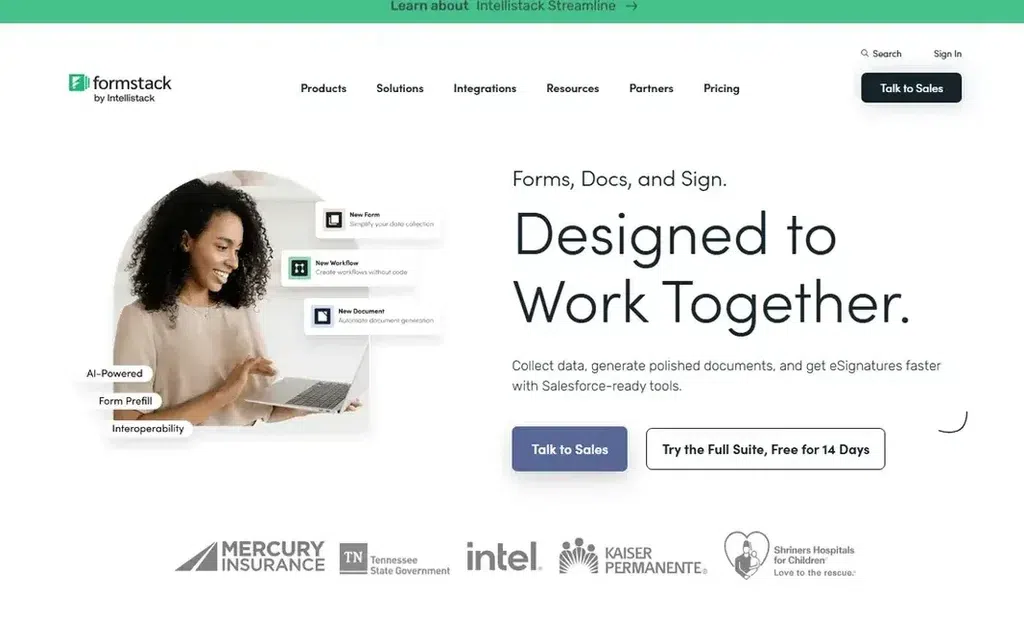
Think of Formstack for secure healthcare forms with eSignatures. Formstack is a solid form builder concentrated on security and workflow automation. It supplies HIPAA-compliant forms, document generation, and eSignatures, making it a strong match for healthcare organizations that need to simplify patient intake with digital signatures and secure data collection.
Formstack's advanced features come with a steeper ramp-up time and may be overkill for small practices. For everyday use, Formstack is well-suited for mid-size to large practices with complicated workflows. Starting cost for Formstack: $83 per month. As for free access: Free trial.
The main drawbacks: Premium pricing for advanced features.
- Capable security and compliance features
- Document generation and eSignatures
- Higher ramp-up time
How these tools were picked
We compared the tools on published pricing, free plan or trial availability, feature coverage for form builder software for patient intake, and the limits each vendor documents. Seat minimums, billing terms and add-ons can move the real cost, so the starting prices here are a guide and not a quote. Tools are placed by general fit for form builder software for patient intake, with price clarity and free access as tie-breakers. A different team can reasonably rank them differently.
Questions to settle before buying
- Confirm the entry price on the vendor page. For Typeform that means a quote rather than a fixed price.
- Read the fine print on the free plans from Jotform and Cognito Forms; seat, project and feature caps differ.
- Run a trial of Formstack with real work before paying for a year; your own workflow is the best test.
- Read the limits listed for WPForms first: needs WordPress site.
- Check whether the features you need in Gravity Forms sit on the entry plan or only on higher tiers.
- Confirm you can export your data from Formstack, so leaving later does not mean losing records.
FAQ
What is the cheapest option for form builder software for patient intake in this list?
On published monthly entry prices, Cognito Forms is the lowest here at $24 per month. Entry price is only part of the cost, because seats, add-ons and billing terms can change the total. Each of the 6 options in this form builder software for patient intake guide has its own card above with the price, free plan and limits.
Which options for form builder software for patient intake have a free plan?
Jotform and Cognito Forms offer a free plan in this list. Free plans usually cap users, projects or features, so check the limits on the vendor page. One other tool offers a trial instead. All 6 picks in this form builder software for patient intake comparison list a starting price, free plan details and the main limits on their cards above.
Can I use WordPress form plugins for patient intake?
WordPress form plugins like WPForms and Gravity Forms can be used, but they may need extra plugins or configurations to meet HIPAA compliance.
Can I try these tools before paying?
Often, yes. Jotform and Cognito Forms have a free plan and Formstack offers a free trial. Use your own data and a real task during the test, and check what the free tier or trial limits before you rely on it.
Is WPForms the right pick for everyone comparing form builder software for patient intake?
No single tool suits every team. WPForms comes first because it fits WordPress-based patient intake, while Typeform suits engaging patient questionnaires and Jotform suits easy drag-and-drop patient intake forms. Match the tool to your own size, budget and workflow before deciding.
Sources
- https://wpforms.com
- https://www.typeform.com
- https://www.jotform.com
- https://www.cognitoforms.com
- https://www.gravityforms.com
- https://www.formstack.com