8 Best Patient Intake Software in 2026
Compare the best patient intake software in 2026 for forms, e-signatures, scheduling, and EHR sync for clinics and small practices today today today today.
- Editor's choice
 IntakeQ
Small practices that need focused intake forms
Starts at$49.90 per monthVisit intakeq.comFull review - Great alternative
 Phreesia
Larger practices digitizing check-in and payments
Starts atSee website, from $250 per month reportedVisit phreesia.comFull review - Also consider
 NexHealth
Practices that want intake synced with real-time scheduling
Starts atSee website, from $350 per month reportedVisit nexhealth.comFull review
TL;DR:
- Patient intake software should collect forms, consents, and insurance details before arrival, so front-desk staff spend less time re-keying data.
- IntakeQ suits small practices, while Phreesia and NexHealth suit larger practices that need check-in, payments, and scheduling together.
- A signed business associate agreement and HIPAA-compliant handling are essential for any tool that collects patient health information.
- True two-way sync with your electronic health record matters more than a pretty form, since one-way forms still need manual entry.
- Test the full patient flow, from form link to record, before you move real patient data to a new system.
Quick comparison
| Tool | Best for | Starts at | Free plan? | |
|---|---|---|---|---|
| IntakeQ | Small practices that need focused intake forms | $49.90 per month | Free trial | Visit |
| Phreesia | Larger practices digitizing check-in and payments | See website, from $250 per month reported | No | Visit |
| NexHealth | Practices that want intake synced with real-time scheduling | See website, from $350 per month reported | No | Visit |
 Jotform | Practices that need HIPAA forms without a clinical platform | $99 per month for Gold billed annually | Yes | Visit |
 Formstack | Practices that need intake plus workflow automation | $99 per month | Free trial | Visit |
 SimplePractice | Mental health and small group practices | $49 per month | Free trial | Visit |
 Weave | Practices that want forms bundled with patient communication | $199 per month per location | No | Visit |
 Tebra | Independent practices that want intake plus growth tools | See website | No | Visit |
The best options in this guide
We compared current plans, core features, and limits for each product below, and we kept only products that are available now and fit the topic closely. Prices change, so check the vendor page before you buy, and treat any plan limit as part of the price. Disclaimer: This guide is general information, not medical or legal advice. Confirm HIPAA, state, and payer requirements with your compliance team before use.
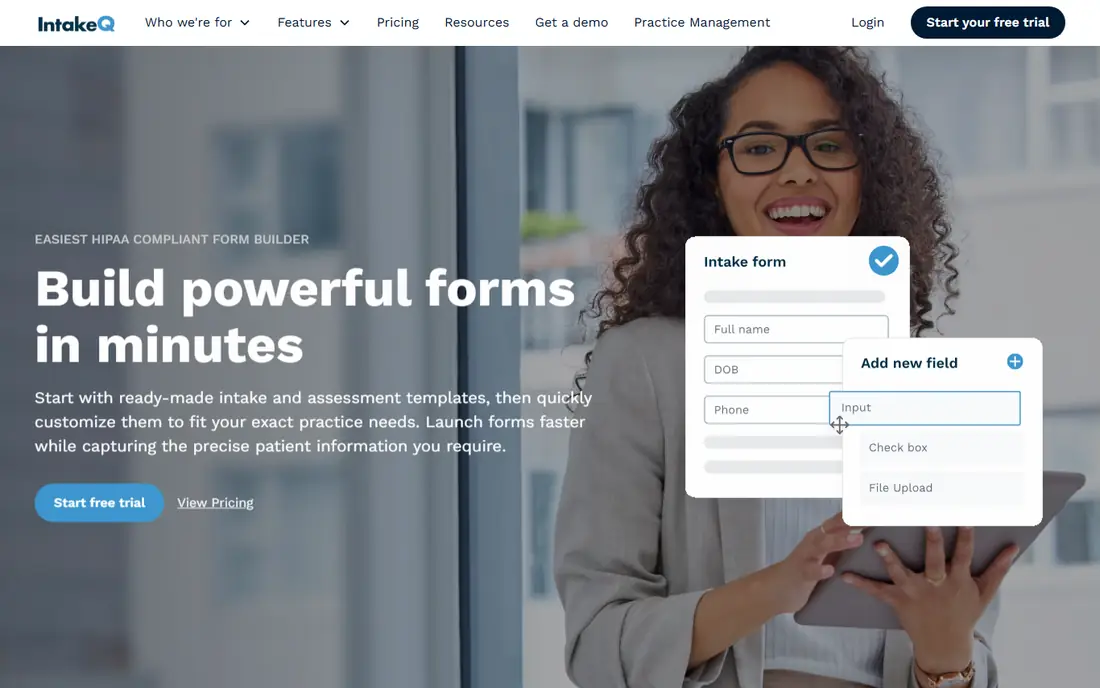
For buyers who need small practices that need custom intake forms without buying a full practice platform.
The clearest strength is its custom forms with conditional logic and e-signatures cover most small practice intake needs in one focused tool.
The trade-off is there is no free plan, and a practice that also needs full scheduling and billing will need a higher tier.
- Custom forms, conditional logic, e-signatures, HIPAA BAA
- No free plan, broader practice tools cost more
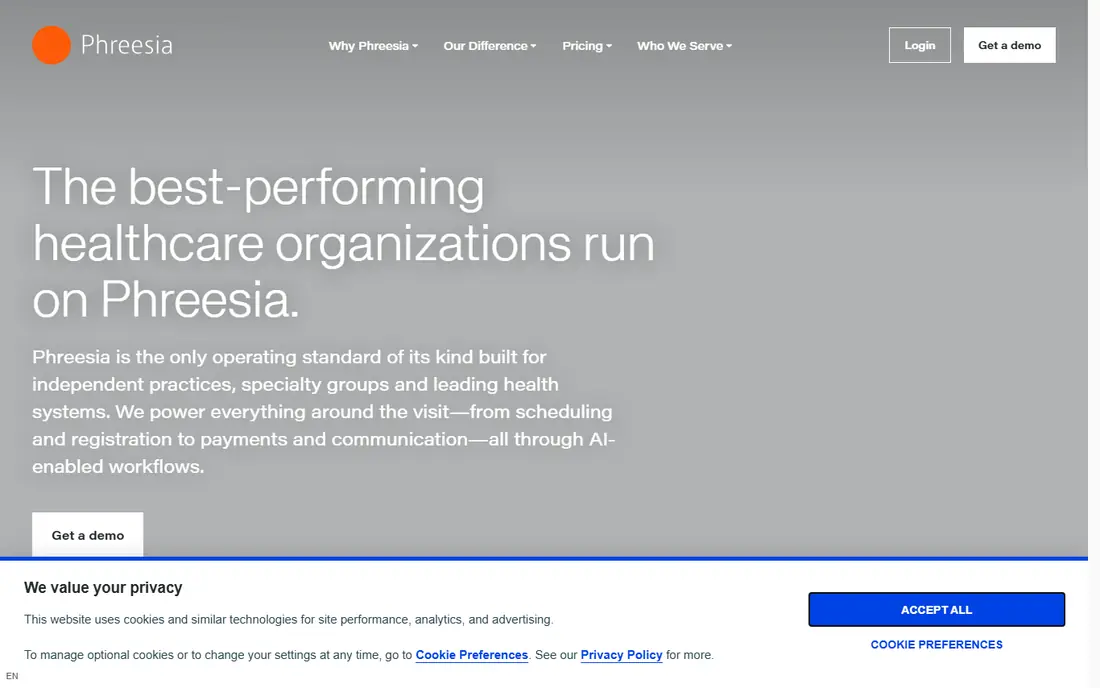
If your main job is larger practices and health systems that want registration, eligibility, and payments in one check-in flow.
Where it stands out is its combination of registration, eligibility checks, and payments helps larger practices reduce front-desk work at scale.
The main weakness to weigh is pricing is quote-based and implementation is larger, so a solo practice may find it more system than it needs.
- Digital registration, insurance eligibility, payments, broad integrations
- Quote-based pricing, implementation for larger systems

This is a strong match for medical and dental practices that want intake, scheduling, and messaging synced with their practice system.
Its main advantage in daily use is its real-time sync with practice systems helps keep schedules, forms, and messages consistent without manual updates.
Watch out for pricing is quote-based and higher than focused form tools, so small practices should confirm total cost first.
- Real-time scheduling sync, forms, messaging, reviews
- Quote-based pricing, cost higher for small practices
Buyers who want practices that need flexible HIPAA forms and already have a separate practice system.
A concrete strength worth noting is its drag-and-drop builder makes it easy to create branded forms quickly, with HIPAA features on the Gold plan.
The honest limitation is it is a general form builder, not a full intake platform, so EHR write-back will be limited compared with specialist tools.
- Drag-and-drop form builder, HIPAA features on Gold, e-signatures
- Not a full EHR-integrated intake platform, HIPAA on paid tier
A good fit when practices that need intake forms plus document generation and approval workflows.
What sets it apart in practice is its workflow automation helps route completed forms, generate documents, and notify staff without manual steps.
A drawback to plan around is full HIPAA features sit on higher tiers, so the entry price may not cover every compliance need.
- Strong workflow automation, document generation, form builder
- Full HIPAA features on higher tiers, price rises with features
Consider this option when mental health and small group practices that want intake plus scheduling, telehealth, and billing in one place.
The strongest practical point is having intake inside a full practice system means client forms, appointments, and billing stay together.
The part that may frustrate you is a practice that only needs intake forms may pay for broader practice features it does not use.
- Intake built into practice management, telehealth, billing
- Intake is part of a broader system, less focused than IntakeQ
Teams with practices that want intake forms plus patient messaging, reviews, and payments in one bundle.
One feature that earns its place here is its bundle of forms, messaging, and payments suits practices that want one vendor for patient communication.
One weakness stands out per-location pricing adds up for multi-location groups, and a practice that only needs forms may prefer a focused tool.
- Digital forms, two-way texting, reviews, payments
- Per-location pricing, broader communications bundle
Small firms that need independent practices that want intake together with scheduling, billing, and growth tools.
The most useful strength is its combination of intake, practice management, and growth tools helps independent practices manage more in one place.
The compromise here is pricing is quote-based and the platform is broader than intake alone, so focused form needs may be simpler elsewhere.
- Intake plus scheduling, billing, and patient growth tools
- Quote-based pricing, broader platform than intake alone
How we picked these
We compared patient intake software by form customization, e-signatures, insurance and eligibility checks, EHR integration, HIPAA and BAA terms, reminders, and price, using vendor pages and recent 2026 comparisons. We kept only tools that are actively sold now and suitable for US practices.
We treated a signed BAA as a gate, not a bonus, and we favoured tools with true EHR write-back over tools that only email a PDF. Where pricing is quote-based, we say so, and we advise practices to confirm implementation and per-provider costs before contracting.
Choosing patient intake software for your practice
Start with your EHR, not the form builder. If intake data cannot write back into your record system, staff will still re-key demographics, insurance, and consents, and the time saving will be smaller than promised. Confirm the exact EHR and integration method before you shortlist.
A useful test is to run your real work in the tool for a week, using your own data, clients, or questions, rather than a vendor demo. Note where you hit a limit, where support was needed, and whether reports were clear enough to share. That week of real use usually reveals more than a long feature comparison, and it helps you decide whether a higher plan is needed or a lower plan is enough.
Test the patient flow end to end
Send a test form to a phone, complete it as a patient, and check what lands in the record. Look for missing fields, unclear consents, and steps that confuse patients, since a form that patients abandon creates more front-desk calls, not fewer.
Confirm HIPAA and BAA terms in writing
Ask which plan includes a signed BAA, how patient data is stored and encrypted, who can access it, and how data is handled if you cancel. These terms should be confirmed before any real patient data is collected.
Check eligibility, payments, and reminders together
Intake, eligibility, payments, and reminders work best as one flow. A tool that checks insurance and collects payment at check-in can reduce denied claims and front-desk follow-up, but only if those features are included at your tier.
Start small, then scale
Start on a monthly plan or trial where one is offered, and only move to an annual plan after the tool has proved its fit for at least a month of real work. Annual billing can save money, but it locks you in before you know whether limits, support, or workflow fit your team. When you do scale, check whether extra users, clients, or volume change the price, and keep a note of the renewal date so an annual charge does not surprise you.
FAQ
What is patient intake software?
Patient intake software collects registration, health history, consents, and insurance details digitally before or at check-in. It replaces paper forms and helps staff verify information before the visit.
Is patient intake software HIPAA compliant?
It can be, if the vendor signs a BAA and handles patient data under HIPAA safeguards on your plan. Always confirm BAA terms in writing and check whether HIPAA features require a specific tier.
Does intake software replace my EHR?
No. Intake software feeds data into your EHR or practice system, but it does not replace clinical records, charting, or billing. The best value comes from clean sync between intake and your existing record system.
How much does patient intake software cost?
Focused form tools start near $50 per month, while larger platforms with scheduling, payments, and EHR sync often start at $200 to $350 per month or are quote-based. Per-provider and implementation fees can add to the total.
Can patients complete intake on a phone?
Yes, most modern intake tools are mobile-friendly and send forms by text or email. Mobile completion rates are usually higher than paper, especially when forms are short and clearly labelled.
Sources
https://intakeq.com https://www.phreesia.com https://www.nexhealth.com https://www.jotform.com https://www.formstack.com https://www.simplepractice.com https://www.getweave.com https://www.tebra.com