Form Builder Software for HR Teams in 2026: The 6 Best Options Side by Side
Need the best form builder software for HR teams? We compare 6 tools on cost, free access and who each suits. Caveats come with every verdict. Start here.
- Editor's choice
 Microsoft Forms
Surveys inside Microsoft 365
Starts atSee websiteVisit microsoft.comFull review - Great alternative
 Wufoo
Custom forms with a cloud database
Starts atSee websiteVisit wufoo.comFull review - Also consider
 Jotform
All-purpose HR form building
Starts at$34 per monthVisit jotform.comFull review
Direct answer
If you need surveys inside Microsoft 365, Microsoft Forms is the first tool to look at here. Listed starting prices: Jotform from $34 per month, Formstack from $83 a month and SurveyMonkey from $25 per user per month. Wufoo fits custom forms with a cloud database; Jotform fits all-purpose HR form building. Details, prices and limits for the rest of the 6 tools are below.
TL;DR:
- Number one here is Microsoft Forms, a fit for surveys inside Microsoft 365.
- SurveyMonkey suits employee feedback and research surveys.
- SurveyMonkey has the lowest monthly starting price in this list: $25 per user per month.
- The main caution on Jotform: feature depth can overwhelm new users.
- Wufoo, Jotform, SurveyMonkey: these are the 3 tools out of 6 that offer a free plan.
Last checked November 2026. Prices and plan details were read from the vendors' own pages in November 2026; vendors change plans often, so confirm the current price on the vendor site before you buy.
Quick comparison
| Tool | Best for | Starts at | Free plan? | |
|---|---|---|---|---|
| Microsoft Forms | Surveys inside Microsoft 365 | See website | Not stated | Visit |
| Wufoo | Custom forms with a cloud database | See website | Yes | Visit |
| Jotform | All-purpose HR form building | $34 per month | Yes | Visit |
 Formstack | HR forms with documents and e-signatures | $83 a month | Free trial | Visit |
 Typeform | Engaging employee surveys | See website | Not stated | Visit |
 SurveyMonkey | Employee feedback and research surveys | $25 per user per month | Yes | Visit |
Form Builder Software for HR Teams profiles
Short on time? The summary and table above give the quick view of 6 form builder software for HR teams, and the profiles that follow give the detail behind each entry.
Microsoft Forms is aimed squarely at surveys inside Microsoft 365. Microsoft Forms is the survey, poll and quiz tool within Microsoft 365, built for collecting feedback with simplified forms.
Watch-outs: Restricted advanced form workflows.
Choose Microsoft Forms for lightweight surveys where Microsoft 365 is already the standard. No starting price is listed for Microsoft Forms here; confirm pricing on the vendor site. On free options: Not stated.
- Integrated with Microsoft 365
- Simple sharing with colleagues
- Design choices are entry-level
In short, Wufoo is for custom forms with a cloud database. Wufoo is an online form builder with a cloud storage database, used to build registration forms, application forms, surveys and contact forms rapidly.
Where it is weaker: Restricted advanced automation.
HR teams can use it for candidate applications, event registrations and straightforward internal requests where a lightweight, database-backed form is enough. Wufoo does not show a starting price in this comparison, so check the vendor site for current pricing. Wufoo has a free plan.
- Fast custom form creation
- Cloud storage database for entries
- Interface feels dated to some users
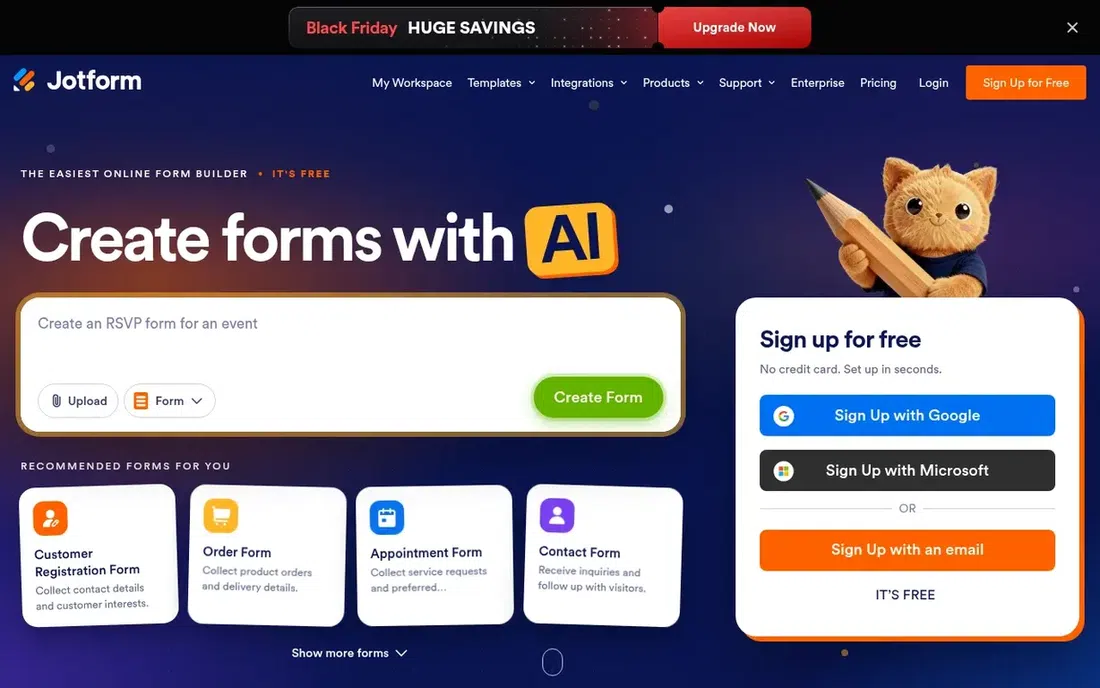
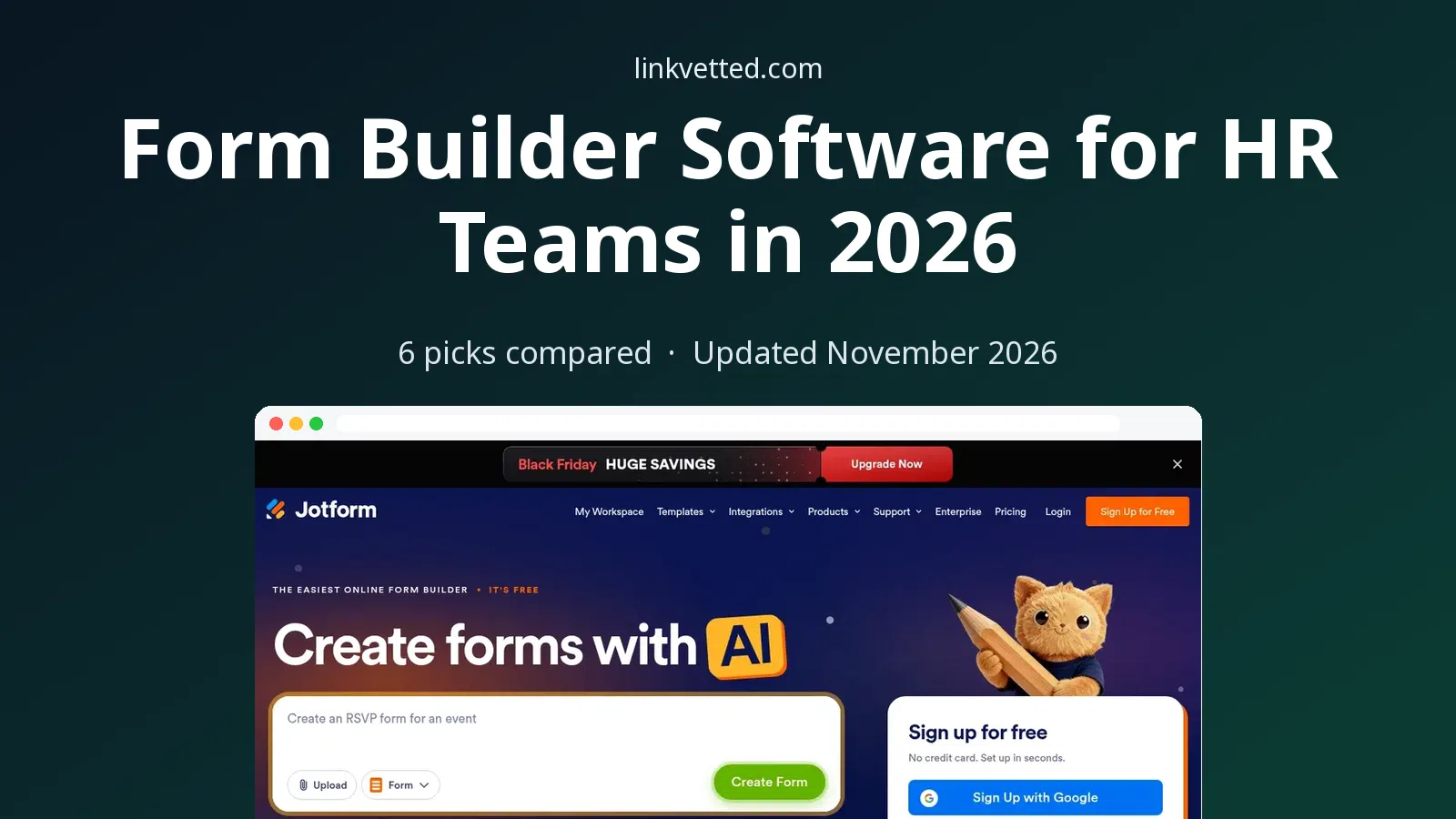
Jotform was built for all-purpose HR form building. Jotform is an online form builder for creating forms and surveys rapidly, with a drag-and-drop interface and a broad template library. From a buyer's view, the breadth of choices can feel heavy for very straightforward needs, and some advanced capabilities sit behind higher levels.
In practice, choose Jotform when you want one adaptable builder for plenty of form types. If your HR work is largely entry-level surveys inside an existing productivity suite, a lighter native tool may be more straightforward. What you pay to start with Jotform: $34 per month. Free access exists with Jotform.
Watch-outs: Advanced needs may need premium levels.
- Plenty of integrations
- Large template library
- Feature depth can overwhelm new users
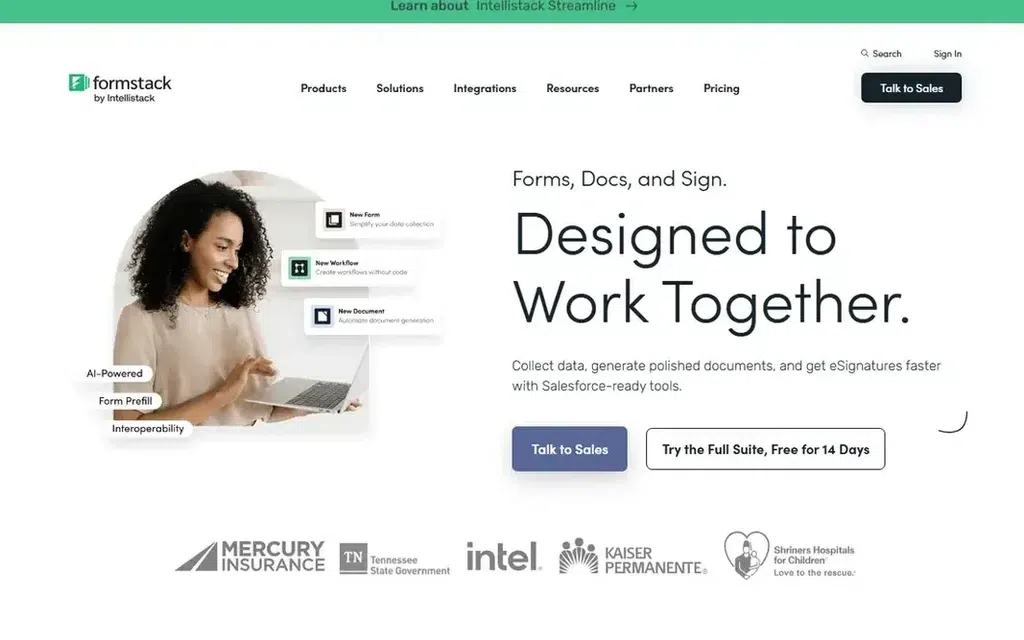
Formstack is designed for HR forms with documents and e-signatures. Formstack merges online forms with document generation and e-signature tools, targeted at simplifying workflows. Also, for HR teams this fits onboarding packets, policy acknowledgments, offer letters and approval flows that move from a form into a signed document.
What works well: Forms.
Limits to weigh: Broader system than some teams need.
It is a broader product than a straightforward survey builder, so setup may take more planning and training. Teams that only need entry-level feedback collection may find lighter choices sufficient. On cost, Formstack starts like this: $83 per month. As for free access: Free trial.
- Docs and e-signatures together
- Secure form handling
- Setup can take more planning
Typeform was built for engaging employee surveys. Pick Typeform when survey experience is the priority. In daily use, Typeform is a form builder centered on conversational, one-question-at-a-time experiences, with AI features and automation for follow-up workflows.
Where it falls short: Less suited to dense internal paperwork.
If you need e-signatures or document generation, a forms-and-documents product is a better fit. From a buyer's view, the conversational format is less efficient for long onboarding or document-heavy HR forms, and response allowances may constrain high-volume use on lower levels. In practice, HR teams frequently use it for engagement surveys, pulse checks and candidate or employee feedback where a friendly, respondent-focused layout matters. Check the vendor site for Typeform pricing; none is listed in this comparison. As for free access: Not stated.
- Conversational form style
- AI-assisted building
- Response limits may apply on lower levels
SurveyMonkey is aimed squarely at employee feedback and research surveys. HR teams use it for engagement surveys, exit interviews and pulse checks where question design and response analysis matter. It is survey-first, so document workflows, e-signatures and complicated internal approvals are not its focus.
Pick SurveyMonkey when feedback programs are central. On top of that, if your primary need is administrative HR paperwork, a forms system with documents is a better match. Some analysis and question features may require higher levels. SurveyMonkey pricing: $25 per user per month. A free plan is available with SurveyMonkey.
Downsides: Some capabilities need higher levels.
- Established survey tooling
- AI-assisted survey creation
- Form workflow features are secondary
Selection criteria
Before you commit
- Get a written quote from Microsoft Forms, Wufoo and Typeform; the list shows no starting price for them.
- Check what the free option really includes: Wufoo, Jotform and SurveyMonkey offer a free plan, and usage caps differ.
- Take the trial from Formstack and push a live task through it before you pay.
- Before choosing Microsoft Forms, weigh its main limit: restricted advanced form workflows.
- Make sure Formstack lets you export your data in a format another tool can read.
- Let daily users try Typeform on real work; their feedback beats any feature checklist.
FAQ
Can I try these tools before paying?
Often, yes. Wufoo, Jotform and SurveyMonkey have a free plan and Formstack offers a free trial. Use your own data and a real task during the test, and check what the free tier or trial limits before you rely on it.
Which options for form builder software for HR teams have a free plan?
On this list, Wufoo, Jotform and SurveyMonkey include a free plan. Caps on seats, usage or features are common, so test the free plan against your real workload. One other tool offers a trial instead.
What is the cheapest option for form builder software for HR teams in this list?
On published monthly entry prices, SurveyMonkey is the lowest here at $25 per user per month. Entry price is only part of the cost, because seats, add-ons and billing terms can change the total. All 6 picks in this form builder software for HR teams comparison list a starting price, free plan details and the main limits on their cards above.
Which form builder is a good match for HR onboarding?
Microsoft Forms comes first here and is built for surveys inside Microsoft 365. Buyers with other needs may prefer Wufoo (for custom forms with a cloud database) or Jotform (for all-purpose HR form building). Compare costs and limits first.
Is Microsoft Forms the right pick for everyone comparing form builder software for HR teams?
No single tool suits every team. Microsoft Forms comes first because it fits surveys inside Microsoft 365, while Wufoo suits custom forms with a cloud database and Jotform suits all-purpose HR form building. Match the tool to your own size, budget and workflow before deciding.
Sources
- https://www.microsoft.com/en-us/microsoft-365/online-surveys-polls-quizzes
- https://www.wufoo.com
- https://www.jotform.com
- https://www.formstack.com
- https://www.typeform.com
- https://www.surveymonkey.com