8 Best Food Delivery Apps for Lowest Prices in 2026
Find the best food delivery app for lowest prices with fee comparisons, subscription math, and picks for groceries, pizza, and surplus food in October 2026.
- Editor's choice
 Grubhub
Low fees and no small order fee in many tests
Starts at$9.99 per monthVisit grubhub.comFull review - Great alternative
 Uber Eats
Consistent fees and Uber One value
Starts at$9.99 per monthVisit ubereats.comFull review - Also consider
 DoorDash
Widest coverage and DashPass savings
Starts at$9.99 per monthVisit doordash.comFull review
TL;DR:
- Compare the same order in two or three apps before you pay, since the cheapest app changes by restaurant and neighborhood.
- Subscriptions such as DashPass, Uber One, and Grubhub+ pay off only if you order often enough to cover the $9.99 monthly cost.
- Slice and ChowNow can be cheaper for pizza and local restaurants, since they use different fee models than large marketplaces.
- Too Good To Go offers the lowest prices of all for surplus food, but the contents are a surprise bag, not a chosen meal.
Quick comparison
| Tool | Best for | Starts at | Free plan? | |
|---|---|---|---|---|
| Grubhub | Low fees and no small order fee in many tests | $9.99 per month | Yes | Visit |
| Uber Eats | Consistent fees and Uber One value | $9.99 per month | Yes | Visit |
| DoorDash | Widest coverage and DashPass savings | $9.99 per month | Yes | Visit |
 Slice | Lower-cost pizza from local shops | See website | Yes | Visit |
 ChowNow | Direct ordering that helps local restaurants | See website | Yes | Visit |
 Too Good To Go | Deep discounts on surplus food | See website | Yes | Visit |
 Favor Delivery | Texas-focused delivery with local choice | See website | Yes | Visit |
 goPuff | Low-cost convenience and grocery delivery | See website | Yes | Visit |
The best food delivery apps for lowest prices
No single food delivery app is cheapest on every order, since fees, menu prices, and promos vary by city, restaurant, and time of day. The apps below help you pay less in different ways, from low fees and subscriptions to surplus food deals and direct ordering that skips marketplace markups.
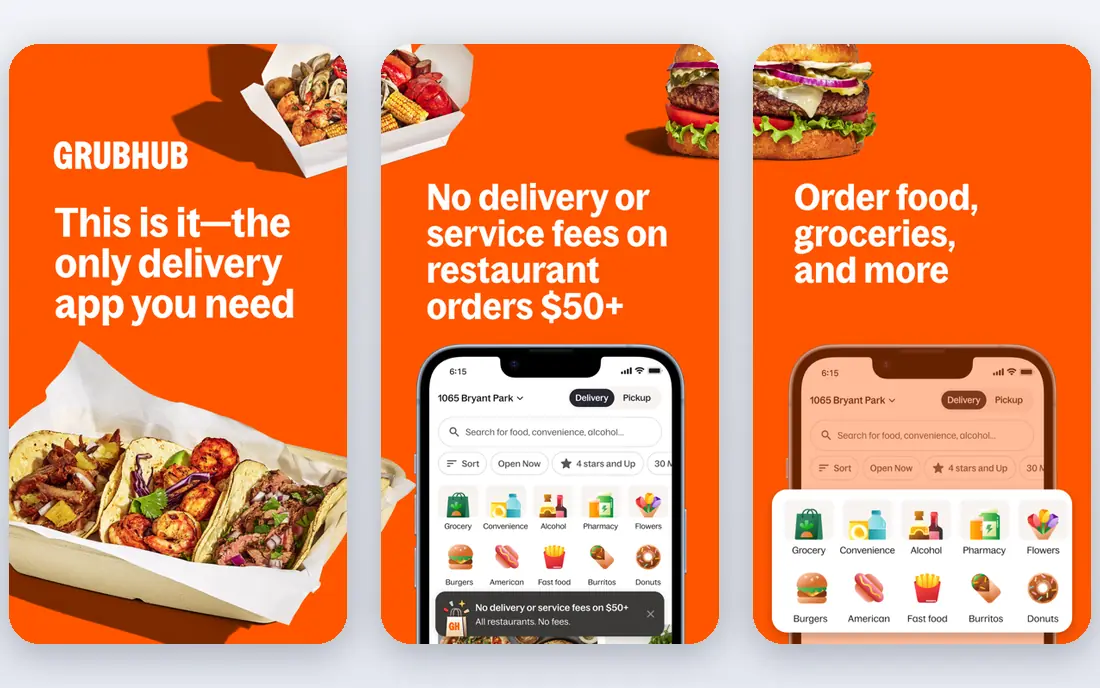
Grubhub often comes out cheapest in fee comparisons, with average total fees lower than DoorDash and Uber Eats in one published test. It also has no small order fee in that comparison, which helps on small orders. Grubhub+ at $9.99 per month removes delivery fees on eligible orders and adds exclusive offers. Coverage is the trade-off, since Grubhub lists fewer restaurants than DoorDash in many cities, and some areas have thin choice. Menu prices still vary by restaurant, so compare totals before you assume Grubhub wins. For fee-sensitive orders in covered areas, it is a strong first check. In practice, Grubhub suits low fees and no small order fee in many tests best when the work is regular rather than occasional, because the setup pays off over repeated use and the routine becomes easy to repeat.
- Low average fees in published tests
- Grubhub+ removes delivery fees on eligible orders
- No small order fee in comparisons
- Coverage is smaller than DoorDash
- Some areas have fewer restaurants
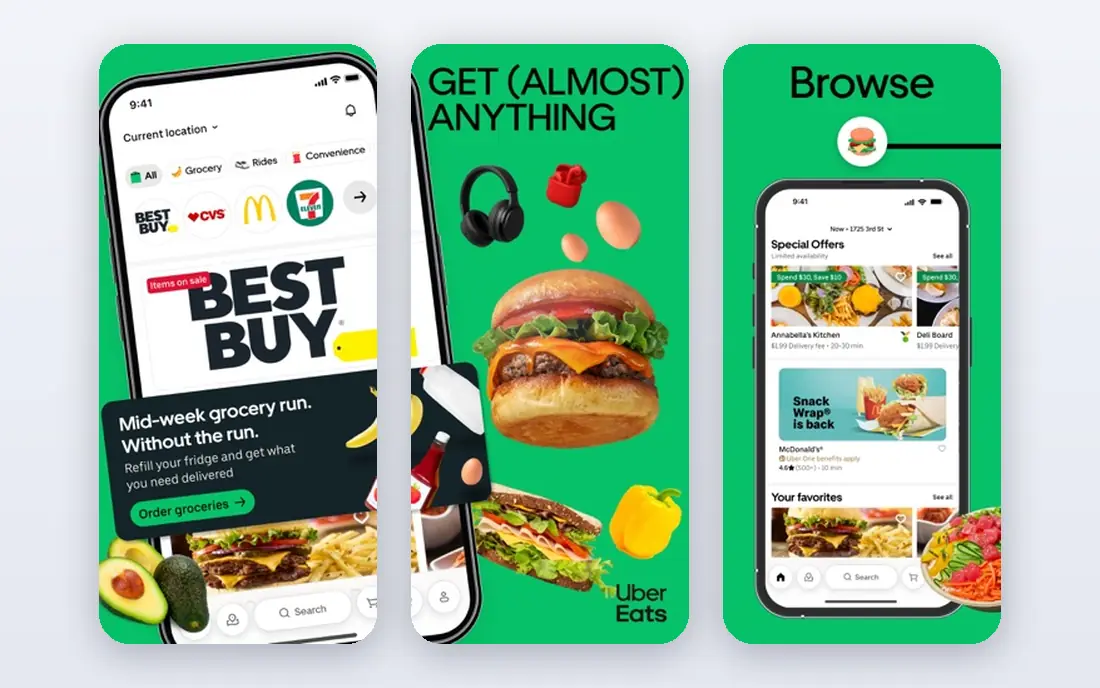
Uber Eats offers a wide restaurant choice and a subscription, Uber One at $9.99 per month, that removes delivery fees on eligible orders and adds grocery and ride benefits. In some city comparisons, its totals beat rivals on the same order, thanks to lower delivery and service fees on that order. The app also covers groceries and convenience items, which suits mixed orders. Fees still vary by city, time of day, and order size, and service fees apply on many orders even with Uber One. Surge pricing during peak hours can raise totals, so check the final price before checkout. For frequent users who also use Uber rides, Uber One adds extra value. Day to day, the main test is simple: does Uber Eats save time on the next job, or does it add steps that slow you down when you are in a hurry and need a result fast.
- Uber One removes delivery fees on eligible orders
- Wide restaurant choice
- Grocery and convenience options
- Fees vary by city and time
- Service fees still apply on many orders
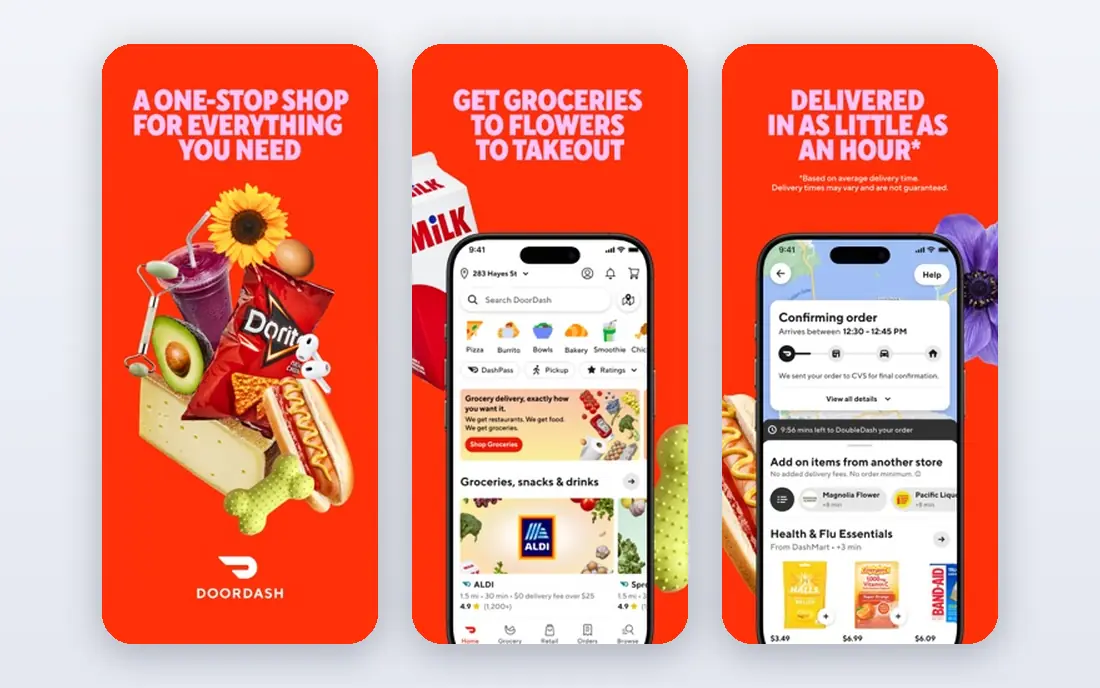
DoorDash has the widest coverage in the US, with restaurants, groceries, and convenience stores in many smaller markets where rivals are thin. DashPass at $9.99 per month removes delivery fees on eligible orders and cuts service fees, which helps frequent users. Pickup, group orders, and scheduled delivery add flexibility for families and offices. The trade-off is fees, since published comparisons have found DoorDash totals higher than Uber Eats or Grubhub on some same-order tests. A small order fee applies under $12 in those comparisons, so small orders cost more. Choose DoorDash when coverage or DashPass value outweighs a slightly higher fee on one order. If price is the deciding factor, start on the free option where one is listed, run one real task through it, and only pay when a limit or a missing feature gets in the way.
- Largest restaurant and store coverage
- DashPass removes delivery fees on eligible orders
- Pickup and grocery options
- Fees can be higher than rivals on some orders
- Small order fee under $12 in comparisons
Slice focuses on local pizzerias rather than every cuisine, and that focus can mean lower fees and better prices for pizza orders. Local shops keep more of the order value than on large marketplaces, and the app makes reordering a favorite pizza fast. For pizza night, it is often worth checking before a general marketplace. The limit is scope, since Slice covers pizza and Italian shops, not sushi, Thai, or groceries. Coverage also varies by city, with stronger choice in areas with many independent pizzerias. Use it as a pizza-first app beside a general delivery app, not as a replacement for all cuisines. A good test is to try Slice with a real file, a real schedule, or a real question from your own work, since demo examples often hide the awkward parts of a tool.
- Focus on local pizzerias
- Often lower fees than marketplaces
- Easy pizza ordering
- Limited to pizza and Italian shops
- Coverage varies by city
ChowNow lets you order directly from a restaurant's own branded ordering page, which can avoid some marketplace markups. Restaurants keep more of the order, and customers may see menu prices closer to dine-in prices. The app also supports pickup, which removes delivery fees entirely when you collect the order. Choice is smaller than DoorDash or Uber Eats, since only restaurants that use ChowNow appear, and delivery coverage varies by area. You may need to check each restaurant's site to see if it uses ChowNow. For a favorite local spot, direct ordering is often the cheapest path. Before you commit, check the current pricing page and the cancellation terms, because plans change and the cheapest starting price is not always the cheapest over a year.
- Direct ordering can avoid marketplace markups
- Supports local restaurants
- Pickup and delivery options
- Restaurant choice is smaller than marketplaces
- Delivery coverage varies
Too Good To Go offers the lowest prices in this list, but with a twist: you buy a surprise bag of surplus food from a restaurant or store at a deep discount. Bags are collected in a fixed pickup window, and the contents depend on what is left that day. For flexible eaters, it is a fun way to try new places for a few dollars. The surprise format means you cannot choose a specific meal, and pickup windows may not suit every schedule. Choice also varies by city, with more bags in larger markets. Use it as a budget adventure beside a regular delivery app, not when you need a specific dish at a specific time. The clearest fit for Too Good To Go is deep discounts on surplus food, and that focus is also its limit, so pair it with a second tool if your work regularly crosses into a different kind of task.
- Surplus bags at a fraction of retail price
- Reduces food waste
- No subscription needed
- Contents are a surprise
- Pickup windows are fixed
- Choice varies by city
Favor Delivery focuses on Texas cities, with a strong local restaurant list and scheduled delivery options. That regional focus can mean better local choice and service in Texas than a national app that spreads thin. The app covers restaurants and some stores, and it suits users who order regularly in Austin, Houston, Dallas, and other Texas markets. The limit is geography, since Favor does not cover most US states, so it is not a pick for travelers or users outside Texas. Fees and promos also vary by city, so compare totals with a national app. For Texas users, it is worth checking beside DoorDash and Uber Eats. What stands out after a few uses is how Favor Delivery handles the boring parts, such as repeats, exports, and reminders, because those details decide if you keep using it.
- Strong Texas coverage
- Local restaurant focus
- Scheduled delivery
- Limited to Texas markets
- Smaller national footprint
goPuff delivers snacks, groceries, and essentials from its own micro-fulfillment centers, often with a flat delivery fee and fast arrival. That model suits late-night snacks, missing ingredients, and small grocery runs where a restaurant app would charge more. The app also offers a subscription for free delivery in some plans, which helps frequent users. The range is convenience-focused, so it does not replace a restaurant app for a full dinner order. Product choice varies by city, and some items cost more than a supermarket. Use goPuff for quick essentials and snacks, and a restaurant app for cooked meals. On a busy week, goPuff earns its place by keeping the workflow short, and that matters more than a long feature list that you may never open after the first day.
- Flat delivery fee in many areas
- Fast convenience delivery
- Groceries and essentials
- Not a full restaurant app
- Product range is convenience-focused
How we picked these
We reviewed official app pages, pricing and subscription pages, and published fee comparisons for US food delivery apps. We focused on delivery fees, service fees, small order fees, and subscription value, rather than only restaurant counts. We favored apps that are widely available, publish clear fees, and offer a real path to lower totals, such as promos, subscriptions, or direct ordering. We left out apps that have closed or merged, and we avoided claiming one app is always cheapest.
How to pay less for food delivery
Compare before you check out
Open the same restaurant in two apps, build the same order, and compare the total after fees and before tip. Menu prices can differ by app, so the subtotal matters as much as the delivery fee. A few minutes of comparison can save several dollars, especially on larger orders.
Do the subscription math
A $9.99 monthly subscription that removes delivery fees pays off only if your saved fees exceed $9.99 each month. Count your orders, check which restaurants are eligible, and note whether service fees still apply. Pause or cancel in a slow month, since subscriptions keep charging whether you order or not.
Use pickup and direct ordering when you can
Pickup removes delivery and often service fees, so it is the cheapest option when the restaurant is close. Direct ordering through a restaurant's own site or through ChowNow can also avoid marketplace markups. For pizza, Slice often shows local shops with lower fees than large marketplaces.
FAQ
Which food delivery app is cheapest?
No app is cheapest everywhere, since fees and menu prices vary by city, restaurant, and order size. Published comparisons have found Grubhub fees lowest in some tests and Uber Eats totals lowest in others, while DoorDash often wins on coverage. Compare the same order in your city before you decide.
Are delivery subscriptions worth it?
Subscriptions such as DashPass, Uber One, and Grubhub+ cost $9.99 per month and remove delivery fees on eligible orders, with reduced service fees in some cases. They pay off if you order several times a month from eligible restaurants, but not if you order rarely. Check eligibility and service fees before subscribing.
Why are menu prices higher on delivery apps?
Restaurants often raise delivery menu prices to cover marketplace commissions, which can range from 15 percent to 30 percent. That markup sits on top of delivery and service fees, so the total can exceed the dine-in price by a wide margin. Direct ordering or pickup can avoid some of that markup.
How can I avoid small order fees?
Small order fees apply when an order falls below a threshold, such as $12 on DoorDash or $15 on Uber Eats in some comparisons, while Grubhub has no small order fee in those tests. Add an item you will eat later, order with a friend, or choose pickup to avoid the fee. Check the current threshold in your app, since it can change.
What is the cheapest way to get food delivered?
Too Good To Go offers surplus food at deep discounts, but the bag contents are a surprise, so it suits flexible eaters. For a chosen meal, compare two apps, use a subscription only if you order often, and pick pickup when possible. Promos and first-order offers can also cut the first few totals.