Best Flight Price Tracker Apps in 2026: 8 Apps Compared
Looking for the best flight price tracker app? We compare 8 flight trackers on price alerts, flexible dates, predictions and booking help for fares. Read more.

- Editor's choice
 Google Flights
Route tracking and price history
Starts atFreeVisit google.comFull review - Great alternative
 Skyscanner
Flexible destination searches
Starts atFreeVisit skyscanner.comFull review - Also consider
 Kayak
Unlimited alerts and forecasts
Starts atFreeVisit kayak.comFull review
TL;DR:
- Google Flights and Skyscanner are the best free starting pair for most routes.
- Hopper is the strongest pick for buy-or-wait guidance on a specific trip.
- Kayak and Momondo are useful cross-checks, because they surface fares from many booking sites.
- Going is a deal club, not a route tracker, so it suits flexible travellers who want surprise deals.
Quick comparison
| Tool | Best for | Starts at | Free plan? | |
|---|---|---|---|---|
| Google Flights | Route tracking and price history | Free | Yes | Visit |
| Skyscanner | Flexible destination searches | Free | Yes | Visit |
| Kayak | Unlimited alerts and forecasts | Free | Yes | Visit |
 Hopper | Price predictions and fare freezes | Free; paid add-ons | Yes | Visit |
 Going | Curated flight deals | Free; Premium from $49 per year | Yes | Visit |
 Momondo | Finding fares from smaller agents | Free | Yes | Visit |
 Kiwi.com | Unusual multi-airline routes | Free | Yes | Visit |
 Airfarewatchdog | Hand-checked US fares | Free | Yes | Visit |
The best flight price tracker apps
Flight prices move daily, so a good tracker watches a route for you and tells you when to act. We compared search-based trackers, prediction tools and deal clubs, and we note which ones are free for the core tracking job.
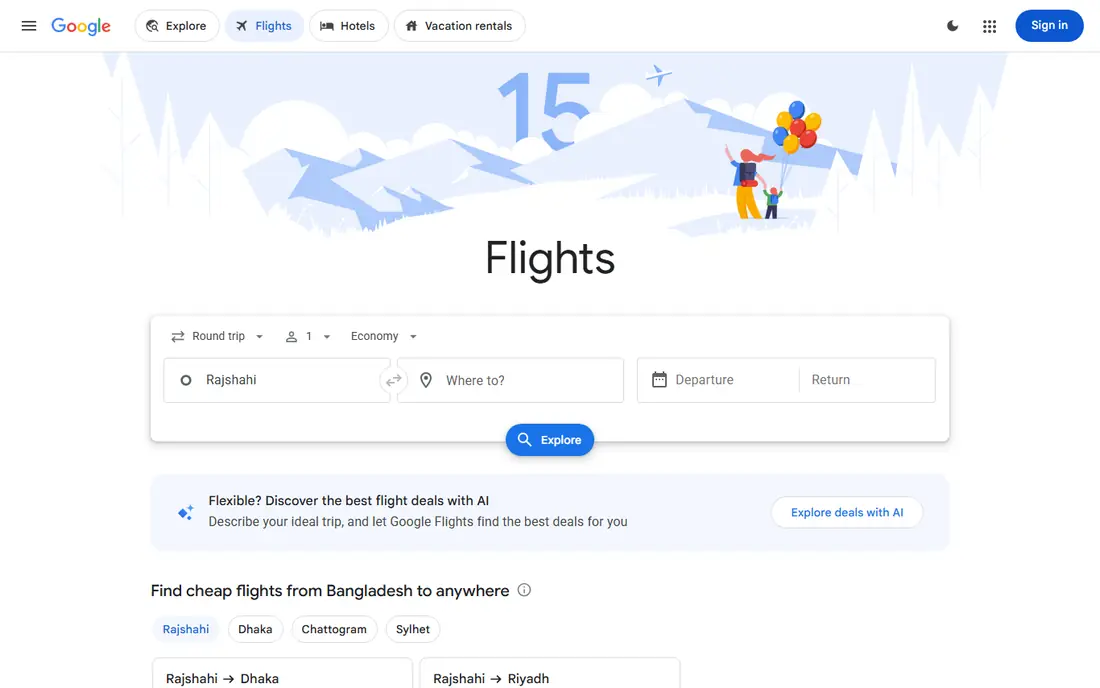
Google Flights is our first stop for most routes. Its main strengths are free price tracking by email, price calendar and date grid, broad airline coverage. In daily use, that makes it a practical choice for route tracking and price history.
The main catch is no native mobile app; booking happens with the airline or agent. It fits best for route tracking and price history, so check that fit against your own routine before you commit, and test the free tier or trial with a real task first.
Before you choose Google Flights, compare it with one other option in this list on the task you do most, and check the official pricing page again, because plans and limits can change.
- Free price tracking by email
- Price calendar and date grid
- Broad airline coverage
- No native mobile app
- Booking happens with the airline or agent
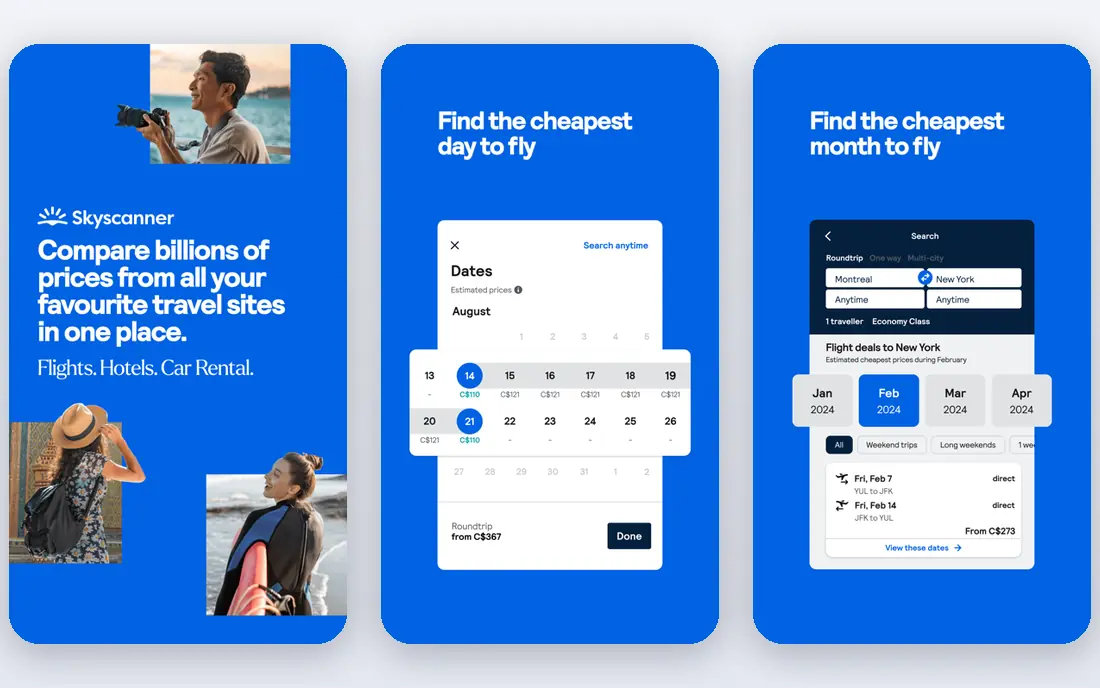
Skyscanner suits flexible travellers. The strengths that stand out are free price alerts, Everywhere search, whole-month view. For flexible destination searches, that combination covers the core job well.
The honest catch is booking happens with partners; some fares come from third-party agents. For flexible destination searches, that trade-off is usually acceptable, but confirm it on a trial with the exact task you do most often.
For Skyscanner, the best test is a real task from your own routine, not a demo account, because a demo can hide the friction of daily use.
- Free price alerts
- Everywhere search
- Whole-month view
- Booking happens with partners
- Some fares come from third-party agents
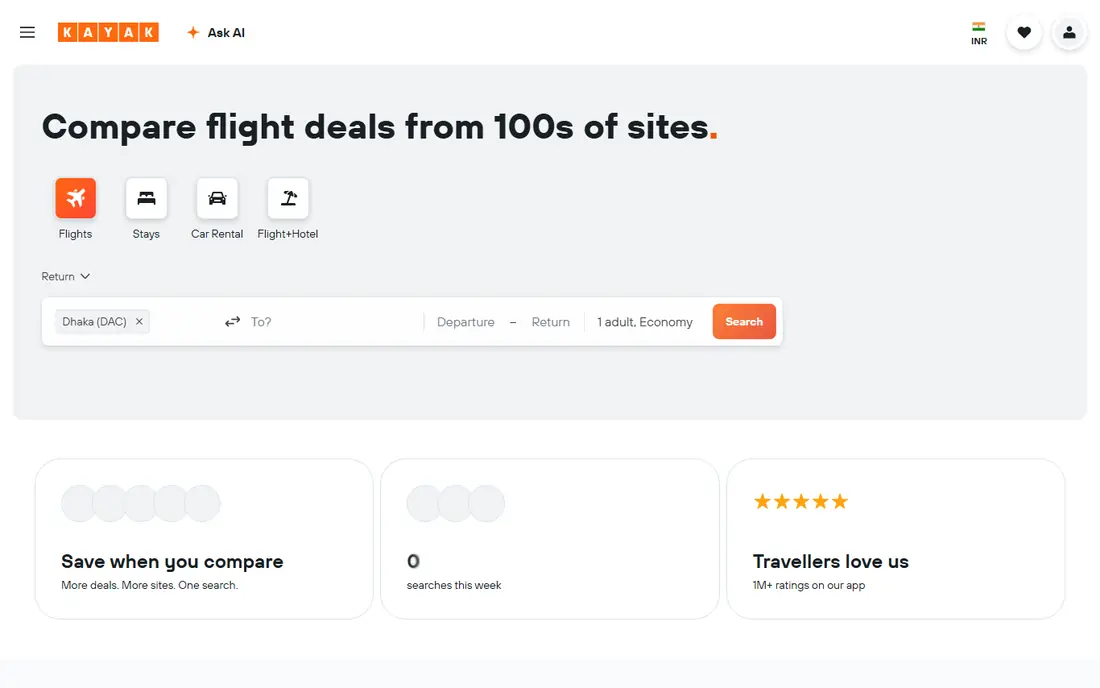
Kayak is a strong all-rounder. What stands out most are free price alerts, buy-or-wait forecasts, trip management tools. That mix suits unlimited alerts and forecasts better than a generic tool would.
Watch out for this: some fares link to third-party agents; forecasts are estimates, not guarantees. Still, for unlimited alerts and forecasts, the overall value holds up, as long as you check the paid limits before you rely on it daily.
If Kayak is on your shortlist, check support hours, export options and any limit on users, projects or messages before you move your data across.
- Free price alerts
- Buy-or-wait forecasts
- Trip management tools
- Some fares link to third-party agents
- Forecasts are estimates, not guarantees
Hopper is the prediction pick. Its key strengths are free predictions and trip watches, colour-coded buy-or-wait advice, price freeze option. If you need price predictions and fare freezes, those strengths line up with the daily work.
The downside to weigh is freeze and flexibility add-ons cost extra; some bookings go through Hopper, not the airline. If you are choosing for price predictions and fare freezes, test that downside early, because it is the part most likely to frustrate you later.
Before you choose Hopper, compare it with one other option in this list on the task you do most, and check the official pricing page again, because plans and limits can change.
- Free predictions and trip watches
- Colour-coded buy-or-wait advice
- Price freeze option
- Freeze and flexibility add-ons cost extra
- Some bookings go through Hopper, not the airline
Going sends vetted deals you did not search for. Its main strengths are curated deal alerts from your home airport, mistake fares, premium cabin deals on paid plans. In daily use, that makes it a practical choice for curated flight deals.
The main catch is uS departures only for most deals; not a tracker for one exact route. It fits best for curated flight deals, so check that fit against your own routine before you commit, and test the free tier or trial with a real task first.
For Going, the best test is a real task from your own routine, not a demo account, because a demo can hide the friction of daily use.
- Curated deal alerts from your home airport
- Mistake fares
- Premium cabin deals on paid plans
- US departures only for most deals
- Not a tracker for one exact route
Momondo is worth a cross-check. The strengths that stand out are free price alerts, searches many smaller booking sites, flexible date views. For finding fares from smaller agents, that combination covers the core job well.
The honest catch is some fares come from lesser-known agents; check change policies before booking. For finding fares from smaller agents, that trade-off is usually acceptable, but confirm it on a trial with the exact task you do most often.
If Momondo is on your shortlist, check support hours, export options and any limit on users, projects or messages before you move your data across.
- Free price alerts
- Searches many smaller booking sites
- Flexible date views
- Some fares come from lesser-known agents
- Check change policies before booking
Kiwi.com suits travellers piecing together odd routes. What stands out most are free alerts, self-transfer route combinations, virtual interlining. That mix suits unusual multi-airline routes better than a generic tool would.
Watch out for this: self-transfer trips carry missed-connection risk; support varies by booking type. Still, for unusual multi-airline routes, the overall value holds up, as long as you check the paid limits before you rely on it daily.
Before you choose Kiwi.com, compare it with one other option in this list on the task you do most, and check the official pricing page again, because plans and limits can change.
- Free alerts
- Self-transfer route combinations
- Virtual interlining
- Self-transfer trips carry missed-connection risk
- Support varies by booking type
Airfarewatchdog is a simple email-alert pick. Its key strengths are hand-checked fare alerts, US and Canada focus, simple email alerts. If you need hand-checked US fares, those strengths line up with the daily work.
The downside to weigh is mainly US and Canada; fewer tools than full search engines. If you are choosing for hand-checked US fares, test that downside early, because it is the part most likely to frustrate you later.
For Airfarewatchdog, the best test is a real task from your own routine, not a demo account, because a demo can hide the friction of daily use.
- Hand-checked fare alerts
- US and Canada focus
- Simple email alerts
- Mainly US and Canada
- Fewer tools than full search engines
How we picked these
We compared official pricing pages, feature pages and app listings for each product in this list, and we checked whether the core job, the free tier and the paid limits matched the topic. We favoured products that exist and work today, with a clear official homepage and published pricing or a clear free tier. We did not claim hands-on testing that did not happen, and we did not invent ratings, user counts or features. We left out products that do not truly fit the topic, even when they are well known in a nearby category.
What to check before you choose
Start with the job you do most often, not with the longest feature list. For best flight price tracker app, that job should guide the shortlist, because a tool that excels at a nearby job can still disappoint on the daily task. Check the free tier or trial with a real task, and note what is locked behind a paid plan, because the limit that matters is usually the one you hit in week two, not on day one. Check the total cost too, including any per-user, per-project or export fee, and check whether the tool works on the devices you actually use. Finally, check support, export and privacy terms before you move important data across, and keep a backup of anything you cannot afford to lose.
FAQ
What is the best option for best flight price tracker app?
For most people, the top pick in this list is a safe starting point, because it balances features, price and ease of use for best flight price tracker app. The right choice still depends on your budget, your device and how often you will use it. Try the free tier or trial with a real task before you pay.
Are there good best flight tracker app for prices with a free plan?
Yes, several options in this list offer a free plan or free tier, and we state the free plan for each product in the table above. Free plans usually limit some features, exports or usage, so check those limits against your routine. A free plan is often enough to test a tool, and sometimes enough for long-term use.
How much should I expect to pay?
Prices in this list range from free to paid plans, and we list the starting price for each product from vendor pages where available. If a price says See website, the vendor does not publish a simple starting price, so ask for a quote. Always check the checkout page, because taxes, billing terms and add-ons can change the total.
How do I choose between the top two options?
Compare them on the task you do most, not on the total feature count. Use each free tier or trial for the same real task, and note which one felt faster and clearer. If the prices are close, pick the tool with the clearer support, export and privacy terms.
Can I switch later if I pick the wrong one?
Yes, in most cases you can switch, but switching is easier if you keep your data exportable from the start. Check export options before you commit, and avoid storing the only copy of important work inside one app. A short trial with real data will show whether switching costs are likely to be high.