Best Firewall As a Service for Small Business (2026): 6 Picks Checked on Vendor Pages
Best firewall as a service for small business, compared. 6 tools with published prices, free plans and limits. Verdicts stay brief and factual. Numbers first.
- Editor's choice
 Palo Alto Networks Prisma Access
Secure remote access for hybrid teams
Starts atPricing on requestVisit paloaltonetworks.comFull review - Great alternativeFortinet FortiSASE
Cloud security for work-from-anywhere teams
Starts atPricing on requestVisit fortinet.comFull review - Also considerZscaler Internet Access
Secure internet and SaaS access at scale
Starts atPricing on requestVisit zscaler.comFull review
Direct answer
Palo Alto Networks Prisma Access comes first here, mainly for secure remote access for hybrid teams. Fortinet FortiSASE is better for cloud security for work-from-anywhere teams, and Zscaler Internet Access is better for secure internet and SaaS access at scale. The other 3 tools in the list cover narrower or pricier cases. None of these vendors publish plan prices, so pricing is on request for every option.
TL;DR:
- Palo Alto Networks Prisma Access takes the first slot, best suited to secure remote access for hybrid teams.
- No starting price is shown for any of the 6 tools, Palo Alto Networks Prisma Access and Cisco Umbrella included, so plan time for sales calls.
- Cisco Umbrella suits DNS-layer cloud protection with straightforward rollout.
- Neither Palo Alto Networks Prisma Access nor Cisco Umbrella, nor any of the other 4 tools, has a permanent free plan; trials and quotes are the norm.
Last checked November 2026. Pricing on request: vendors did not publish plan prices when this guide was last checked (November 2026), so ask each vendor for a written quote.
Quick comparison
| Tool | Best for | Starts at | Free plan? | |
|---|---|---|---|---|
| Palo Alto Networks Prisma Access | Secure remote access for hybrid teams | Pricing on request | Not stated | Visit |
| Fortinet FortiSASE | Cloud security for work-from-anywhere teams | Pricing on request | Not stated | Visit |
| Zscaler Internet Access | Secure internet and SaaS access at scale | Pricing on request | Not stated | Visit |
| Check Point Harmony SASE | Simplicity with Zero Trust access | Pricing on request | Not stated | Visit |
| Netskope One | Visibility and control for cloud and AI use | Pricing on request | Not stated | Visit |
 Cisco Umbrella | DNS-layer cloud protection with straightforward rollout | Pricing on request | Not stated | Visit |
6 options for firewall as a service for small business in detail
Short on time? The summary and table above give the quick view of 6 tools for firewall as a service for small business, and the profiles that follow give the detail behind each entry.
Palo Alto Networks Prisma Access
Best for: Secure remote access for hybrid teams
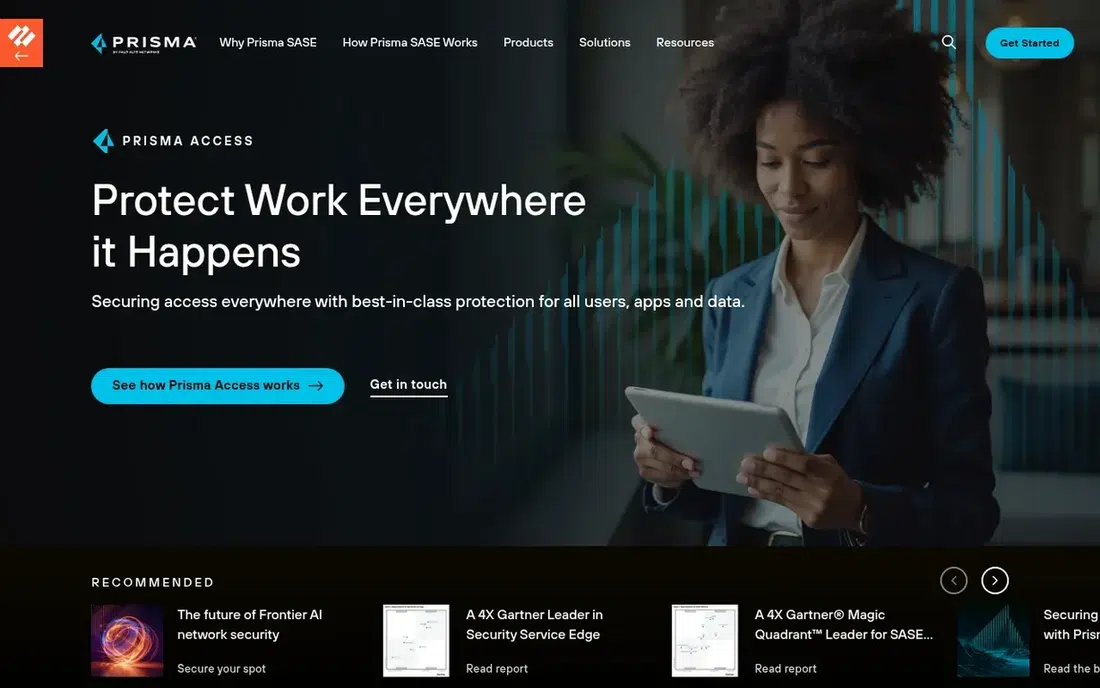
Where Palo Alto Networks Prisma Access fits: secure remote access for hybrid teams. Palo Alto Networks Prisma Access is a cloud-delivered security system that supplies secure remote access for the hybrid workforce. It extends protection to users and devices wherever they link, instead of only at an office edge.
As for the details, small firms with staff working from home or on the road get a consistent security posture without backhauling traffic through a single site, which fits expanding teams that have outgrown straightforward VPN setups. Prisma Access is a wide system, so a very small team may find parts of it more than it needs. Palo Alto Networks Prisma Access does not show a starting price in this comparison, so check the vendor site for current pricing. As for free access: Not stated.
Limits to weigh: Setup needs planning and expertise.
- Consistent protection off the office network
- Aimed at hybrid and remote workforces
- Wide system may exceed entry-level needs
Fortinet FortiSASE
Best for: Cloud security for work-from-anywhere teams
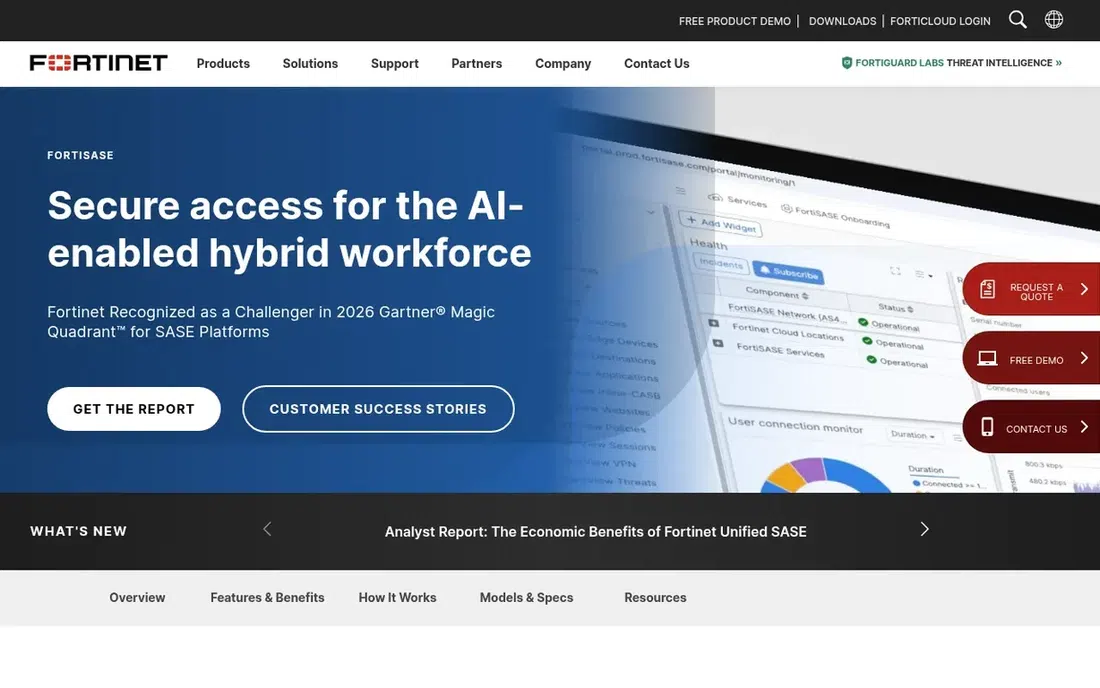
Pick Fortinet FortiSASE if this describes you: cloud security for work-from-anywhere teams. Fortinet states it enables secure internet access, secure private access and secure SaaS application access.
This comparison lists no price for Fortinet FortiSASE; ask the vendor. Free plan details: Not stated.
The main drawbacks: May overlap with existing Fortinet gear.
What works well: private and SaaS access.
- Supports remote access use cases
- Secure internet
- Feature breadth needs careful scoping
Zscaler Internet Access
Best for: Secure internet and SaaS access at scale
Think of Zscaler Internet Access for secure internet and SaaS access at scale. Policy design can take effort to get right.
What to check first: Enterprise-oriented design.
Also, if you want a lighter starting point, a DNS-layer tool is quicker to run. Choose Zscaler when secure internet and SaaS control are central requirements. No starting price is listed for Zscaler Internet Access here; confirm pricing on the vendor site. Trial and free access: Not stated.
- Handles users and devices
- AI-powered protection described by the vendor
- Policy design can be involved
Check Point Harmony SASE
Best for: Simplicity with Zero Trust access
Check Point Harmony SASE works best for simplicity with Zero Trust access. Check Point SASE, formerly Harmony SASE, is described by the vendor as delivering quicker internet security, full-mesh Zero Trust Access, CASB and optimized SD-WAN with simplicity and simplified management.
Watch-outs: Bundled features need scoping.
Worth adding: the former Harmony SASE name still appears in documentation, which can slow research. Also, for a small business, the appeal is a single system that merges web protection with controlled access to private applications, reducing the number of separate tools an IT generalist has to learn and maintain. No starting price is listed for Check Point Harmony SASE here; confirm pricing on the vendor site. Free access: Not stated.
- CASB and optimized SD-WAN included
- Full-mesh Zero Trust Access
- Formerly named Harmony SASE, so naming can confuse
Netskope One
Best for: Visibility and control for cloud and AI use
Netskope One was built for visibility and control for cloud and AI use. The system spans a broad set of capabilities, so a small team should define priorities before evaluating it in depth.
Watch-outs: Data-centric controls need planning.
Worth adding: if your needs are restricted to blocking malicious sites, a DNS-layer service is more straightforward. This comparison lists no price for Netskope One; ask the vendor. On free options: Not stated.
- Unified visibility across cloud and data
- Focus on performance optimization
- Broad system to evaluate
Cisco Umbrella
Best for: DNS-layer cloud protection with straightforward rollout
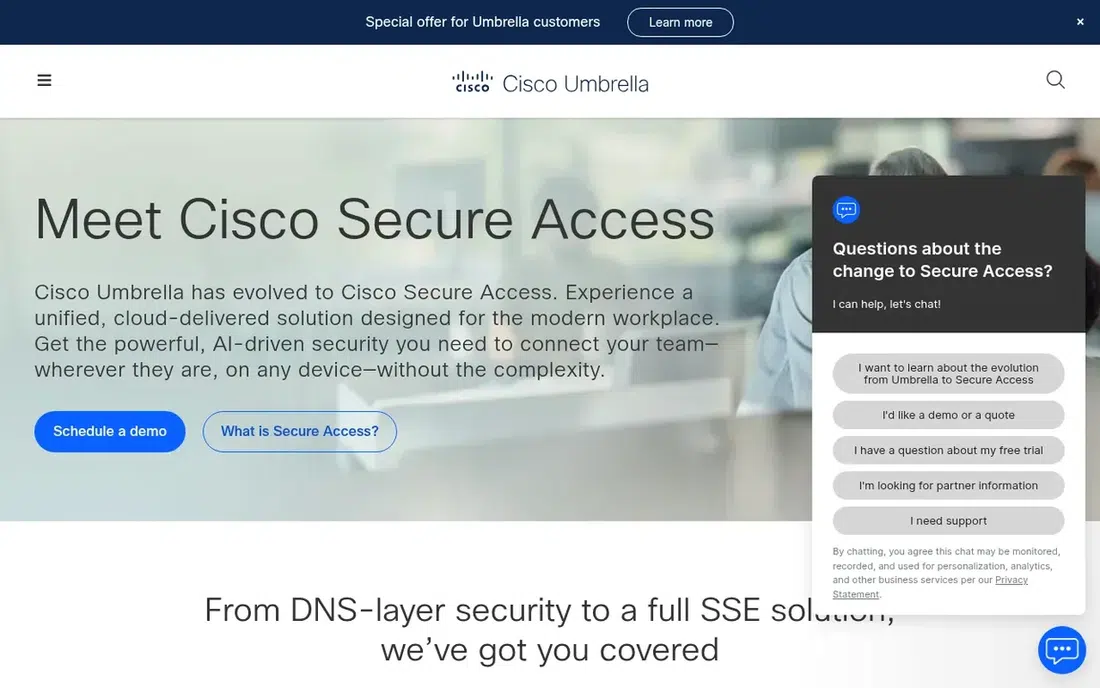
Cisco Umbrella targets DNS-layer cloud protection with straightforward rollout. Choose something else if you want one console that also includes secure private access and software-defined broad area networking in a single bundle.
On top of that, configuration depth can also take time to learn. Cisco Umbrella does not show a starting price in this comparison, so check the vendor site for current pricing. As for free access: Not stated.
Downsides: Enterprise framing can feel heavy for tiny teams.
- Cloud-delivered
- Unified security
- Full value may need additional Cisco layers
How the list was put together
Before you commit
- Ask each vendor, from Palo Alto Networks Prisma Access to Cisco Umbrella, for a written quote; none of them publishes a starting price.
- Before choosing Palo Alto Networks Prisma Access, weigh its main limit: wide product may exceed entry-level needs.
- Verify that exporting from Cisco Umbrella is possible on your plan and covers all your records.
- Add up seats, add-ons and usage charges for Palo Alto Networks Prisma Access before comparing it with cheaper entries.
- Ask the daily users to test Netskope One on a live task before you roll it out to everyone.
FAQ
Do these tools publish their prices?
No. None of the tools, from Palo Alto Networks Prisma Access to Cisco Umbrella, shows a fixed starting price here, so budget time for quotes.
Can I try these tools before paying?
Not by default. None of the tools, from Palo Alto Networks Prisma Access to Cisco Umbrella, lists a free plan or a free trial here, so ask each vendor for a demo before committing.
What is firewall as a service?
It is cloud-delivered network security that filters traffic and enforces policy without requiring you to run every control on a local appliance. Small firms use it to cut hardware upkeep and get consistent protection for remote staff.
Does any tool for firewall as a service for small business here have a free plan?
A permanent free plan is not offered by Palo Alto Networks Prisma Access, Cisco Umbrella or the other tools here. Plan a short evaluation period instead.
How are the tools for firewall as a service for small business ordered?
Palo Alto Networks Prisma Access sits first and Cisco Umbrella last because the order follows typical fit for firewall as a service for small business, then price clarity and free access. It is a judgement call, so read each profile for fit and limits.
Sources
- https://www.paloaltonetworks.com/prisma/access
- https://www.fortinet.com/products/sase
- https://www.zscaler.com/products/zscaler-internet-access
- https://www.checkpoint.com/harmony/sase
- https://www.netskope.com
- https://umbrella.cisco.com