6 Best File Sync Software for Small Businesses for 2026, Vetted and Compared
Searching for the best file sync software for small businesses? Here are 6 options with prices and free plans. Plus the drawbacks of each tool. See which fits.
- Editor's choice
 Box
Governed content and workflows
Starts atSee websiteVisit box.comFull review - Great alternativeSugarSync
Sync and backup across devices
Starts atSee websiteVisit sugarsync.comFull review - Also consider
 Egnyte
Large files and content governance
Starts at$22 per user per monthVisit egnyte.comFull review
Direct answer
Box leads the list, best for governed content and workflows. Listed starting prices: Egnyte from $22 per user per month and Sync.com from $4.50 per user a month. Look at SugarSync for sync and backup across devices, and at Egnyte for large files and content governance. All 6 tools are compared below on price, free plan and limits.
TL;DR:
- Top of the list is Box, which targets governed content and workflows.
- Microsoft OneDrive for Business is the one to check for Microsoft 365-centric organizations.
- Box, Microsoft OneDrive for Business and the 4 others all need a premium plan or a trial, since no free plan is listed.
- Check the limits for Box before you commit: geared toward content-heavy operations.
Last checked November 2026. Prices and plan details were read from the vendors' own pages in November 2026; vendors change plans often, so confirm the current price on the vendor site before you buy.
Quick comparison
| Tool | Best for | Starts at | Free plan? | |
|---|---|---|---|---|
| Box | Governed content and workflows | See website | Not stated | Visit |
| SugarSync | Sync and backup across devices | See website | Free trial | Visit |
| Egnyte | Large files and content governance | $22 per user per month | Free trial | Visit |
 Sync.com | Security-focused cloud storage | $4.50 per user a month | Free trial | Visit |
 Dropbox Business | All-around sync and sharing | See website | Not stated | Visit |
| Microsoft OneDrive for Business | Microsoft 365-centric organizations | See website | Not stated | Visit |
The 6 tools in detail
Short on time? The summary and table above give the quick view of 6 file sync software for small businesses, and the profiles that follow give the detail behind each entry.
Box is aimed squarely at governed content and workflows. For a team that chiefly wants folders to appear on every laptop, Box can feel like more product than needed.
Box does not show a starting price in this comparison, so check the vendor site for current pricing. Free access: Not stated.
Where it falls short: Targeted at content-heavy operations.
- External collaboration support
- Content management with workflow automation
- Can feel complicated for entry-level sync
SugarSync
Best for: Sync and backup across devices
In short, SugarSync is for sync and backup across devices. For straightforward multi-device sync with backup, it remains a reasonable candidate to evaluate.
Collaboration and workflow features are narrower than those of content management systems, so teams that require approval flows or governance should look elsewhere. Check the vendor site for SugarSync pricing; none is listed in this comparison. As for free access: Free trial.
Drawbacks to consider: Narrower collaboration features.
- Works across devices
- File sync and online backup
- Less suited to complicated workflows
Where Egnyte fits: large files and content governance. Egnyte describes itself as a content cloud for enterprises, used to collaborate on massive files and govern sensitive content on one secure system.
In practice, the product is framed around enterprise content needs, which can outweigh what a very small team needs. Starting cost for Egnyte: $22 per user per month. On free options: Free trial.
Limits to weigh: More governance than tiny teams need.
- Deals with massive files
- Governs sensitive content
- Enterprise-oriented positioning
Sync.com works best for security-focused cloud storage. Sync.com supplies secure cloud storage and collaboration, marketed around staying secure and connected in the cloud with online storage choices.
Where it is weaker: Less known in some markets.
For everyday use, compared to broader products, Sync.com centers on storage and collaboration instead of adjacent document workflows. What you pay to start with Sync.com: $4.50 per user per month. Free options: Free trial.
- Secure cloud storage focus
- Straightforward online storage
- Fewer adjacent workflow tools

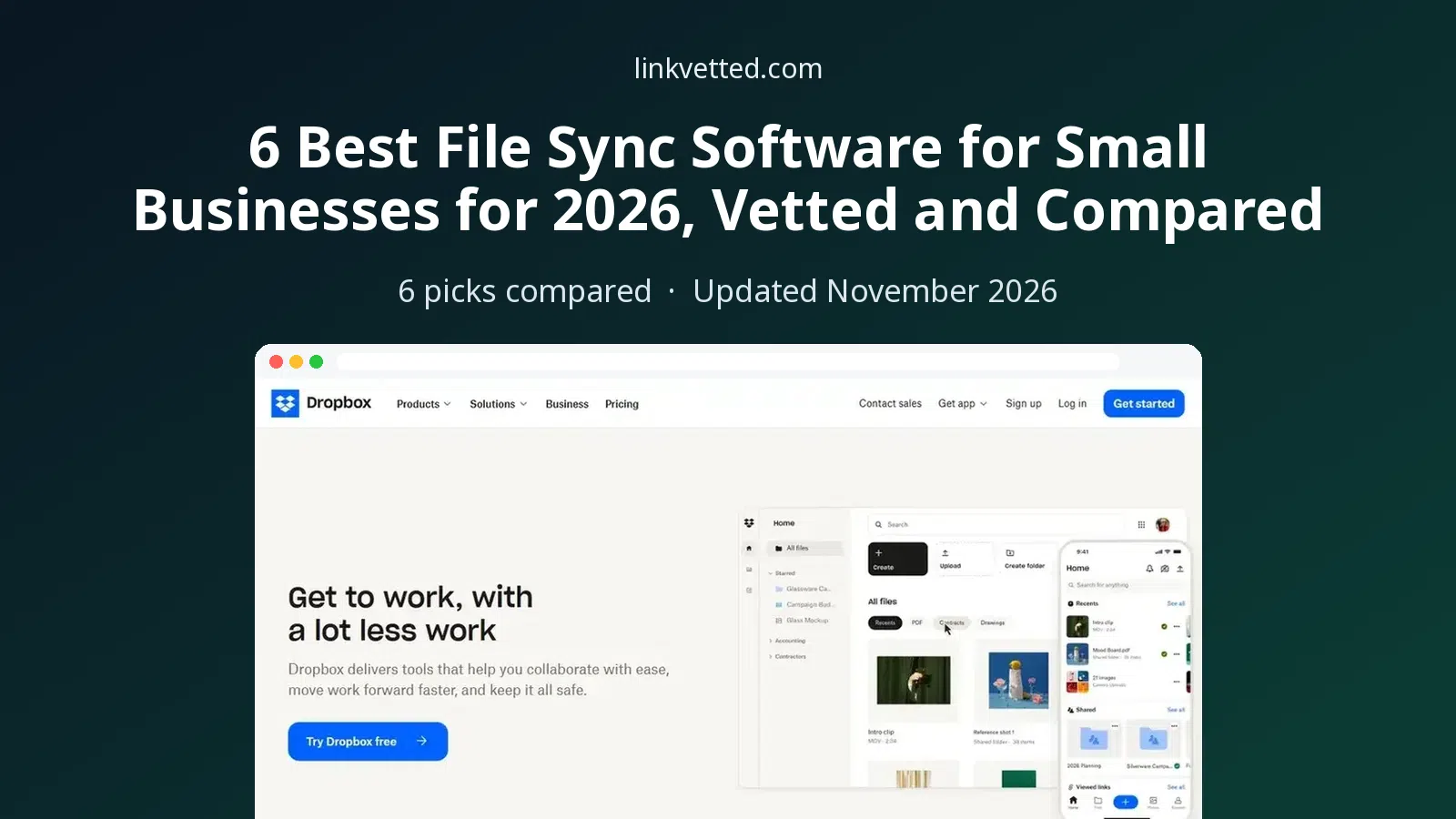
Dropbox Business is a good fit for all-around sync and sharing. Dropbox Business is a cloud storage and sharing product aimed at professionals and teams.
Watch-outs: Feature set may exceed straightforward needs.
As for the details, if your work is already centered on another productivity suite, a sync tool native to that suite can be the more straightforward path. No starting price is listed for Dropbox Business here; confirm pricing on the vendor site. Free access: Not stated.
- Layers on eSignature and document tracking
- Sync and sharing in one tool
- Storage limits vary by plan
Microsoft OneDrive for Business
Best for: Microsoft 365-centric organizations
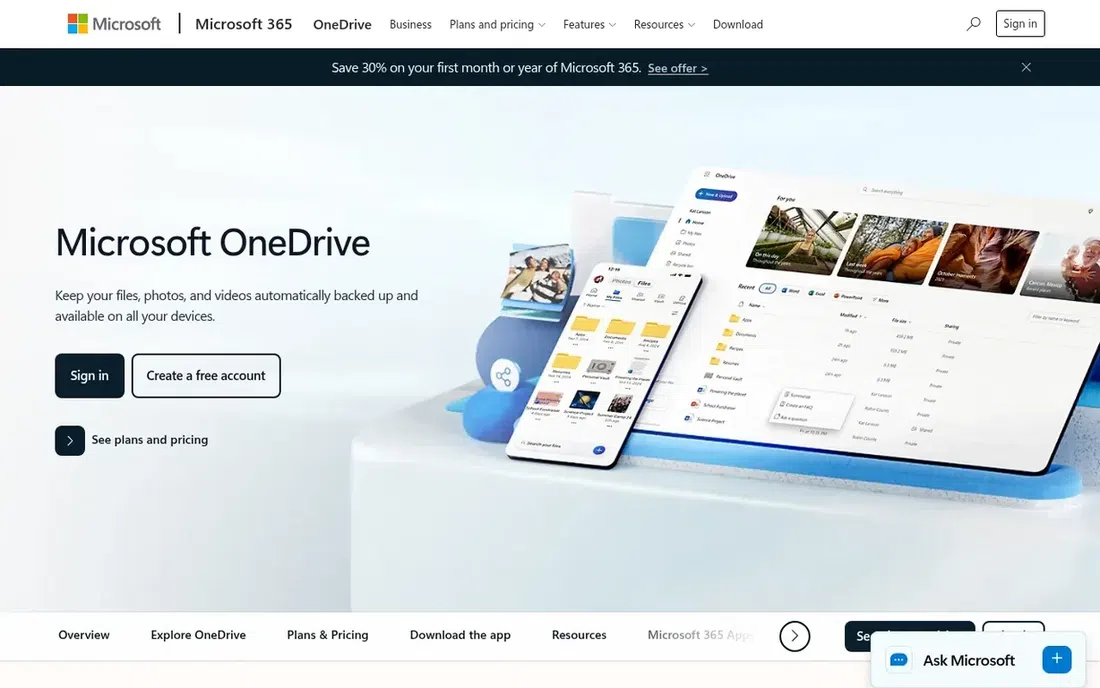
Microsoft OneDrive for Business works best for Microsoft 365-centric organizations. OneDrive for Business is Microsoft's cloud storage and file sharing service, described as a secure and convenient way to share files and documents. As for the details, when multiple people edit the same file at once, sync conflicts can still confuse less technical staff, so clear conventions help.
Small companies standardized on Microsoft 365 get file sync that sits alongside the Office apps and Windows they already use every day. From a buyer's view, the value is most solid when the rest of the stack is Microsoft, and mixed-device teams may find the experience less uniform. Check the vendor site for Microsoft OneDrive for Business pricing; none is listed in this comparison. As for free access: Not stated.
Downsides: Sync conflicts can confuse casual users.
- Familiar Windows integration
- Secure file and document sharing
- Best experience within Microsoft tools
How these tools were picked
Selection started from tools commonly considered for file sync software for small businesses, then narrowed to 6 that have clear pricing information or a clear quote process. Plan names, prices and limits change often. Treat the figures here as a starting point and verify them with the vendor. The sequence is a judgement call: typical use case first, then pricing transparency, then free access. Use the profiles to check fit.
What to check before you buy
- Get a written quote from Box, SugarSync, Dropbox Business and Microsoft OneDrive for Business; the list shows no starting price for them.
- Run a trial of SugarSync, Egnyte and Sync.com with real work before paying for a year; your own workflow is the best test.
- Before choosing Box, weigh its main limit: pitched at content-heavy operations.
- Check how data leaves Sync.com: formats, limits and whether exports are available on every plan.
- Map your must-have features to a specific Dropbox Business plan before you compare prices.
FAQ
Does any tool for file sync software for small businesses here have a free plan?
A permanent free plan is not offered by Box, Microsoft OneDrive for Business or the other tools here. SugarSync, Egnyte, Sync.com offer a trial. Plan a short evaluation period instead.
Which file sync tool is a good match for a small business just starting out?
For most readers this guide would start with Box, built for governed content and workflows. SugarSync is the alternative for sync and backup across devices, and Egnyte for large files and content governance. The right answer depends on budget and workflow.
Is Box the right pick for everyone comparing file sync software for small businesses?
No single tool suits every team. Box comes first because it fits governed content and workflows, while SugarSync suits sync and backup across devices and Egnyte suits large files and content governance. Match the tool to your own size, budget and workflow before deciding.
Can I try these tools before paying?
Often, yes. SugarSync, Egnyte and Sync.com offer a free trial. Use your own data and a real task during the test, and check what the free tier or trial limits before you rely on it.
Do these tools publish their prices?
Not all of them. Box, SugarSync, Dropbox Business and Microsoft OneDrive for Business publish no starting price, so expect a quote request for those. The rest, Egnyte included, show a starting price, though seats and billing terms still change the final cost.
Sources
- https://www.box.com
- https://www.sugarsync.com
- https://www.egnyte.com
- https://www.sync.com
- https://www.dropbox.com/business
- https://www.microsoft.com/en-us/microsoft-365/onedrive/online-cloud-storage