Best Feature Flag Analytics Software for Growth Teams for 2026: Our 5 Vetted Picks
Best feature flag analytics software for growth teams, compared. 5 tools with published prices, free plans and limits. Short verdicts, no fluff. Choose faster.
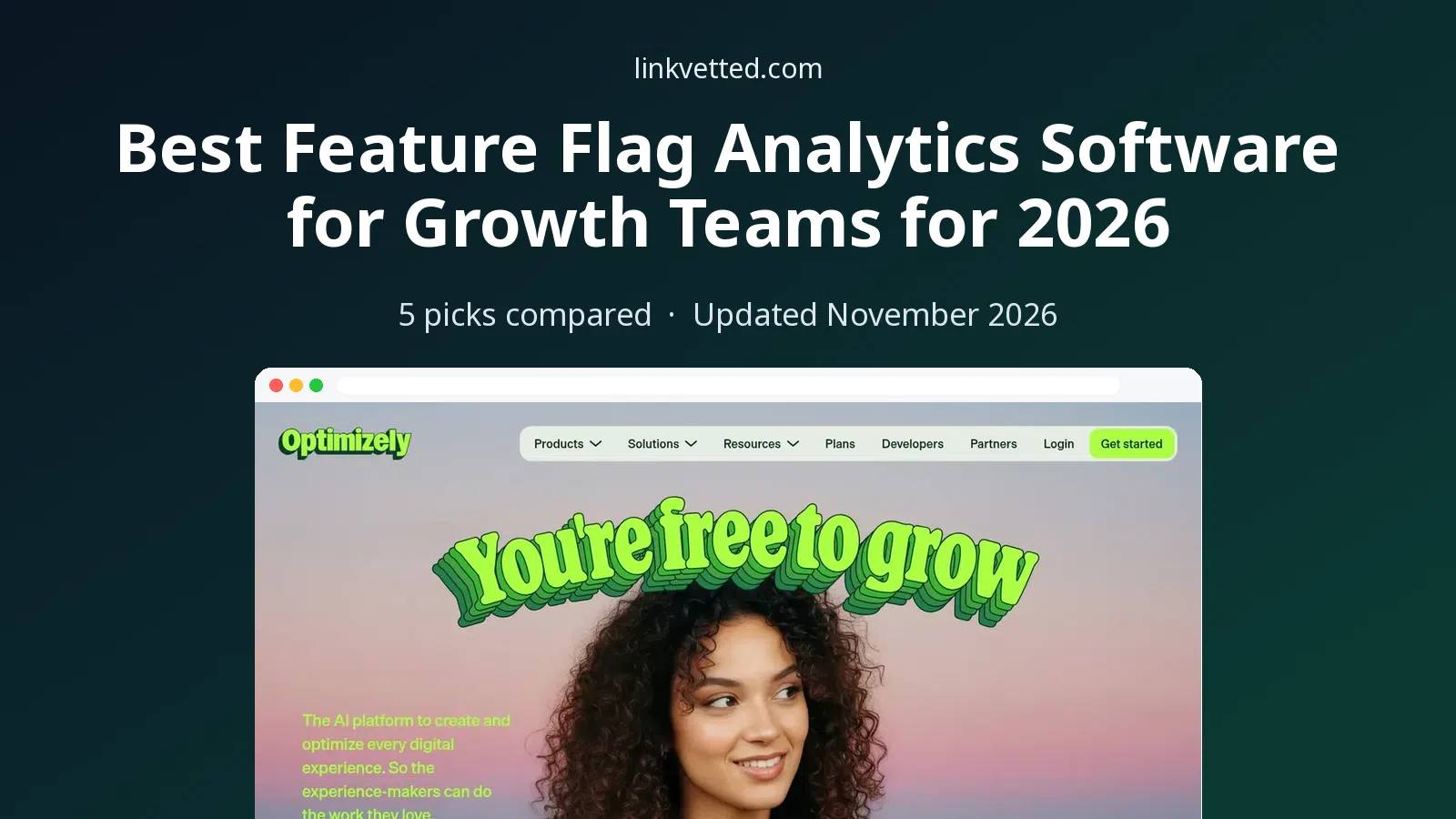
- Editor's choiceOptimizely Feature Experimentation
Teams already in the Optimizely ecosystem
Starts atSee websiteVisit optimizely.comFull review - Great alternative
 Statsig
All-in-one experimentation and product analytics
Starts at$150 a monthVisit statsig.comFull review - Also consider
 LaunchDarkly
Mature runtime control with progressive delivery
Starts at$10 each billed yearlyVisit launchdarkly.comFull review
Direct answer
Optimizely Feature Experimentation is the first pick on this list for teams already in the Optimizely ecosystem. Listed starting prices: Statsig from $150 a month, LaunchDarkly from $10 each billed yearly and Flagsmith from $40 a month. Statsig is the stronger choice for all-in-one experimentation and product analytics, while LaunchDarkly suits mature runtime control with progressive delivery. Prices, free plans and limits for all 5 tools follow.
TL;DR:
- Optimizely Feature Experimentation takes the first slot, best suited to teams already in the Optimizely ecosystem.
- A free plan is available from 4 of the 5 tools: Statsig, LaunchDarkly, Flagsmith, GrowthBook.
- Check the limits for LaunchDarkly before you commit: wide system may feel heavy for small teams.
- GrowthBook fits warehouse-native experimentation and flags.
Last checked November 2026. Prices and plan details were read from the vendors' own pages in November 2026; vendors change plans often, so confirm the current price on the vendor site before you buy.
Quick comparison
| Tool | Best for | Starts at | Free plan? | |
|---|---|---|---|---|
| Optimizely Feature Experimentation | Teams already in the Optimizely ecosystem | See website | Not stated | Visit |
| Statsig | All-in-one experimentation and product analytics | $150 a month | Yes | Visit |
| LaunchDarkly | Mature runtime control with progressive delivery | $10 each billed yearly | Yes | Visit |
 Flagsmith | Open source flags with private hosting | $40 a month | Yes | Visit |
 GrowthBook | Warehouse-native experimentation and flags | $40 per seat per month | Yes | Visit |
Feature Flag Analytics Software for Growth Teams compared in detail
LinkVetted compared 5 feature flag analytics software for growth teams. The goal is a practical shortlist: published prices, free plan facts, best-fit use cases and honest limits for every entry.
Optimizely Feature Experimentation
Best for: Teams already in the Optimizely ecosystem

Choose Optimizely Feature Experimentation for teams already in the Optimizely ecosystem. The feature experimentation capability is one piece of a bigger suite, so engineering-led growth teams may find dedicated flag products more focused.
Limits to weigh: Growth engineering teams may want deeper flag tooling.
Choose it when experience optimization and experimentation already live in one place. This comparison lists no price for Optimizely Feature Experimentation; ask the vendor. As for free access: Not stated.
- Suits marketing and digital team workflows
- Personalization capabilities alongside testing
- Feature experimentation is one part of a bigger suite
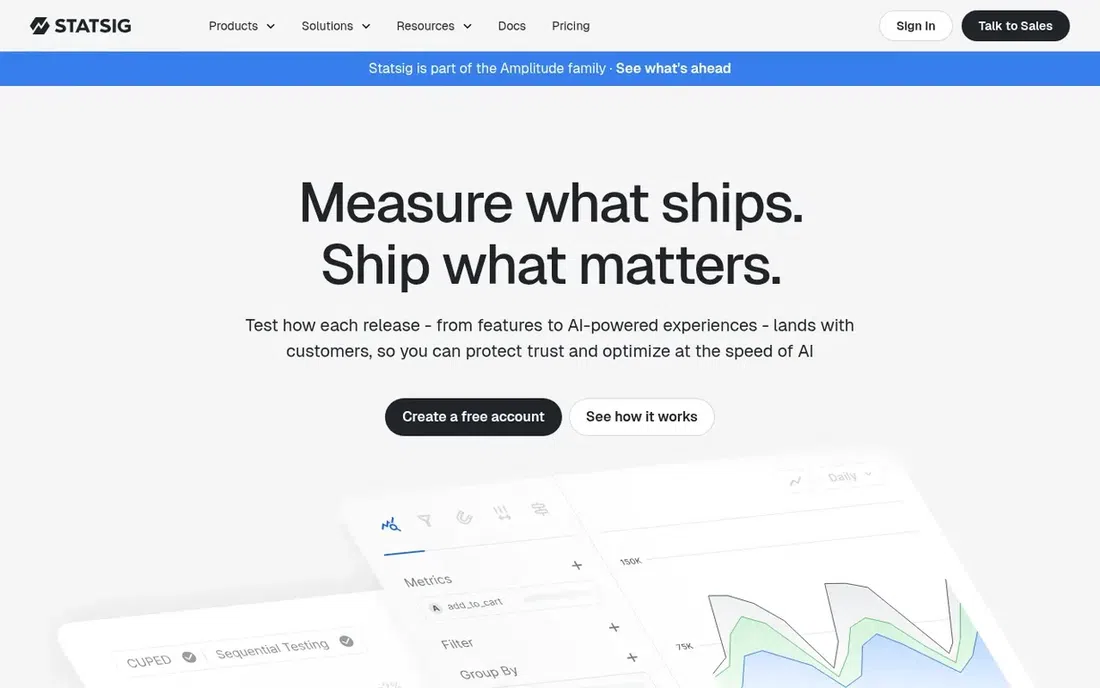
Statsig makes the most sense for all-in-one experimentation and product analytics. Organizations already standardized on separate analytics and flag vendors may not want to consolidate. On top of that, pick Statsig when a unified experimentation workflow is the priority.
What to check first: Wide toolkit can take time to adopt completely.
Highlights: Product analytics and session replays included. More specifically, since the toolkit spans multiple disciplines, teams with narrow needs may end up paying attention to features they do not use. Growth teams that want flags, tests, and behavioral insight in one place can avoid stitching multiple vendors together. In daily use, Statsig presents itself as a modern product development system with an integrated toolkit including experimentation, feature management, product analytics, session replays, and more. What you pay to start with Statsig: $150 per month. Free access exists with Statsig.
- Integrated experimentation and feature management
- Single toolkit for several growth needs
- Teams may prefer specialized tools per function
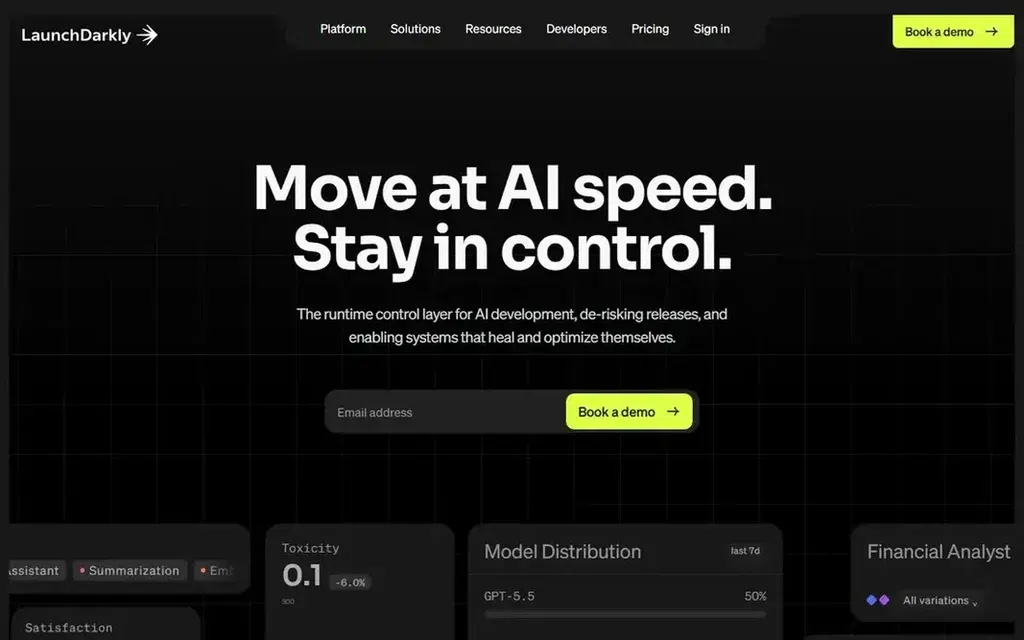
LaunchDarkly works best for mature runtime control with progressive delivery. Smaller teams may also find the breadth of the system more than they need at first. For growth teams, that means you can ship changes gradually, watch behavior, and reverse course rapidly.
Trade-offs to know: Analytics depth varies by setup.
Consider it when runtime control and rollback discipline matter more than bundled analytics. On top of that, LaunchDarkly centers on safely managing code and AI agents in production through feature flags, progressive delivery, automatic rollback, and runtime control. On cost, LaunchDarkly starts like this: $10 each billed yearly. LaunchDarkly includes a free tier.
- Runtime control for code and AI agents
- Progressive delivery and automatic rollback
- Wide system may feel heavy for small teams
Flagsmith targets open source flags with private hosting. Flagsmith's homepage centers on flag management and secure hosting instead of deep analytics or experimentation reporting. So teams wanting built-in experiment analysis should plan for extra tooling.
On top of that, choose it when hosting control and open source matter most. For everyday use, growth teams that require straightforward flag control with hosting adaptability can use it to target segments and roll out changes gradually. Flagsmith pricing: $40 per month. Free access exists with Flagsmith.
Trade-offs to know: Fewer bundled growth analysis features.
- On-premise and private cloud hosting choices
- Segmentation and rollout controls
- Analytics is not the primary emphasis
Where GrowthBook fits: warehouse-native experimentation and flags. GrowthBook describes itself as a warehouse-native system for experimentation, feature flags, and product analytics, open source and completely transparent.
Where it falls short: Warehouse setup needs data team involvement.
The warehouse-native model relies on having a data warehouse and the team to configure it, which can be a barrier for smaller growth teams. Growth teams that already keep data in a warehouse can run experiments and analyze results without exporting data elsewhere. The starting price for GrowthBook: $40 per seat per month. GrowthBook includes a free tier.
- Open source and transparent
- Warehouse-native experimentation and analytics
- Less suited to teams without a data warehouse
How the list was put together
LinkVetted used vendor pricing pages and product documentation as the base, then compared plans, free access and documented limits for 5 tools. Figures are shown as the vendors publish them. Billing terms, seat minimums and add-ons can change the real cost. Tools are placed by general fit for feature flag analytics software for growth teams, with price clarity and free access as tie-breakers. A different team can reasonably rank them differently.
Pre-purchase checklist
- Confirm the entry price on the vendor page. For Optimizely Feature Experimentation that means a quote rather than a fixed price.
- Read the fine print on the free plans from Statsig, LaunchDarkly, Flagsmith and GrowthBook; seat, project and feature caps differ.
- Before choosing Optimizely Feature Experimentation, weigh its main limit: Feature experimentation is one part of a bigger suite.
- Check whether Flagsmith bills monthly or annually, and what cancelling early costs.
- List the apps you already depend on and check that GrowthBook supports each one on the plan you would buy.
FAQ
Is Optimizely Feature Experimentation the right pick for everyone comparing feature flag analytics software for growth teams?
No single tool suits every team. Optimizely Feature Experimentation comes first because it fits teams already in the Optimizely ecosystem, while Statsig suits all-in-one experimentation and product analytics and LaunchDarkly suits mature runtime control with progressive delivery. Match the tool to your own size, budget and workflow before deciding.
What is the cheapest option for feature flag analytics software for growth teams in this list?
On published monthly entry prices, Flagsmith is the lowest here at $40 per month. Entry price is only part of the cost, because seats, add-ons and billing terms can change the total. Prices, free plan details and limits for all 5 tools in this feature flag analytics software for growth teams roundup sit on the individual cards above.
How does warehouse-native experimentation differ from bundled analytics?
Bundled analytics like Statsig keeps flags, tests, and reporting in one toolkit. The right choice relies on your data setup and how much consolidation you want.
What should growth teams look for in feature flag analytics software?
Look for flags that link to outcome data, experimentation support, and segmentation controls that let you target specific user groups. Also confirm whether analytics is bundled or needs another tool, and whether deployment choices match your infrastructure.
Do these tools publish their prices?
Not all of them. Optimizely Feature Experimentation publishes no starting price, so expect a quote request for it. The rest, Statsig included, show a starting price, though seats and billing terms still change the final cost.
Can I try these tools before paying?
Often, yes. Statsig, LaunchDarkly, Flagsmith and GrowthBook have a free plan. Use your own data and a real task during the test, and check what the free tier or trial limits before you rely on it.
Sources
- https://www.optimizely.com
- https://statsig.com
- https://launchdarkly.com
- https://flagsmith.com
- https://www.growthbook.io