Best Feature Flag Management Software in 2026: 8 Tools Compared
Compare the best feature flag management software in 2026, with free tiers, pricing, targeting controls, rollout safety and governance for each tool. today.

- Editor's choice
 LaunchDarkly
Enterprise feature management
Starts atFreeVisit launchdarkly.comFull review - Great alternative
 Flagsmith
Open source flags
Starts atFreeVisit flagsmith.comFull review - Also consider
 ConfigCat
Simple, affordable flags
Starts atSee websiteVisit configcat.comFull review
TL;DR:
- LaunchDarkly remains the most complete enterprise option, with a free Developer tier for small teams.
- Flagsmith and Unleash suit teams that want open source code and self-hosting options.
- ConfigCat and DevCycle offer simpler pricing and faster setup for small to mid-size teams.
- All eight tools support gradual rollouts, but targeting depth, audit logs and experiment features differ a lot.
Quick comparison
| Tool | Best for | Starts at | Free plan? | |
|---|---|---|---|---|
| LaunchDarkly | Enterprise feature management | Free | Yes | Visit |
| Flagsmith | Open source flags | Free | Yes | Visit |
| ConfigCat | Simple, affordable flags | See website | Free trial | Visit |
 Unleash | Self-hosted flag management | Free | Yes | Visit |
 Harness Feature Flags | Flags with delivery pipelines | See website | Free trial | Visit |
 Statsig | Flags plus experimentation | See website | Free trial | Visit |
 DevCycle | Developer-friendly flags | Free | Yes | Visit |
 Optimizely | Flags plus experimentation | See website | Free trial | Visit |
The best feature flag management software
Feature flags let teams release code safely, test with small groups first, and turn features off without redeploying. These eight tools handle that job in different ways.

LaunchDarkly is the category leader for good reason. Its targeting engine handles complex rules, segments and scheduled changes, and its SDK coverage spans server, web, mobile and edge runtimes. Guarded Releases can watch metrics during a rollout and roll back automatically, which gives larger teams confidence to ship more often.
The free Developer tier helps small teams start, with limited contexts and service connections. Paid plans price by service connections and monthly active users, so costs need modelling before scale. If you need governance, audit trails and deep targeting in one place, LaunchDarkly is still the benchmark.
- Deep targeting and segmentation
- Many SDKs
- Guarded rollouts and audit logs
- Paid pricing can grow quickly
- Experimentation is a paid add-on
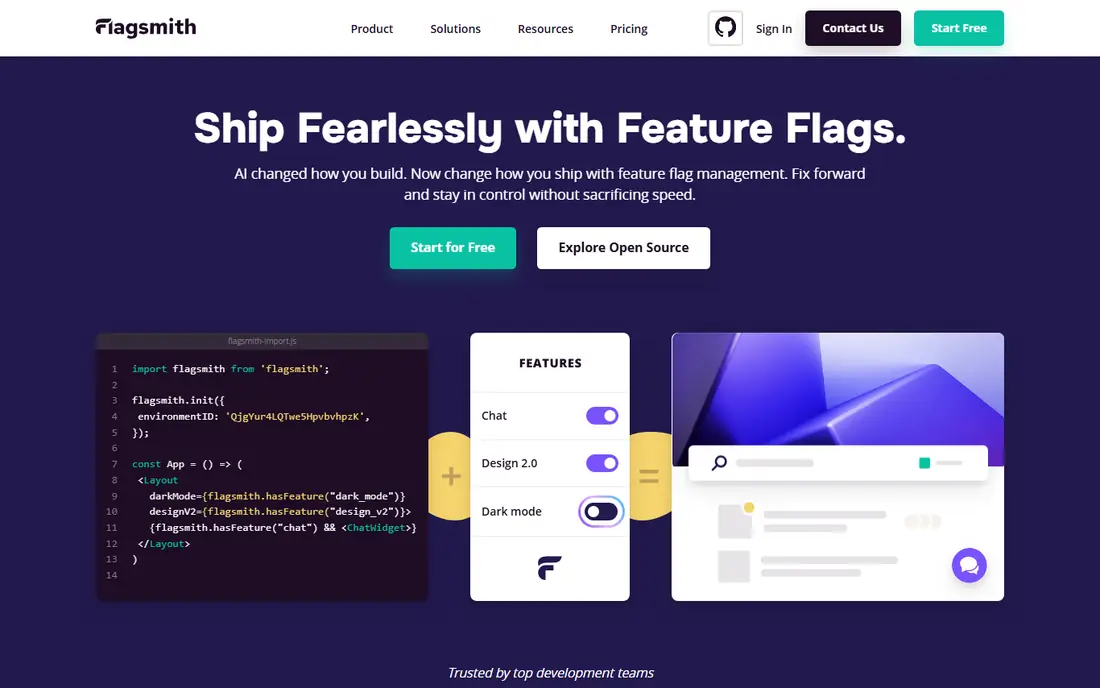
Flagsmith appeals to teams that want control over their flag infrastructure. The open source version can be self-hosted, and the cloud version offers a free tier with generous request limits for small projects. Flags, segments, identities and remote config cover the core needs well, without forcing a complex setup.
It is less polished for product experimentation than LaunchDarkly or Statsig, and some advanced governance features sit on paid plans. For engineering teams that value open source and predictable pricing, Flagsmith is a practical and honest choice.
- Open source core
- Self-hosting option
- Remote config and segments
- Experimentation is limited
- Interface is plainer than rivals
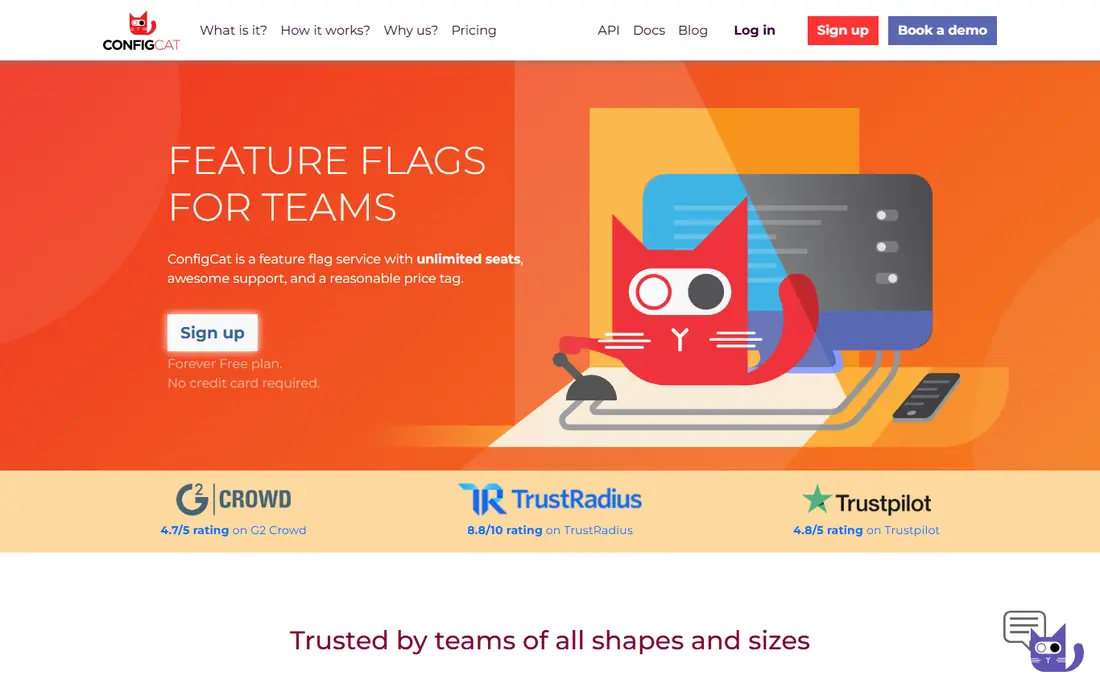
ConfigCat is built for teams that want feature flags without a long onboarding process. You can create flags, target by user attributes and roll out gradually, with a dashboard that stays readable as flag counts grow. Unlimited team size on paid plans is a welcome difference from per-seat pricing elsewhere.
The trade-off is speed of updates in some setups, where polling replaces real-time streaming, and experimentation features are lighter than dedicated tools. For small and mid-size teams that need reliable flags at a fair price, ConfigCat is easy to recommend.
- Easy setup
- Unlimited team members on paid plans
- Clear pricing tiers
- Polling-based updates in some SDKs
- Experimentation is basic
Unleash gives teams full ownership of their flag system. The open source version is free to self-host, and the managed cloud version removes that operational work for a monthly fee. Activation strategies, constraints and segments handle gradual rollouts and targeted releases well, and the platform supports many languages.
Self-hosting is not free in effort, since you must run, update and monitor the service yourself. Managed pricing starts around $80 per month for Pro in recent listings, which suits teams rather than solo developers. If data control and open source matter most, Unleash is a strong pick.
- Open source and self-hostable
- Strong strategy options
- Active community
- Managed cloud starts higher than some rivals
- Setup needs engineering time
Harness Feature Flags, which grew from the Split acquisition, fits teams that already use Harness for continuous delivery. Flags can be tied to pipeline stages, approvals and rollback steps, so a release and its flag state stay in sync. That connection reduces the risk of a flag being left on after a failed deploy.
Outside Harness, the appeal is narrower, and pricing is quote-based for most teams. If your delivery pipeline already runs on Harness, adding its flags is natural. If not, a standalone tool such as LaunchDarkly or Flagsmith may be simpler.
- Ties flags to pipelines and pipelines to releases
- Strong governance
- Good for Harness users
- Best value inside the Harness platform
- Pricing by quote
Statsig combines feature flags with experimentation and product analytics, which suits product teams that want to test changes and measure results in one place. You can roll out a feature to a small group, run an experiment, and read the outcome without exporting data to another tool. That joined-up workflow is its main advantage.
The scope can feel large if you only need simple flags, and pricing depends on events and usage, so model it carefully. For teams that already plan to run experiments, Statsig can replace two tools with one, which often justifies the learning curve.
- Flags, experiments and analytics in one platform
- Strong for product teams
- Generous free tier for events
- Broader scope can feel complex
- Pricing depends on usage
DevCycle is a developer-friendly option with a clear free tier and a dashboard that is easy to learn. Flags, variables, targeting and scheduling cover the daily needs of most teams, and SDKs cover common web, mobile and server languages. Small teams can start free and upgrade as usage grows.
It does not yet match LaunchDarkly for enterprise governance depth or third-party integrations, so very large organisations may need to check specific requirements first. For startups and mid-size teams that want a modern, low-friction flag tool, DevCycle is a good fit.
- Free tier for small teams
- Clean dashboard
- Good SDK coverage
- Smaller ecosystem than LaunchDarkly
- Enterprise features are newer
Optimizely is known for experimentation, and its feature management tools let teams roll out flags and run tests from the same platform. That pairing helps product and marketing teams work from shared results, with detailed analytics on how a change affects behaviour. Large organisations with dedicated experimentation programmes get the most from it.
Pricing is by quote and the platform is broader than a flag-only tool, so small teams may find it heavy. If experimentation is central to your product work and flags are part of that process, Optimizely deserves a place on the shortlist.
- Mature experimentation platform
- Feature flags tied to tests
- Strong analytics
- Quote-based pricing
- More complex than flag-only tools
How we picked these
We compared official feature pages, pricing pages, documentation and public reviews in October 2026. We favoured tools that are actively maintained, support common SDKs, offer gradual rollouts and targeting, and provide a free tier or trial. We did not claim hands-on testing. Where pricing is by quote or usage, we used See website and advised modelling costs at your expected scale.
How to choose a feature flag tool
Start with how you release today. If releases are already frequent and you need safety, prioritise gradual rollouts, instant kill switches and audit logs. If you release rarely, a simpler tool with good targeting may be enough, and you can upgrade later without rebuilding your whole workflow.
Keep flags clean
Old flags create technical debt. Agree on an owner for each flag, set an expiry review date, and remove flags once a feature is fully rolled out. Tools with flag archiving and stale-flag reports help, but the habit matters more than the feature.
Check SDK and latency needs
Check that your languages and platforms are covered, and test how quickly a flag change reaches users. Real-time streaming suits mobile and web apps that need instant switches, while polling may be fine for server-side services that check flags less often.
Start small, then add governance
A common mistake is buying enterprise governance before the team has a flag habit. Start with a small set of flags, agree on naming, and practise turning a feature off quickly. Once rollouts feel routine, add approvals, audit logs and stale-flag cleanup. That order keeps flags useful instead of turning them into another approval queue that slows releases down.
FAQ
What is the best feature flag management software?
LaunchDarkly is the most complete option for enterprise teams, thanks to deep targeting, many SDKs and guarded rollouts. Smaller teams often prefer Flagsmith, ConfigCat or DevCycle for lower cost and simpler setup.
Is there a free feature flag tool?
Yes, LaunchDarkly offers a free Developer tier, Flagsmith and Unleash have free open source options, and DevCycle offers a free tier. Free tiers usually limit contexts, requests or team features, so check those limits against your usage.
What is the best feature flag service for self-hosting?
Unleash and Flagsmith are the strongest self-hosting options, since both offer open source versions you can run on your own infrastructure. Self-hosting gives data control but adds operational work for updates and monitoring.
Do feature flags slow down an app?
Well-built SDKs evaluate flags locally with minimal delay, so the impact is usually small. Problems arise when flags are checked over a network on every request, so prefer SDKs that cache flag values and update in the background.
How are feature flags different from A/B testing?
Feature flags control who sees a feature and allow safe rollouts, while A/B testing compares versions to measure outcomes. Some tools, such as Statsig and Optimizely, combine both, but many teams start with flags and add experiments later.