Best Event Ticketing Software with Seat Mapping (2026): 6 Picks Checked on Vendor Pages
Best event ticketing software with seat mapping in 2026: 6 tools with starting prices, free plans and limits. The catches are listed up front. Clear verdicts.
- Editor's choice
 Eventbrite
General events and straightforward seating
Starts at$15 per monthVisit eventbrite.comFull review - Great alternativeTickets.com
All-in pricing and seat selection
Starts atSee websiteVisit tickets.comFull review - Also considerTessitura
Arts and culture organizations
Starts atSee websiteVisit tessitura.comFull review
Direct answer
For general events and simple seating, Eventbrite is where this list starts. Listed starting prices: Eventbrite from $15 per month. Tickets.com is better for all-in pricing and seat selection, and Tessitura is better for arts and culture organizations. The other 3 tools in the list cover narrower or pricier cases.
TL;DR:
- Eventbrite sits first on this list: general events and straightforward seating.
- ShowClix fits local event discovery and ticketing.
- Eventbrite is the only tool of the 6 with a free plan.
- One limit worth knowing about Eventbrite: restricted advanced seat mapping.
- Eventbrite is the lowest-priced starter here at $15 per month.
Last checked November 2026. Prices and plan details were read from the vendors' own pages in November 2026; vendors change plans often, so confirm the current price on the vendor site before you buy.
Quick comparison
| Tool | Best for | Starts at | Free plan? | |
|---|---|---|---|---|
| Eventbrite | General events and straightforward seating | $15 per month | Yes | Visit |
| Tickets.com | All-in pricing and seat selection | See website | Not stated | Visit |
| Tessitura | Arts and culture organizations | See website | Not stated | Visit |
 Ticketmaster | Large venues and major events | See website | Not stated | Visit |
| Patron Technology | Onsite event technology | See website | Not stated | Visit |
| ShowClix | Local event discovery and ticketing | See website | Not stated | Visit |
Our 6 picks for event ticketing software with seat mapping
LinkVetted compared 6 tools for event ticketing software with seat mapping. The goal is a practical shortlist: published prices, free plan facts, best-fit use cases and honest limits for every entry.
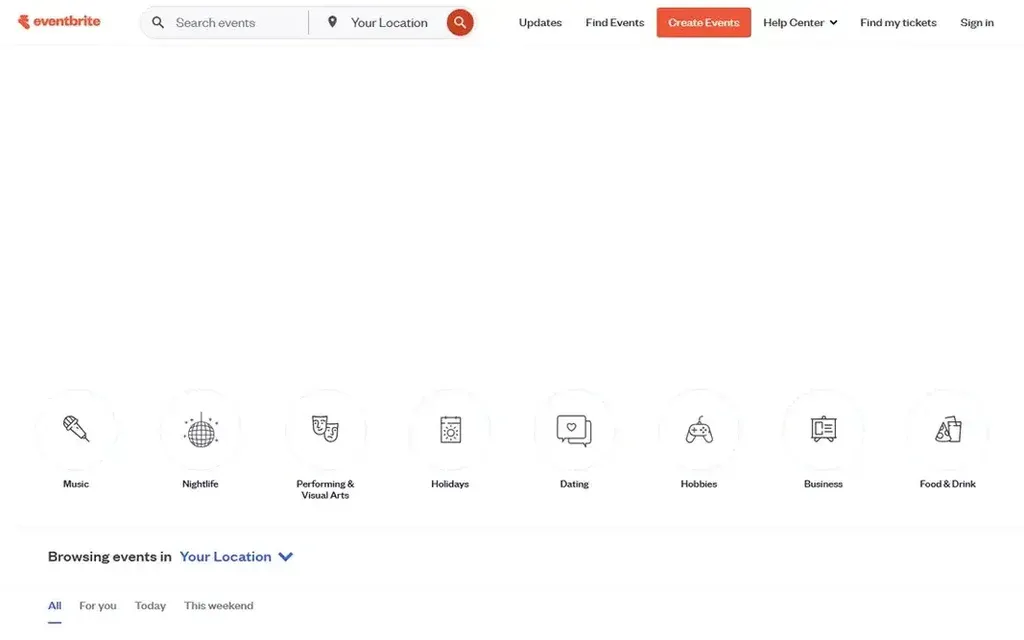
Eventbrite was built for general events and simple seating. Eventbrite is a widely used product for discovering and ticketing local events, from workshops to festivals.
It provides entry-level seating choices and is straightforward to use for organizers who require a straightforward ticketing option. Eventbrite starts at: $15 per month. Eventbrite offers a free plan.
The main drawbacks: Less suited for complicated venues.
- Simple event setup and discovery
- Approachable interface
- Restricted advanced seat mapping
Tickets.com
Best for: All-in pricing and seat selection
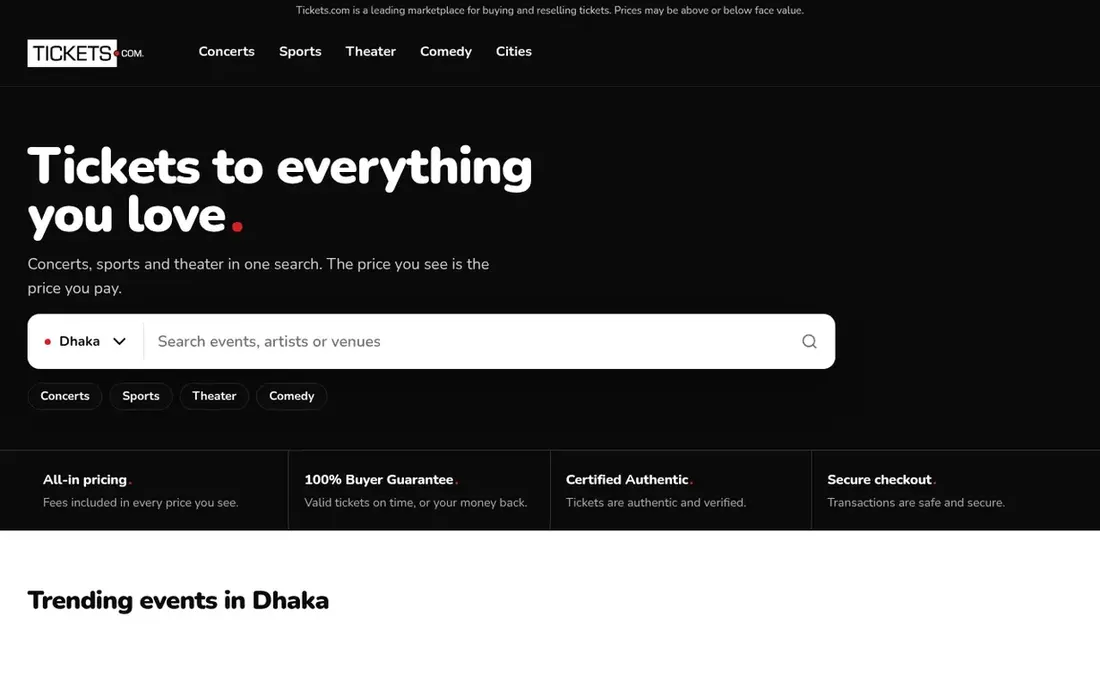
Tickets.com is built with all-in pricing and seat selection in mind. It lets users to search by artist, venue, or location, making it right for venues that want clear pricing and seat maps.
This comparison lists no price for Tickets.com; ask the vendor. On free options: Not stated.
Limits to weigh: Restricted event types.
- Focus on concerts and sports
- All-in pricing transparency
- May not support small events
Tessitura
Best for: Arts and culture organizations
Tessitura works best for arts and culture organizations. The product can be complicated to implement and may need significant resources.
Downsides: May need dedicated staff.
In practice, smaller organizations or those without dedicated IT support might consider more straightforward options. Tessitura does not show a starting price in this comparison, so check the vendor site for current pricing. Free plan details: Not stated.
- Supports fundraising and membership
- Nonprofit focus
- Complicated implementation
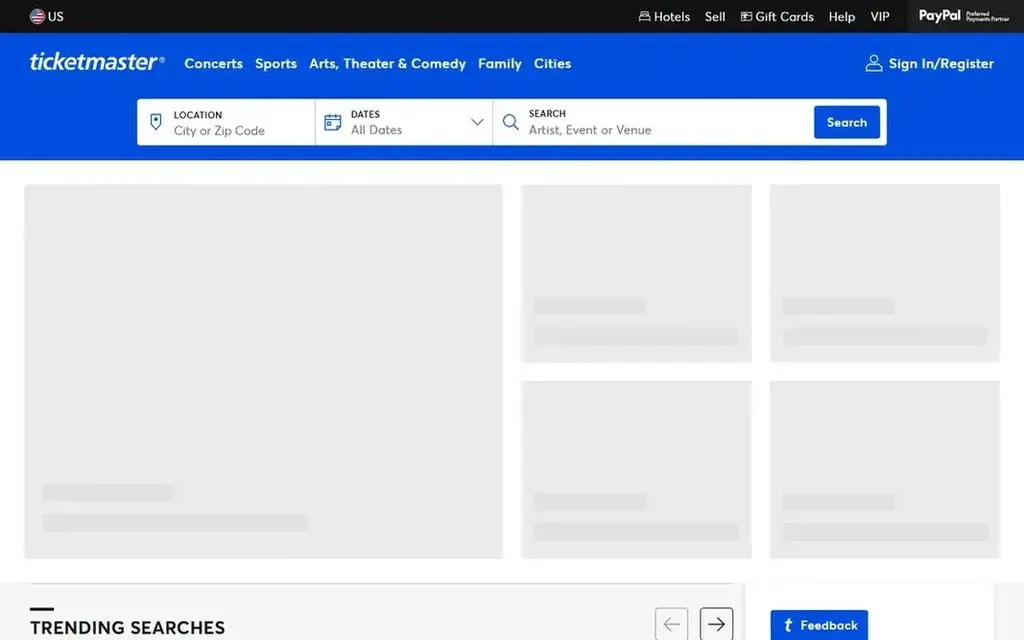
Choose Ticketmaster for large venues and major events. Ticketmaster is a well-known ticketing system for concerts, sports, theater, and family events. It offers seat mapping and verified ticket sales, making it a good match for large venues and high-demand events.
Organizations that require wide audience reach and solid infrastructure frequently consider it. That said, Ticketmaster may not be ideal for smaller events or those with tight budgets, as its focus is on large-scale operations. Check the vendor site for Ticketmaster pricing; none is listed in this comparison. As for free access: Not stated.
Honest limits: Less adaptable for custom setups.
- Seat mapping for complicated venues
- Extensive reach for concerts and sports
- May be expensive for small events
Patron Technology
Best for: Onsite event technology
Patron Technology makes the most sense for Onsite event technology. It comes with ticketing and seat mapping features for events that need in-depth attendee insights.
Patron Technology does not show a starting price in this comparison, so check the vendor site for current pricing. Trial and free access: Not stated.
Watch-outs: Restricted public pricing info.
- Onsite event options
- Integrated experience
- Focus on onsite tech
ShowClix
Best for: Local event discovery and ticketing
Pick ShowClix if this describes you: local event discovery and ticketing. For venues requiring in-depth seat maps, ShowClix might not be the best fit.
In daily use, organizations with complicated seating should look at products with more solid mapping capabilities. This comparison lists no price for ShowClix; ask the vendor. As for free access: Not stated.
Limits to weigh: May focus on general admission.
- Event discovery features
- Ticketing for local events
- Restricted seat mapping details
How the list was put together
The comparison looks at four things: starting price, free access, how well the feature set matches event ticketing software with seat mapping, and the main limit of each tool. Treat prices as a snapshot: vendors change plans often, so check the vendor site for the figure that applies today. Order on the page follows fit for the typical buyer first, then price transparency and free access. Your own requirements should decide the final pick.
Things to verify first
- Ask Tickets.com, Tessitura, Ticketmaster and others for a written quote, since no starting price is shown.
- Look at the free plan from Eventbrite closely: its caps decide whether it is usable for real work.
- Read the limits listed for Eventbrite first: restricted advanced seat mapping.
- Run a one or two week pilot of Patron Technology with the people who will use it every day.
- Get the contract term, renewal terms and any onboarding fees from Tickets.com in writing.
FAQ
Can I try these tools before paying?
Often, yes. Eventbrite has a free plan. Use your own data and a real task during the test, and check what the free tier or trial limits before you rely on it. For the full picture, the cards above cover all 6 entries of this event ticketing software with seat mapping list, including price, free plan and limits.
Do these tools publish their prices?
Not all of them. Tickets.com, Tessitura, Ticketmaster and others publish no starting price, so expect a quote request for those. The rest, Eventbrite included, show a starting price, though seats and billing terms still change the final cost.
How are the tools for event ticketing software with seat mapping ordered?
The order follows typical fit for event ticketing software with seat mapping, with Eventbrite first and ShowClix last, then price clarity and free access. It is editorial judgement, not a score, so another team could rank the tools differently.
What is seat mapping in event ticketing software?
Seat mapping permits organizers to produce visual representations of venue seating, enabling attendees to select specific seats. It is essential for venues with assigned seating, like theaters and stadiums.
Which options for event ticketing software with seat mapping have a free plan?
Eventbrite is the only tool in this list with a free plan. Free plans usually cap users, projects or features, so check the limits on the vendor page. Prices, free plan details and limits for all 6 tools in this event ticketing software with seat mapping roundup sit on the individual cards above.
Sources
- https://www.eventbrite.com
- https://www.tickets.com
- https://www.tessitura.com
- https://www.ticketmaster.com
- https://www.patrontechnology.com
- https://www.showclix.com