Best Event Staff Scheduling Software for Security Firms in 2026: Prices, Free Plans and 5 Picks
Best event staff scheduling software for security firms: 5 contenders ranked by fit, with entry costs and free tiers. Prices and drawbacks included. Start here.
- Editor's choice
 Sling
Free, simple shift scheduling and communication
Starts at$1.70 per user per monthVisit getsling.comFull review - Great alternative
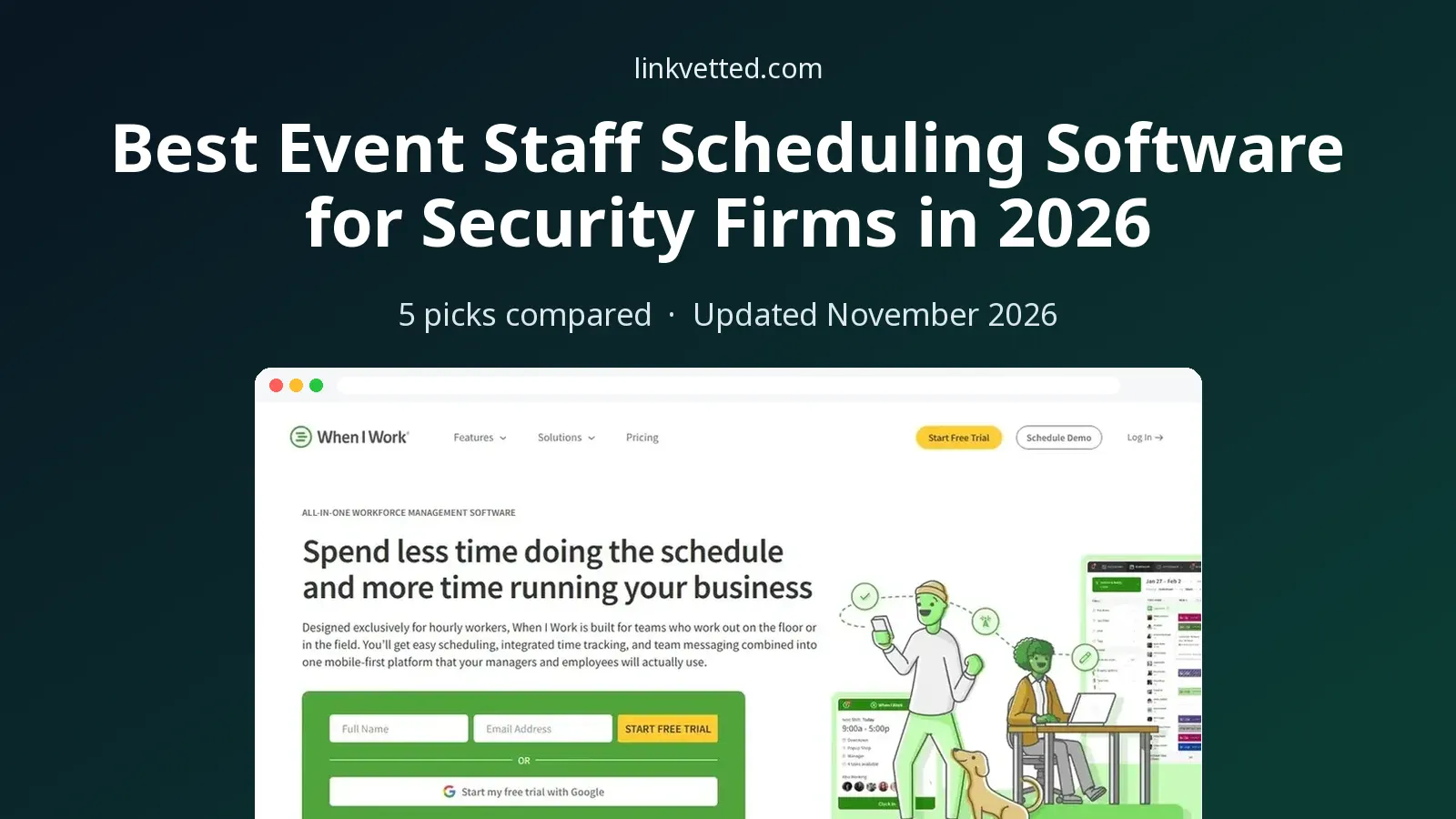
 When I Work
Straightforward shift scheduling and team messaging
Starts at$2.50 per user per monthVisit wheniwork.comFull review - Also consider
 Connecteam
Frontline teams needing all-in-one management
Starts at$29 a monthVisit connecteam.comFull review
Direct answer
This list puts Sling first for free, simple shift scheduling and communication. Listed starting prices: Sling from $1.70 per user per month, When I Work from $2.50 per user per month and Connecteam from $29 a month. When I Work fits straightforward shift scheduling and team messaging; Connecteam fits frontline teams needing all-in-one management. Details, prices and limits for the rest of the 5 tools are below.
TL;DR:
- Sling takes the first slot, best suited to free, simple shift scheduling and communication.
- Sling is the lowest-priced starter here at $1.70 per user per month.
- Check the limits for When I Work before you commit: restricted HR and payroll features.
- Deputy fits all-in-one scheduling with labor forecasting.
- Only 2 of the 5 tools have a free plan (Sling, Connecteam), so check the caps.
Last checked November 2026. Prices and plan details were read from the vendors' own pages in November 2026; vendors change plans often, so confirm the current price on the vendor site before you buy.
Quick comparison
| Tool | Best for | Starts at | Free plan? | |
|---|---|---|---|---|
| Sling | Free, simple shift scheduling and communication | $1.70 per user per month | Yes | Visit |
| When I Work | Straightforward shift scheduling and team messaging | $2.50 per user per month | Free trial | Visit |
| Connecteam | Frontline teams needing all-in-one management | $29 a month | Yes | Visit |
| HotSchedules | Hospitality-focused scheduling and engagement | See website | Not stated | Visit |
 Deputy | All-in-one scheduling with labor forecasting | $5 per user a month | Free trial | Visit |
5 event staff scheduling software for security firms in detail
Choosing event staff scheduling software for security firms usually comes down to price, fit and limits. This LinkVetted guide sets 5 tools side by side on those three points, with the facts kept short and checkable.
Sling is a good fit for free, simple shift scheduling and communication. Sling is free employee scheduling and shift planning software that helps companies manage shifts and communicate with employees.
The built-in communication features can help managers and staff stay in touch about shift changes. Price to start with Sling: $1.70 per user per month. Free access exists with Sling.
Limits to weigh: Limited advanced features.
- Simple shift planning
- Free employee scheduling
- May lack payroll integration
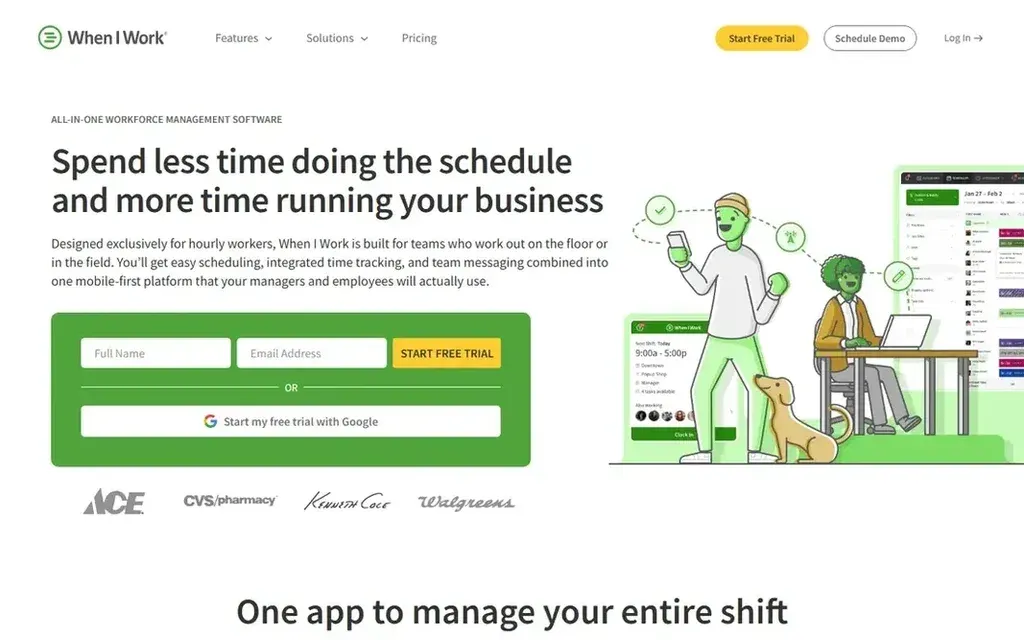
Think of When I Work for straightforward shift scheduling and team messaging. When I Work centres on scheduling and communication, so it may not offer the depth of HR or payroll functionality found in broader systems.
Points against: Restricted HR and payroll features.
It is made for hourly teams and emphasizes simplicity. When I Work pricing: $2.50 per user per month. As for free access: Free trial.
- Schedule shifts in one app
- Track time and message team
- May lack advanced forecasting
Connecteam targets frontline teams needing all-in-one management. Connecteam is an employee management app made for frontline teams.
In daily use, the homepage does not supply pricing details, so you will have to contact the vendor. Connecteam may offer more features than a small security firm needs if you only need entry-level scheduling. Connecteam pricing: $29 per month. Free access exists with Connecteam.
What Connecteam does well: All-in-one employee management app.
Drawbacks to consider: Pricing not shown on homepage.
- Track time, communicate
- Aimed at frontline teams
- May be overwhelming for straightforward needs
HotSchedules
Best for: Hospitality-focused scheduling and engagement
HotSchedules works best for hospitality-focused scheduling and engagement. HotSchedules is designed with hospitality in mind, so it may lack features specific to security operations, like certification tracking or guard tour integration. Whereas it is tailored for hospitality, security businesses that run event staff might find its scheduling and engagement tools handy, notably if they operate in similar shift-based environments.
What to check first: Geared toward hospitality.
It could suit smaller businesses looking for a straightforward scheduling app. As for the details, HotSchedules is an online employee scheduling and engagement app. For everyday use, the homepage does not list pricing, so check with the vendor for details. No starting price is listed for HotSchedules here; confirm pricing on the vendor site. Free options: Not stated.
- Online employee scheduling
- Engagement features
- May not fit security-specific needs
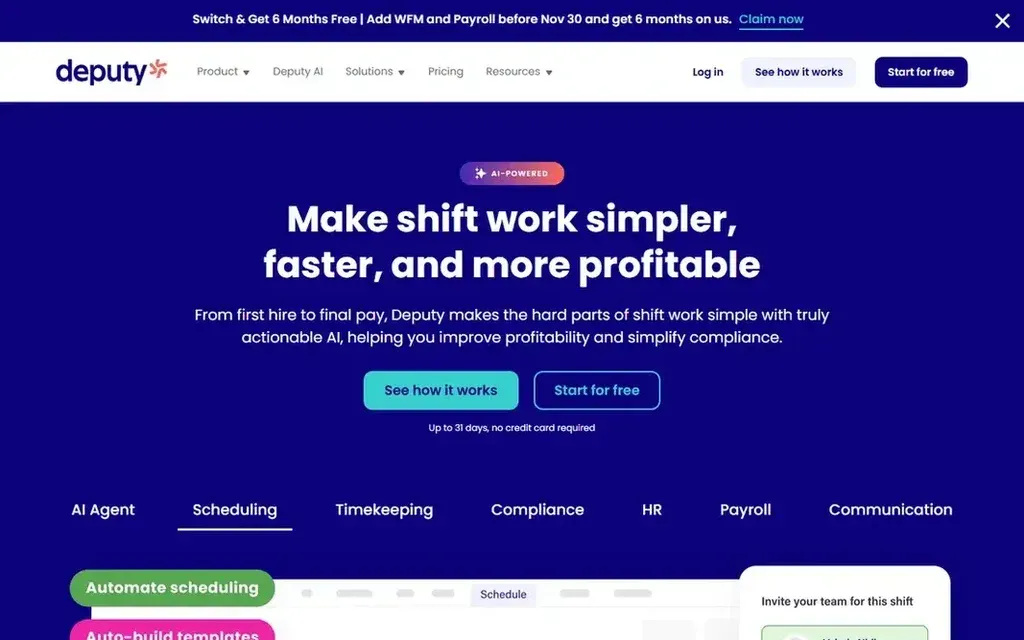
Deputy was built for all-in-one scheduling with labor forecasting. Deputy is employee scheduling, HR, and payroll software that emphasizes simplicity and AI labor forecasting. It is built to help managers save time on scheduling and payroll tasks.
Downsides: Pricing not shown on homepage.
On top of that, for security businesses coordinating event staff across several locations, Deputy's forecasting tools can help align staffing with expected demand. If you prefer a simpler, standalone scheduling tool, consider alternatives like Sling or When I Work. Deputy starts at: $5 per user per month. As for free access: Free trial.
- AI labor forecasting
- HR and payroll features
- May be more than needed for small teams
Our selection method
The comparison looks at four things: starting price, free access, how well the feature set matches event staff scheduling software for security firms, and the main limit of each tool. Prices and plan limits come from vendor pages and can change, so confirm them on the vendor site before you buy. Order on the page follows fit for the typical buyer first, then price transparency and free access. Your own requirements should decide the final pick.
What to confirm before you sign up
- Ask HotSchedules for a written quote, since no starting price is shown.
- Check what the free option really includes: Sling and Connecteam offer a free plan, and usage caps differ.
- Take the trial from When I Work and Deputy and push a live task through it before you pay.
- Read the limits listed for Sling first: restricted advanced features.
- Ask whether When I Work integrates with your current software, and whether that comes standard or as an add-on.
- Before you load data into Connecteam, check what an export looks like and who can run it.
FAQ
Is Sling the right pick for everyone comparing event staff scheduling software for security firms?
No single tool suits every team. Sling comes first because it fits free, easy shift scheduling and communication, while When I Work suits simple shift scheduling and team messaging and Connecteam suits frontline teams needing all-in-one management. Match the tool to your own size, budget and workflow before deciding.
Which options for event staff scheduling software for security firms have a free plan?
On this list, Sling and Connecteam include a free plan. Caps on seats, usage or features are common, so test the free plan against your real workload. Several others offer a trial instead.
How are the tools for event staff scheduling software for security firms ordered?
The order follows typical fit for event staff scheduling software for security firms, with Sling first and Deputy last, then price clarity and free access. It is editorial judgement, not a score, so another team could rank the tools differently.
What features should security businesses look for in event staff scheduling software?
Security businesses should prioritize shift scheduling, time tracking, and team communication. Features like shift swaps, mobile access, and labor forecasting can help run event staff efficiently.
Is free scheduling software sufficient for a small security firm?
Even so, they may lack advanced features for example payroll or forecasting. Worth adding: as your firm grows, you may have to upgrade to a premium option with more capabilities.
What is the cheapest option for event staff scheduling software for security firms in this list?
On published monthly entry prices, Sling is the lowest here at $1.70 per user per month. Entry price is only part of the cost, because seats, add-ons and billing terms can change the total.
Sources
- https://getsling.com
- https://wheniwork.com
- https://connecteam.com
- https://www.hotschedules.com
- https://www.deputy.com